Totemizer
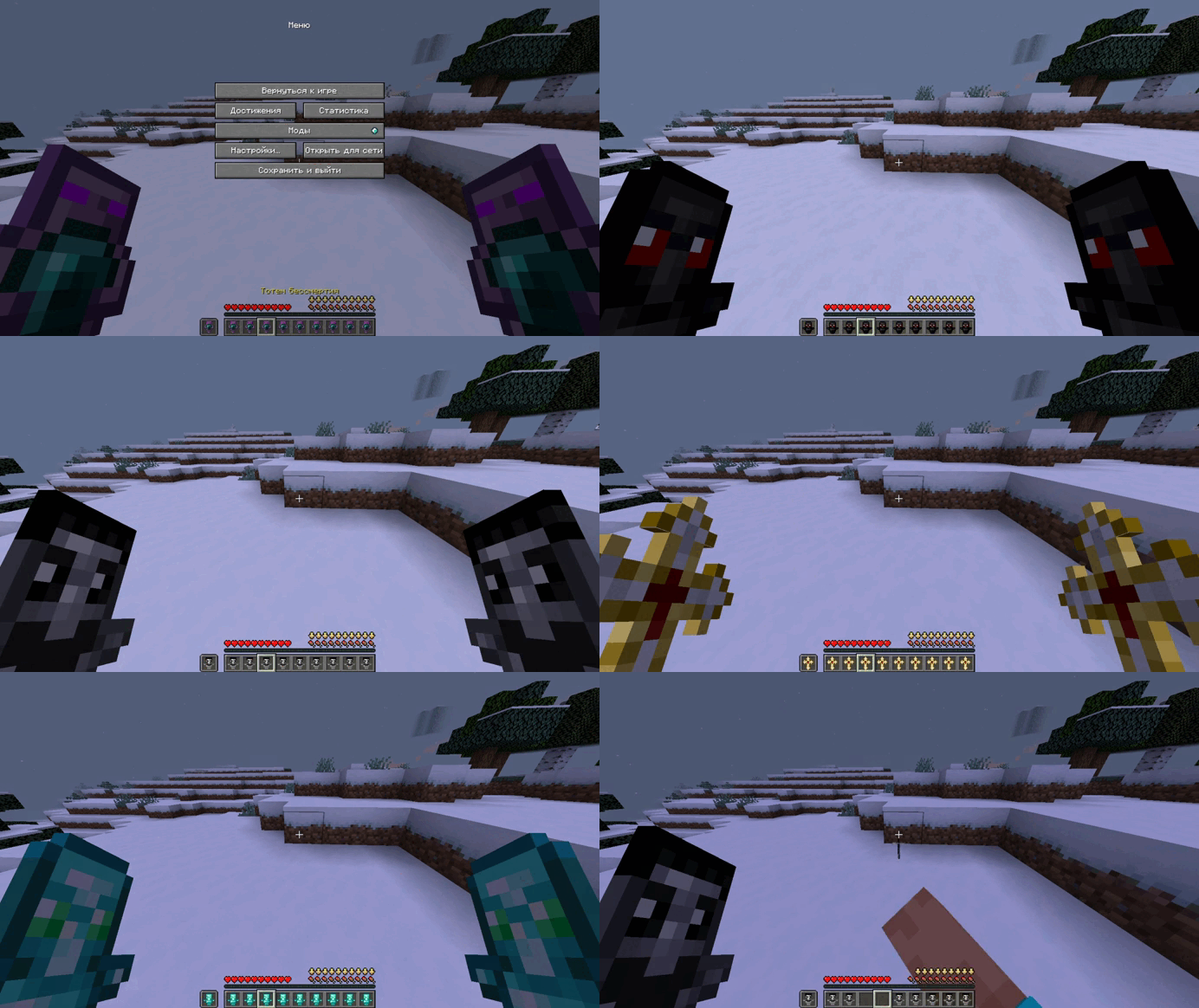
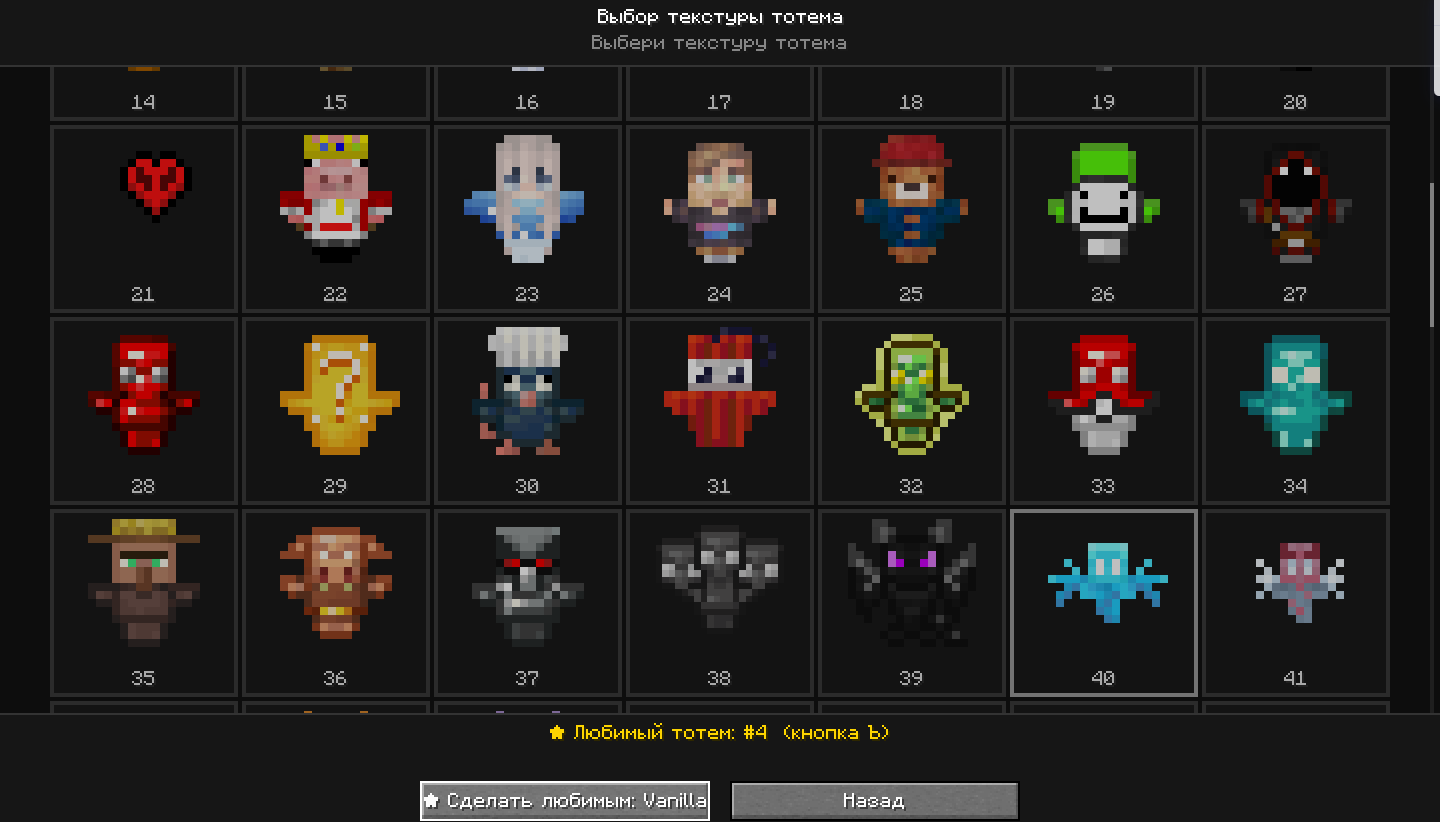
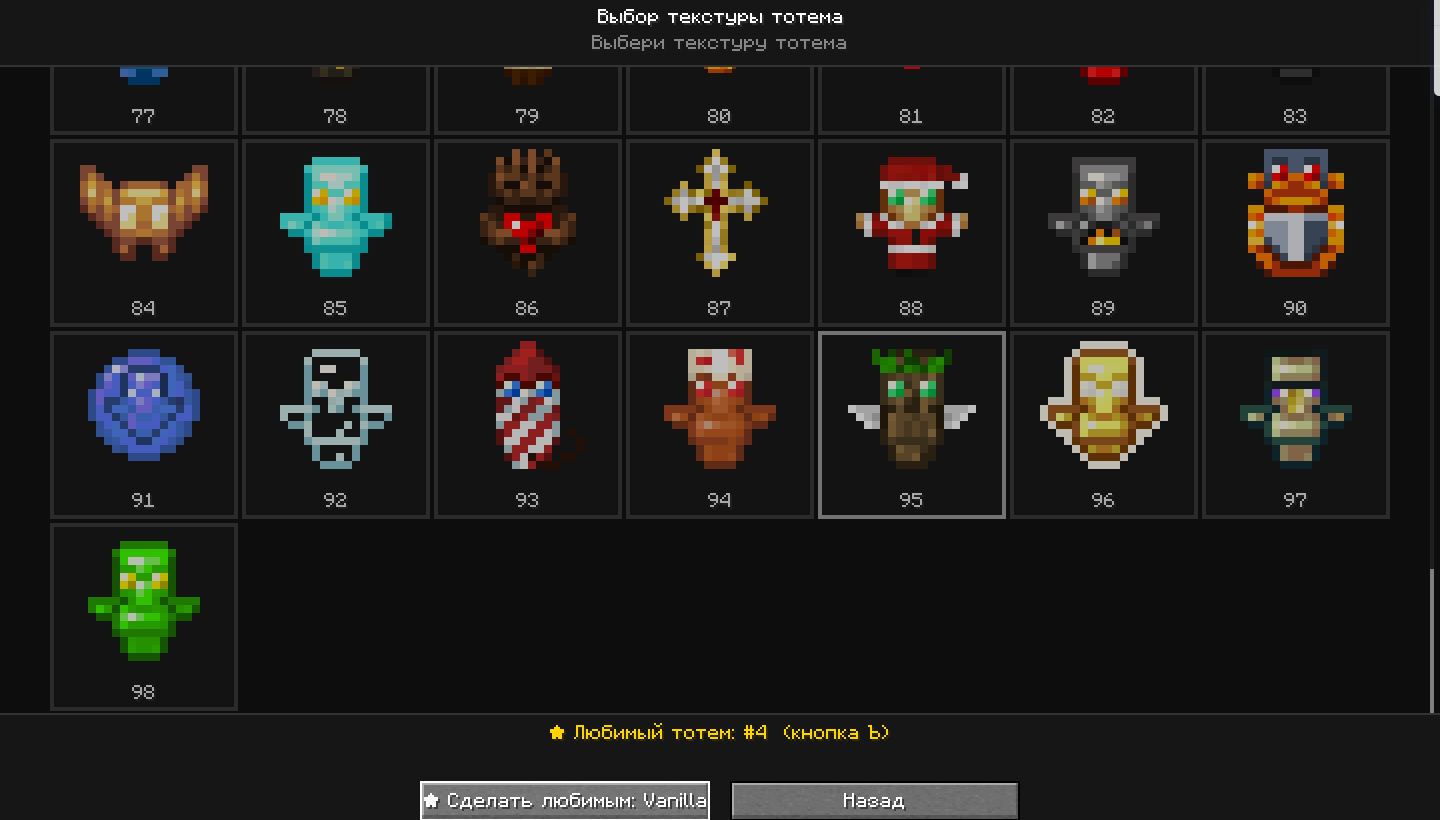
Change the texture of your totem to one of 100, with a single click! And much more!
Screenshots
About this Mod
You will also need to install Fabric Api and Mod Menu.
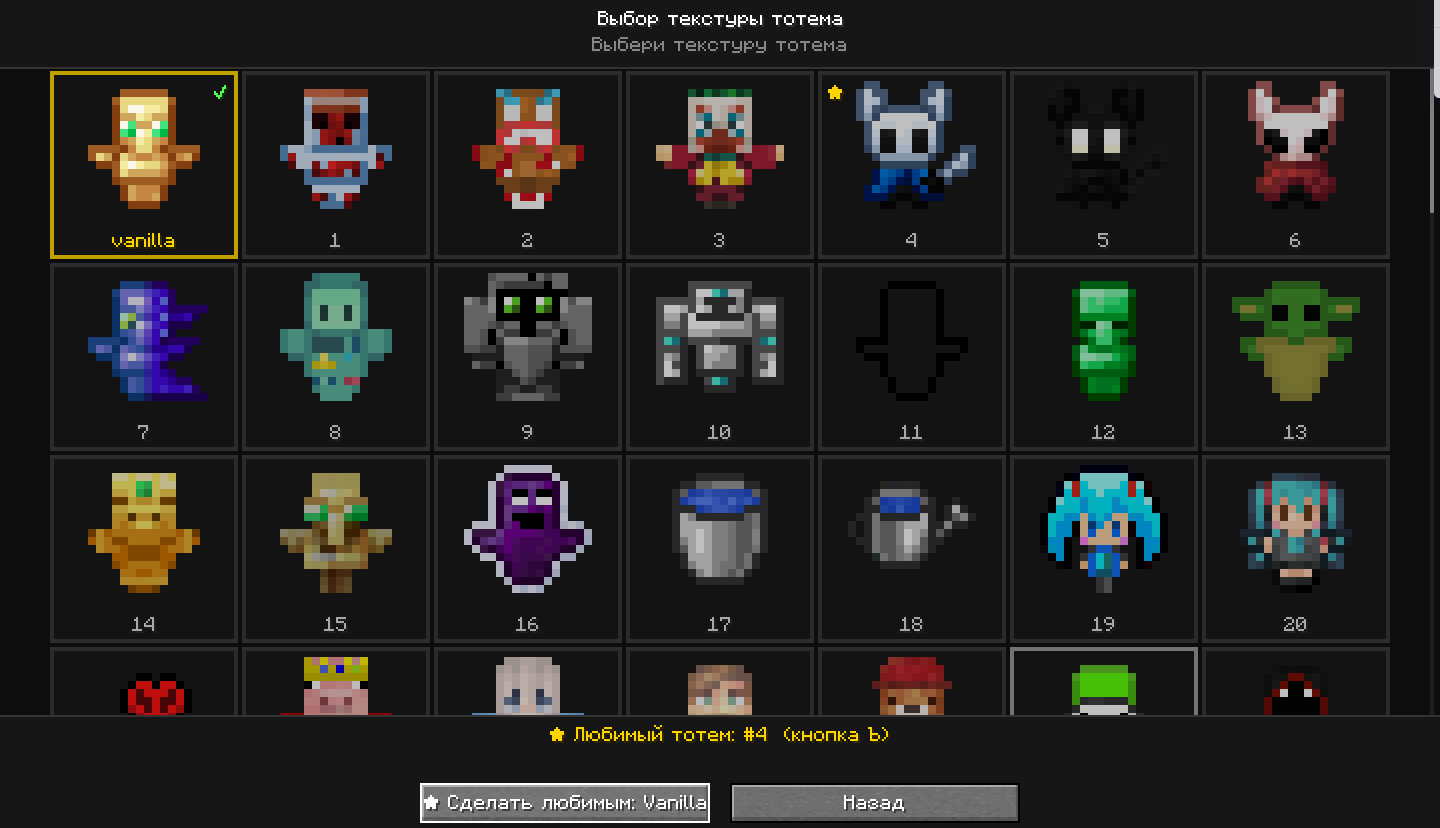
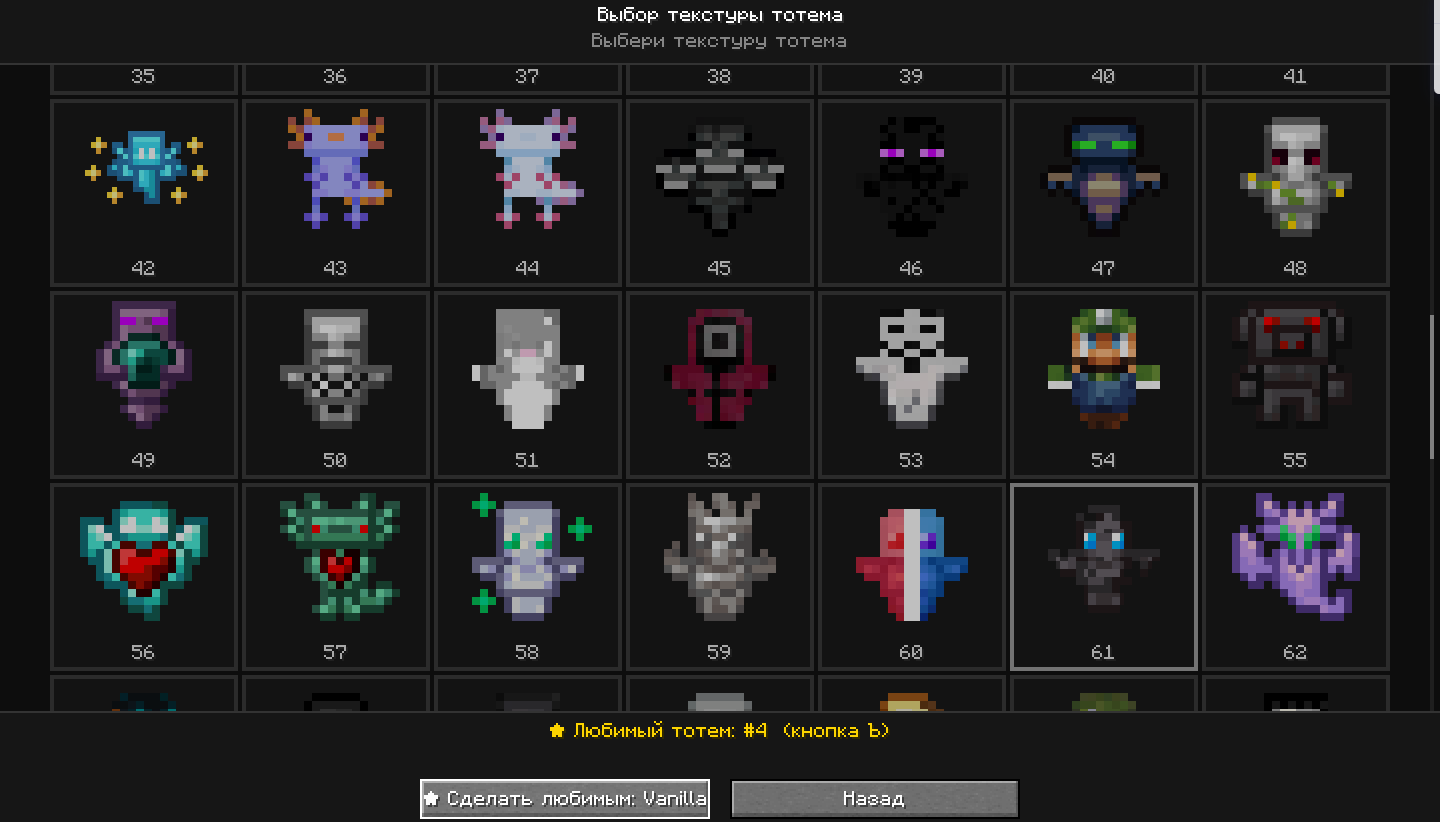
1)The ability to change the totem texture directly through hotkeys or through the mod menu, with 99 totem textures available.
2)Adjust the size of the totem in your hand and when it is activated, and set how many seconds the totem will be displayed when activated.
3)The ability to disable the totem activation sound.
4)The ability to set custom totem particles and customize the colors, size, time, and more.
The ability to add up to 7 different colors to the totem particles.
5)Customizable text warning if the totem is in the inventory (but not in one of the hands). (You can customize the size and location of the warning, as well as enter your own text).
6)Customizable timer before the warning (if you set 5 seconds, then after 5 seconds as you no longer have the totem in your hand, the warning will appear).
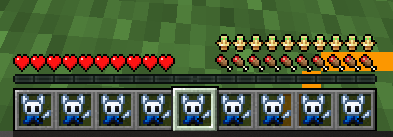
7)Totem bar - a bar that displays the number of totems in the inventory. (Above the hunger bar)
8)Default hot buttons(can be configured in the management menu):
➡️ - change the texture to the following
⬅️ - change the texture to the previous one
⬆️- change the texture to a random one
⬇️- change the texture to the previous one if it was switched randomly
" - Enable the automatic totem switching mode every 10 seconds (default time, but can be adjusted)
] - apply your favorite texture (which you need to select in the GUI texture settings via the mod menu)
9)When switching textures, the texture number is displayed by default, which can be disabled in the settings
You can configure the keys in the Control menu - Key Assignment. And the settings of the mod itself in the Mods tab, and click on the mod icon.
Available Versions
How to Install Totemizer on Your Server
Order Server
Order a Minecraft Java server with at least 3 GB RAM (4 GB recommended).
Set fabric Loader
In the panel under "Egg", select the fabric loader and matching Minecraft version (1.21.1).
Install Mod
Open the mod browser in the dashboard and search for "Totemizer". Click "Install" – done! Alternatively, upload the .jar via SFTP to the /mods folder.
Compatibility
Mod Loaders
Minecraft Versions
1.21.1
Server-side
✗ UnsupportedRecommended RAM
4 GB(min. 3 GB)Frequently Asked Questions
Totemizer server crashes on startup – what to do?
Most common cause: wrong fabric version or insufficient RAM. Check the server log (latest.log) for "OutOfMemoryError" or "Mixin" errors. With Mado Hosting: ensure at least 3 GB RAM is allocated and the loader matches the mod version (1.21.1). You can switch loaders with one click in the panel.
Is Totemizer compatible with fabric?
Totemizer officially supports fabric for Minecraft 1.21.1. The Mado dashboard automatically detects incompatible loader combinations.
Server lagging with Totemizer – how to optimize performance?
Recommended RAM: 4 GB (per 8 players). Use /spark profiler to check if Totemizer consumes the most tick time. Common fixes: reduce server view-distance to 8-10, install "performant" or "starlight" as supplementary mods on Forge. With Mado Hosting, your server runs on NVMe SSDs with dedicated CPU cores for minimal latency.
Rent Modded Server
Install Totemizer with just one click on your server.