
TrashFix
8 balanced recycling recipes to turn trash items like rotten flesh and poisonous potatoes into useful resources. Lightweight, server-side, vanilla-friendly.
Screenshots
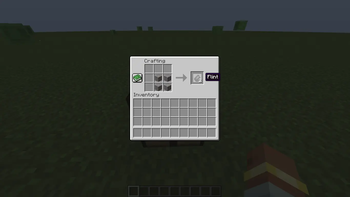
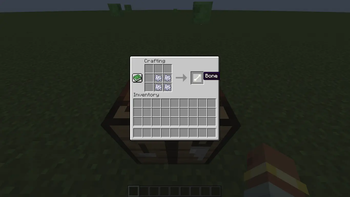
About this Mod
*Trahfix :
Trahfix is a lightweight, server-side mod that adds 8 balanced recycling recipes to Minecraft. Clean up your inventory and make use of the “junk” items you usually throw away, without breaking vanilla balance or adding new machines.
*What is TrashFix
Instead of cluttering your chests with useless items, Trahfix gives them a second life through simple crafting recipes. Everything works in the vanilla crafting table. No blocks, no GUIs, no tech trees.
Added Recipes:
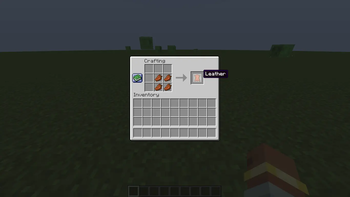
- Rotten Flesh x4 → Leather
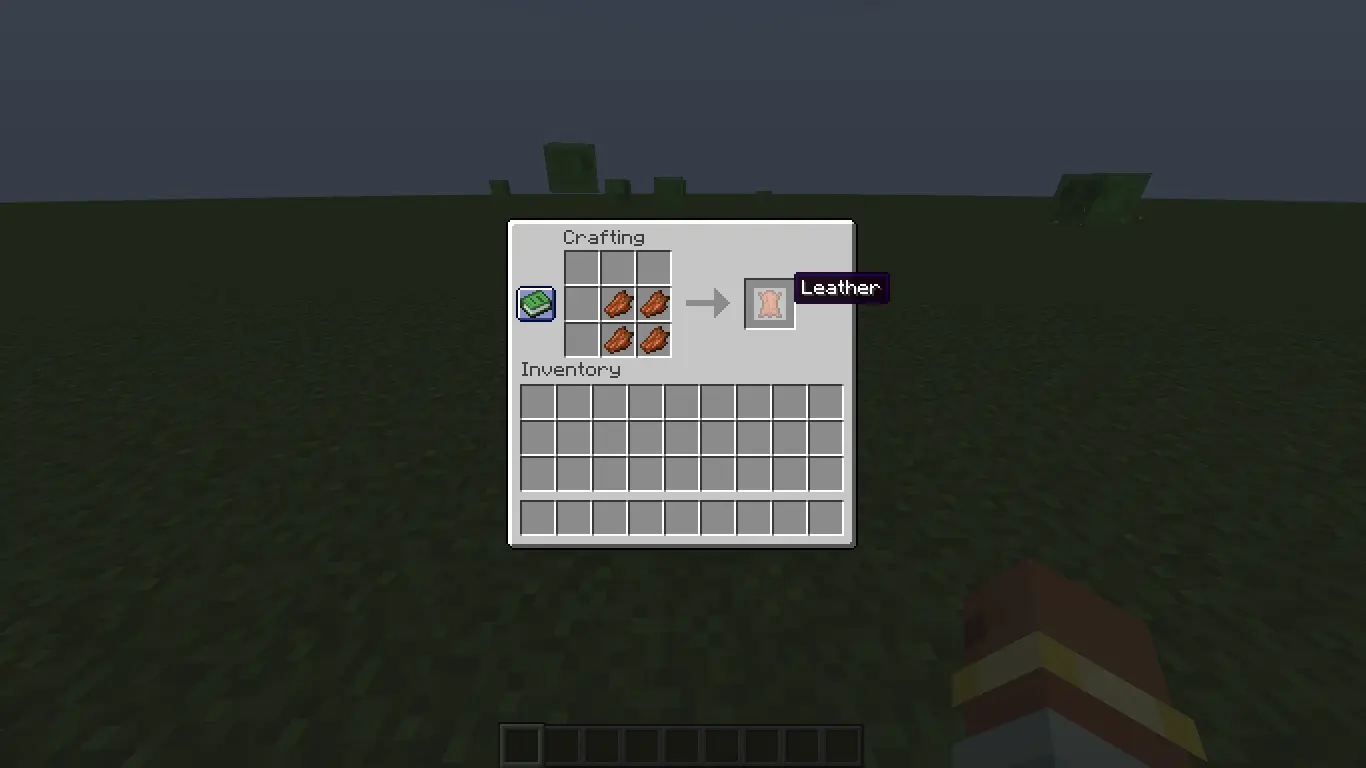
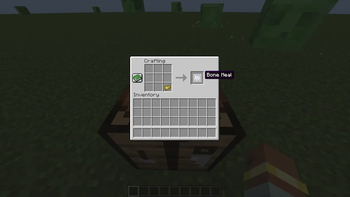
- Poisonous Potato → Bone Meal
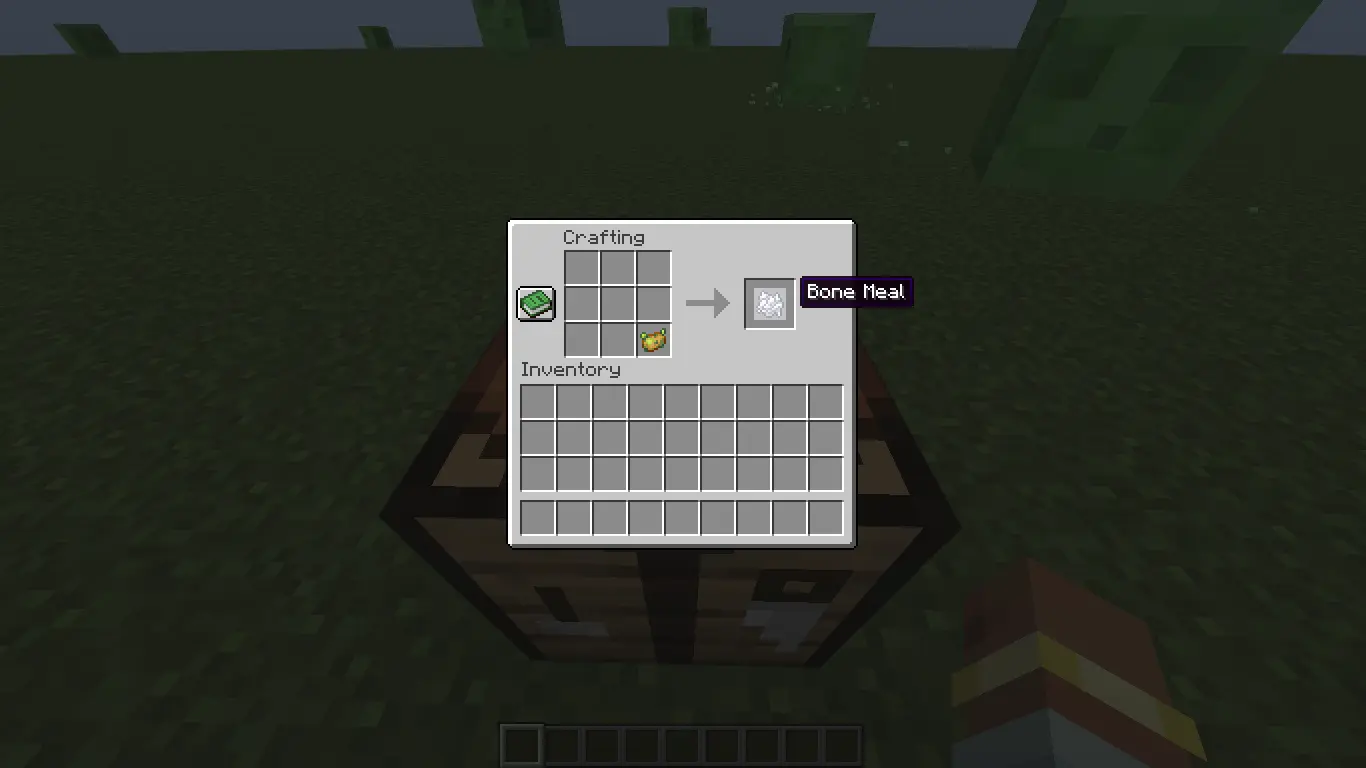
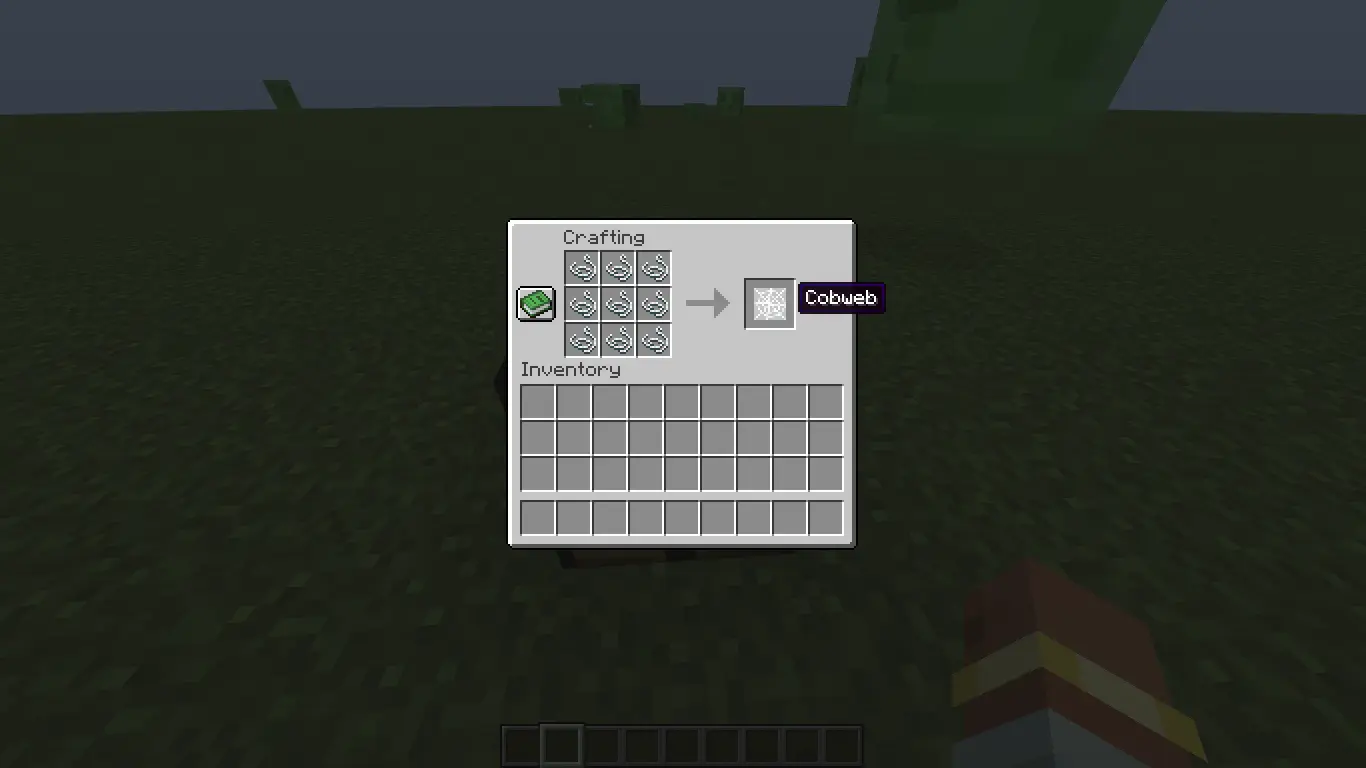
- String x9 → Cobweb
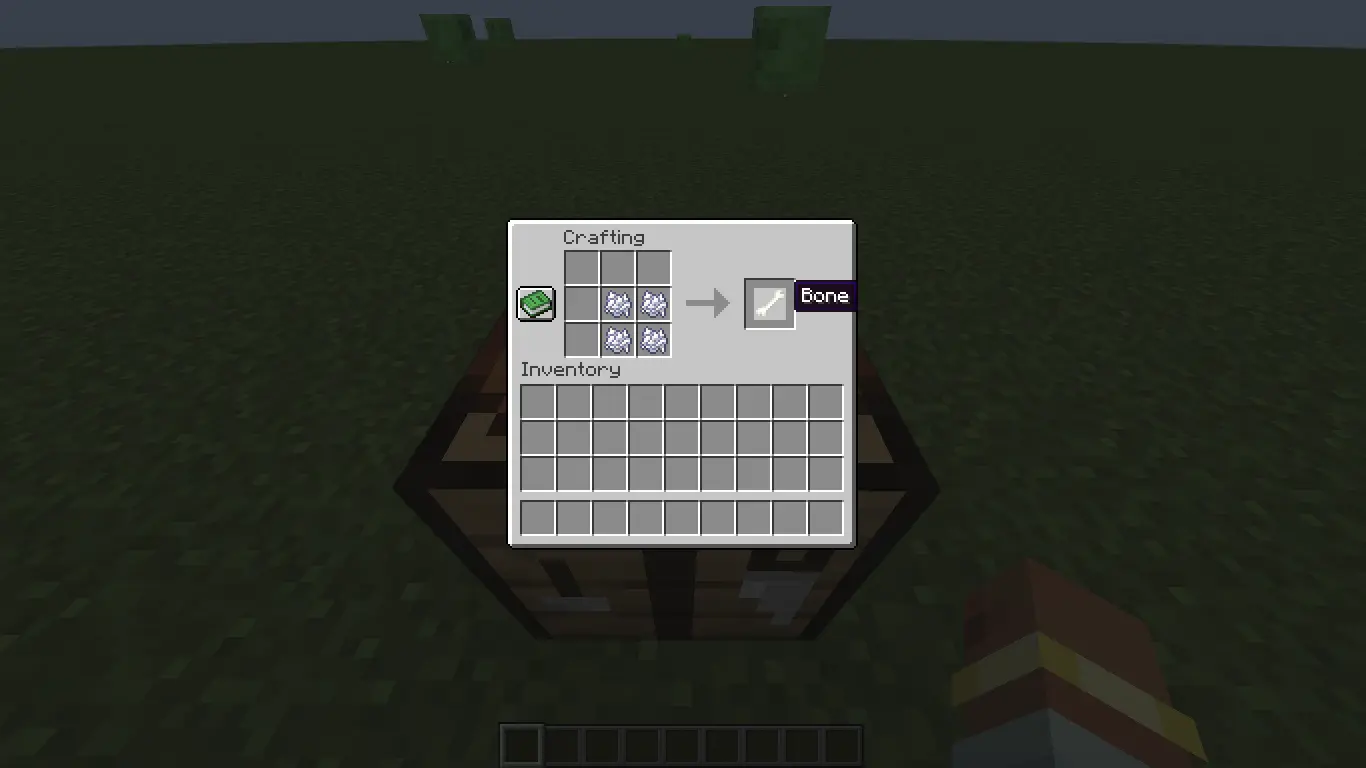
- *Bone Meal x4→ Bone *
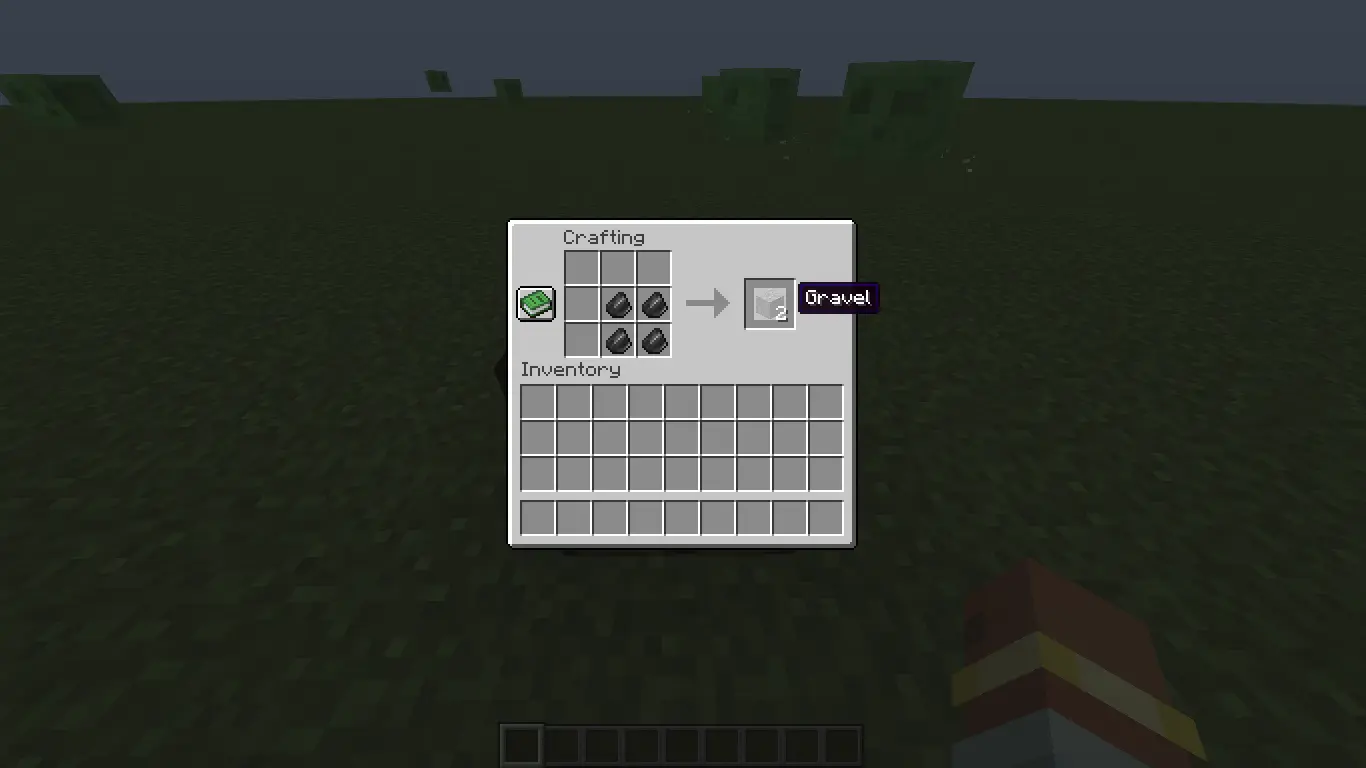
- Flint x4↔ Gravel x2
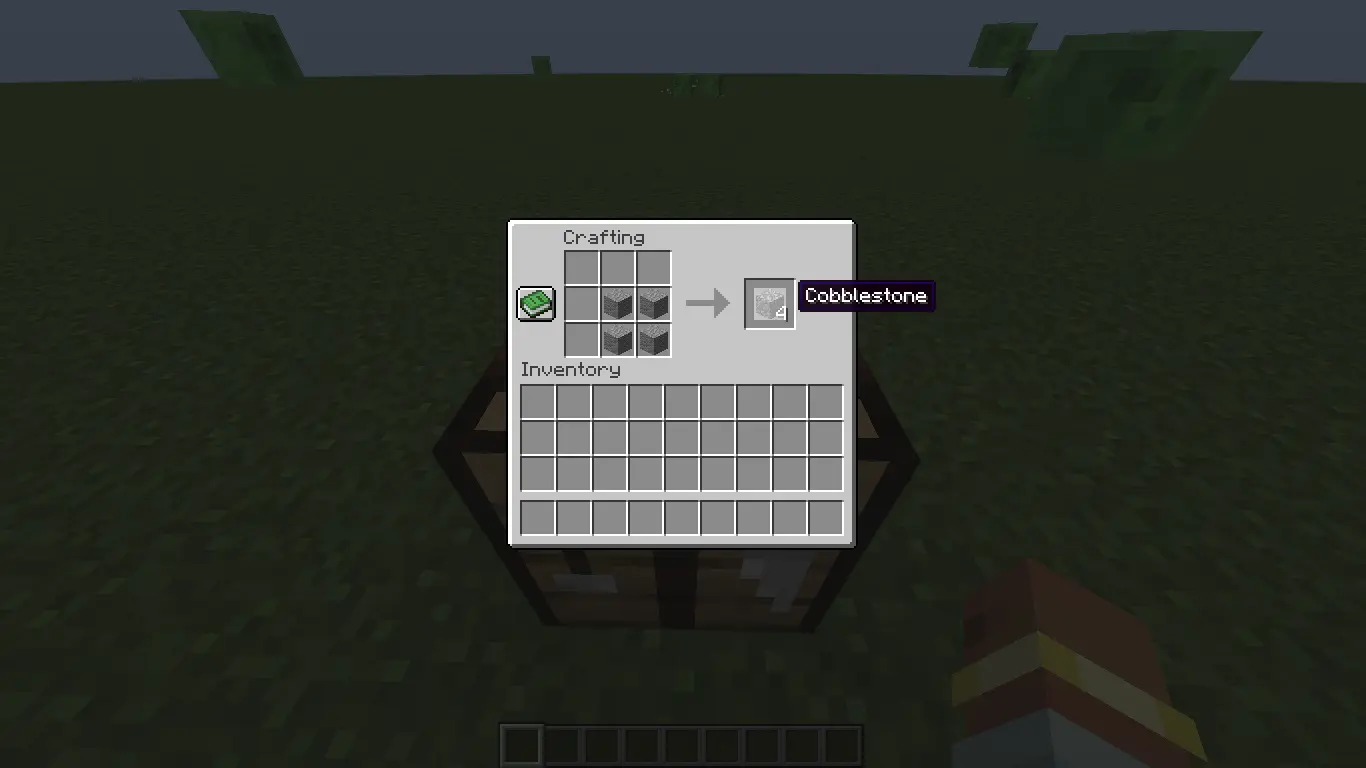
- Andesite x4 → Cobblestone x4
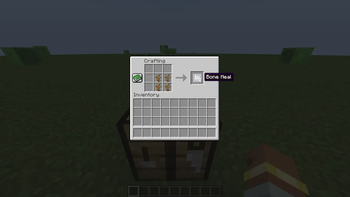
- Dead Bush x4→ Bone Meal x4
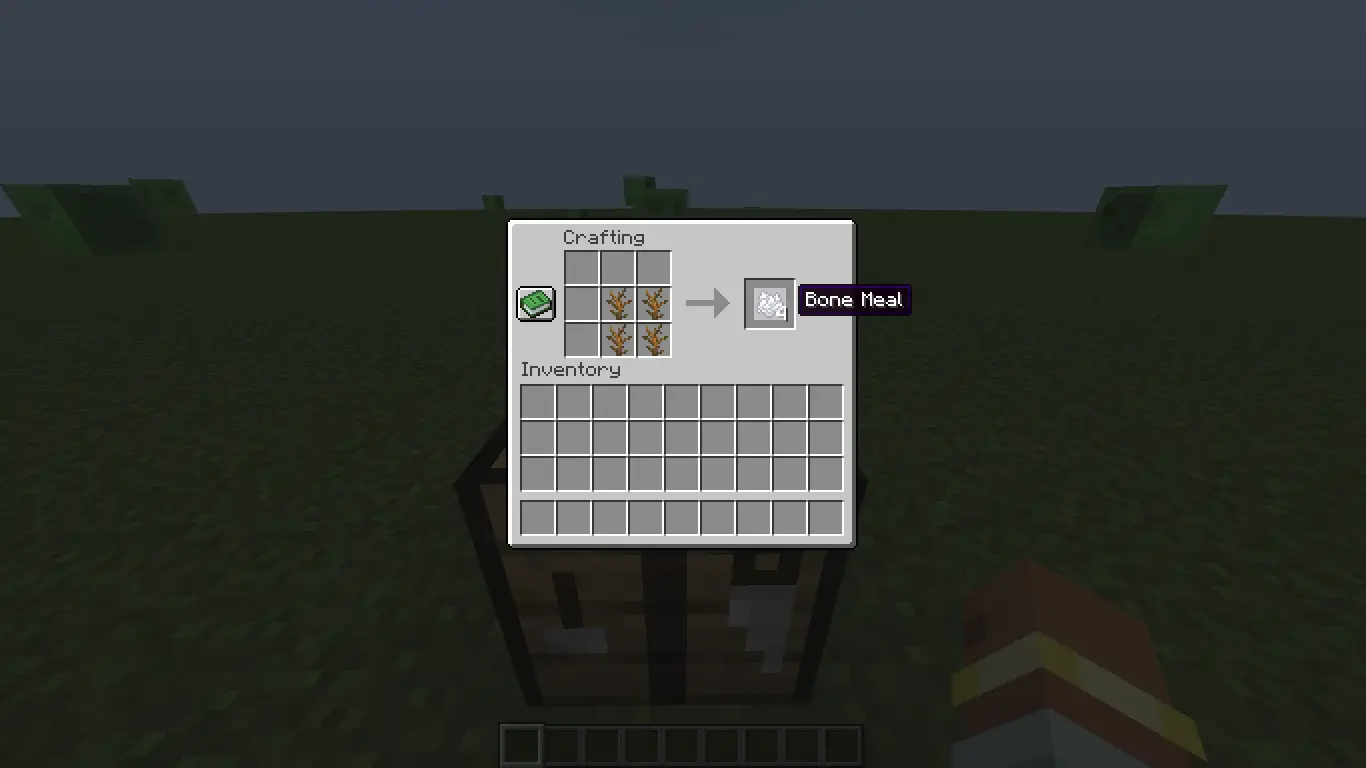
8.*Gravel x4 → Flint x2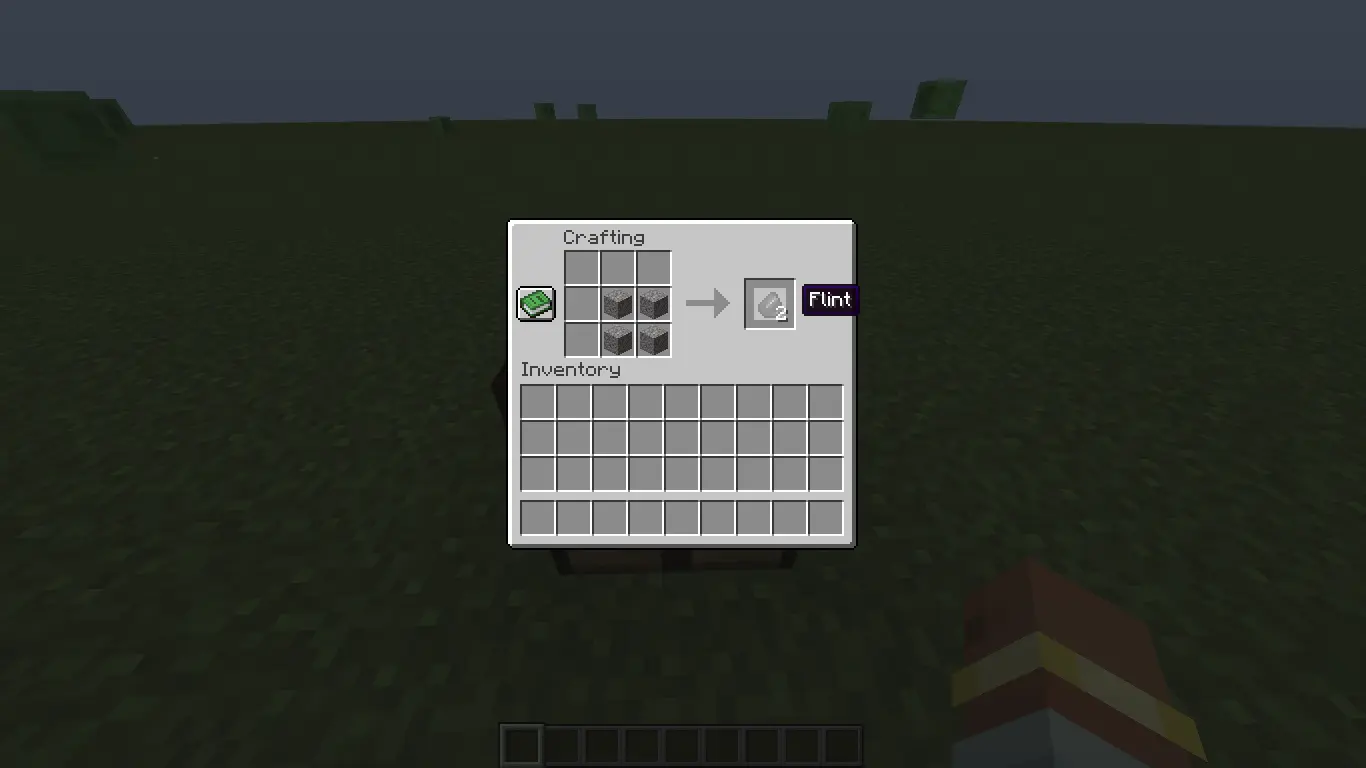
100% Balanced
Every recipe follows vanilla value ratios. Nothing is overpowered. You trade time and materials fairly, just like in base Minecraft.
Server-Side Only
Install it on your server and everyone benefits. Players don’t need to install the mod client-side. Perfect for public servers and modpacks.
Ultra Lightweight
Under 150KB. Zero impact on performance, load time, or RAM usage.
Vanilla+ Friendly
Designed for survival and vanilla+ modpacks that want small quality-of-life improvements without changing the core game feel.
Safe to Add/Remove
Trahfix doesn’t modify world generation or existing blocks. You can add it to an existing world or remove it anytime without corruption.
Compatibility
- Minecraft: 1.21.1, 1.21.8
- Loader: Neoforge , Fabric
Notes for Modpack Creators
Trahfix is open for inclusion in modpacks. No permissions needed.
Credits: Developed by [Me]
If you like Trahfix, consider leaving an endorsement. It helps more players find the mod.
Available Versions
How to Install TrashFix on Your Server
Order Server
Order a Minecraft Java server with at least 3 GB RAM (4 GB recommended).
Set fabric Loader
In the panel under "Egg", select the fabric loader and matching Minecraft version (1.21.11).
Install Mod
Open the mod browser in the dashboard and search for "TrashFix". Click "Install" – done! Alternatively, upload the .jar via SFTP to the /mods folder.
Compatibility
Mod Loaders
Minecraft Versions
1.21.11, 1.21.10, 1.21.9 (+2 more)
Server-side
✓ RequiredRecommended RAM
4 GB(min. 3 GB)Frequently Asked Questions
TrashFix server crashes on startup – what to do?
Most common cause: wrong fabric version or insufficient RAM. Check the server log (latest.log) for "OutOfMemoryError" or "Mixin" errors. With Mado Hosting: ensure at least 3 GB RAM is allocated and the loader matches the mod version (1.21.11). You can switch loaders with one click in the panel.
Is TrashFix compatible with fabric and neoforge?
TrashFix officially supports fabric, neoforge for Minecraft 1.21.11, 1.21.10, 1.21.9. The Mado dashboard automatically detects incompatible loader combinations.
Server lagging with TrashFix – how to optimize performance?
Recommended RAM: 4 GB (per 8 players). Use /spark profiler to check if TrashFix consumes the most tick time. Common fixes: reduce server view-distance to 8-10, install "performant" or "starlight" as supplementary mods on Forge. With Mado Hosting, your server runs on NVMe SSDs with dedicated CPU cores for minimal latency.
Similar Mods


Rent Modded Server
Install TrashFix with just one click on your server.