
TravelBag
A reliable backpack mod with configurable sizes and shortcut support.
Screenshots
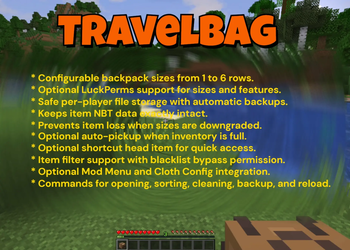
About this Mod

TravelBag
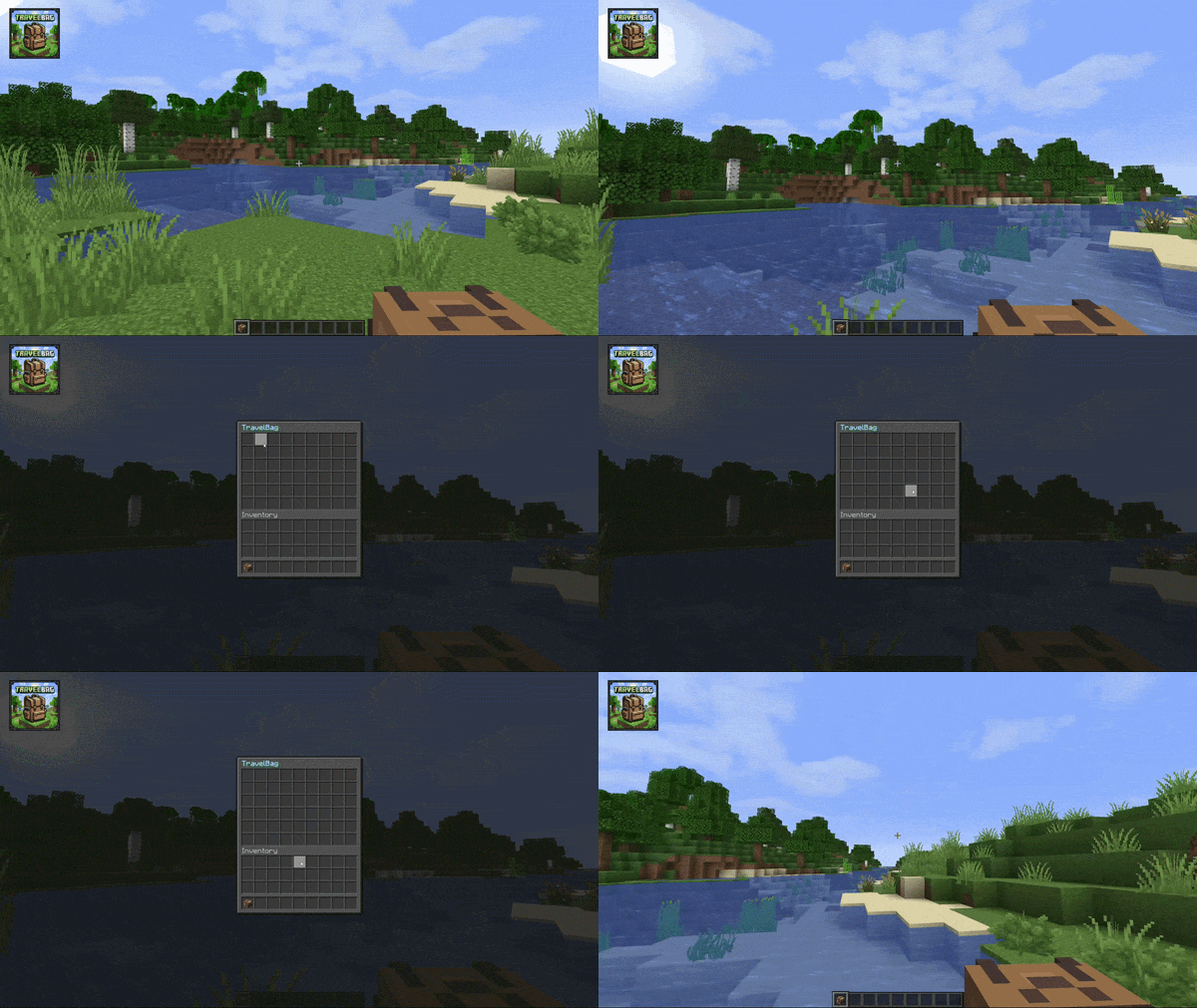
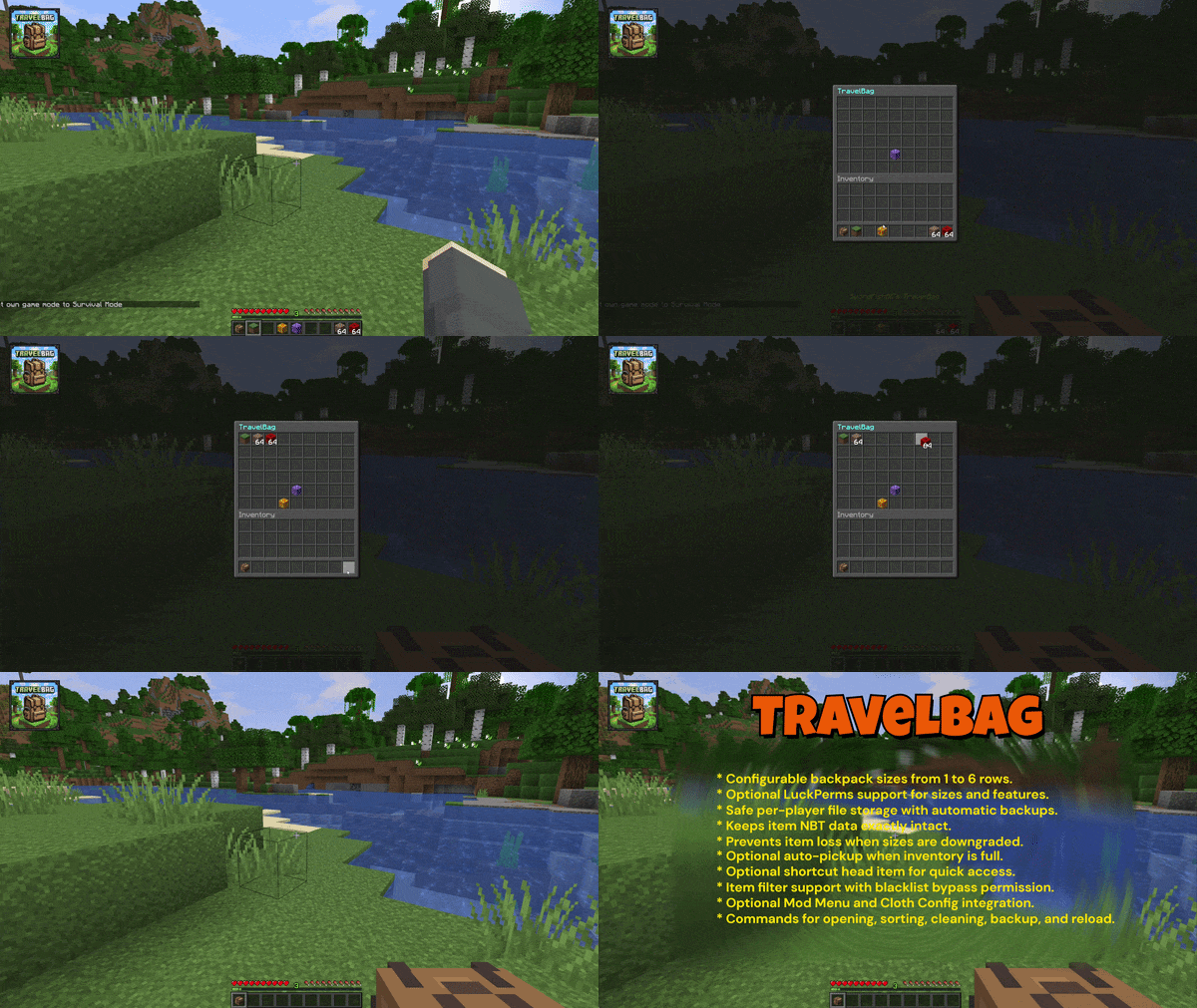
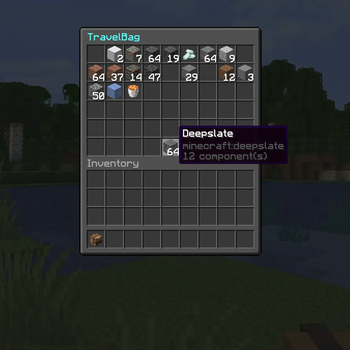
TravelBag is a free and reliable backpack mod for Fabric with configurable sizes, optional LuckPerms support, smart file-based storage, and a built-in shortcut item for quick access.
It is designed to feel safe on real servers:
- Each player has their own stored TravelBag
- The storage format always keeps room for 6 rows internally
- Downgrading permissions or config size does not delete hidden items
- Backups are created safely without generating nested backup files
- The latest 2 backups are rotated automatically per player file
- Item data is serialized with registry-aware codecs so enchantments and other components stay intact
- Unsafe bag data is locked instead of being silently overwritten
- No client-side mod needed
✨ Features
- Configurable TravelBag size from 1 to 6 rows
- Optional LuckPerms integration for size and feature permissions
- Optional auto-pickup when a player's inventory is full
- Optional shortcut head item for fast TravelBag access
- Configurable TravelBag shortcut head item.
- Per-player TravelBag files stored by UUID
- Automatic backup support with rotation
- Item filter support
- Shulker box restriction toggle
- Config reload command
- Mod Menu integration
- Optional Cloth Config support for an in-game config screen
⚙️ Config Highlights
TravelBag uses a simple properties config file: config/travelbag/travelbag.properties
Important options include:
- titles for owner and non-owner views
- drop-on-death behavior
- keepInventory interaction
- default size
- LuckPerms toggle
- cooldown
- shortcut item toggle
- shortcut preferred slot
- open sound toggle
- open sound id
- auto-pickup settings
- shulker restriction
- item filter
- allowed game modes
- aliases
🔄 Commands
/travelbag- Open your own TravelBag/travelbag help- Show the available TravelBag commands/travelbag clean- Remove all items from your own TravelBag/travelbag clean <player>- Remove all items from another player's TravelBag/travelbag sort- Compact and sort your own TravelBag/travelbag <player>- Open another player's TravelBag/travelbag backup- Create backups of all TravelBag data files/travelbag reload- Reload the config file
Aliases are configurable and default to:
/bp/backpack
🤷🏻♂️ How Storage Works
TravelBag stores player data in the Fabric config directory: config/travelbag/players/
Each player gets a separate file based on their UUID. TravelBag always stores up to 6 rows internally, even if a player currently only has access to fewer rows.
This means:
- hidden rows stay preserved when a player is downgraded
- re-upgrading size or permissions reveals those items again
- compacting can move stackable items upward into visible rows when possible
- item serialization uses registry-aware codecs to preserve enchantments and other modern item components
- if TravelBag cannot safely decode a bag file, that bag is locked to prevent accidental overwrite or item loss
Backups are written as:
<uuid>.dat<uuid>.backup.1.dat- newest backup<uuid>.backup.2.dat- previous backup
Backups are created:
- on server start
- on
/travelbag reload - on
/travelbag backup - automatically every 10 minutes, but only if TravelBag data changed since the previous backup
If a bag file cannot be decoded safely, TravelBag also creates a timestamped failure snapshot before refusing further saves for that bag.
🎒 Shortcut Item
TravelBag can give players a shortcut head item that opens their backpack quickly.
The shortcut item:
- can be enabled or disabled globally
- supports a configurable head texture
- can be moved freely inside the player's inventory and hotbar
- cannot be placed inside the TravelBag
- cannot be placed inside chests or ender chests
- cannot be dropped normally
- is normalized automatically if duplicates somehow appear
The displayed shortcut name uses the player's name, for example:
Alex's TravelBagJames' TravelBag
🚗 Auto Pickup
If enabled, TravelBag can collect nearby item entities when a player's inventory is full.
Safety rules:
- filtered items are never removed from the ground
- blocked shulker boxes are never removed from the ground
- items are only collected if they can be stored safely
- open TravelBag screens stay in sync with auto-pickup changes
📊 Permissions
When LuckPerms support is enabled, TravelBag uses the following nodes:
travelbag.usetravelbag.fullpickuptravelbag.size.1travelbag.size.2travelbag.size.3travelbag.size.4travelbag.size.5travelbag.size.6travelbag.cleantravelbag.clean.othertravelbag.sorttravelbag.otherstravelbag.others.edittravelbag.keepOnDeathtravelbag.noCooldowntravelbag.ignoreBlacklisttravelbag.backuptravelbag.reloadtravelbag.bypass.gamemodetravelbag.admin
travelbag.admin acts as an umbrella admin permission for TravelBag management features.
When LuckPerms support is disabled, TravelBag follows the config fallback values. Admin-only actions fall back to vanilla OP / gamemaster level.
🏜️ Test Server
Feel free to join my Minecraft server to test my mods: play.swordfishbe.eu
💡 Credits/Idea
Fabric mod idea based on Minepacks by GeorgH93.
Available Versions
How to Install TravelBag on Your Server
Order Server
Order a Minecraft Java server with at least 3 GB RAM (4 GB recommended).
Set fabric Loader
In the panel under "Egg", select the fabric loader and matching Minecraft version (26.2).
Install Mod
Open the mod browser in the dashboard and search for "TravelBag". Click "Install" – done! Alternatively, upload the .jar via SFTP to the /mods folder.
Compatibility
Mod Loaders
Minecraft Versions
26.2, 26.1.2
Server-side
✓ RequiredRecommended RAM
4 GB(min. 3 GB)Frequently Asked Questions
TravelBag server crashes on startup – what to do?
Most common cause: wrong fabric version or insufficient RAM. Check the server log (latest.log) for "OutOfMemoryError" or "Mixin" errors. With Mado Hosting: ensure at least 3 GB RAM is allocated and the loader matches the mod version (26.2). You can switch loaders with one click in the panel.
Is TravelBag compatible with fabric?
TravelBag officially supports fabric for Minecraft 26.2, 26.1.2. The Mado dashboard automatically detects incompatible loader combinations.
Server lagging with TravelBag – how to optimize performance?
Recommended RAM: 4 GB (per 8 players). Use /spark profiler to check if TravelBag consumes the most tick time. Common fixes: reduce server view-distance to 8-10, install "performant" or "starlight" as supplementary mods on Forge. With Mado Hosting, your server runs on NVMe SSDs with dedicated CPU cores for minimal latency.
Similar Mods



![[TaCZ] Timeless and Classics Zero](https://cdn.modrinth.com/data/SzzJttH8/fd27766d2bb8390d284696b1dbd358f87e081439_96.webp)


Rent Modded Server
Install TravelBag with just one click on your server.