
TrueSnow
An immersive vanilla-plus mod that finally makes cold biomes make sense.
Screenshots
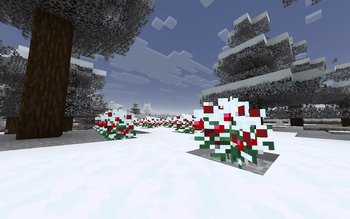
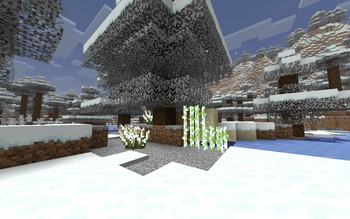
About this Mod


❄️ TrueSnow – Immersive Winter
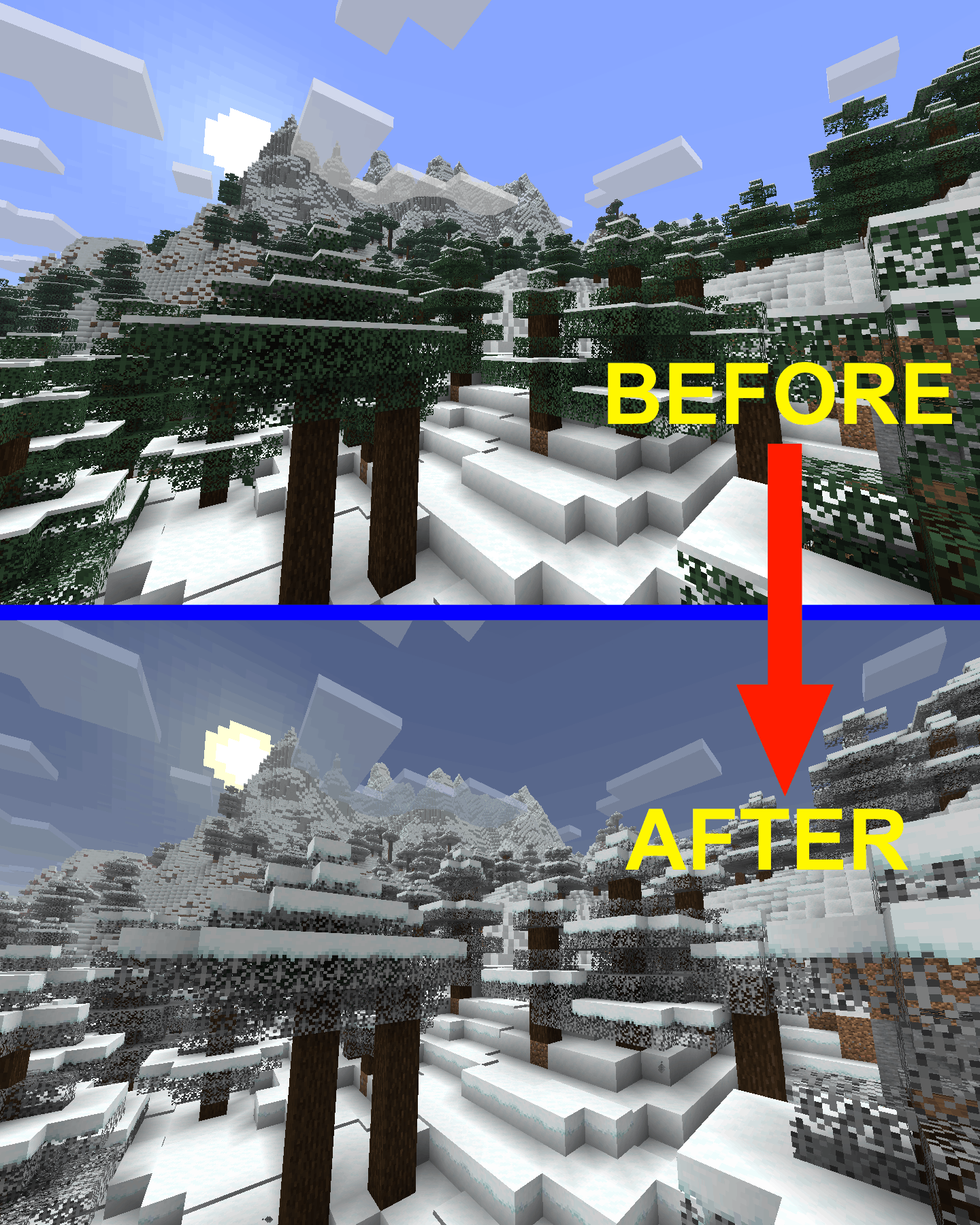
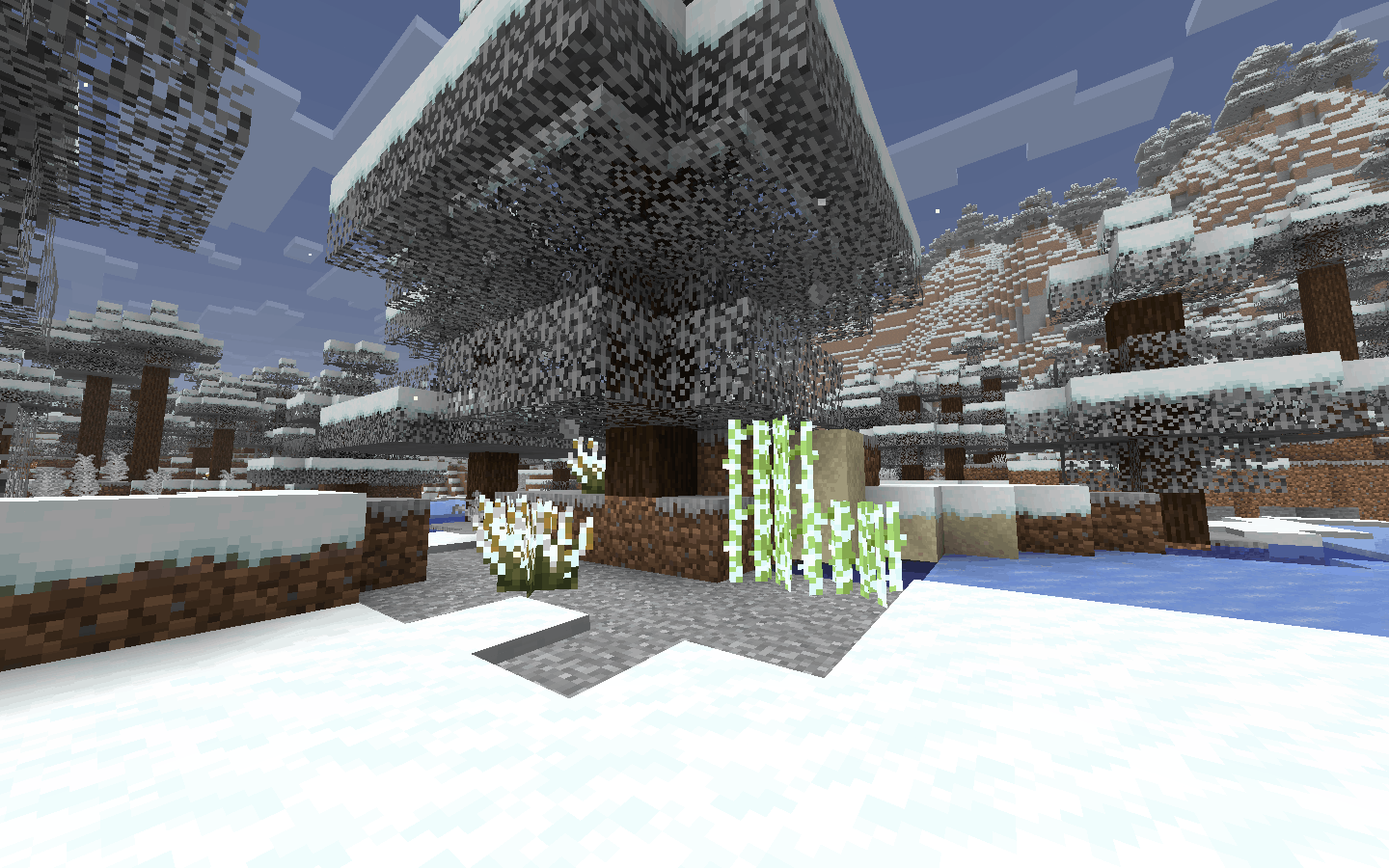
Transform the boring cold biomes into atmospheric, immersive winter environments with dynamic blizzards, dense fog, ambient soundscapes, new snowy plants and block variant textures — all without adding a single new block!
🎯 What This Mod Does
In vanilla Minecraft, snowy biomes usually just look like regular places with a white snow layer on top of them.
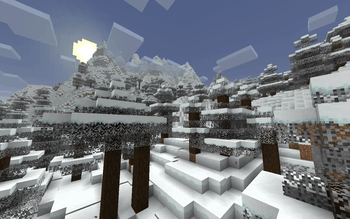
TrueSnow fixes this completely on your client side! The moment you walk into a cold biome, the sky changes color, thick ground fog rolls in, plants get covered in frost, and the howling wind takes over the audio. It makes cold places actually feel freezing, huge, and alive!
✨ Features
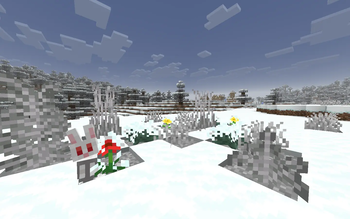
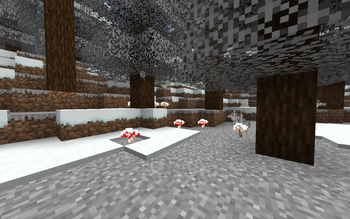
- 🌿 Snowy Plants & Textures: Grass, leaves, and plants automatically change to match the snow! They get a frosty look and custom textures to fit into the winter world perfectly.
- ☁️ Overcast Skies: Bright blue skies smoothly change to a cold, grey winter look when you enter snowy areas.
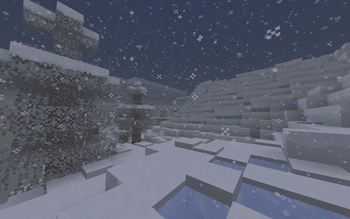
- 0️⃣ Thick Winter Fog: Fog rolls in and gets thicker around you, making mountains and flat lands feel massive and cold.
- 🎧 Chilling Sounds: Listen to occasional howling winds and quiet background sounds while you explore.
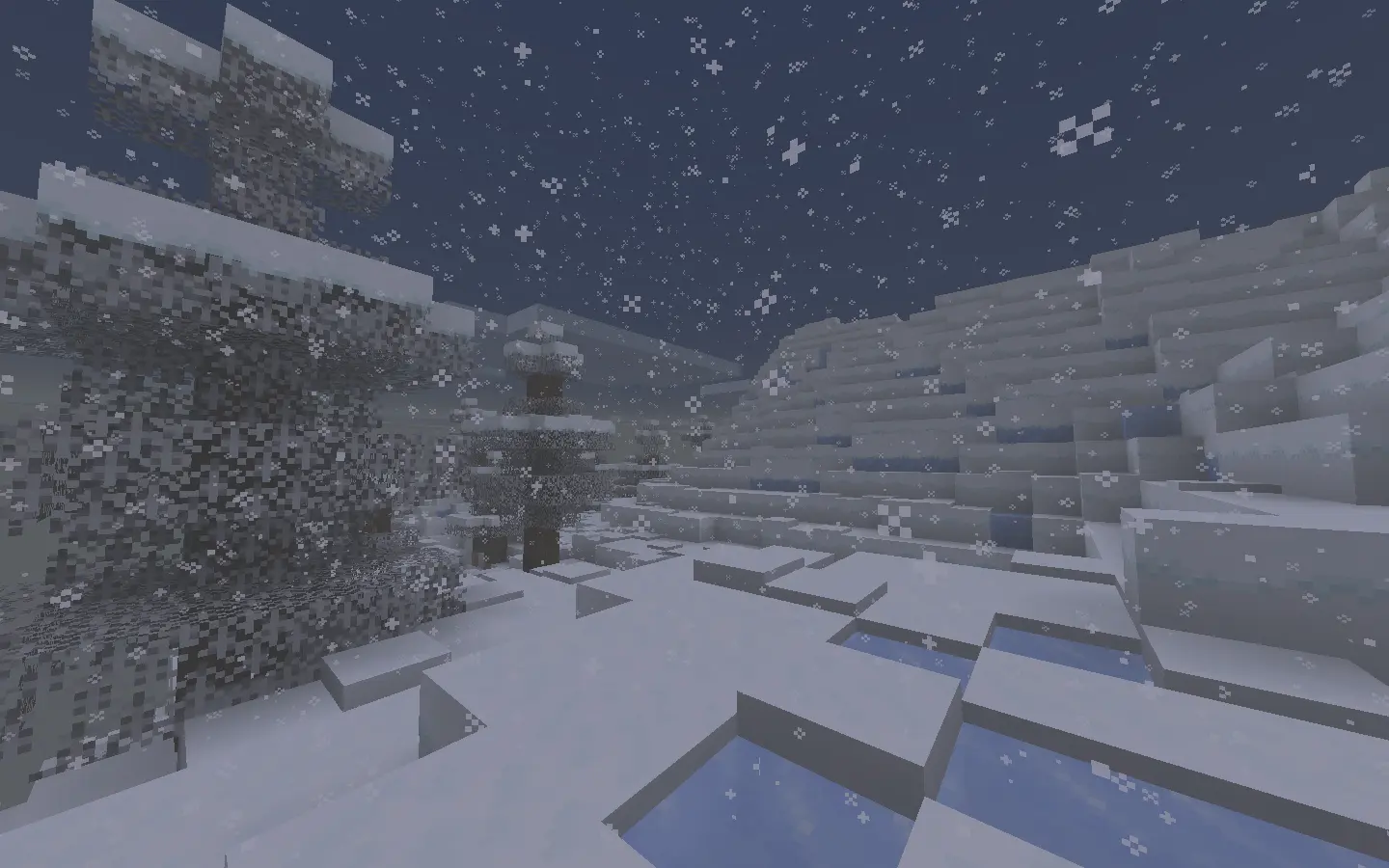
- 🌪️ Real Blizzards: When it rains or snows in the game, the wind gets much louder and sounds like a real, heavy storm.
- 🌍 All Cold Biomes: Works automatically in Snowy Plains, Groves, Jagged Peaks, Frozen Oceans, Ice Spikes, and more!
🖼️ Gallery
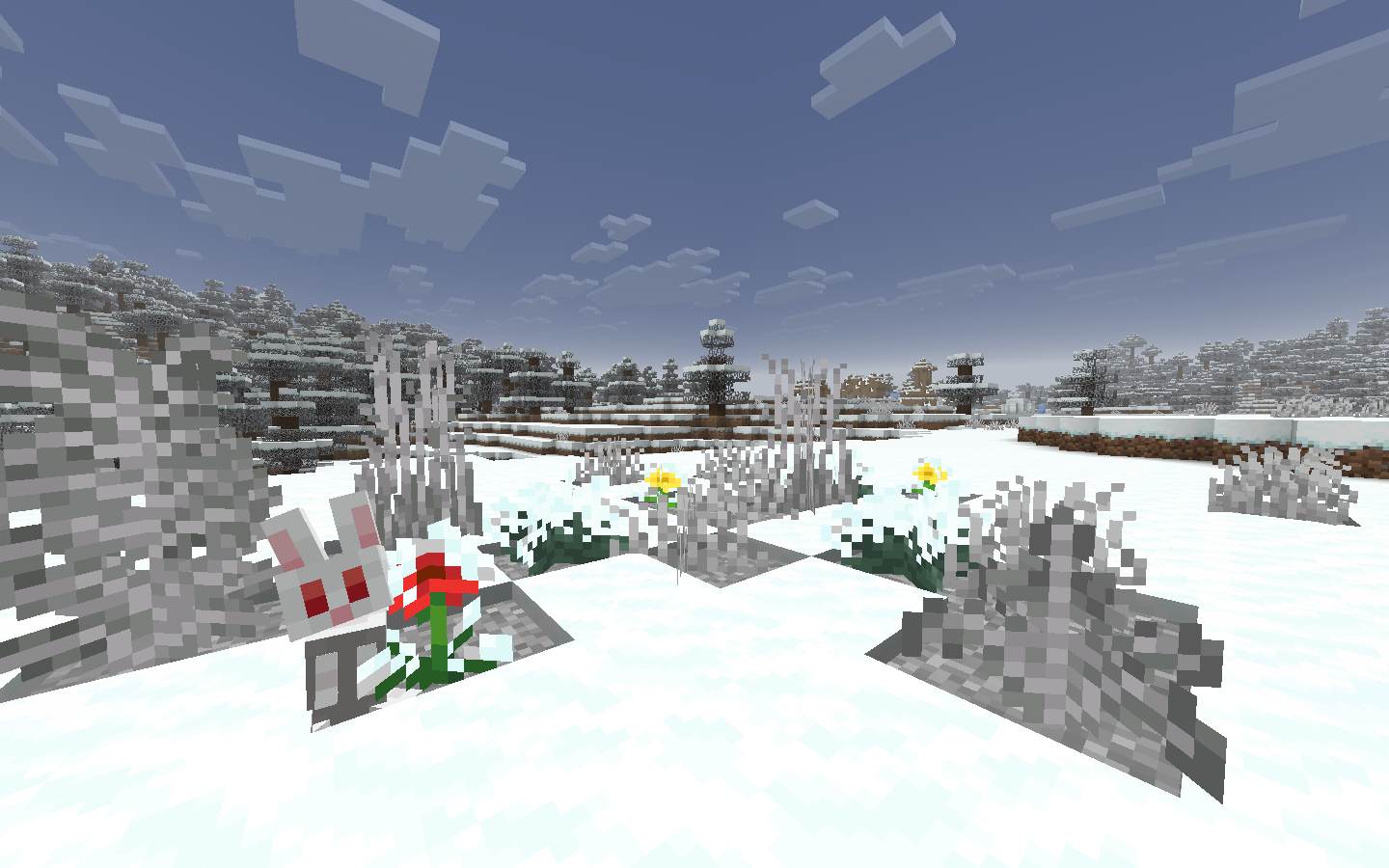
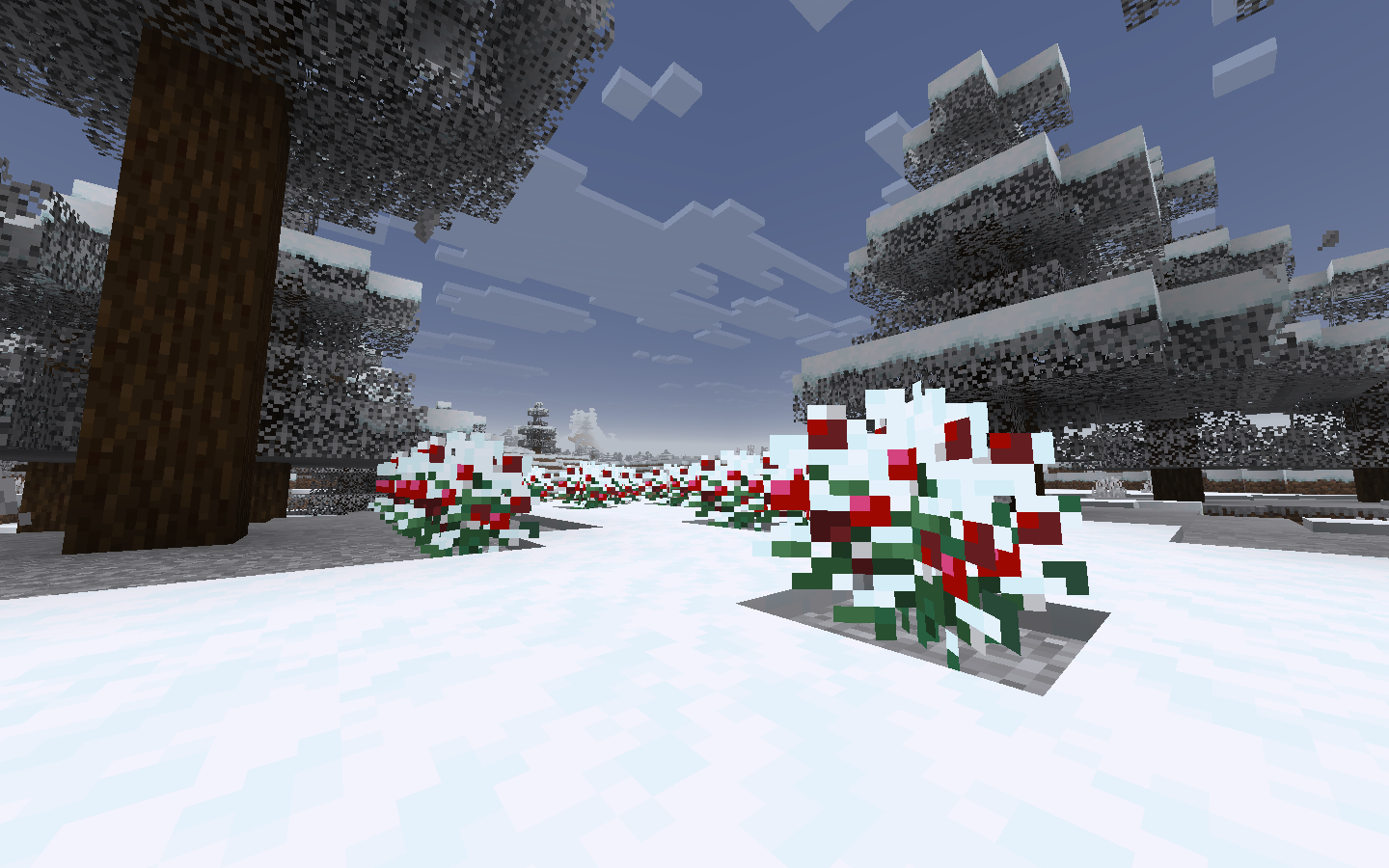
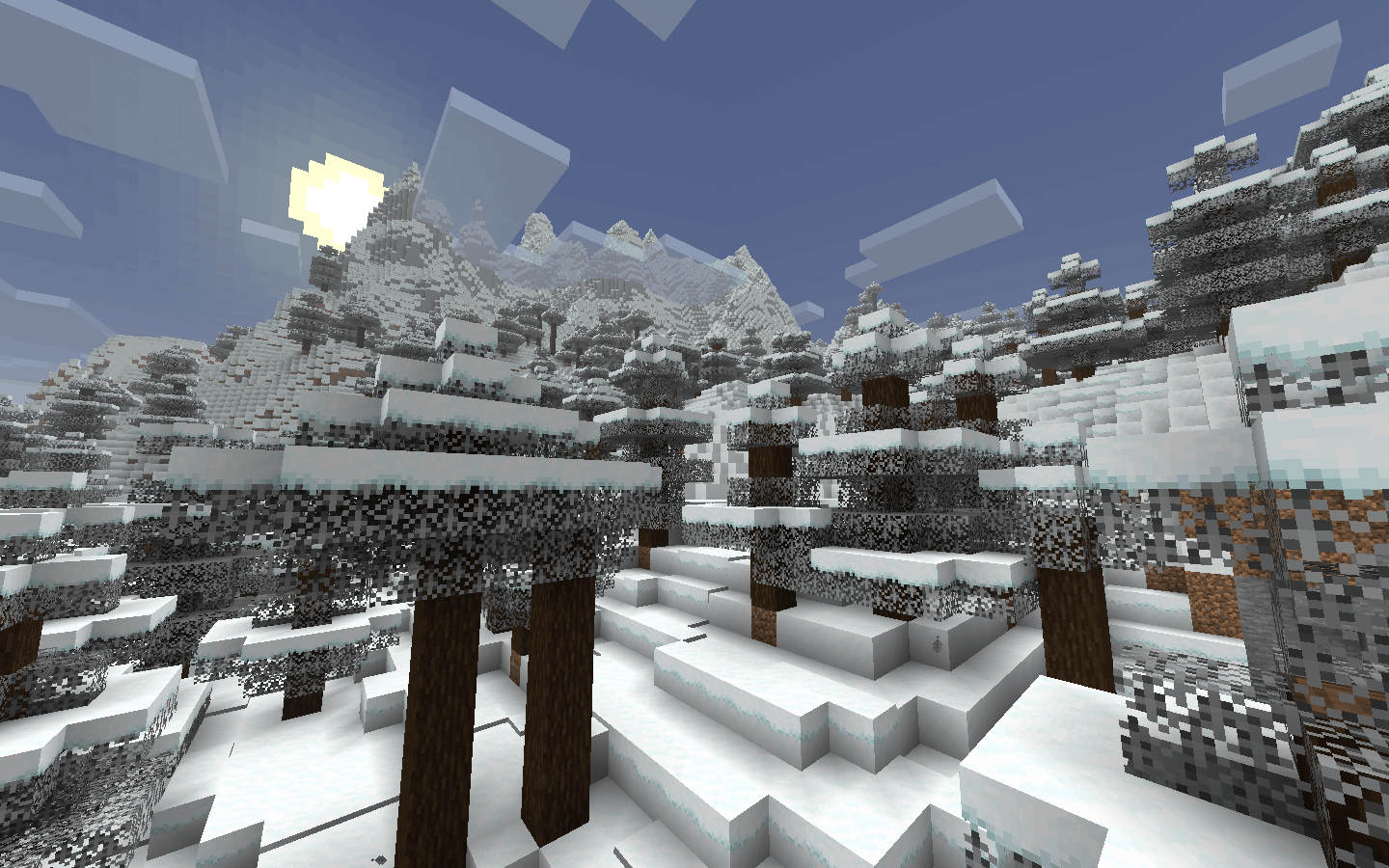
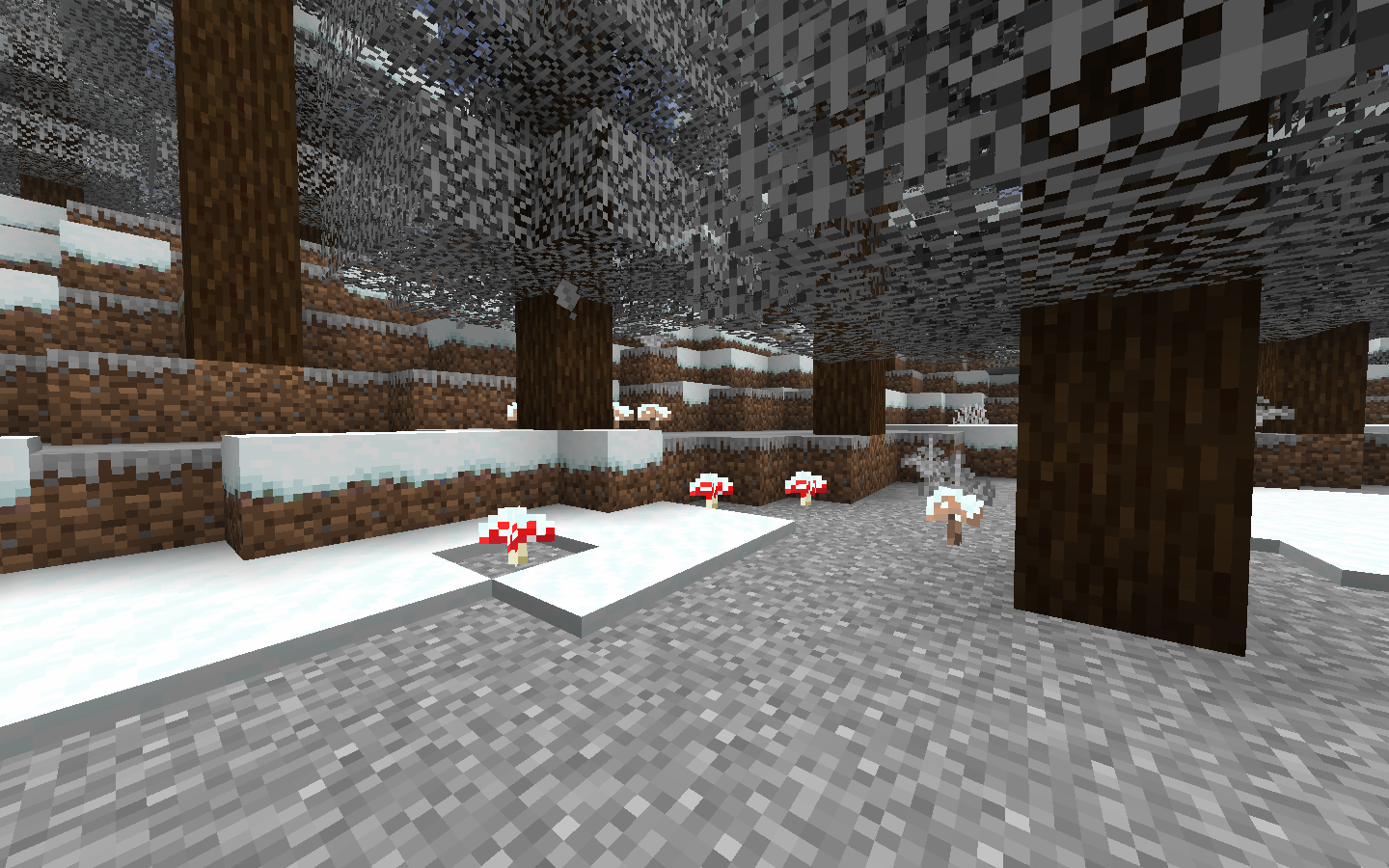
📌 Notes
- 🎨 Resource Pack Priority: If you use other custom packs, place "TrueSnow Overlays" at the very top of your active list. This guarantees custom winter overlays display correctly on:
- Poppies, Dandelions, and Sugar Cane
- Bushes, Firefly Bushes, and Sweet Berry Bushes
- Red and Brown Mushrooms
- 💻 Client-Side Only: This mod only needs to be installed on your computer. You can use it to play on any vanilla server or realm with friends!
- 🧱 No New Blocks: Since it only changes colors, variants and sounds, it will never break your worlds or leave missing block errors if you remove it.
- 🛠️ Dev Note: Other related mods and shaders may cause bugs or compatibility issues. If you find any actual issues, please report them on the GitHub issues page!
Available Versions
How to Install TrueSnow on Your Server
Order Server
Order a Minecraft Java server with at least 4 GB RAM (6 GB recommended).
Set fabric Loader
In the panel under "Egg", select the fabric loader and matching Minecraft version (26.1.2).
Install Mod
Open the mod browser in the dashboard and search for "TrueSnow". Click "Install" – done! Alternatively, upload the .jar via SFTP to the /mods folder.
Compatibility
Mod Loaders
Minecraft Versions
26.1.2, 26.1.1, 26.1
Server-side
✗ UnsupportedRecommended RAM
6 GB(min. 4 GB)Frequently Asked Questions
TrueSnow server crashes on startup – what to do?
Most common cause: wrong fabric version or insufficient RAM. Check the server log (latest.log) for "OutOfMemoryError" or "Mixin" errors. With Mado Hosting: ensure at least 4 GB RAM is allocated and the loader matches the mod version (26.1.2). You can switch loaders with one click in the panel.
Is TrueSnow compatible with fabric?
TrueSnow officially supports fabric for Minecraft 26.1.2, 26.1.1, 26.1. The Mado dashboard automatically detects incompatible loader combinations.
Server lagging with TrueSnow – how to optimize performance?
Recommended RAM: 6 GB (per 5 players). Use /spark profiler to check if TrueSnow consumes the most tick time. Common fixes: reduce server view-distance to 8-10, install "performant" or "starlight" as supplementary mods on Forge. With Mado Hosting, your server runs on NVMe SSDs with dedicated CPU cores for minimal latency.
Similar Mods




Rent Modded Server
Install TrueSnow with just one click on your server.