
Twilight inventory lock
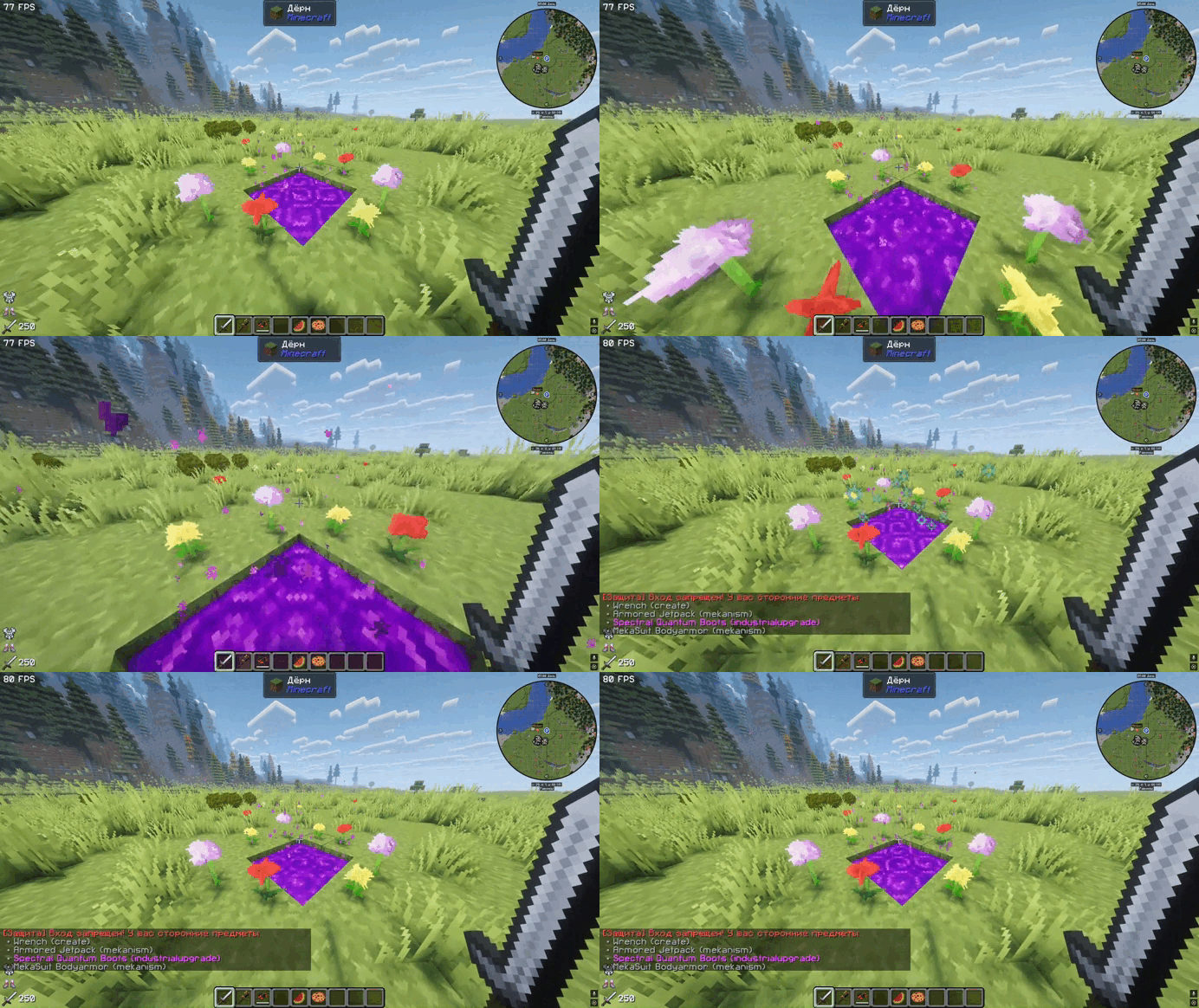
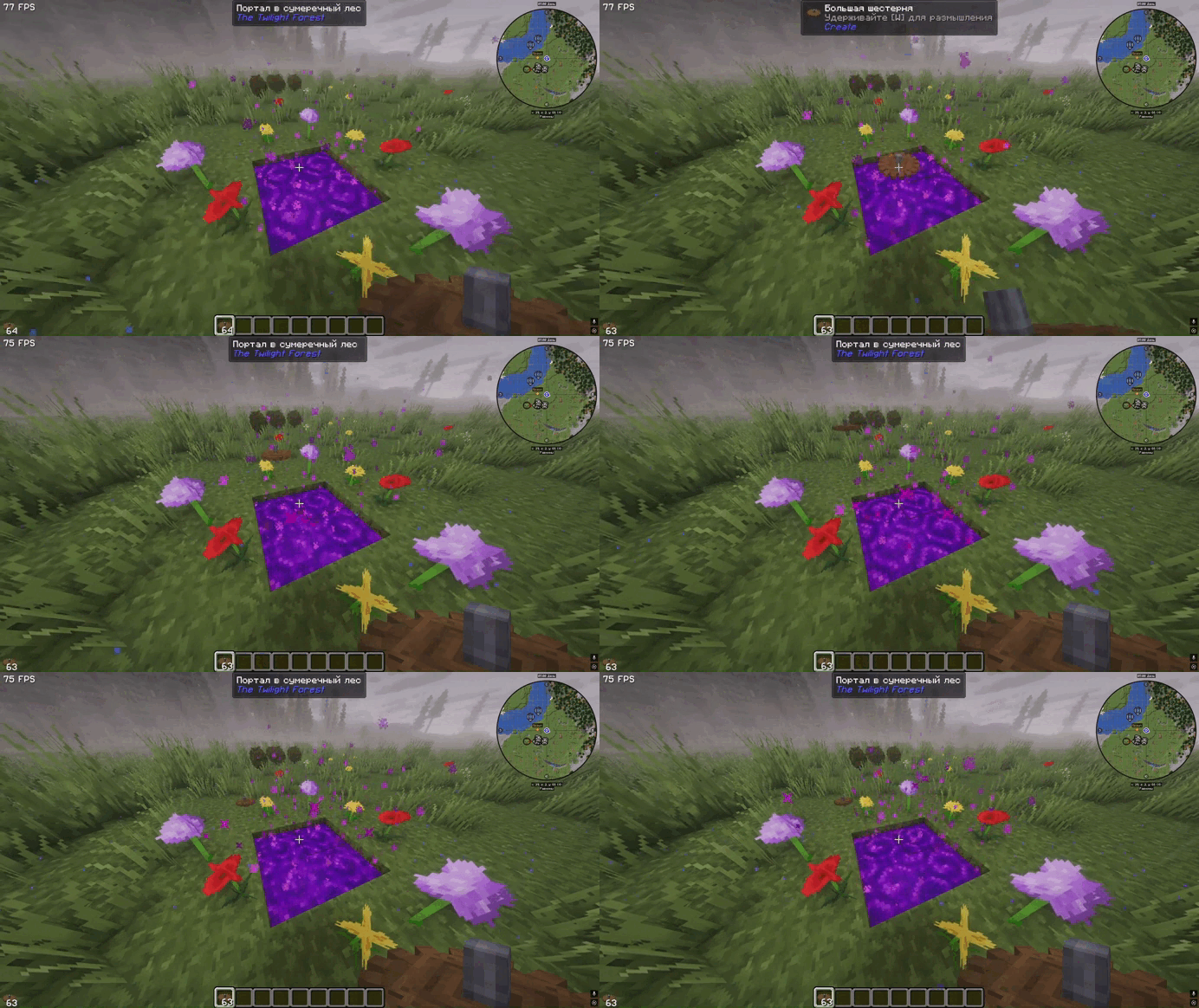
Prevents players from entering the Twilight Forest if they have prohibited modded items in their inventory.
Screenshots
About this Mod
🌲 Twilight Inventory Lock
Protect the Twilight Forest from cheating items!
📖 Description
Twilight Inventory Lock is a server-side mod that prevents players from entering the Twilight Forest dimension with items from third-party mods. Complete the Twilight Forest objective honestly, using only vanilla gear!
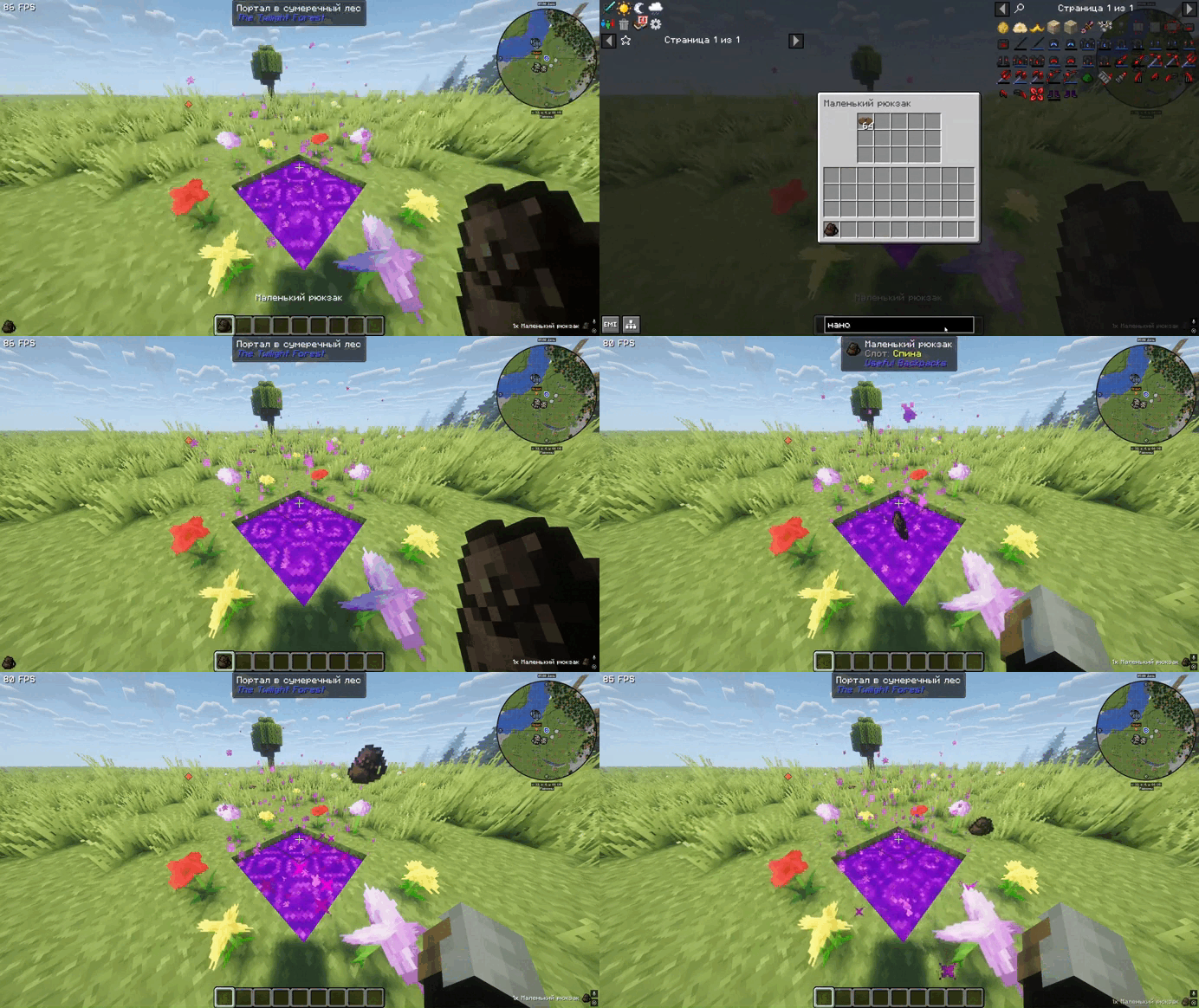
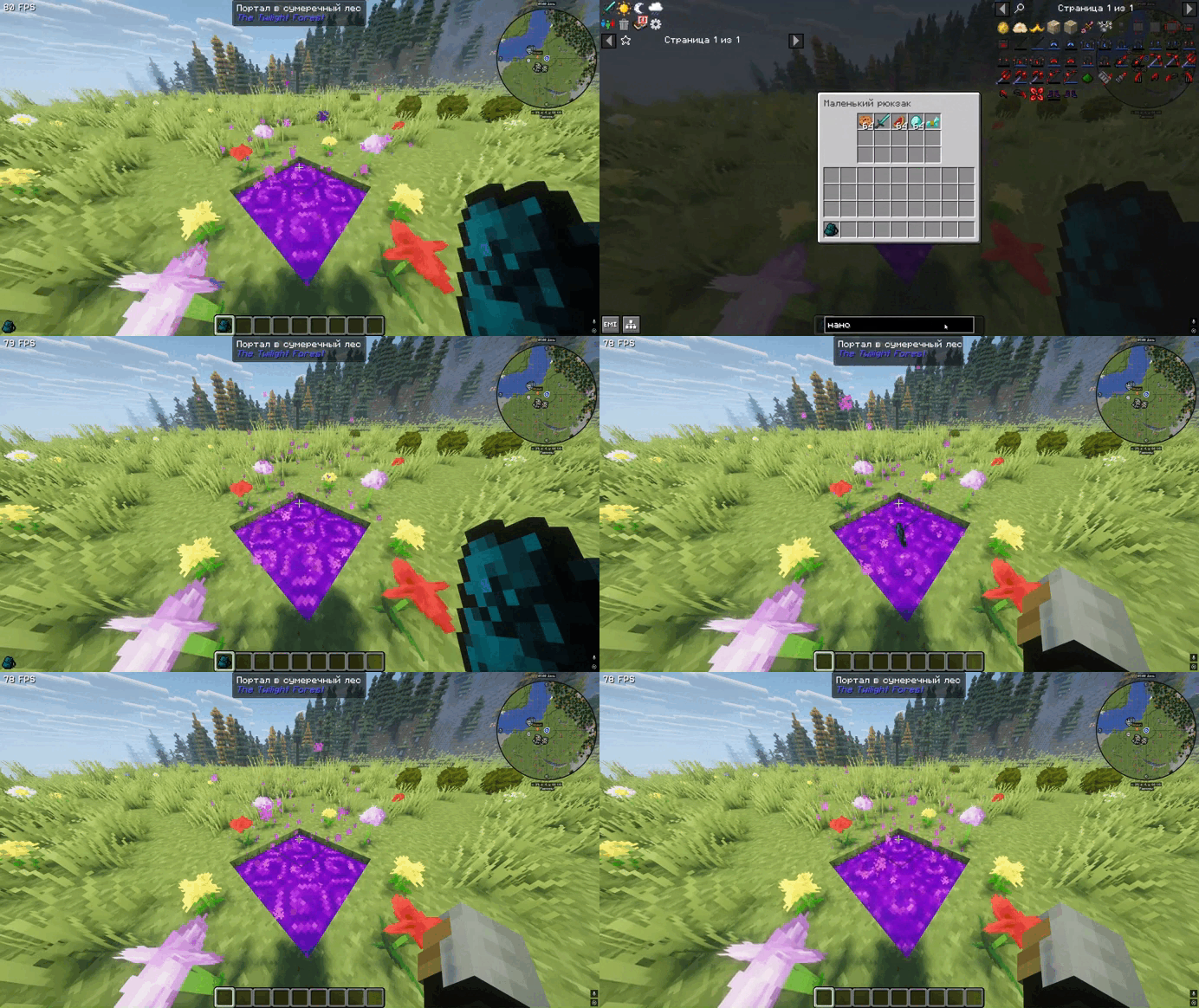
Unlike simple filters, this mod performs a deep recursive scan of your inventory. Even if you hide prohibited items inside containers like Useful Backpacks, the portal will detect them and block entry.
✨ Features
🚫 Portal Entry Block: Instantly stops teleportation if prohibited items are detected.
🔍 Deep Container Scanning: Advanced NBT/Component search that "looks inside" backpacks and bags. No more hiding items in sub-inventories!
⚙️ Fully Configurable: Easily whitelist your favorite mods using the config file.
📦 Entity Protection: You can't bypass the lock by throwing items into the portal.
💬 Detailed Feedback: Sends a clear list to the player showing exactly which items and mods are causing the block.
🔧 Configuration
The mod generates a config file where you can define which Mod IDs are allowed.
File location: config/twilightinventorylock-server.toml
Default Whitelist:
minecraft — vanilla items
twilightforest — mod items
usefulbackpacks — allowed containers
🎮 How does it work?
If you attempt to enter the portal with a prohibited item (even inside a backpack), you will see:
[Protection] Entry to the Twilight Forest is prohibited! Remove the following items from your inventory:
• Digital Miner (Mekanism)
• Iron Chest (SomeMod)
📦 Requirements
Minecraft: 1.21.x (tested on 1.21.1)
Mod Loader: NeoForge
Dependencies: None (Twilight Forest is recommended for the full experience)
📝 License
MIT License – feel free to use and modify in your modpacks!
Play fair and enjoy the adventure! 🌲✨
Available Versions
How to Install Twilight inventory lock on Your Server
Order Server
Order a Minecraft Java server with at least 3 GB RAM (4 GB recommended).
Set neoforge Loader
In the panel under "Egg", select the neoforge loader and matching Minecraft version (1.21.1).
Install Mod
Open the mod browser in the dashboard and search for "Twilight inventory lock". Click "Install" – done! Alternatively, upload the .jar via SFTP to the /mods folder.
Compatibility
Mod Loaders
Minecraft Versions
1.21.1
Server-side
✓ RequiredRecommended RAM
4 GB(min. 3 GB)Frequently Asked Questions
Twilight inventory lock server crashes on startup – what to do?
Most common cause: wrong neoforge version or insufficient RAM. Check the server log (latest.log) for "OutOfMemoryError" or "Mixin" errors. With Mado Hosting: ensure at least 3 GB RAM is allocated and the loader matches the mod version (1.21.1). You can switch loaders with one click in the panel.
Is Twilight inventory lock compatible with neoforge?
Twilight inventory lock officially supports neoforge for Minecraft 1.21.1. The Mado dashboard automatically detects incompatible loader combinations.
Server lagging with Twilight inventory lock – how to optimize performance?
Recommended RAM: 4 GB (per 8 players). Use /spark profiler to check if Twilight inventory lock consumes the most tick time. Common fixes: reduce server view-distance to 8-10, install "performant" or "starlight" as supplementary mods on Forge. With Mado Hosting, your server runs on NVMe SSDs with dedicated CPU cores for minimal latency.
Rent Modded Server
Install Twilight inventory lock with just one click on your server.