
Two Dimensional
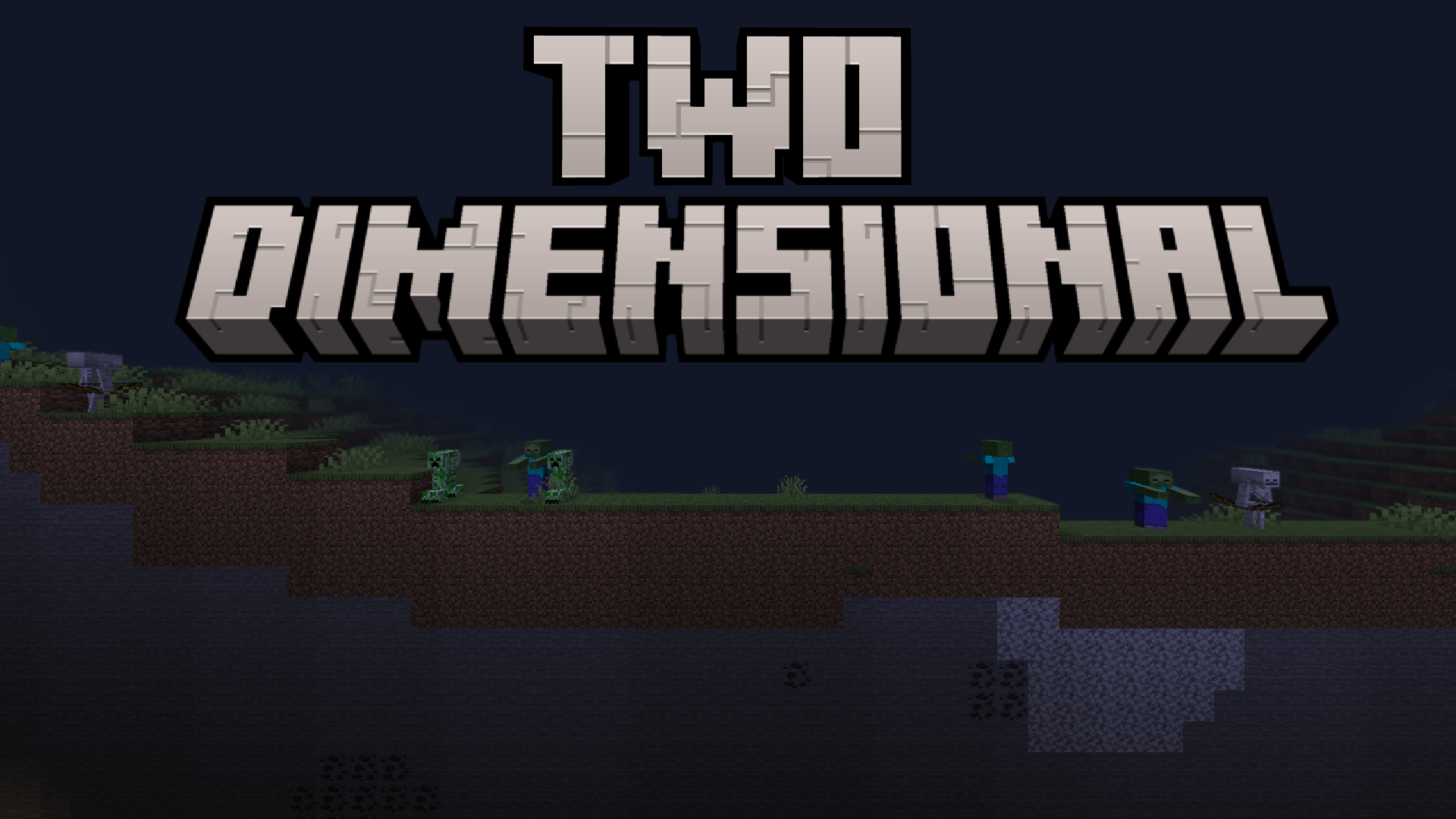
Removes the third dimension from the game
Screenshots
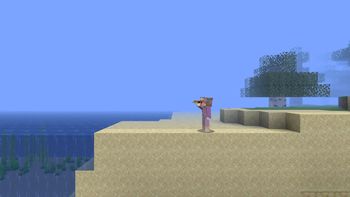
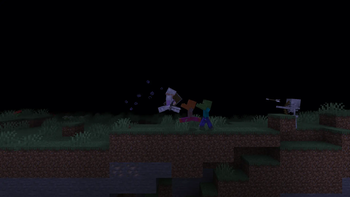
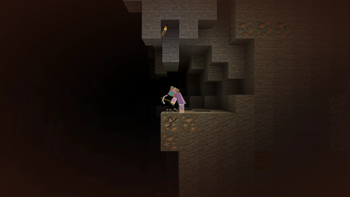
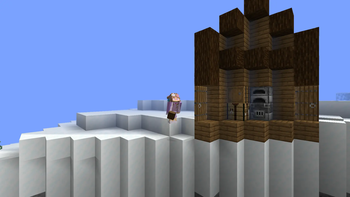
About this Mod
Notice: This mod was made as a one-off for an ItsJim modding competition, thus it likely will not receive any updates and you may experience bugs while playing. sorry :(
Description
Do you think that the third dimension allows too much freedom of movement? Do you wish you could live on a two dimensional plane instead? Do you think that terraria is better than minecraft? If you answered yes to any of those questions, this mod might be for you!
This mod simply allows you to remove that pesky third dimension from the game and live out your dream life on a two dimensional plane of your own choosing. What fun! You can even choose to rotate the plane and live on a slanted world, and in addition to that you can even interact with the layer directly behind your plane, giving you two full lanes of interaction!
Note: This mod does not change world generation in any way whatsoever, it simply disables the rendering of certain blocks outside of the two dimensional plane.
Usage
Run the command /twoDimensional default in any world to create a two dimensional plane. You can also use the from_yaw or custom arguements to create a plane with some rotation, yet these are more prone to bugs as they have undergone less testing.
Running /twoDimensional disable will return you to the three dimensional world.
Hold b while in two dimensions to turn around, allowing you to place and break blocks on the background layer. This keybind is configurable.
If you feel like the camera viewport size in two dimensions is too small, increase your FOV and you will be able to see farther out.
Note: This mod uses the Satin API for shaders, yet you shouldn't have to install it as it's included as a jar-in-jar dependency.
Available Versions
How to Install Two Dimensional on Your Server
Order Server
Order a Minecraft Java server with at least 3 GB RAM (4 GB recommended).
Set fabric Loader
In the panel under "Egg", select the fabric loader and matching Minecraft version (1.20.1).
Install Mod
Open the mod browser in the dashboard and search for "Two Dimensional". Click "Install" – done! Alternatively, upload the .jar via SFTP to the /mods folder.
Compatibility
Mod Loaders
Minecraft Versions
1.20.1
Server-side
✓ RequiredRecommended RAM
4 GB(min. 3 GB)Frequently Asked Questions
Two Dimensional server crashes on startup – what to do?
Most common cause: wrong fabric version or insufficient RAM. Check the server log (latest.log) for "OutOfMemoryError" or "Mixin" errors. With Mado Hosting: ensure at least 3 GB RAM is allocated and the loader matches the mod version (1.20.1). You can switch loaders with one click in the panel.
Is Two Dimensional compatible with fabric?
Two Dimensional officially supports fabric for Minecraft 1.20.1. The Mado dashboard automatically detects incompatible loader combinations.
Server lagging with Two Dimensional – how to optimize performance?
Recommended RAM: 4 GB (per 8 players). Use /spark profiler to check if Two Dimensional consumes the most tick time. Common fixes: reduce server view-distance to 8-10, install "performant" or "starlight" as supplementary mods on Forge. With Mado Hosting, your server runs on NVMe SSDs with dedicated CPU cores for minimal latency.
Rent Modded Server
Install Two Dimensional with just one click on your server.