
Unusual Adventures
🖥️ Program with Computers and explore Digital Landscapes
Screenshots
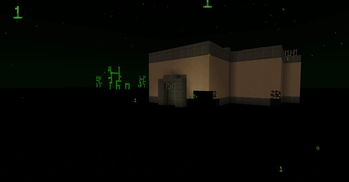
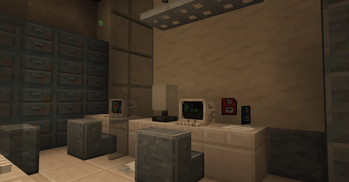
About this Mod
Unusual Adventures is a mod about exploring rare ruins of overgrown laboratories, to access the strange Nullspace dimension. Once you reach it, you'll be able to explore to obtain and upgrade new devices, sure as the Computer and Null Gauntlet !
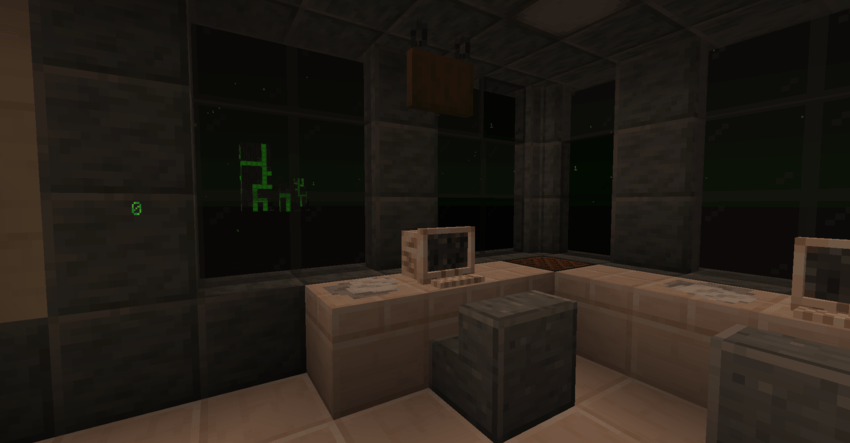
Ruined Laboratories
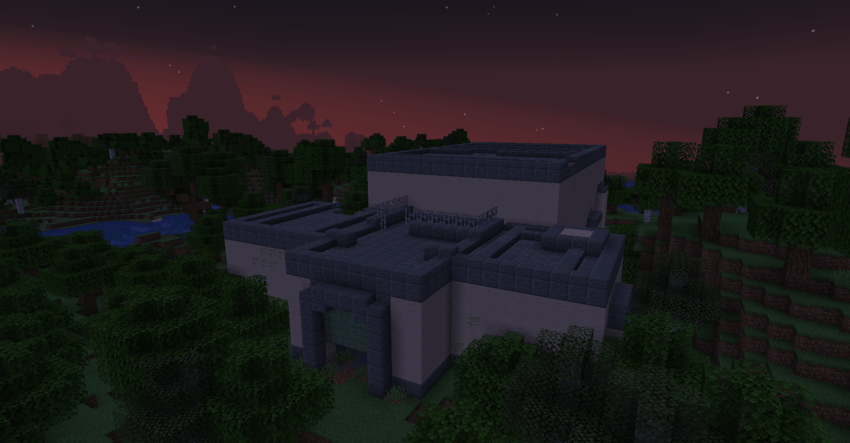
The Ruined Laboraty (and reaching the Nullspace)
You can find this structure by trading for a Laboratory Plan with an Apprentice Cartographer.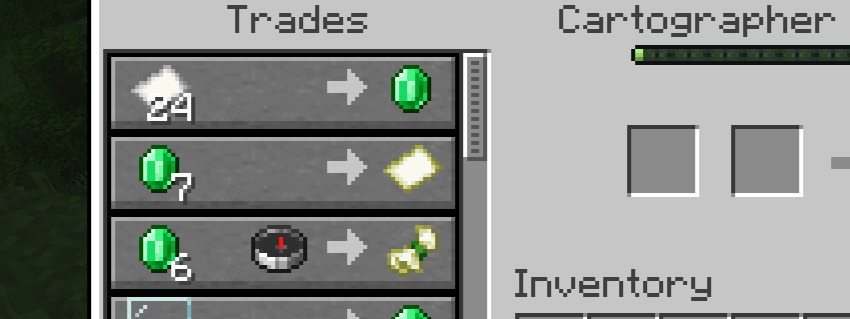
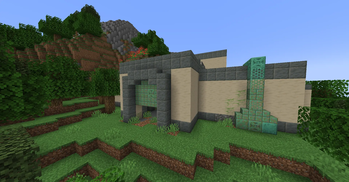
Ruined Laboratories are small overgrown structures, found in some of the overworld's forests.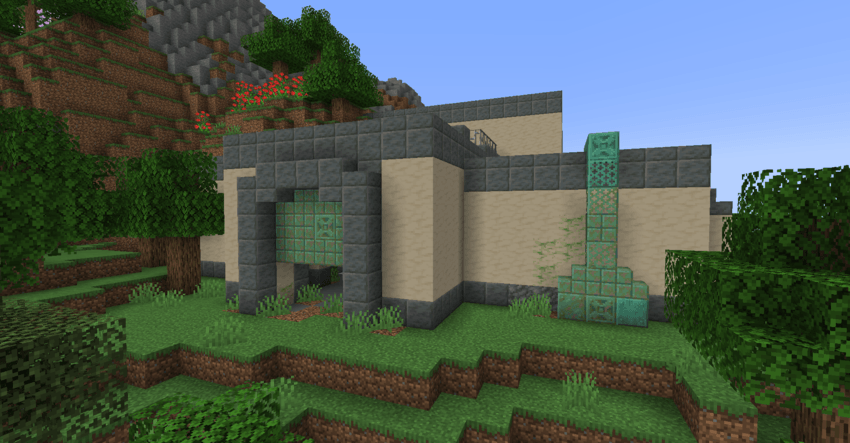
They are home to all sorts of experiments, but the main one seems to be a portal, slightly taller than a Nether one, found on its main room.
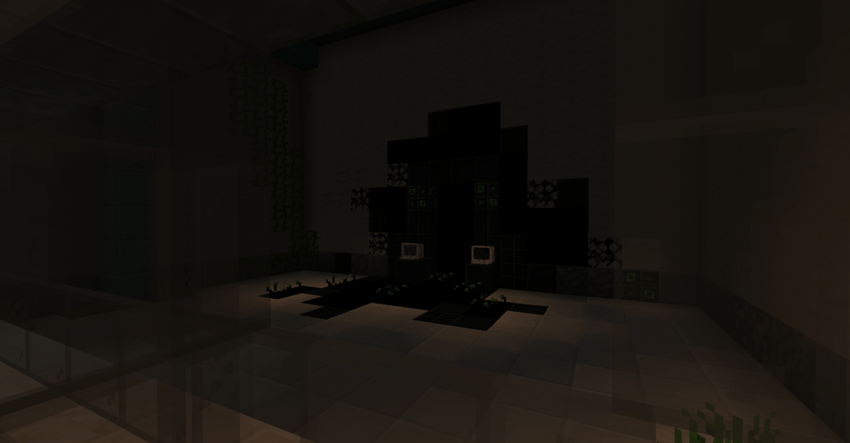
Next to it, you'll find a working Computer. Since this model is equipped with the Experimental Module, opening the console will suggest the "rift open" command, that'll open the Nullspace Portal.
The Nullspace

Exploring the Nullspace
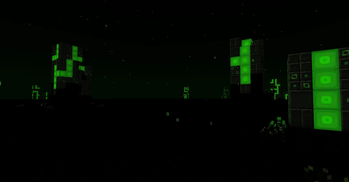
The Nullspace is mostly empty.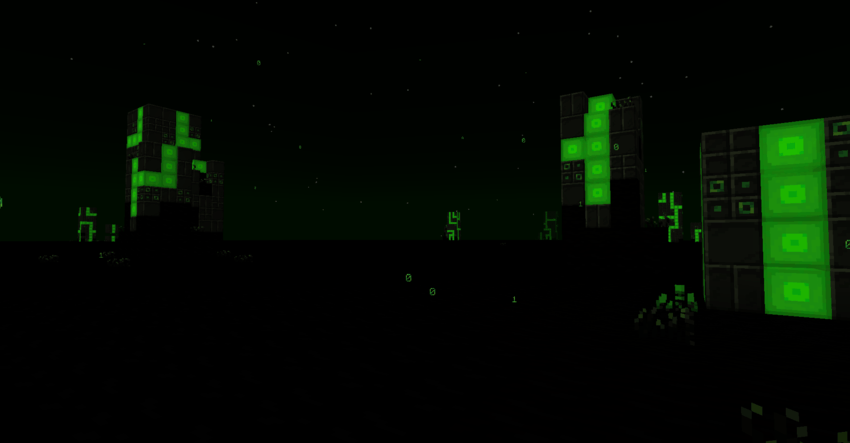
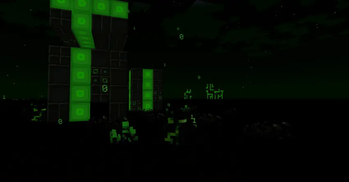
The dimensions is covered in strange pillars, made out of Null and Null Plating. They are mostly decorative, but some of those ressources can be useful for a few recipes.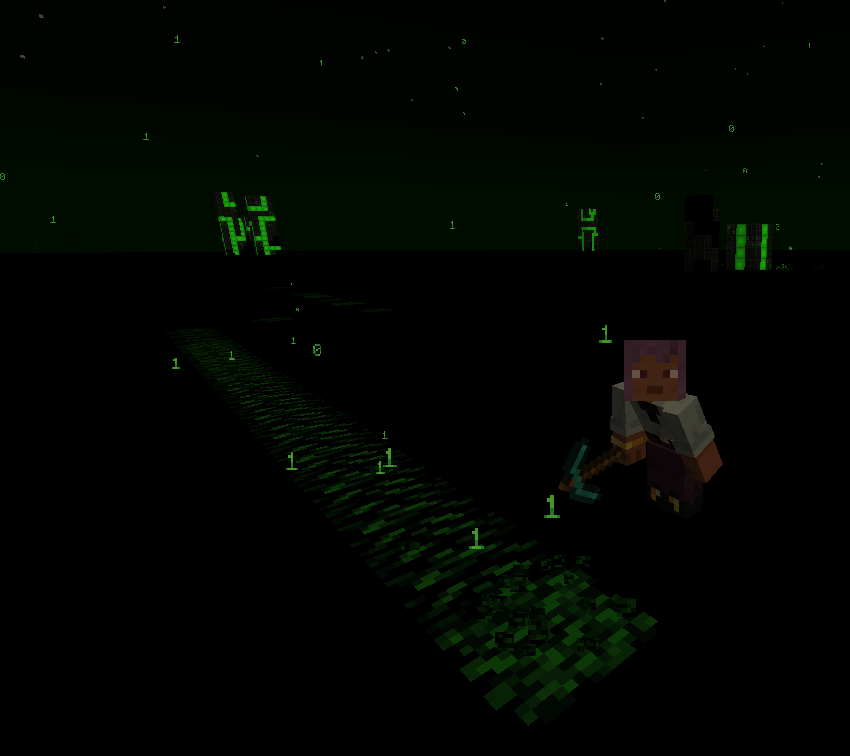
You might also accidentally interact with Living Code, a rare mineable ressource. It naturally occurs in a dormant state, but getting too close ot interacting with it will wake it up. This "creature" likes to randomly move around, making it a tough challenge to obtain !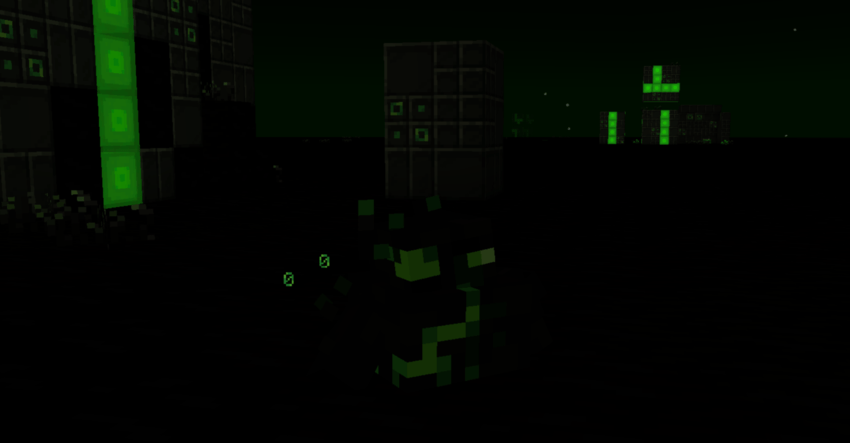
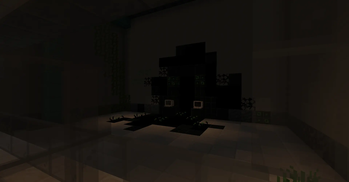
A foe you might stumble across is the Gooey Null. No one knows if this creatures are related to the peoples that created Laboratories, or if they are the reason why there is no one left in them anymore.. Be careful, as they will dive into Null to teleport around !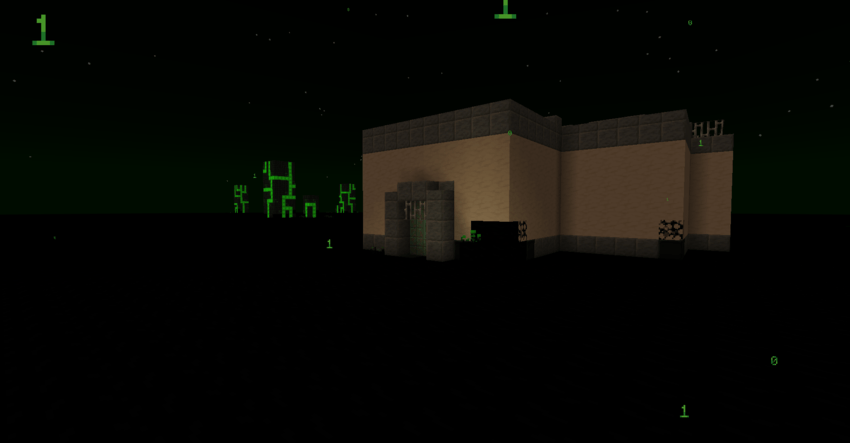
Occasionally, you might Laboratories of varied sizes, used as outposts. Inside, you'll encounter various remains of technologies developped by studying this realm, mostly useful for Null Gauntlets and Computers. If you can't find one, you can use your Laboratory Plans here, and they'll instead indicate one of those laboratories !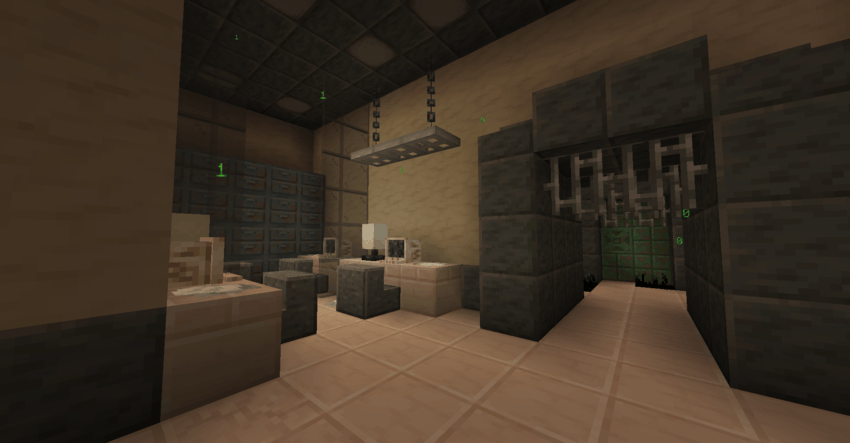
Computers
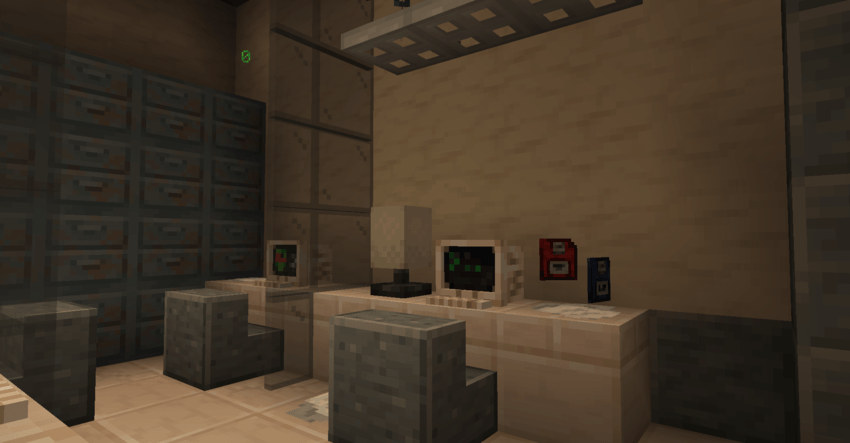
Using the Computer
Computers can be found, or obtained by repairing Broken Computers.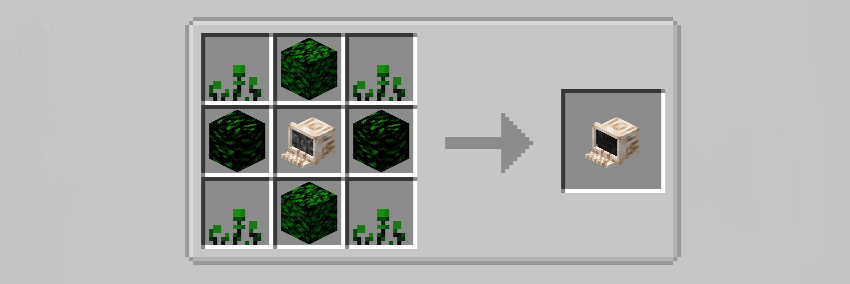
They can be used for all sorts of purposes. To unlock most of their features, you'll have to explore Laboratories in the Nullscape dimension, in order to collect Program Disks. This will allow you to access more commands. You can install them when accessing the Disk panel, by Sneak-Right-Clicking while the computer is turned off.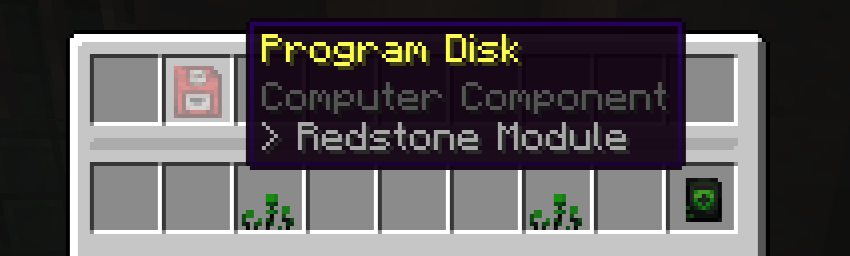
To guide you with it, you can still use /help followed by any of the displayed commands, in order to get some extra informations about how they are used and how they work.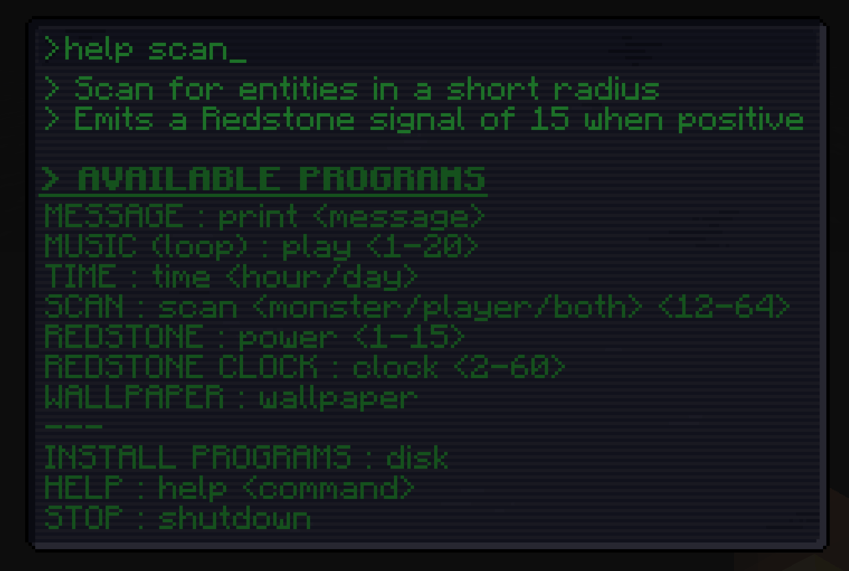
Some of the programs that can be used include the scan command, that'll allow you to return a redstone signal when a monster is detected nearby, the play command that'll play in loop any music disc track or the clock command, to be used as a compact Redstone clock !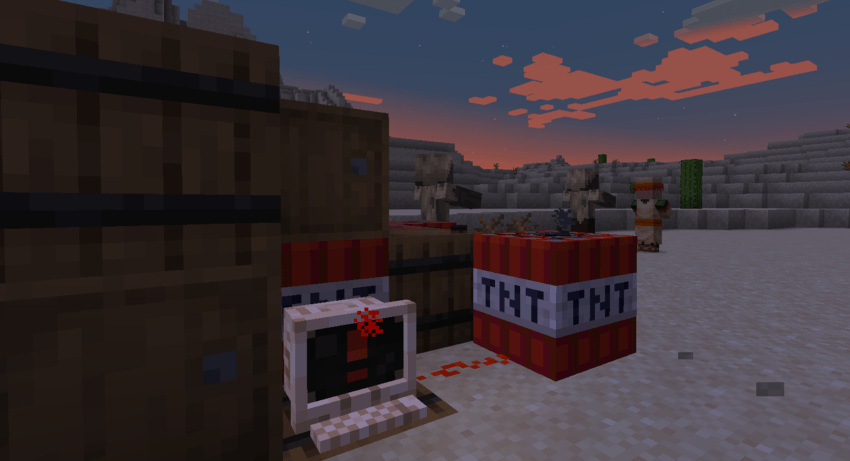
When in a specific state, like scanning, music or clock mode, the computer will display a special screen texture, different from the usual console texture. If you to interact with the computer while in one of these states, it'll stop and reset to the console.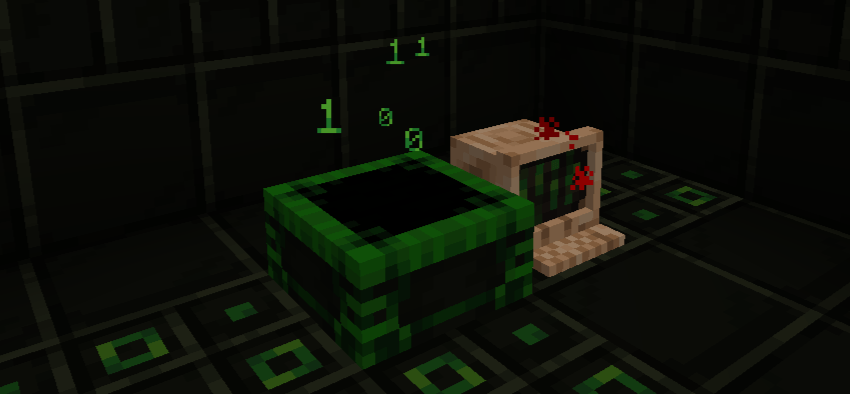
The Teleportation Pad is a unique device, used in combination of the Computer system.
It'll allow to quickly teleport across long distance, but only in the Nullspace. The Nullspace has a 1:4 ratio, where the Nether has a 1:8 one, still making Nether travel worth it early game, for smaller distances, or for travel with less setup to plan first.
To use it :
- Obtain a Transfer Program Disks
- Click it on a Teleportation Pad (your destination)
- Place another Teleportation Pad (your starting position)
- Place a Computer next to the starting Teleportation Pad
- Use the "transfer link" command, to switch the Computer to the Transfer mode.
- Walk on the Teleportation Pad, you'll be transfered to the destination Pad.
-> If you remove the destination Teleportation Pad, you'll still be able to teleport, but will take 3 to 6 damages (Materialization issue)
Null Gauntlets
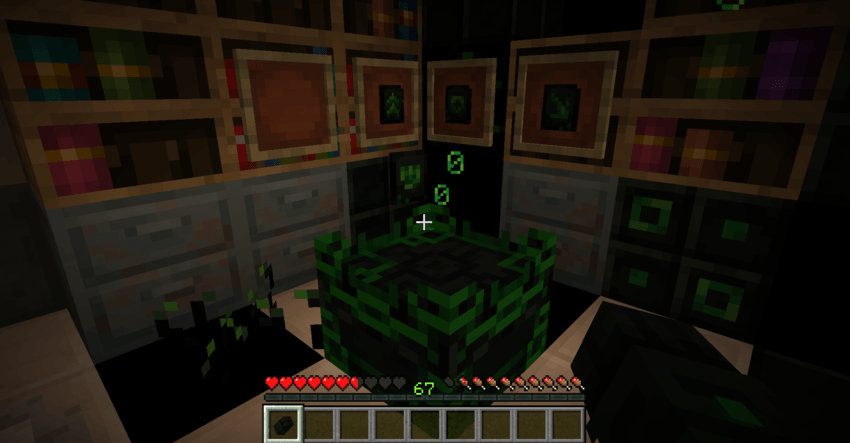
Using the Null Gauntlet
Null Gauntlets are technological enhancements, created from materials found in the Nullspace. By crafting a Null Workbench, and obtaining Program Chips, you'll be able to use them in a few different ways, ranging from movement to combat.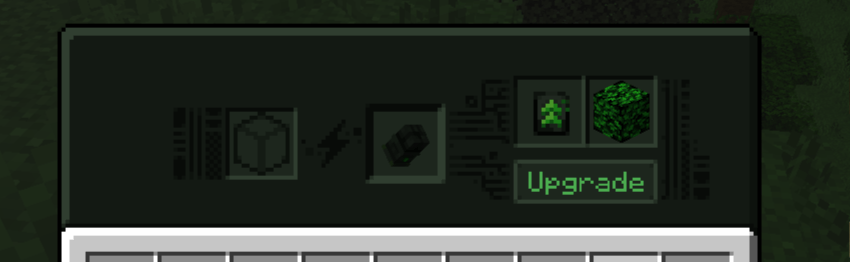
To apply them, you'll have to create a Null Workbench. The right side of the Workbench will allow you, when providing it with a valid Program Chip and a block of Living Null, to upgrade the Gauntlet. You can only use one chip at the time per gauntlet, and applying a new one will destroy the previous one.
To recharge your gauntlet, you can either hold it while in the Nullspace, which will quickly get it back to full durability, or use the left side of the Null Workbench, by consuming Power blocks (found in Monoliths)
Some of the available Chips include : 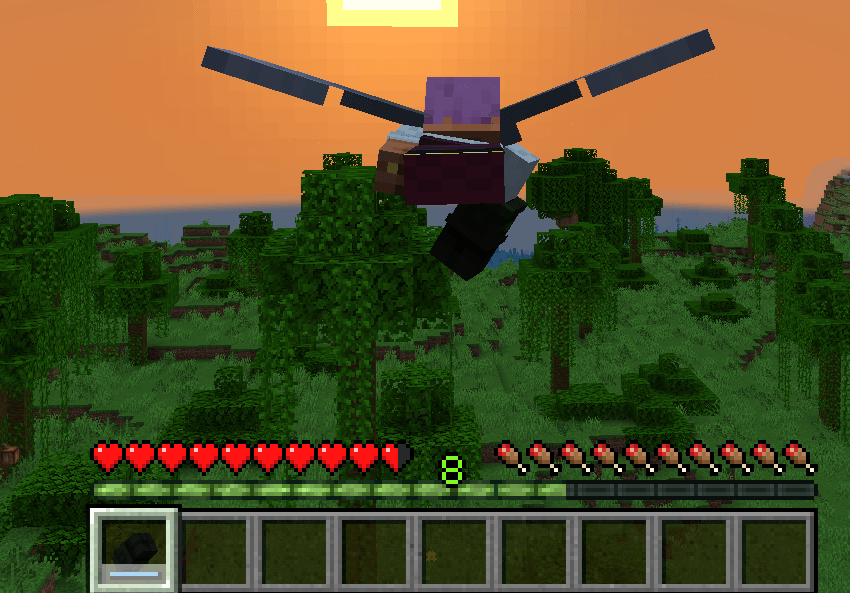
The Dash upgrade can be used to travel faster, jump across large gaps are as an alternative way to boost yourself in elytras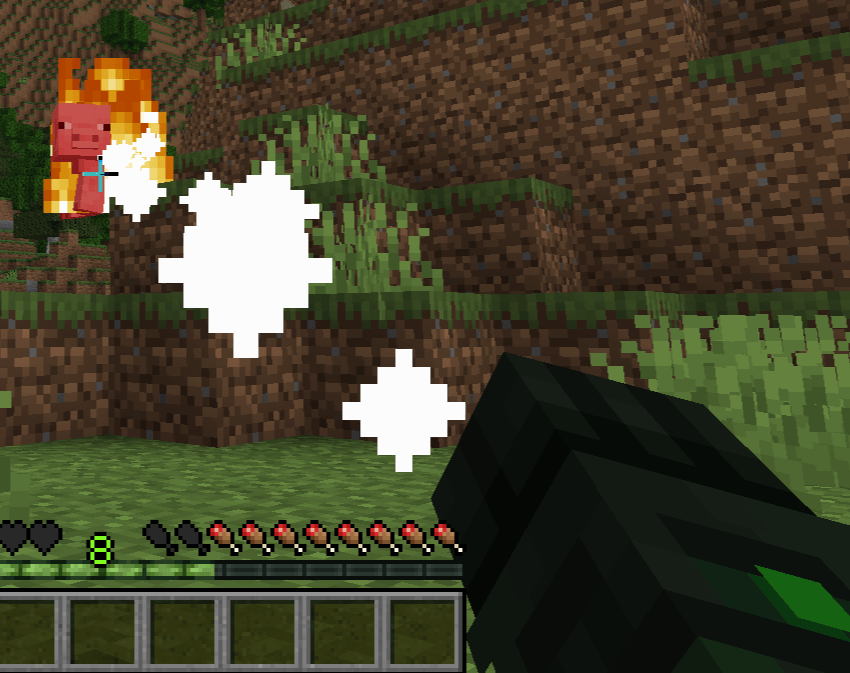
The Laser upgrade will allow you to set your targets in fire from afar (and deal a small amount of damages when doing so)
Available Versions
How to Install Unusual Adventures on Your Server
Order Server
Order a Minecraft Java server with at least 3 GB RAM (4 GB recommended).
Set neoforge Loader
In the panel under "Egg", select the neoforge loader and matching Minecraft version (1.21.1).
Install Mod
Open the mod browser in the dashboard and search for "Unusual Adventures". Click "Install" – done! Alternatively, upload the .jar via SFTP to the /mods folder.
Compatibility
Mod Loaders
Minecraft Versions
1.21.1
Server-side
✓ RequiredRecommended RAM
4 GB(min. 3 GB)Frequently Asked Questions
Unusual Adventures server crashes on startup – what to do?
Most common cause: wrong neoforge version or insufficient RAM. Check the server log (latest.log) for "OutOfMemoryError" or "Mixin" errors. With Mado Hosting: ensure at least 3 GB RAM is allocated and the loader matches the mod version (1.21.1). You can switch loaders with one click in the panel.
Is Unusual Adventures compatible with neoforge?
Unusual Adventures officially supports neoforge for Minecraft 1.21.1. The Mado dashboard automatically detects incompatible loader combinations.
Server lagging with Unusual Adventures – how to optimize performance?
Recommended RAM: 4 GB (per 8 players). Use /spark profiler to check if Unusual Adventures consumes the most tick time. Common fixes: reduce server view-distance to 8-10, install "performant" or "starlight" as supplementary mods on Forge. With Mado Hosting, your server runs on NVMe SSDs with dedicated CPU cores for minimal latency.
Similar Mods




Rent Modded Server
Install Unusual Adventures with just one click on your server.