
Valley
A world-gen river and valley mod
Screenshots
About this Mod
Valley
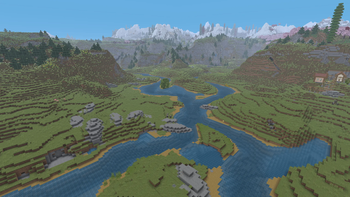
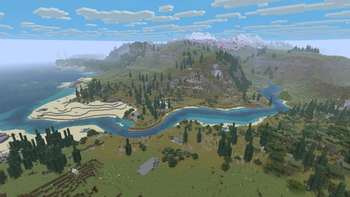
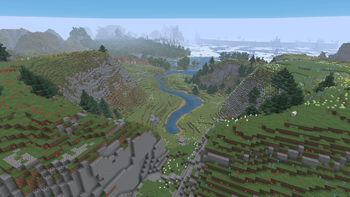
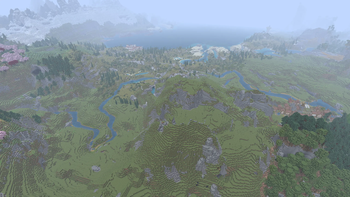
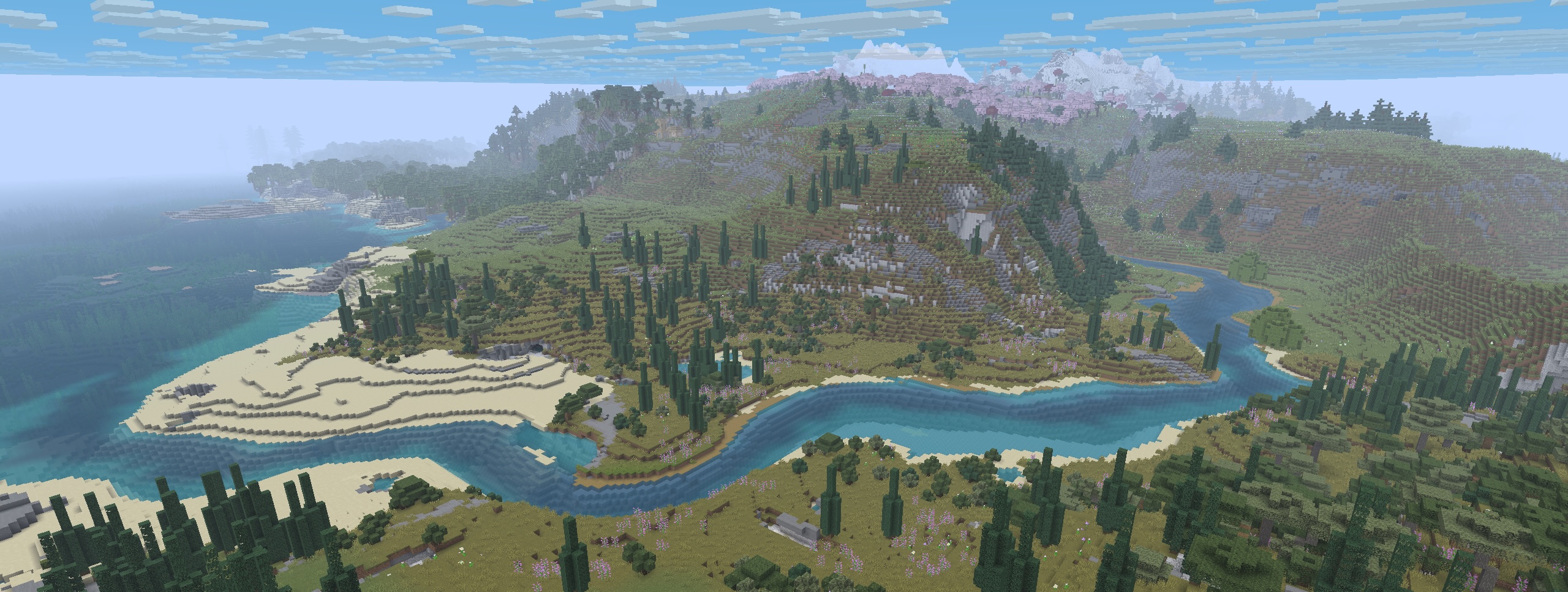
Valley is a world-gen mod that replaces vanilla rivers with ones that start inland and meander their way to the ocean.
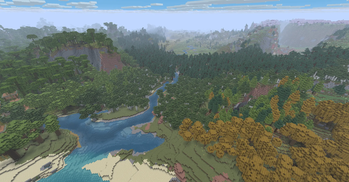
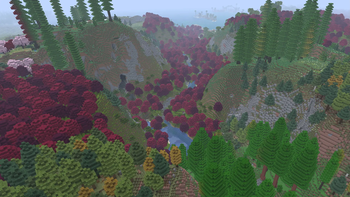
This mod influences the terrain to generate in a more cohesive and natural-looking way creating beautiful rivers, valleys, ridgelines, and mountain chains. (And now that the rivers actually go somewhere, it makes possible a fun new form of navigation and exploration!).
Compatability
Valley is designed as a "drop-in" mod to use alongside other world-gen/biome mods and datapacks (eg Biomes'O'Plenty, Terralith, etc). Mods that entirely overhaul the world-generation or specifically change rivers or continents will probably not work with Valley.
See the gallery for some examples.
Server Setup
Valley can be installed on a modded server.
Clients do not need to have Valley installed in order to connect to the server.
Server setup steps:
- Make sure the server is not running!
- Install the Valley mod to your server's "mods" folder.
- If present, backup and remove the server's existing world.
- Launch the server allowing it to create a new world.
- Done!
Roadmap
This mod is in the early stages of development.
Our plans for future iterations include:
- General refining of the default river/continent settings
- Expose settings to make rivers and continents more easily configurable
- Make it possible to distribute 'presets' that can override Valley's defaults
- Provide GUI enhancements to allow user to preview changes before creating world
Permissions
You are of course free to use this mod in modpacks and to create content/media with it.
We only ask that you do not rehost the jar file.
Please reach out if you'd like us to host on other popular mod-hosting platforms.
Available Versions
How to Install Valley on Your Server
Order Server
Order a Minecraft Java server with at least 4 GB RAM (6 GB recommended).
Set fabric Loader
In the panel under "Egg", select the fabric loader and matching Minecraft version (1.21.10).
Install Mod
Open the mod browser in the dashboard and search for "Valley". Click "Install" – done! Alternatively, upload the .jar via SFTP to the /mods folder.
Compatibility
Mod Loaders
Minecraft Versions
1.21.10, 1.21.9, 1.21.8 (+3 more)
Server-side
✓ RequiredRecommended RAM
6 GB(min. 4 GB)Frequently Asked Questions
Valley server crashes on startup – what to do?
Most common cause: wrong fabric version or insufficient RAM. Check the server log (latest.log) for "OutOfMemoryError" or "Mixin" errors. With Mado Hosting: ensure at least 4 GB RAM is allocated and the loader matches the mod version (1.21.10). You can switch loaders with one click in the panel.
Is Valley compatible with fabric and forge and neoforge?
Valley officially supports fabric, forge, neoforge for Minecraft 1.21.10, 1.21.9, 1.21.8. Note: Forge and Fabric mods are NOT cross-compatible – pick one loader and stick with it. The Mado dashboard automatically detects incompatible loader combinations.
Server lagging with Valley – how to optimize performance?
Recommended RAM: 6 GB (per 5 players). Use /spark profiler to check if Valley consumes the most tick time. Common fixes: reduce server view-distance to 8-10, install "performant" or "starlight" as supplementary mods on Forge. With Mado Hosting, your server runs on NVMe SSDs with dedicated CPU cores for minimal latency.
Similar Mods




Rent Modded Server
Install Valley with just one click on your server.