
Vercte's Satchels
Inventory Expansion & Hotbar Fortification
Screenshots

About this Mod
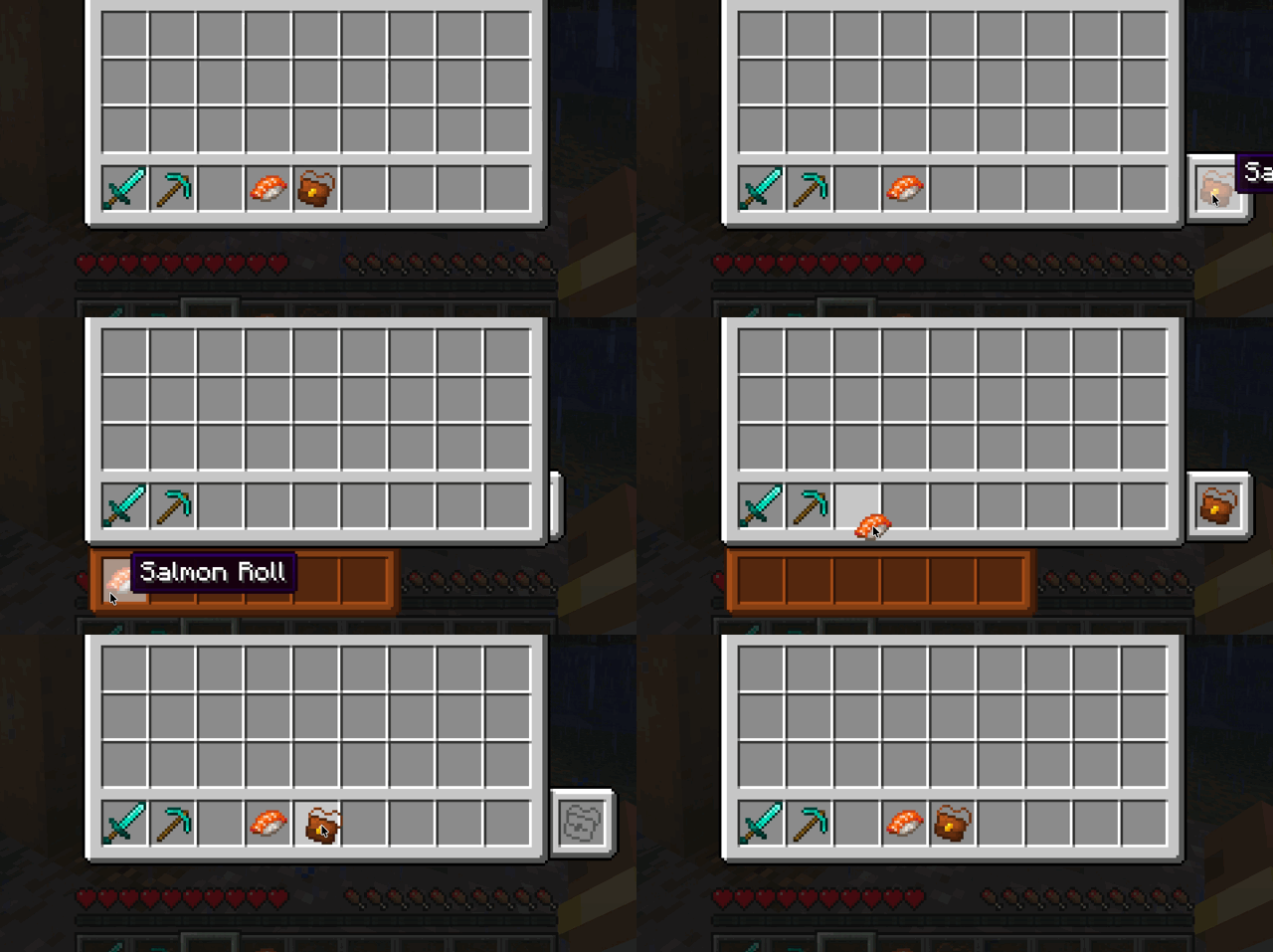
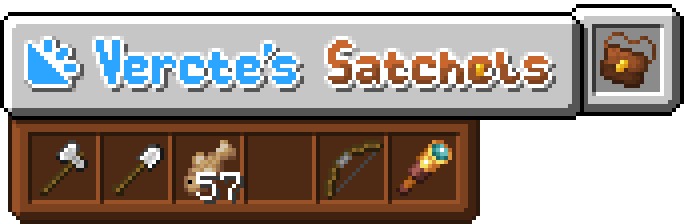
Vercte's Satchels adds one item: the Satchel. The Satchel is an item that unlocks six extra slots in your inventory, located below the hotbar. Once equipped, its contents can be swapped with the first six slots1 of your hotbar using a keybind (default V).
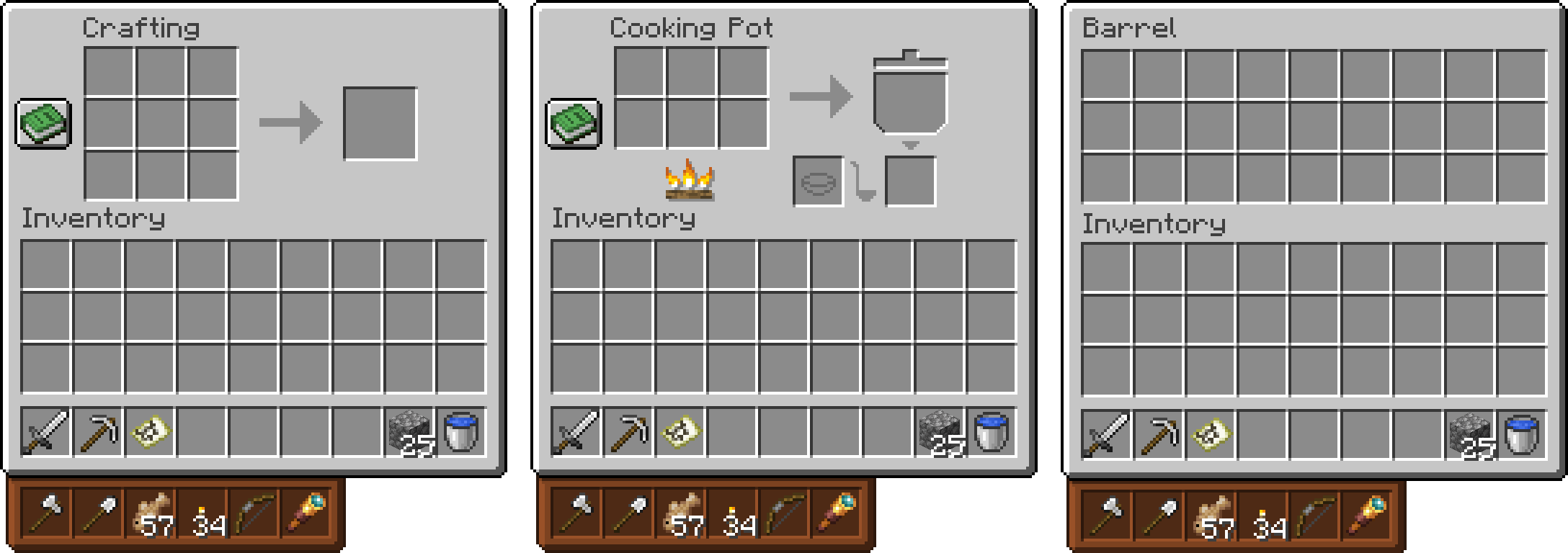
This can be very useful! Use it to store extra building blocks, tools, clean up your main hotbar, or just use it as an inventory extension—because it is one. The Satchel also integrates itself seamlessly into vanilla container UIs, as well as working with Modded UIs.2
I made this mod because I always run out of hotbar space when doing tasks around my base, compared to running out of inventory space. It adds an extra layer of inventory management through deciding the layout of your satchel and hotbar, and when combined with bundles,3 it makes inventory management more fun to figure out compared to throwing everything in a backpack or shulker.
It's also dyeable, but I'll let you figure out how that looks for yourself :)
Controls
V1 to toggle the Satchel Hotbarshift+[hotbar key]4 to swap an item into the Satchel Hotbar
Contributors
- RememberThePorter (CreepersNeedHugs): French Localization
- Want to translate? Ask me on the Discord, or open a PR on the GitHub repository if you have the know-how!
Compatiblity
- JEI/EMI: Exclusion zones when the vanilla satchel slot is open (pushes ingredients away)
- Raised: Animation goes fully off screen
- Curios: Replaces vanilla slot with the curios slot
Similar Mods
While my original mod concept and item names were originally found by me, I did find some very similar mods in both name and concept. I still tried to make mine original with its own quirks, though :)
- Scout: https://modrinth.com/mod/scout
- Satchels: https://www.curseforge.com/minecraft/mc-mods/satchels
2 configurable in the Common Config
satchels-common.toml (the list must be the same on the Client and Server!)3 this is where I recommend using this with Vanilla Backport's bundles
4 configurable in the Client Config
satchels-client.toml
Available Versions
How to Install Vercte's Satchels on Your Server
Order Server
Order a Minecraft Java server with at least 3 GB RAM (4 GB recommended).
Set neoforge Loader
In the panel under "Egg", select the neoforge loader and matching Minecraft version (1.21.1).
Install Mod
Open the mod browser in the dashboard and search for "Vercte's Satchels". Click "Install" – done! Alternatively, upload the .jar via SFTP to the /mods folder.
Compatibility
Mod Loaders
Minecraft Versions
1.21.1
Server-side
✓ RequiredRecommended RAM
4 GB(min. 3 GB)Frequently Asked Questions
Vercte's Satchels server crashes on startup – what to do?
Most common cause: wrong neoforge version or insufficient RAM. Check the server log (latest.log) for "OutOfMemoryError" or "Mixin" errors. With Mado Hosting: ensure at least 3 GB RAM is allocated and the loader matches the mod version (1.21.1). You can switch loaders with one click in the panel.
Is Vercte's Satchels compatible with neoforge?
Vercte's Satchels officially supports neoforge for Minecraft 1.21.1. The Mado dashboard automatically detects incompatible loader combinations.
Server lagging with Vercte's Satchels – how to optimize performance?
Recommended RAM: 4 GB (per 8 players). Use /spark profiler to check if Vercte's Satchels consumes the most tick time. Common fixes: reduce server view-distance to 8-10, install "performant" or "starlight" as supplementary mods on Forge. With Mado Hosting, your server runs on NVMe SSDs with dedicated CPU cores for minimal latency.
Similar Mods



![[TaCZ] Timeless and Classics Zero](https://cdn.modrinth.com/data/SzzJttH8/fd27766d2bb8390d284696b1dbd358f87e081439_96.webp)


Rent Modded Server
Install Vercte's Satchels with just one click on your server.