
Verdant Mulch
Mulch that harvests and replants your crops!
Screenshots
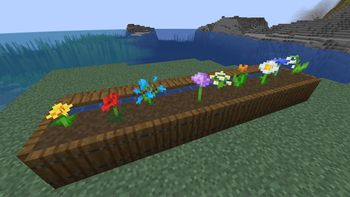
About this Mod
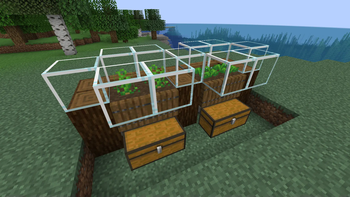
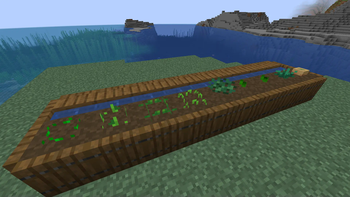
Verdant Mulch is a new item that can be placed atop hydrated farmland containing a plant. If that plant is a crop, it will be auto-harvested and auto-replanted whenever it reaches maturity. This will occur until the mulch decomposes and disappears, which happens after an in-game week.
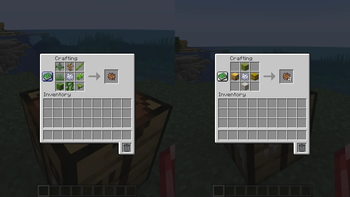
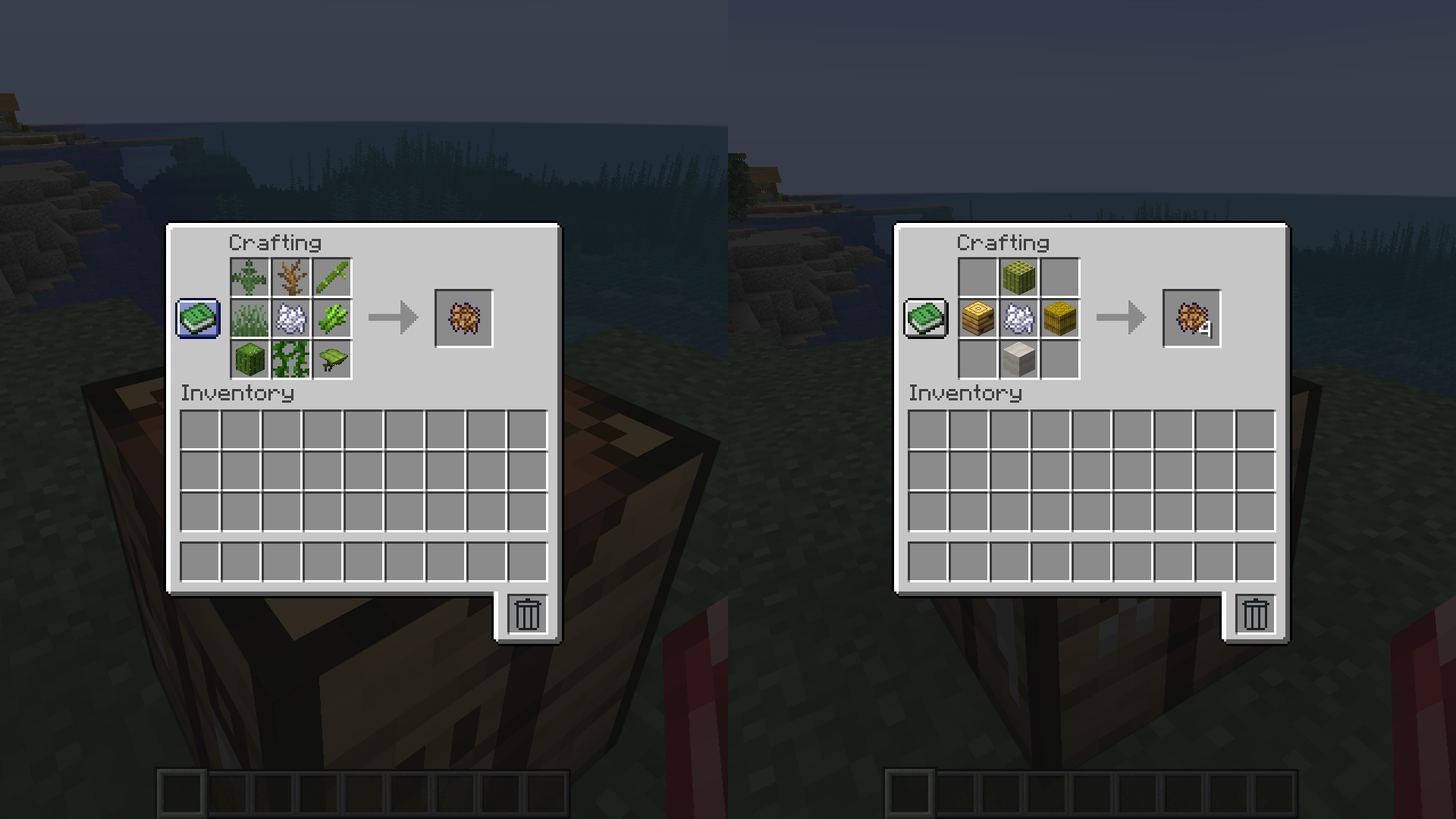
Crafting Verdant Mulch can be accomplished via two different recipes, which you'll acquire after picking up bone meal. One requires bone meal surrounded by 8 "poor compostable" items (yielding 1 verdant mulch) and the other requires bone meal surrounded by only 4 "rich compostable" items (yielding 4 verdant mulch). These recipes are more accommodating than the vanilla rules on which items are compostable--things like sticks, string, bamboo, and wool are also considered compostables. Check the recipe book or try organic items you have an excess of.
As of v1.1, the crafting recipes are dynamic, and should thus allow compostable items from any mods you have installed to be used as recipe inputs.
Farming with Verdant Mulch
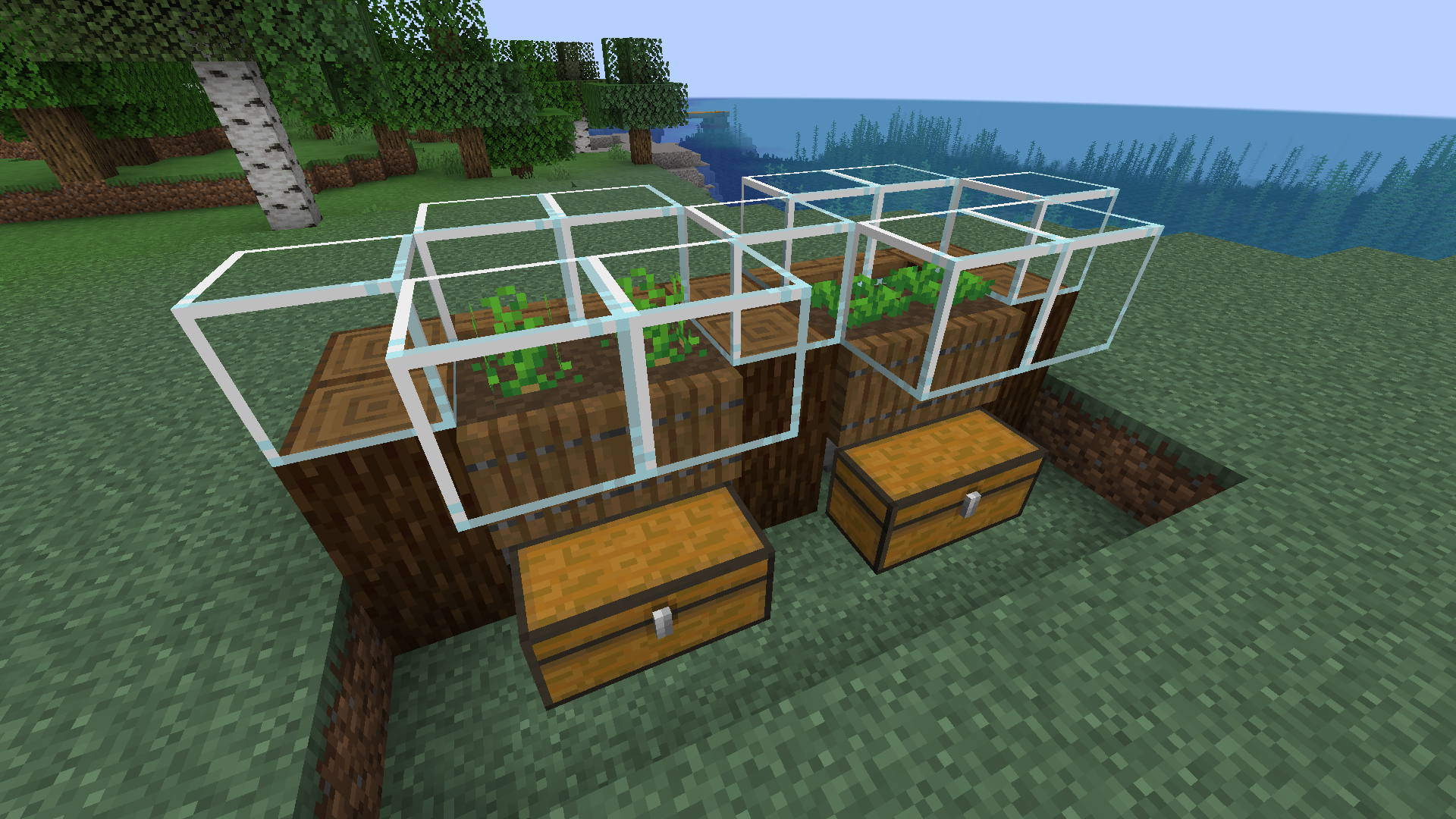
- You can place mulch using dispensers facing either the plant or the farmland.
- You can collect items after mulch auto-harvests using either hoppers or allays.
- There is a new statistic which tracks your verdant mulch auto-harvests.
Other Details
- Mulch cannot be picked up once placed and is destroyed if your plant or farmland is ever destroyed or if your farmland loses hydration.
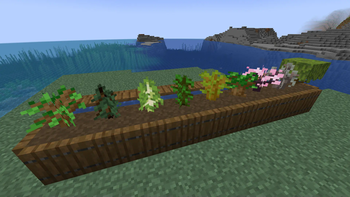
- Mulch can be placed on farmland containing plants that are not crops, in which case it does not decompose. You can do this for aesthetic purposes.
- As mulch decomposes over time, its color gently changes from a warm brown to a cool brown.
- Mulch can fuel a furnace for 4 seconds (80 ticks).
- Mulch max stack size is 32.
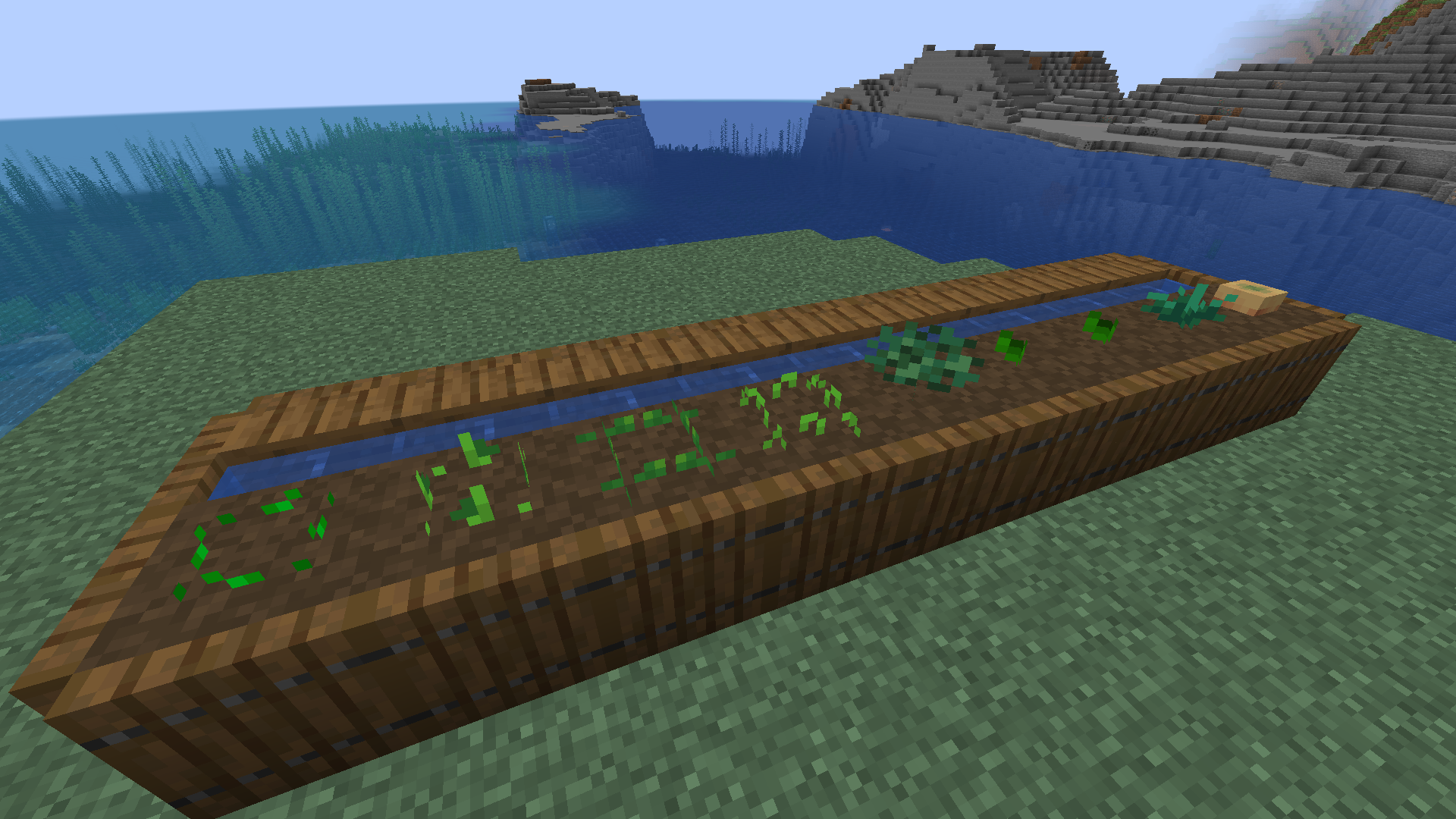
Mod Compatibility is possible, but not guaranteed. It depends on how other authors coded their plants.
To leave Feedback or a Bug Report, click "Report Issues" on the right and then click "New Issue". You are also welcome to leave a comment or a suggestion, or ask a question.
Permissions
- Please do not upload this mod to other websites.
- Feel free to use this in modpacks, if they are shared on Modrinth.
Mod authoring is difficult and time-consuming. Please consider donating, if you enjoy the mod.
My Projects


Available Versions
How to Install Verdant Mulch on Your Server
Order Server
Order a Minecraft Java server with at least 3 GB RAM (4 GB recommended).
Set neoforge Loader
In the panel under "Egg", select the neoforge loader and matching Minecraft version (1.21.5).
Install Mod
Open the mod browser in the dashboard and search for "Verdant Mulch". Click "Install" – done! Alternatively, upload the .jar via SFTP to the /mods folder.
Compatibility
Mod Loaders
Minecraft Versions
1.21.5, 1.21.4
Server-side
✓ RequiredRecommended RAM
4 GB(min. 3 GB)Frequently Asked Questions
Verdant Mulch server crashes on startup – what to do?
Most common cause: wrong neoforge version or insufficient RAM. Check the server log (latest.log) for "OutOfMemoryError" or "Mixin" errors. With Mado Hosting: ensure at least 3 GB RAM is allocated and the loader matches the mod version (1.21.5). You can switch loaders with one click in the panel.
Is Verdant Mulch compatible with neoforge?
Verdant Mulch officially supports neoforge for Minecraft 1.21.5, 1.21.4. The Mado dashboard automatically detects incompatible loader combinations.
Server lagging with Verdant Mulch – how to optimize performance?
Recommended RAM: 4 GB (per 8 players). Use /spark profiler to check if Verdant Mulch consumes the most tick time. Common fixes: reduce server view-distance to 8-10, install "performant" or "starlight" as supplementary mods on Forge. With Mado Hosting, your server runs on NVMe SSDs with dedicated CPU cores for minimal latency.
Similar Mods



Rent Modded Server
Install Verdant Mulch with just one click on your server.