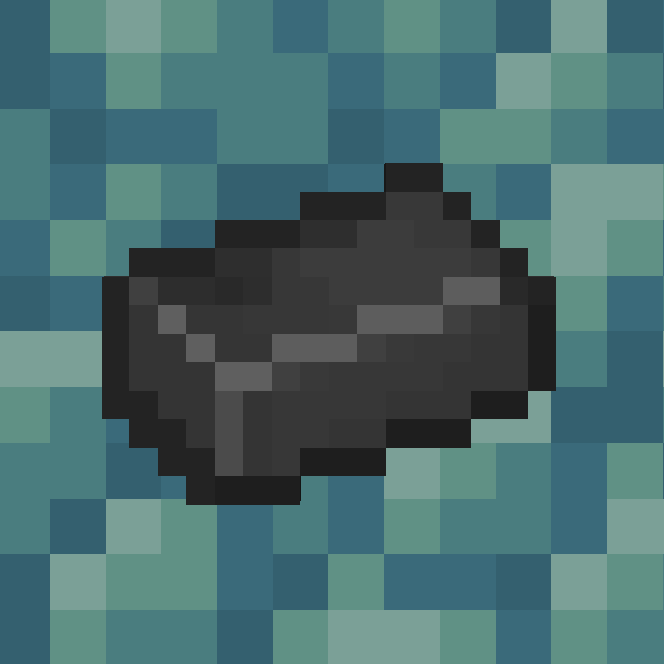
Vibranium Process
A new mineral following the Netherite, used to craft new gear for a better experience!
Screenshots
About this Mod
This is a very lightweight project that adds a new mineral, Vibranium, without modifying too much of the original.
- Note: I am not a native English speaker, so I apologize for any inaccuracies in some of the translations.
- 如果你是中国玩家,那么太棒了,我提供了汉化版本可供下载!
- Details:
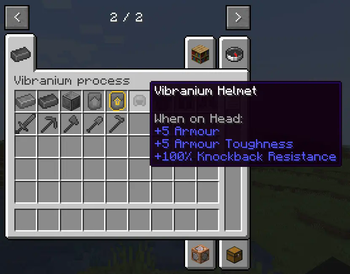
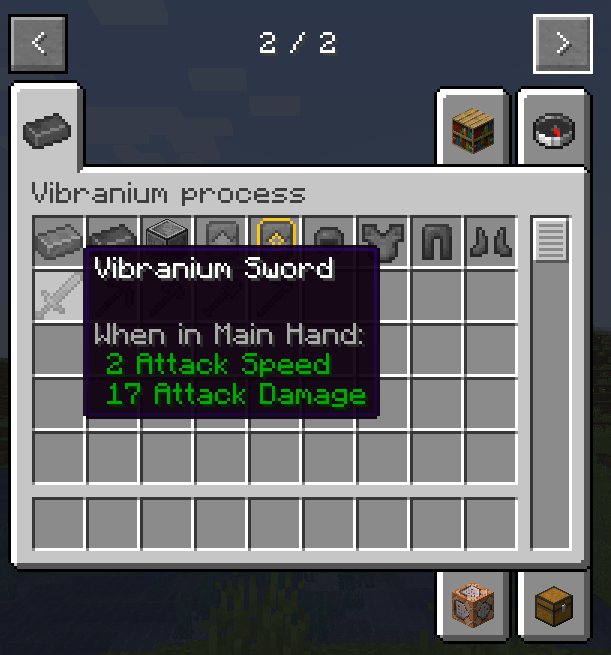
- You can use Vibranium to craft more advanced equipment, which are more powerful in every way than the lower world alloy equipment
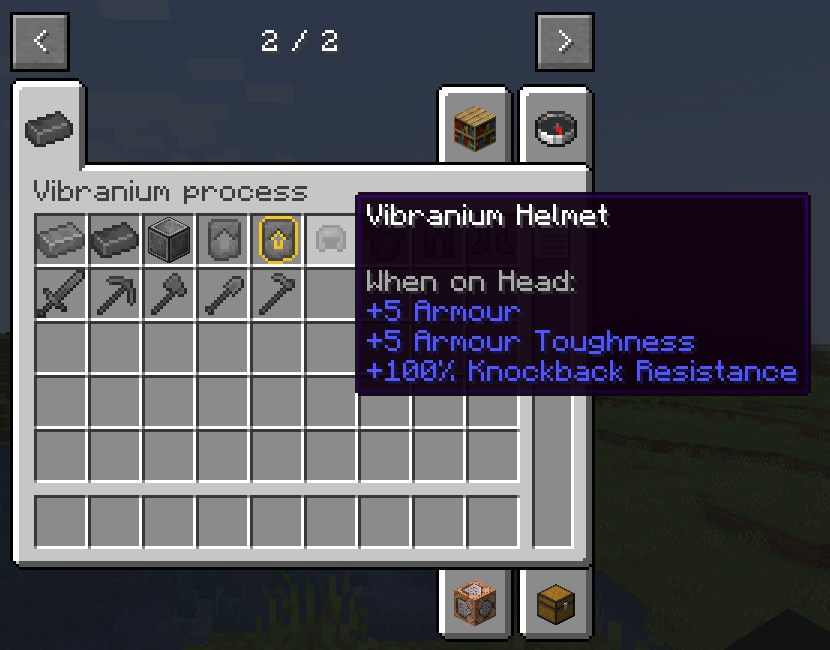
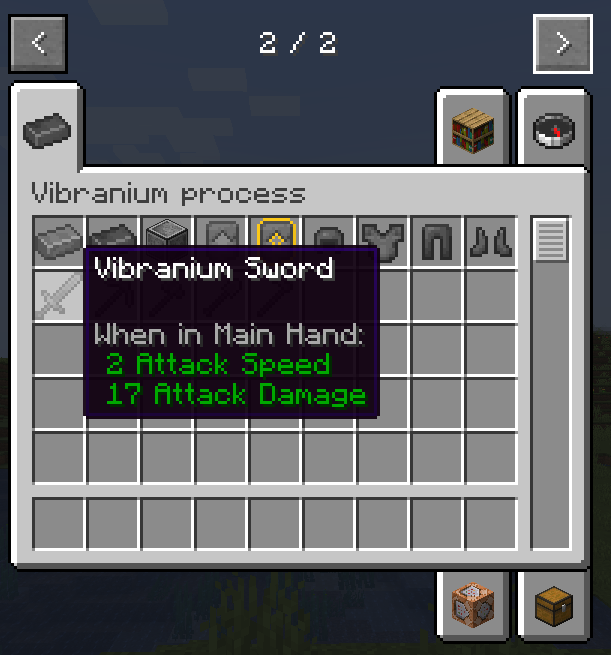
As powerful as they are, you'll still have to go through these processes in Survival Mode to get them
- First, you'll have to acquire the upgrade template, and I've provided a synthesis recipe for making it
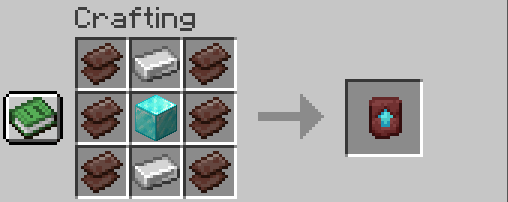
- Subsequently, you need to make chrome
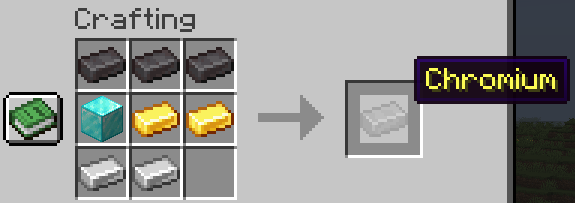
- Put the chrome in the stone cutter as well as the furnace, and you'll get the regular stencil and the chrome cube, respectively
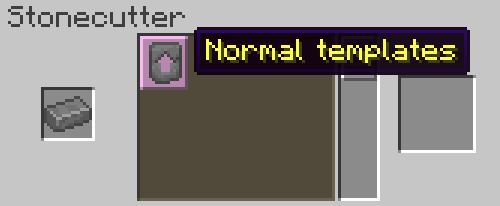

- The normal template and the upgraded template are then placed together to form the Vibranium template.

- Remember the chrome cube? Now, place it on the ground and find a way to destroy it!
- Want to try digging with a pickaxe? No, it's hardened to 200 and you may need to dig for a long time
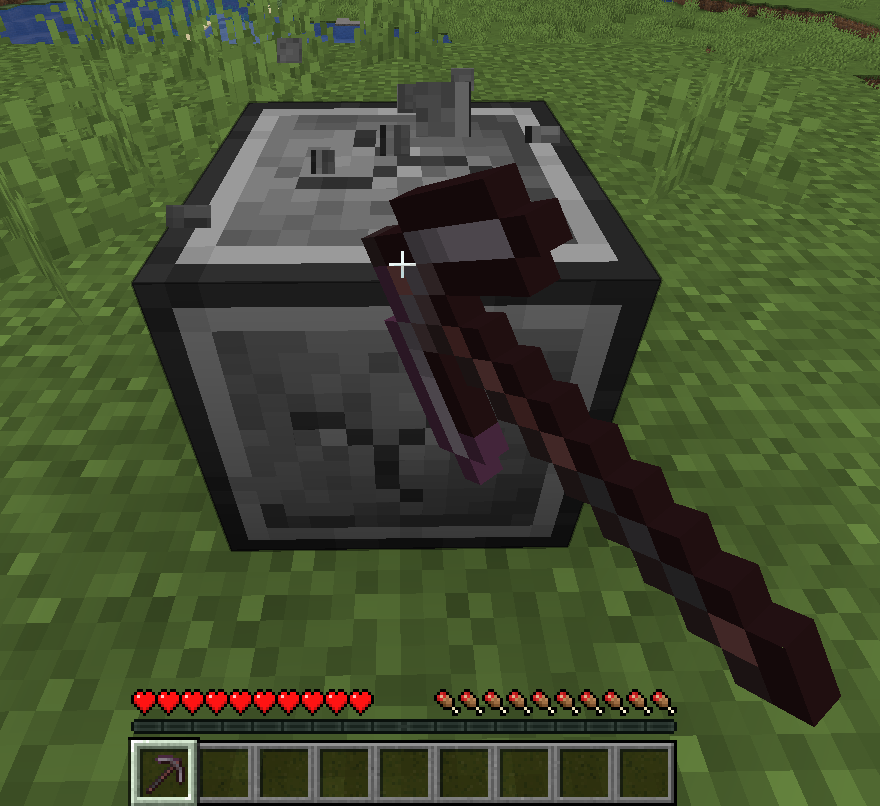
- You thought of TNT right? But it has a full 1500 resistance!

- So the best thing to do is to use ...... piston!
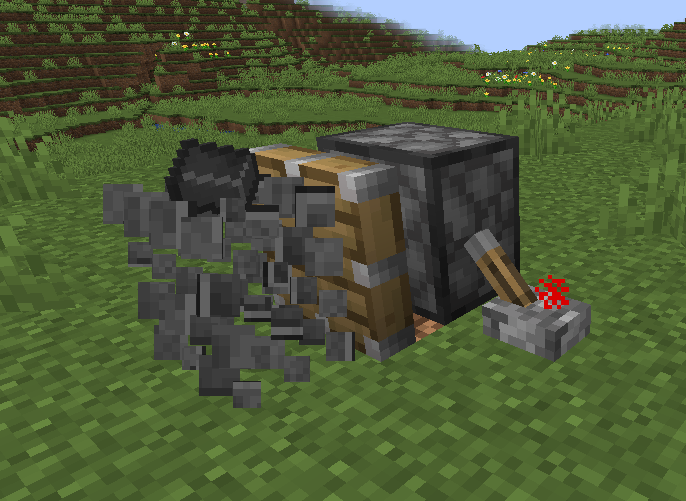
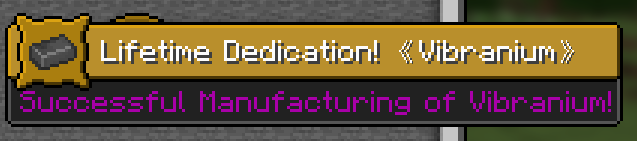
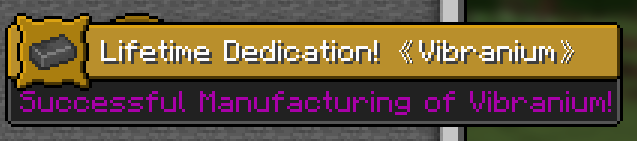
- Now, unsurprisingly you get Vibranium with a gorgeous progress note!
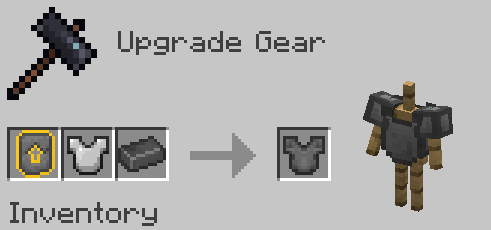
- Finally, Vibranium equipment can be created by placing the Vibranium and the template into the Forge!
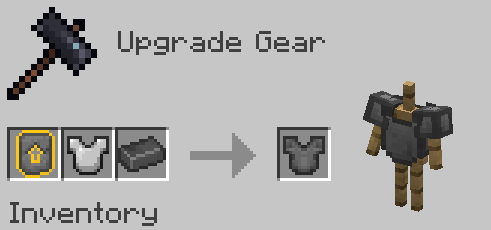
- That's right! Upgraded equipment should be iron equipment not diamond equipment
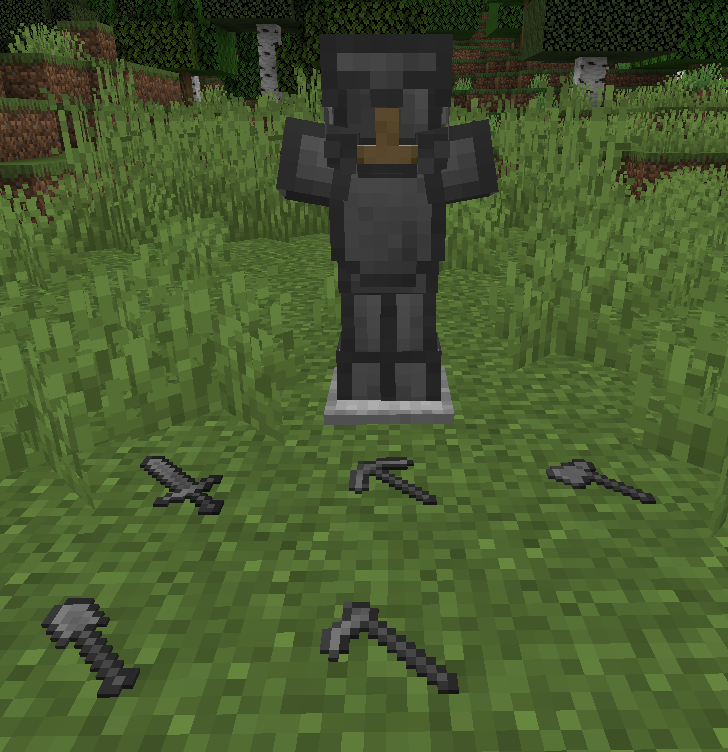
other than
- If you have any good suggestions, feel free to drop me a line via email: [email protected]
Available Versions
How to Install Vibranium Process on Your Server
Order Server
Order a Minecraft Java server with at least 3 GB RAM (4 GB recommended).
Set neoforge Loader
In the panel under "Egg", select the neoforge loader and matching Minecraft version (1.21.1).
Install Mod
Open the mod browser in the dashboard and search for "Vibranium Process". Click "Install" – done! Alternatively, upload the .jar via SFTP to the /mods folder.
Compatibility
Mod Loaders
Minecraft Versions
1.21.1
Server-side
✓ RequiredRecommended RAM
4 GB(min. 3 GB)Frequently Asked Questions
Vibranium Process server crashes on startup – what to do?
Most common cause: wrong neoforge version or insufficient RAM. Check the server log (latest.log) for "OutOfMemoryError" or "Mixin" errors. With Mado Hosting: ensure at least 3 GB RAM is allocated and the loader matches the mod version (1.21.1). You can switch loaders with one click in the panel.
Is Vibranium Process compatible with neoforge?
Vibranium Process officially supports neoforge for Minecraft 1.21.1. The Mado dashboard automatically detects incompatible loader combinations.
Server lagging with Vibranium Process – how to optimize performance?
Recommended RAM: 4 GB (per 8 players). Use /spark profiler to check if Vibranium Process consumes the most tick time. Common fixes: reduce server view-distance to 8-10, install "performant" or "starlight" as supplementary mods on Forge. With Mado Hosting, your server runs on NVMe SSDs with dedicated CPU cores for minimal latency.
Similar Mods



![[TaCZ] Timeless and Classics Zero](https://cdn.modrinth.com/data/SzzJttH8/fd27766d2bb8390d284696b1dbd358f87e081439_96.webp)


Rent Modded Server
Install Vibranium Process with just one click on your server.