
Villager Trades
Datapack-driven NeoForge mod for replacing villager profession and wandering trader trades with custom JSON-defined trades.
Screenshots
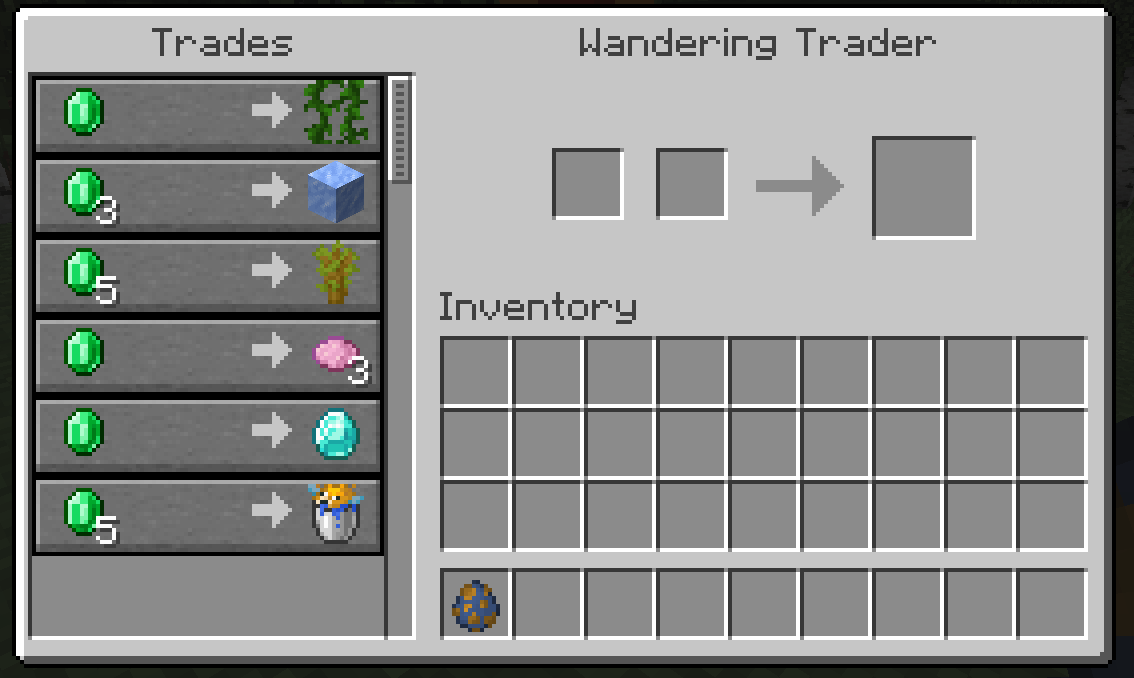
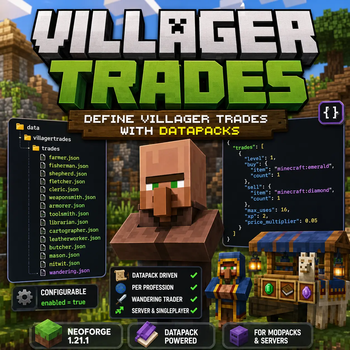
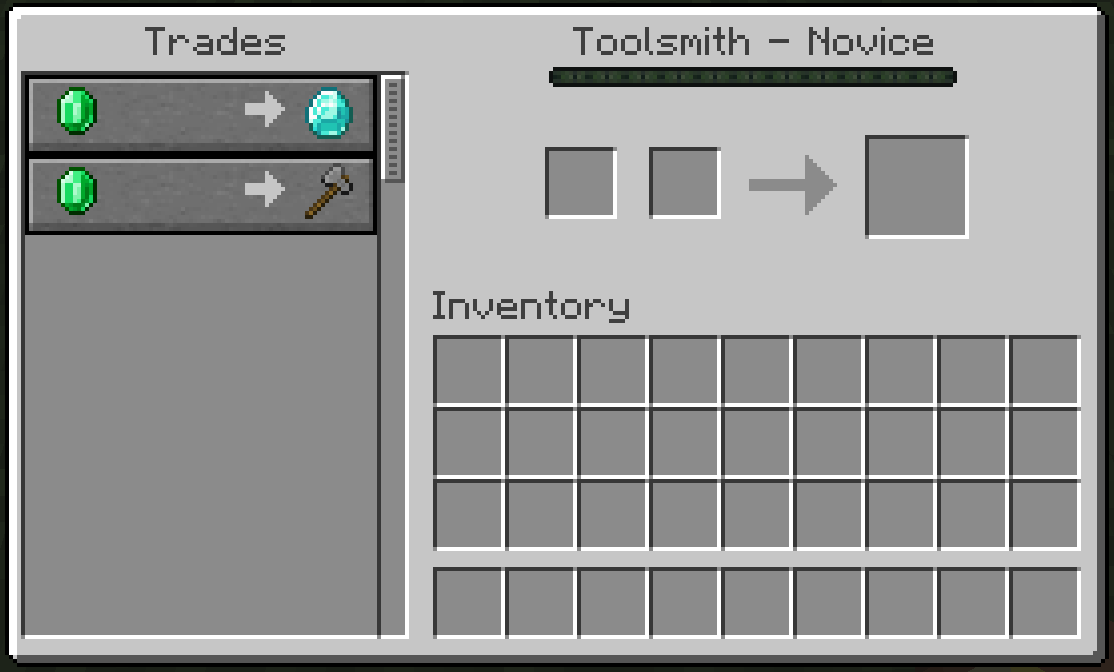
About this Mod
Villager Trades
Villager Trades is a lightweight NeoForge mod for Minecraft 1.21.1 that lets modpack makers and server owners define villager trades through datapacks.
Instead of hardcoding trade changes in Java or editing the mod itself, trades are controlled with JSON files. Each villager profession has its own file, and wandering trader trades are handled separately.
Features
- Add custom trades through datapacks
- Configure trades per villager profession
- Configure wandering trader trades
- Replace vanilla trades only when a matching datapack file exists
- Leave vanilla trades unchanged when no datapack file is present
- Enable or disable the mod's trade functionality through a simple config option
- Works on both dedicated servers and singleplayer worlds
How It Works
Datapack trade files are placed under:
data/villagertrades/trades/
Supported profession files:
farmer.jsonfisherman.jsonshepherd.jsonfletcher.jsoncleric.jsonweaponsmith.jsonarmorer.jsontoolsmith.jsonlibrarian.jsoncartographer.jsonleatherworker.jsonbutcher.jsonmason.jsonnitwit.jsonwandering.json
If a valid profession file exists, that profession's vanilla trades are removed and replaced with the trades from the JSON file.
If no file exists for a profession, that profession keeps its vanilla trades.
Wandering Trader
Wandering trader trades are configured with:
wandering.json
Entries can use:
"pool": "generic""pool": "rare"
If no pool is specified, the trade is added to the generic pool.
When wandering.json exists, vanilla wandering trader trades are replaced by the JSON-defined trades.
Config
The mod generates a common config file:
config/villagertrades-common.toml
The config contains:
enabled = true
When set to false, the mod does not change villager or wandering trader trades.
Example Trade
{
  "trades": [
    {
      "level": 1,
      "buy": { "item": "minecraft:emerald", "count": 1 },
      "sell": { "item": "minecraft:diamond", "count": 1 },
      "max_uses": 16,
      "xp": 2,
      "price_multiplier": 0.05
    }
  ]
}
Notes
- Villager trades use levels from
1to5 - Minecraft datapack resource paths must be lowercase
- Trade files can contain either a JSON array or an object with a
tradesarray - This mod is intended for datapack-driven customization, modpacks, and server-side trade balancing
Available Versions
How to Install Villager Trades on Your Server
Order Server
Order a Minecraft Java server with at least 3 GB RAM (4 GB recommended).
Set neoforge Loader
In the panel under "Egg", select the neoforge loader and matching Minecraft version (1.21.11).
Install Mod
Open the mod browser in the dashboard and search for "Villager Trades". Click "Install" – done! Alternatively, upload the .jar via SFTP to the /mods folder.
Compatibility
Mod Loaders
Minecraft Versions
1.21.11, 1.21.10, 1.21.9 (+8 more)
Server-side
✓ RequiredRecommended RAM
4 GB(min. 3 GB)Frequently Asked Questions
Villager Trades server crashes on startup – what to do?
Most common cause: wrong neoforge version or insufficient RAM. Check the server log (latest.log) for "OutOfMemoryError" or "Mixin" errors. With Mado Hosting: ensure at least 3 GB RAM is allocated and the loader matches the mod version (1.21.11). You can switch loaders with one click in the panel.
Is Villager Trades compatible with neoforge?
Villager Trades officially supports neoforge for Minecraft 1.21.11, 1.21.10, 1.21.9. The Mado dashboard automatically detects incompatible loader combinations.
Server lagging with Villager Trades – how to optimize performance?
Recommended RAM: 4 GB (per 8 players). Use /spark profiler to check if Villager Trades consumes the most tick time. Common fixes: reduce server view-distance to 8-10, install "performant" or "starlight" as supplementary mods on Forge. With Mado Hosting, your server runs on NVMe SSDs with dedicated CPU cores for minimal latency.
Similar Mods




Rent Modded Server
Install Villager Trades with just one click on your server.