
Virtual Motion Capture for Minecraft
Gives your Minecraft client the power to send VMC protocol data for vtuber models.
Screenshots
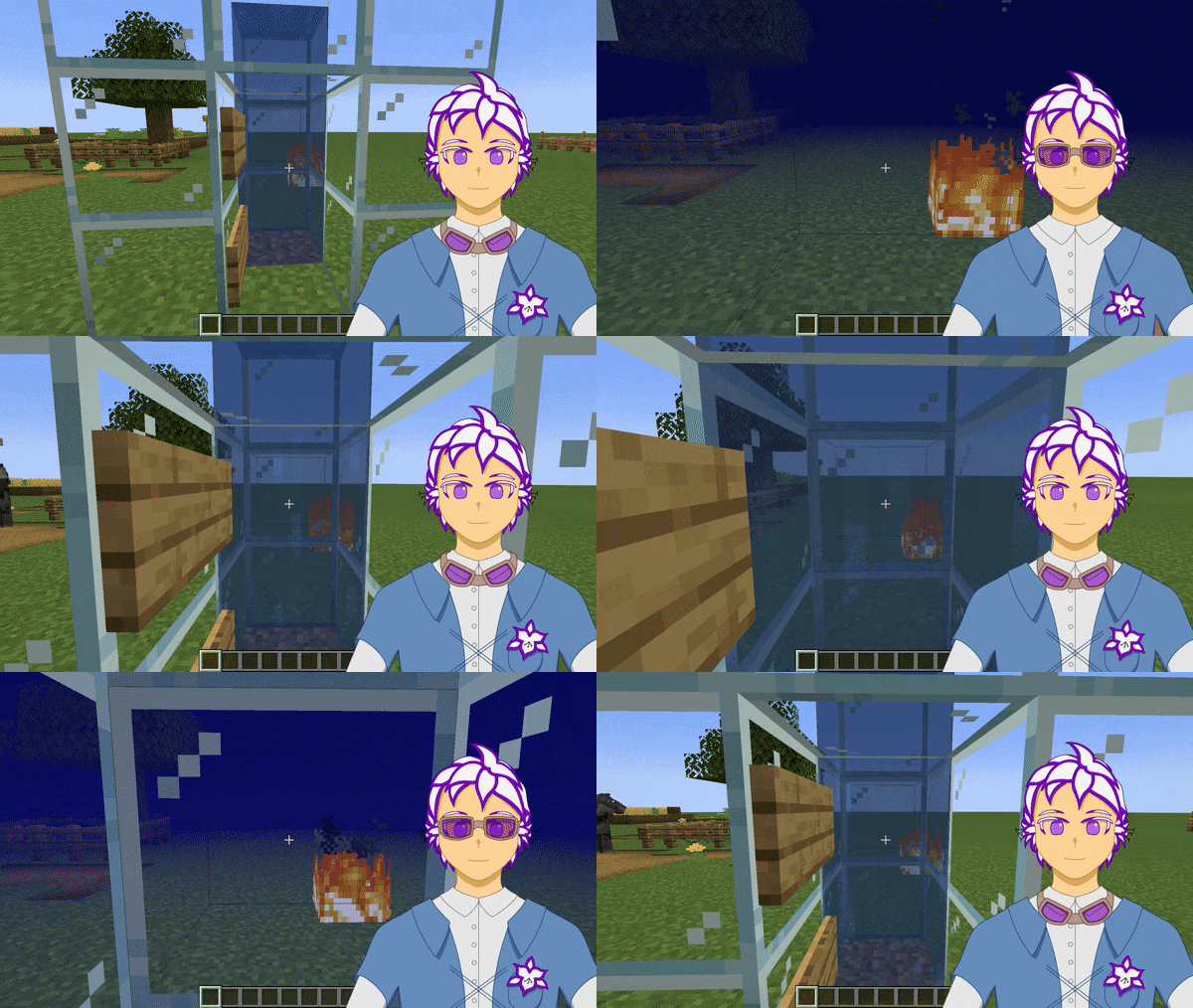
About this Mod
Virtual Motion Capture for Minecraft
This mod enables your Minecraft client to use the VMC protocol to manipulate vtuber models.
This mod includes an API for other Minecraft mods to create and implement additional BlendShapes to be transmit over the same connection.
BlendShapes
BlendShapes are numerical values sent over VMC and are used by vtubing applications to activate toggles, move the model, etc. By default, the mod creates 20+ BlendShapes and sends them over 127.0.0.1:35940.
These BlendShapes represent various states and events from the in-game player, including:
- relative health
- sprinting
- sneaking
- taking/dealing damage
Check the wiki for a complete list of blendshapes, or see the gallery for an example of using the player's actions to activate toggles.
Showcase Video
Disclaimer and Compatibility
This mod is made specifically for use with the open-source vtubing application Inochi Session and has been tested with VMC Protocol Monitor.
Not all VMC applications are guaranteed to work with VMC-MC, but the following are reported to be compatible implementations:
- Inochi Session
- UniVRM (requires compatibility mode)
VMC is an extension of Open Sound Control (OSC), thus making VMC-MC hypothetically compatible with OSC applications as well.
Available Versions
How to Install Virtual Motion Capture for Minecraft on Your Server
Order Server
Order a Minecraft Java server with at least 3 GB RAM (4 GB recommended).
Set fabric Loader
In the panel under "Egg", select the fabric loader and matching Minecraft version (1.21.11).
Install Mod
Open the mod browser in the dashboard and search for "Virtual Motion Capture for Minecraft". Click "Install" – done! Alternatively, upload the .jar via SFTP to the /mods folder.
Compatibility
Mod Loaders
Minecraft Versions
1.21.11, 1.21.10, 1.21.9 (+21 more)
Server-side
✗ UnsupportedRecommended RAM
4 GB(min. 3 GB)Frequently Asked Questions
Virtual Motion Capture for Minecraft server crashes on startup – what to do?
Most common cause: wrong fabric version or insufficient RAM. Check the server log (latest.log) for "OutOfMemoryError" or "Mixin" errors. With Mado Hosting: ensure at least 3 GB RAM is allocated and the loader matches the mod version (1.21.11). You can switch loaders with one click in the panel.
Is Virtual Motion Capture for Minecraft compatible with fabric and quilt?
Virtual Motion Capture for Minecraft officially supports fabric, quilt for Minecraft 1.21.11, 1.21.10, 1.21.9. The Mado dashboard automatically detects incompatible loader combinations.
Server lagging with Virtual Motion Capture for Minecraft – how to optimize performance?
Recommended RAM: 4 GB (per 8 players). Use /spark profiler to check if Virtual Motion Capture for Minecraft consumes the most tick time. Common fixes: reduce server view-distance to 8-10, install "performant" or "starlight" as supplementary mods on Forge. With Mado Hosting, your server runs on NVMe SSDs with dedicated CPU cores for minimal latency.
Similar Mods





Rent Modded Server
Install Virtual Motion Capture for Minecraft with just one click on your server.