
VoxelClient
This is the offical modrinth page for the voxelclient
Screenshots
About this Mod
VoxelClient
A Fabric client mod for Minecraft 1.21.4 with a custom HUD, zoom, freelook, cosmetics, utility features, and many quality-of-life improvements.
📥 Installation
Automatic (recommended)
- Download the installer → Releases
- Run
voxelclient-installer.exe - Select your desired
mods/folder (detected automatically) - Click "Install Now"
- Launch Minecraft with the Fabric Launcher
The installer automatically downloads the latest version and the required Fabric API.
Manual
- Install Fabric Loader ≥ 0.16
- Download Fabric API
- Download the latest
voxelclient-x.x.x.jarfrom Releases - Place both
.jarfiles in.minecraft/mods/ - Launch Minecraft 1.21.4
✦ Features
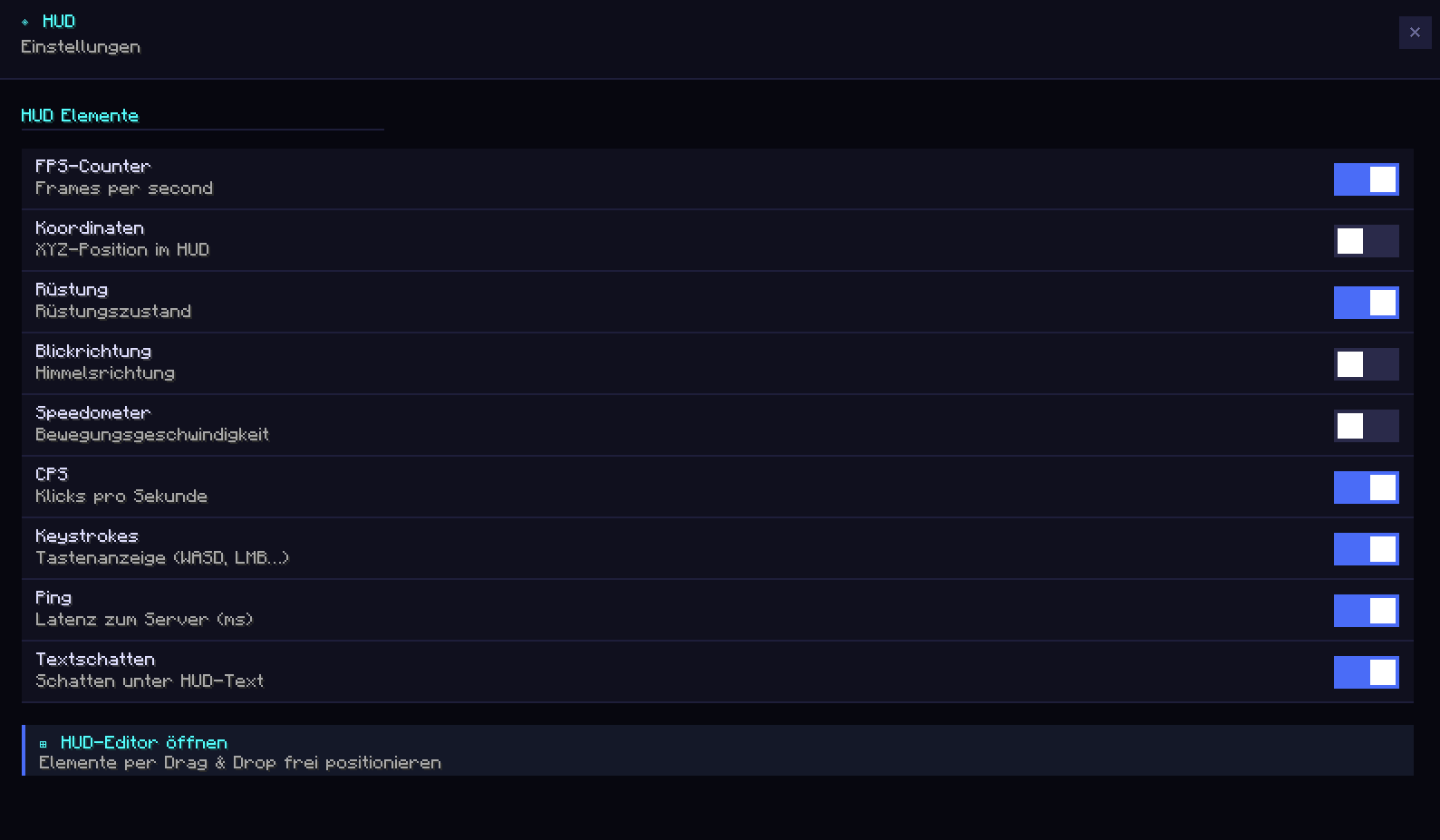
📊 Custom HUD
A clean, customizable in-game display:
- FPS Counter
- XYZ Coordinates
- Facing Direction
- Armor Display
- Speedometer
- Ping Display (color-coded)
- CPS Counter (LMB / RMB)
- Keystrokes Overlay (WASD, SPACE, LMB, RMB)
All HUD elements can be freely repositioned.
🖱️ HUD Editor
Under Settings → UI → HUD Editor you can:
- Drag and drop all HUD elements
- Save positions permanently
- Customize the layout individually
Saved to: voxelclient/hud_position.json
All UI screens also feature a modern Fade + Slide Animation (250ms, easeOutCubic).
🎮 Gameplay Features
🏃 Toggle Sprint
Keep sprint permanently active (default: R).
Disables automatically when stopping.
🕵️ Toggle Sneak
Keep sneak permanently active (key configurable).
🧭 Snap Look
Snaps your camera to the nearest 45° angle:
N, NE, E, SE, S, SW, W, NW
(Key configurable)
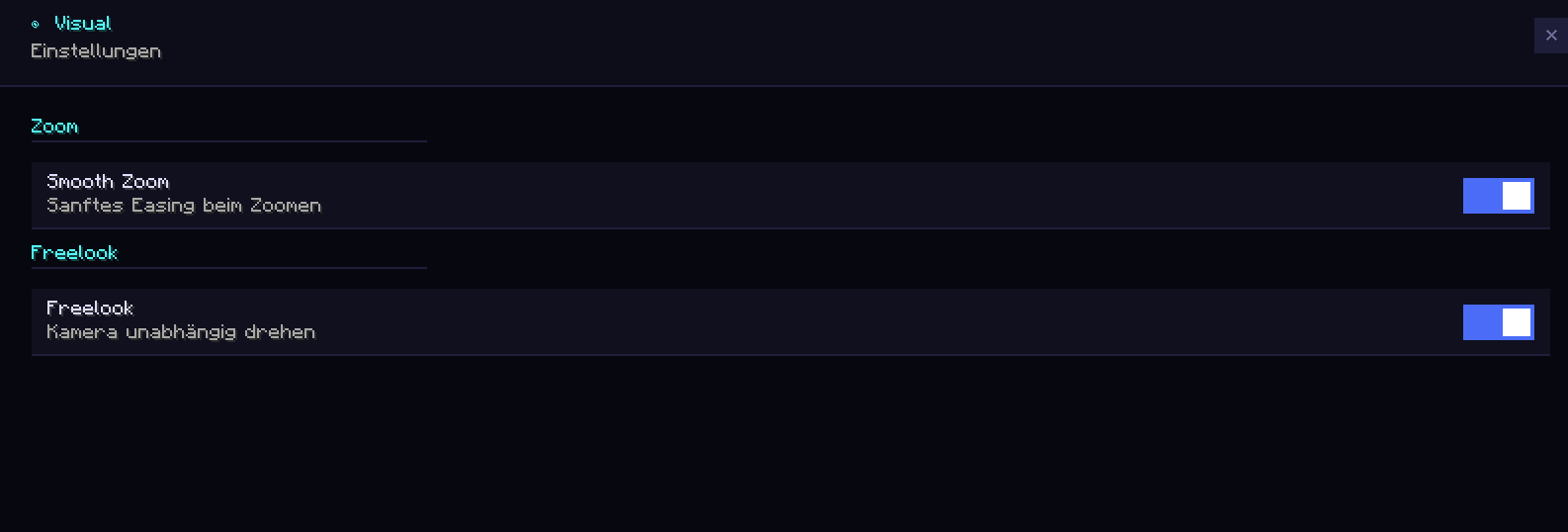
🔍 Smooth Zoom
Smooth zoom-in with a cinematic easing effect.
Fine-tune zoom strength with the scroll wheel.
Default key: C
👁️ Freelook
Rotate the camera independently of the player model — ideal for PvP, exploration, and cinematics.
Default key: Left Alt
📍 Waypoint System
Save and manage waypoints directly in-game.
- Create & delete waypoints
- Direction indicator on screen edge
- Manage under Settings → Utility → Waypoints
Saved to: voxelclient/waypoints.json
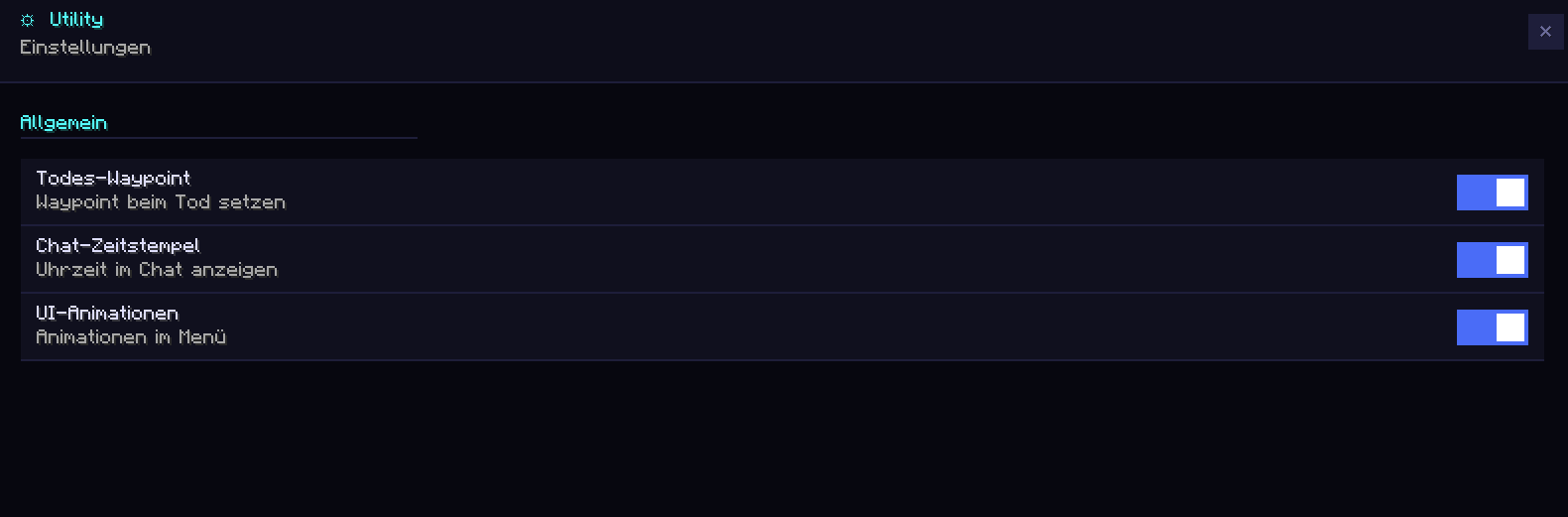
☠ Death Waypoint
A waypoint is automatically created upon death:
- Saves coordinates + timestamp
- Up to 10 death waypoints stored
🛡️ Armor Durability Warning
- Shows durability of all armor pieces
- 🟠 Orange below 50%
- 🔴 Red below 20%
📊 CPS Counter
Shows clicks per second for:
- LMB
- RMB
Based on a 1-second sliding window.
🌐 Ping Display
Shows current server ping:
- 🟢 Green < 50ms
- 🟡 Medium
- 🔴 Red > 300ms
⌨️ Keystrokes Overlay
Animated display of:
- W, A, S, D
- SPACE
- LMB
- RMB
Default position: bottom right
Freely movable in the HUD Editor.
💬 Chat Timestamps
Automatically prepends a timestamp to every message: [HH:mm] Message
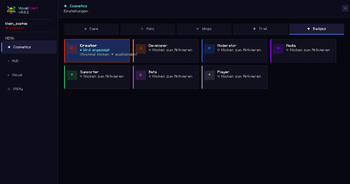
🎭 Cosmetics
Load your own cape via any PNG URL.
The cape is loaded asynchronously without delaying game startup.
✦ Player Badges
A badge appears before every player name:
- Gray
✦→ regular player - Dark Red
✦→ VoxelClient Creator
Visible in:
- The tab list
- Above the player's head
⚙️ Settings GUI
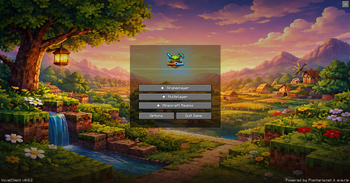
A modern in-game menu with tab navigation.
- All features configurable
- JSON-based storage
- Utility, UI, and Gameplay sections
Default key: Right Shift
🔔 Auto-Updater
Automatically checks for a new version on startup.
- Golden banner on the main menu
- Direct link to the download page
- Press
Uto open the update page
🎮 Discord Rich Presence
Shows your current status in Discord:
- Main Menu
- Singleplayer
- Multiplayer
- Realms
Server logos are displayed automatically.
⌨️ Keybinds (Default)
| Function | Key |
|---|---|
| Open Settings | Right Shift |
| Zoom | C (hold) |
| Freelook | Left Alt (hold) |
| Toggle Sprint | R |
| Open Update Page | U |
| Snap Look | configurable |
| Toggle Sneak | configurable |
All keys can be freely remapped under
Minecraft → Options → Controls → VoxelClient
📋 Requirements
| What | Version |
|---|---|
| Minecraft | 1.21.4 |
| Fabric Loader | ≥ 0.16 |
| Fabric API | 1.21.4 |
| Java | 21+ |
🏗️ Build It Yourself
git clone https://github.com/VoxelLabs-Minecraft/voxelclient.git
cd voxelclient
./gradlew build
# → build/libs/voxelclient-x.x.x.jar
Run the client directly:
./gradlew runClient
📄 License
MIT License — see
https://github.com/VoxelLabs-Minecraft/voxelclient/blob/main/LICENSE.txt
Available Versions
How to Install VoxelClient on Your Server
Order Server
Order a Minecraft Java server with at least 3 GB RAM (4 GB recommended).
Set fabric Loader
In the panel under "Egg", select the fabric loader and matching Minecraft version (1.21.11).
Install Mod
Open the mod browser in the dashboard and search for "VoxelClient". Click "Install" – done! Alternatively, upload the .jar via SFTP to the /mods folder.
Compatibility
Mod Loaders
Minecraft Versions
1.21.11, 1.21.10, 1.21.9 (+5 more)
Server-side
✗ UnsupportedRecommended RAM
4 GB(min. 3 GB)Frequently Asked Questions
VoxelClient server crashes on startup – what to do?
Most common cause: wrong fabric version or insufficient RAM. Check the server log (latest.log) for "OutOfMemoryError" or "Mixin" errors. With Mado Hosting: ensure at least 3 GB RAM is allocated and the loader matches the mod version (1.21.11). You can switch loaders with one click in the panel.
Is VoxelClient compatible with fabric?
VoxelClient officially supports fabric for Minecraft 1.21.11, 1.21.10, 1.21.9. The Mado dashboard automatically detects incompatible loader combinations.
Server lagging with VoxelClient – how to optimize performance?
Recommended RAM: 4 GB (per 8 players). Use /spark profiler to check if VoxelClient consumes the most tick time. Common fixes: reduce server view-distance to 8-10, install "performant" or "starlight" as supplementary mods on Forge. With Mado Hosting, your server runs on NVMe SSDs with dedicated CPU cores for minimal latency.
Similar Mods






Rent Modded Server
Install VoxelClient with just one click on your server.