
VoxelFX
A fully clientside library to animate block & item display entities with keyframes, easing functions, and much more!
Screenshots
About this Mod
VoxelFX
Animate client-side block & item display entities with keyframes, easing functions, and much more!
Make cool VFX like this:
Features
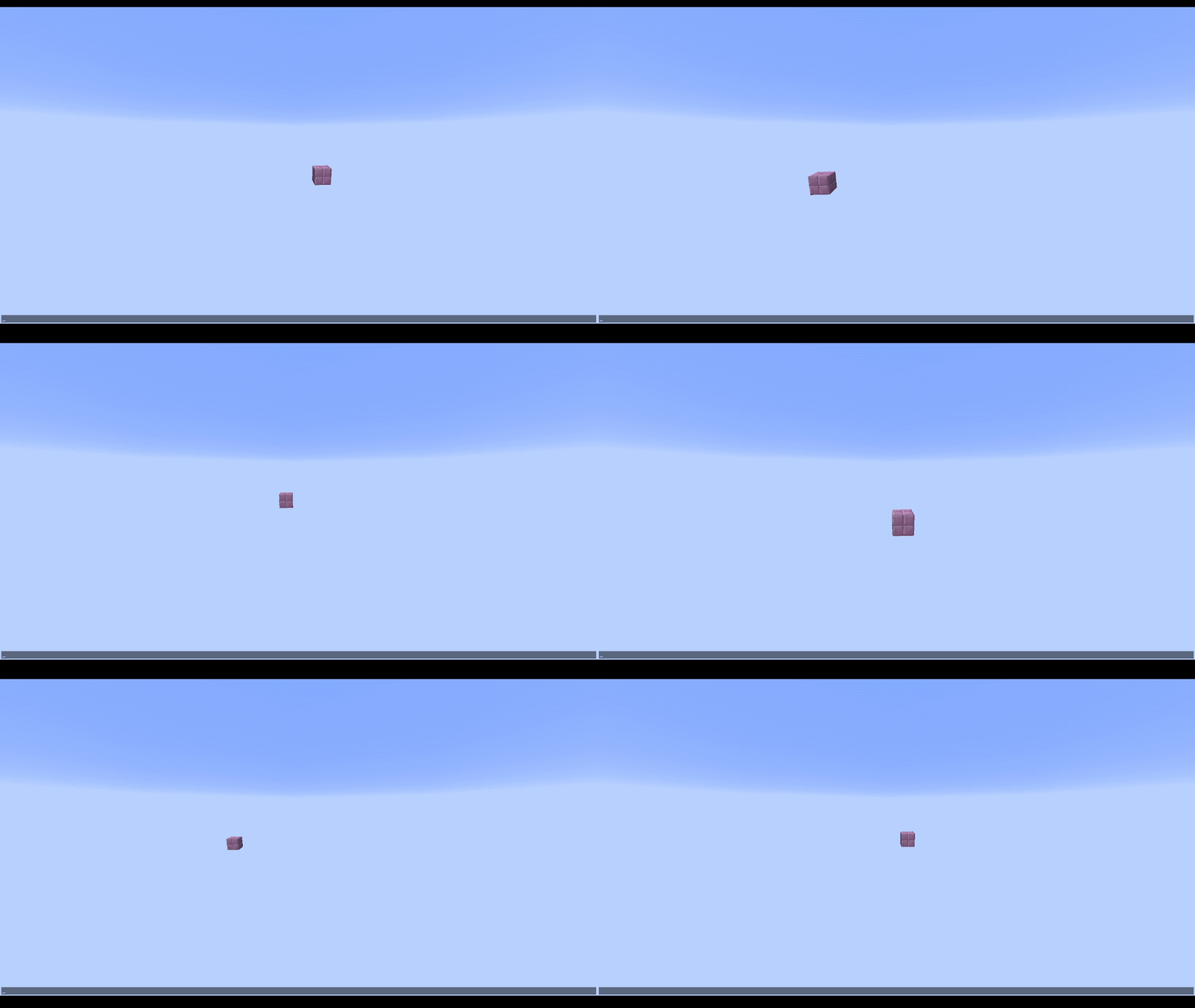
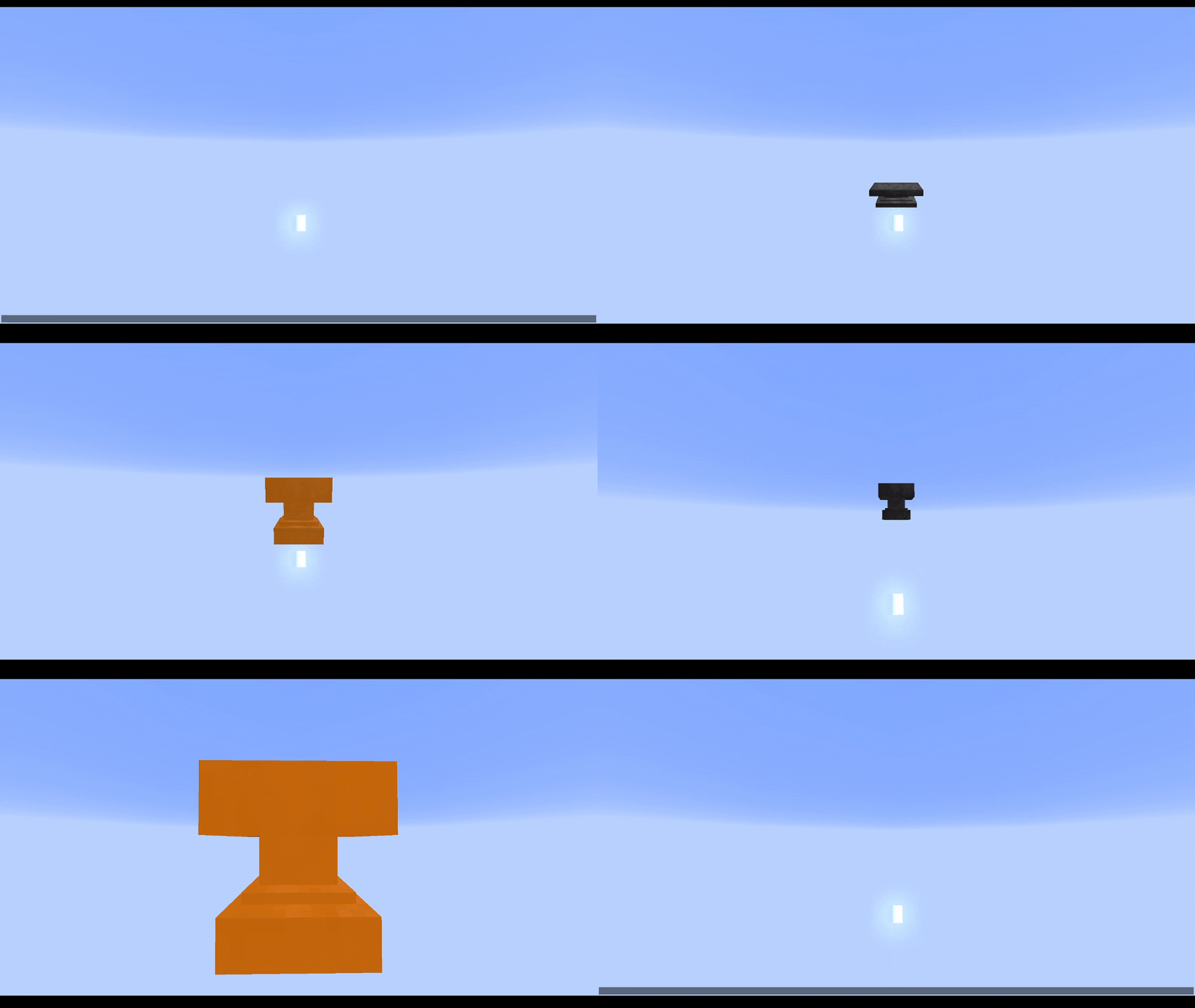
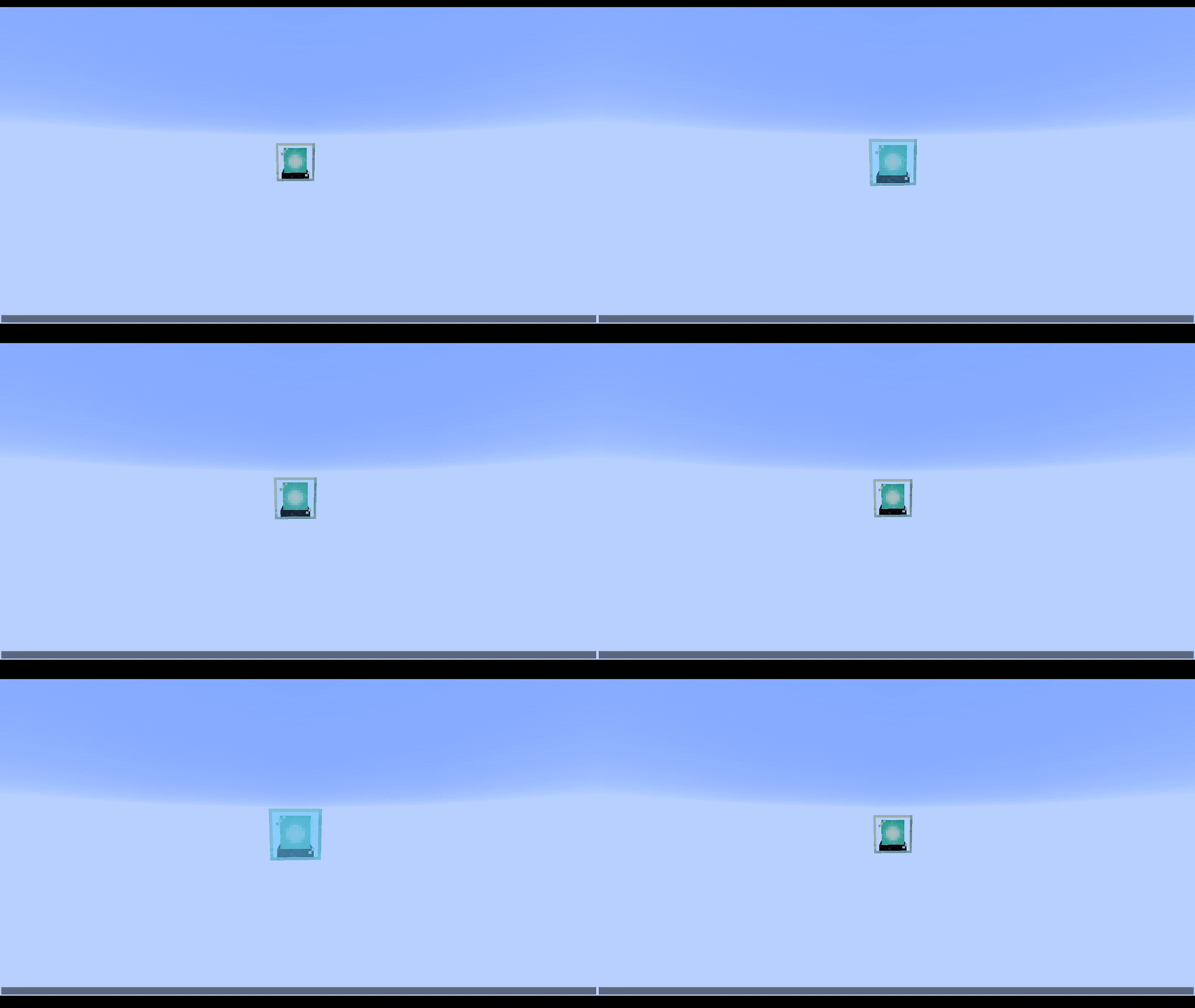
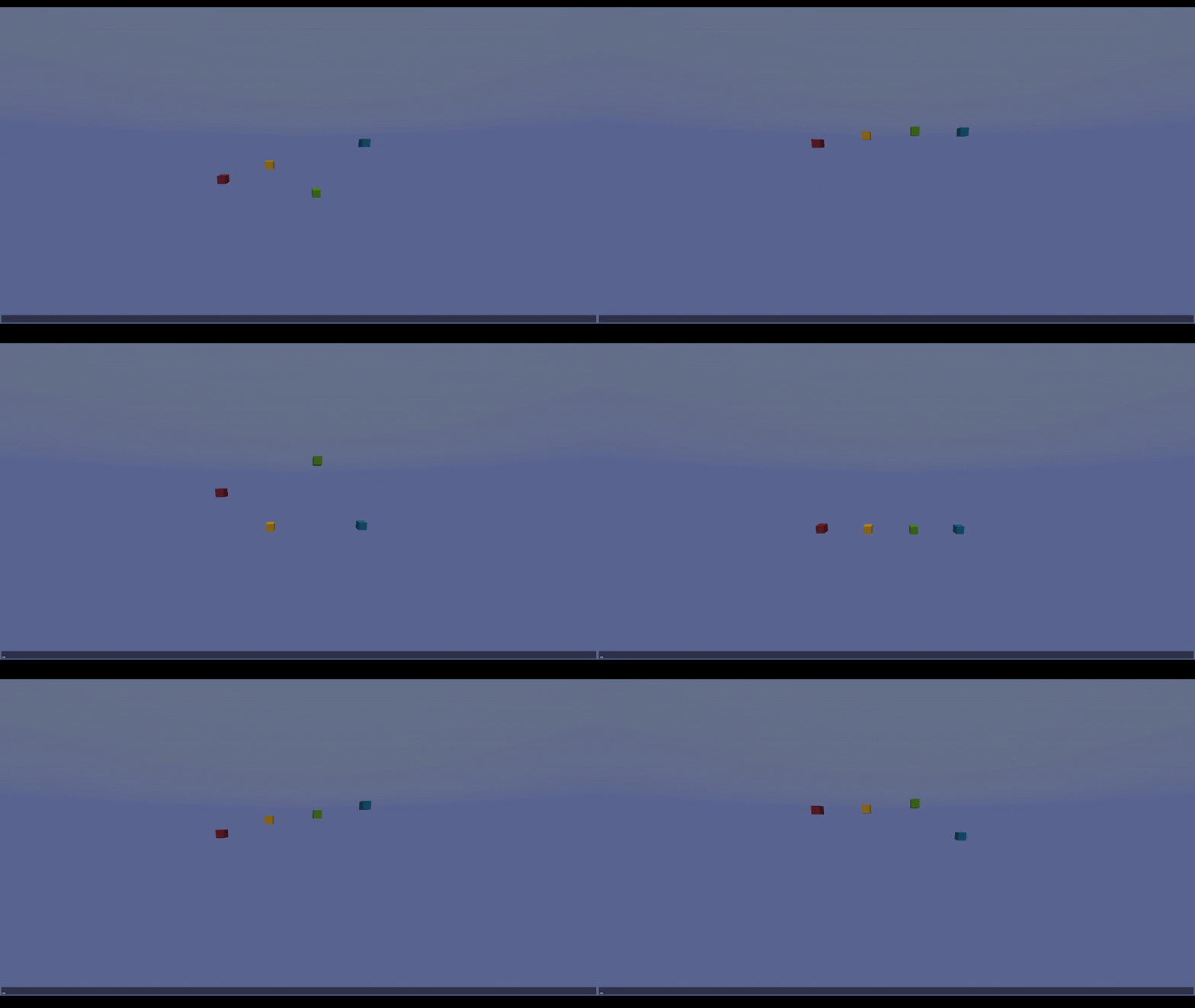
Animated Block & Item Displays
Animate block and item displays separately or together.
View Demo
Keyframes & Easings
Use keyframes with easings to make super smooth animations for any movement you want. Reference easings.net to visualize easings, or test them out in game.
View Demo
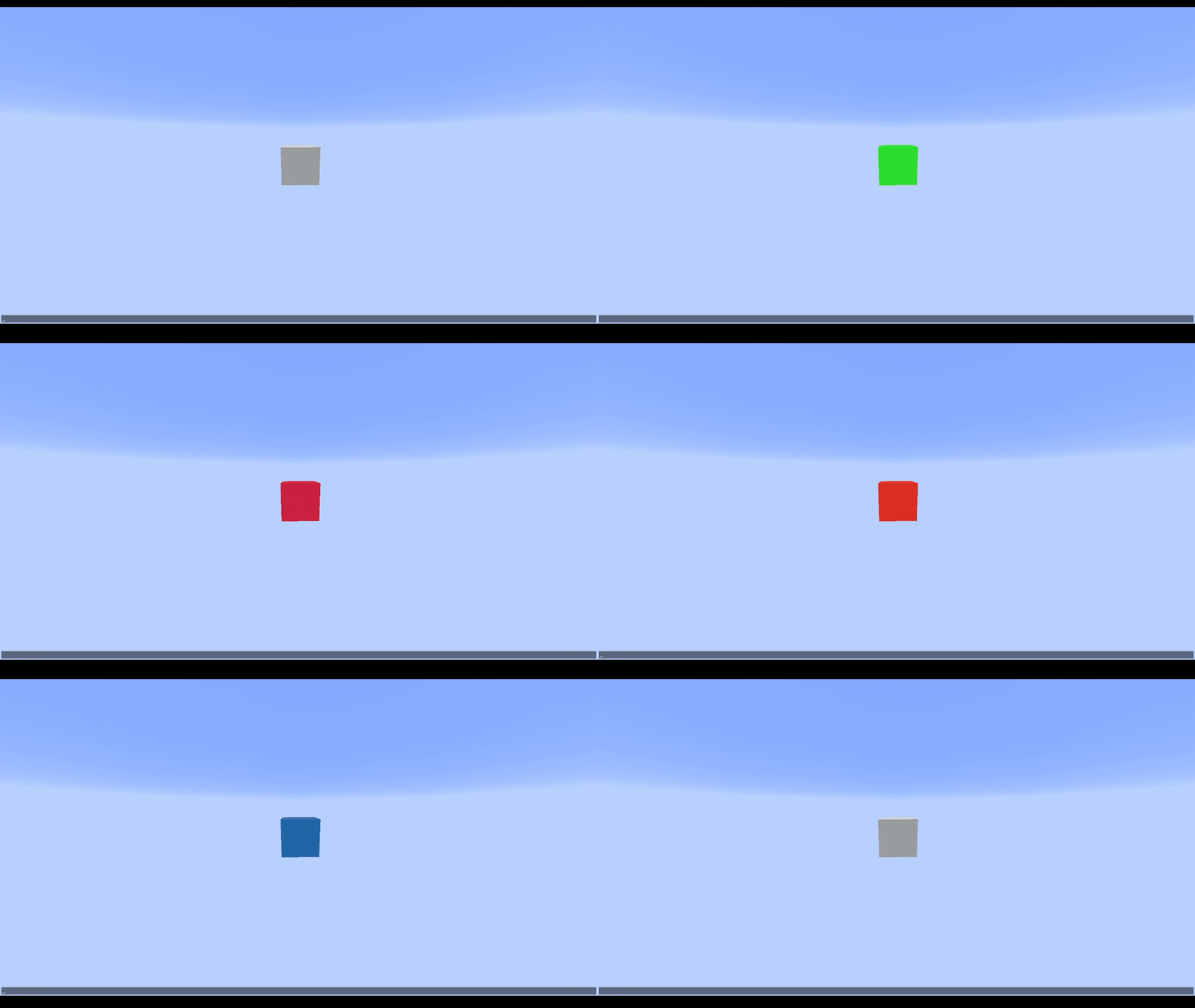
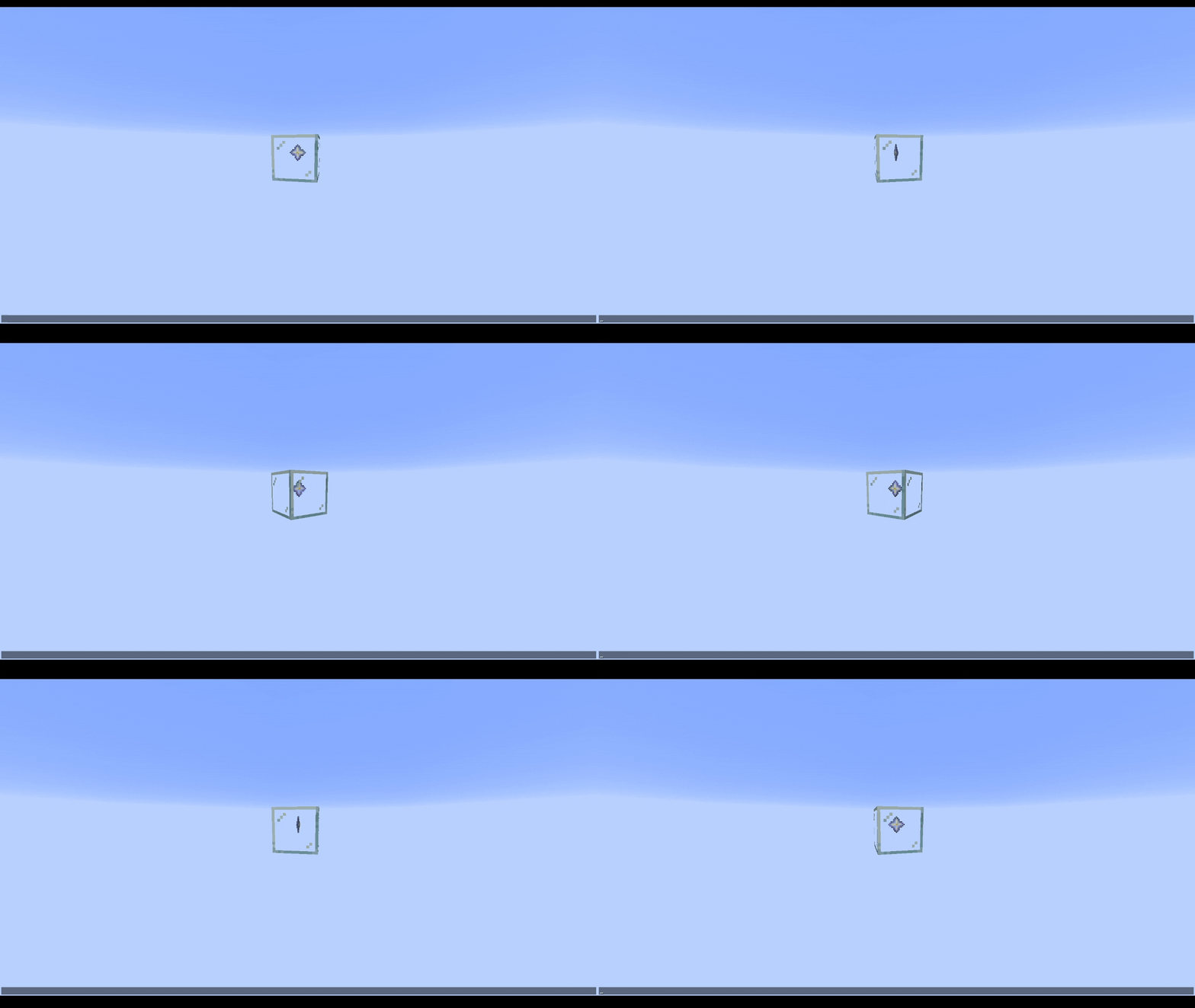
Overlays
Tint any block (including weird shapes like lecterns) any color. Intensity controls how opaque the tint is, and overlays support keyframes just like every other property.
Does not support items.
View Demo
Animation Queueing & Inheritance
Queue animations to play one after another, or override the current animation immediately. Animations can inherit properties from whichever animation played before them to reduce boilerplate.
View Demo
Looping & Callbacks
Loop animations a fixed number of times or infinitely. Hook into callbacks to trigger logic at any point in an animation's lifecycle.
View Demo
Per-Frame Modifiers
Apply custom per-frame modifiers on top of the keyframed values, for effects like wobble, sway, or pulsing that aren't easily expressed as keyframes alone.
Note: These should be scaled by the context's interpolatedTicks so everything stays consistent with any framerate.
View Demo
Entity Binding
Bind animations to follow entities with an optional offset. Can operate in either global or local space.
Showcased in above Nova Bomb video.
Builder API
A fluent builder that lets you construct animations declaratively, chaining translation, scale, rotation, overlay, and block/item channels with minimal boilerplate.
Limitations
NeoForge 26.1.2+
This mod is client-only, meaning all effects will have to be triggered with your own code. For instance, sending a packet from server -> client, telling the client to play that animation.
Animations are designed to be purely visual - do not try to alter the game state using them.
Also, due to the clent-only nature of the mod, display entities do not natively support being saved to the world/persisting animations. You'd have to write your own system for that.
General Use:
VoxelFX has some commands that can be run with /voxelfx. Most notably, the demo command can be used to run built-in demo animations.
Also important - the clear command will clear out the entity cache, removing all VFX entities in case anything breaks.
You can also pause, resume, stop, or set the play speed of all VFX entities.
This is not a global state - it applies only to the entities that exist when the command is run.
Documentation
See the GitHub wiki.
Available Versions
How to Install VoxelFX on Your Server
Order Server
Order a Minecraft Java server with at least 3 GB RAM (4 GB recommended).
Set neoforge Loader
In the panel under "Egg", select the neoforge loader and matching Minecraft version (26.2).
Install Mod
Open the mod browser in the dashboard and search for "VoxelFX". Click "Install" – done! Alternatively, upload the .jar via SFTP to the /mods folder.
Compatibility
Mod Loaders
Minecraft Versions
26.2, 26.1.2
Server-side
✗ UnsupportedRecommended RAM
4 GB(min. 3 GB)Frequently Asked Questions
VoxelFX server crashes on startup – what to do?
Most common cause: wrong neoforge version or insufficient RAM. Check the server log (latest.log) for "OutOfMemoryError" or "Mixin" errors. With Mado Hosting: ensure at least 3 GB RAM is allocated and the loader matches the mod version (26.2). You can switch loaders with one click in the panel.
Is VoxelFX compatible with neoforge?
VoxelFX officially supports neoforge for Minecraft 26.2, 26.1.2. The Mado dashboard automatically detects incompatible loader combinations.
Server lagging with VoxelFX – how to optimize performance?
Recommended RAM: 4 GB (per 8 players). Use /spark profiler to check if VoxelFX consumes the most tick time. Common fixes: reduce server view-distance to 8-10, install "performant" or "starlight" as supplementary mods on Forge. With Mado Hosting, your server runs on NVMe SSDs with dedicated CPU cores for minimal latency.
Similar Mods



Rent Modded Server
Install VoxelFX with just one click on your server.