
vtubruh LOTR Mobs
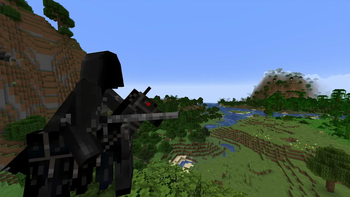
RPG mod that adds new structures, mobs, weapons, armor, bosses, pets, magic, quests, and achievements. It will suit not only LOTR fans but also regular content-mods seekers for their modpacks!
Screenshots
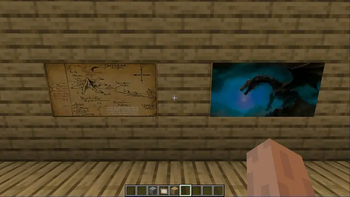
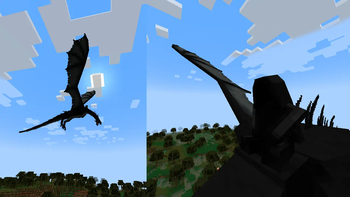
About this Mod
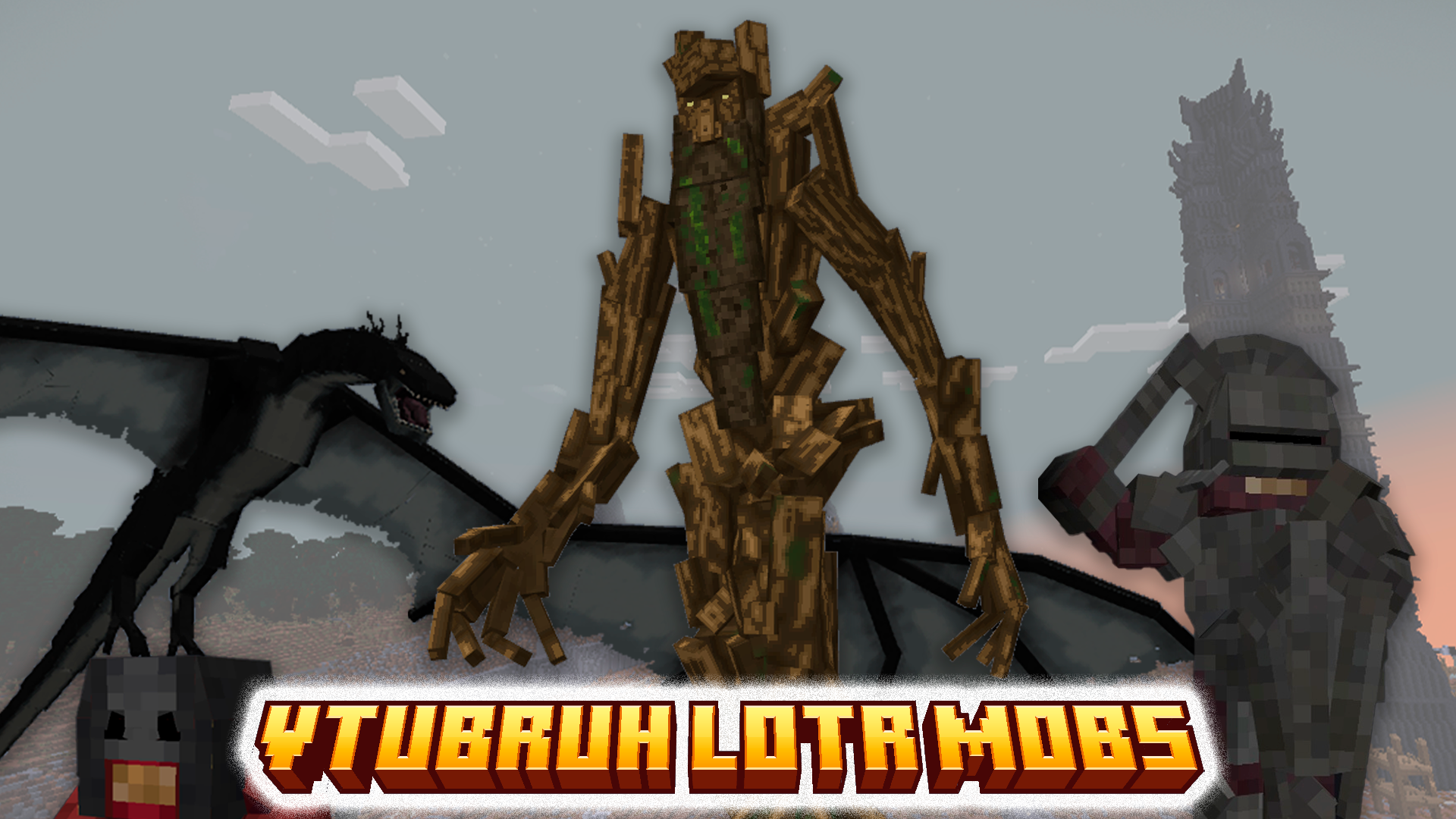
⚠️⚠️⚠️ Be sure to read the installation instructions! ⚠️⚠️⚠️
About the Mod
"vtubruh LOTR Mobs" is an RPG mod that adds new structures,
mobs, weapons, armor, bosses, pets, magic, quests, and achievements.
It will suit not only LOTR fans but also regular content-mods seekers for their modpacks!
Foreword:
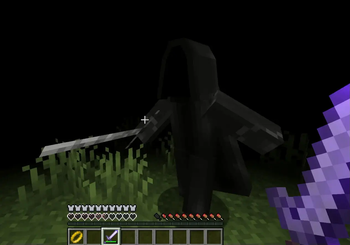
Initially, in the "alpha" version, the mod was very small. It only added one mob, the "Nazgul," and an invisibility ring. Why? Simply because it wasn't present in other LOTR-themed mods. But time passed, and I thought about expanding it. In "1.0.0," I added more detail by including the creature's armor, animation, and structure.
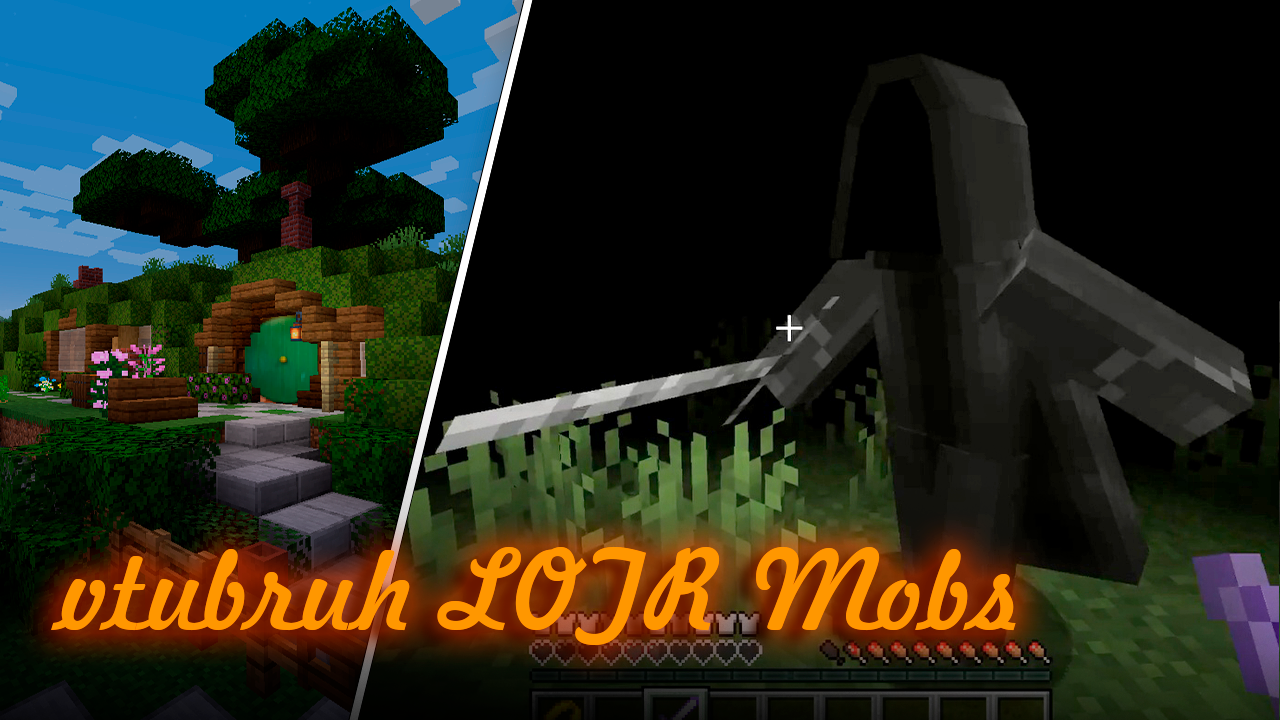
(Nostalgic Cover of the Previous Version)
But after listening to the feedback, I realized that it wasn't enough for me to be satisfied.
And now, after 8 MONTHS of development in my free time - version "2.0.0"
In version "2.0.0" the following has been added:
- 3 books with information about the mod:
- Basic Guide
- Book of Creatures
- Book of Crafting, Magic, and more
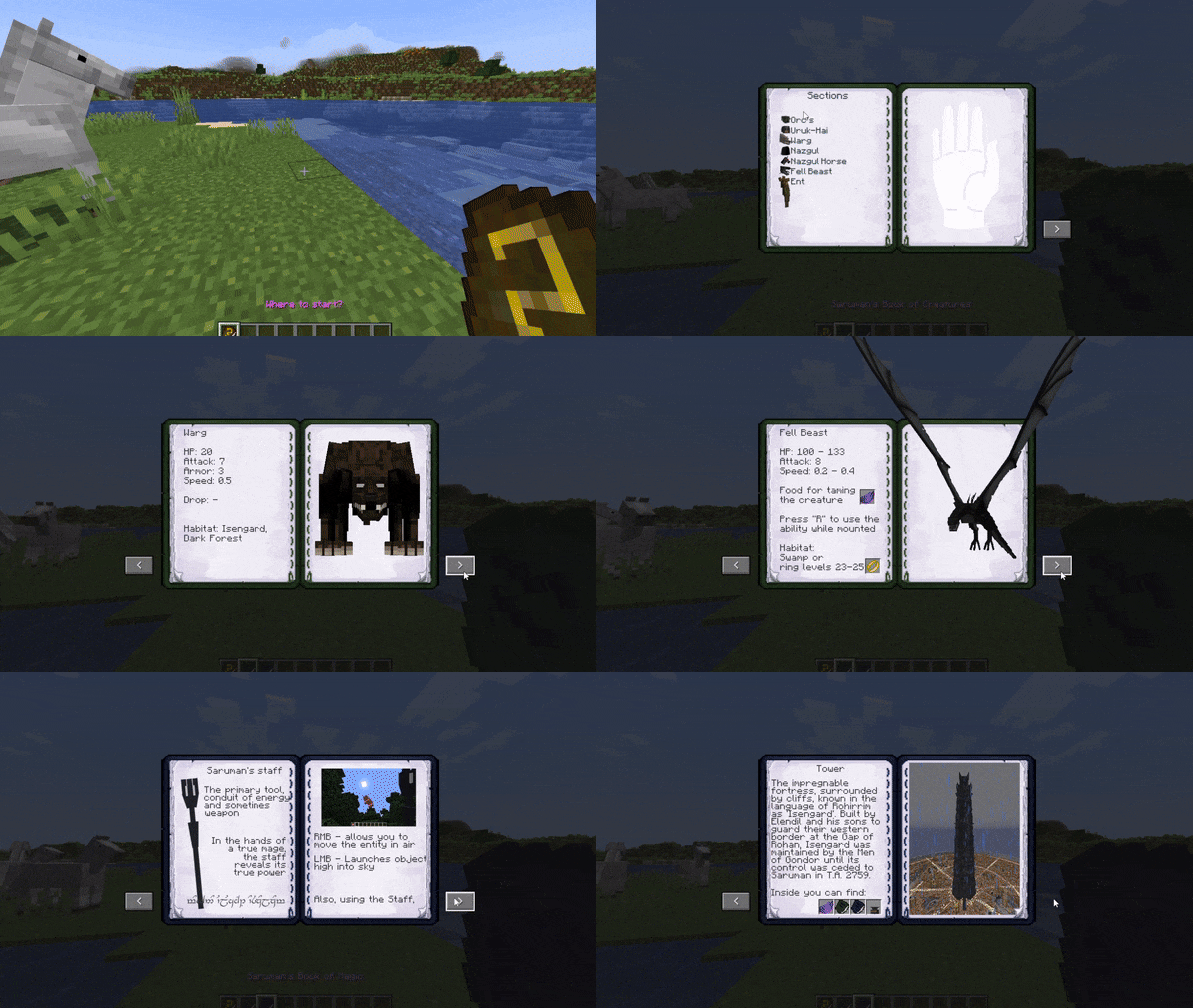
- Many new crafting items have been added;
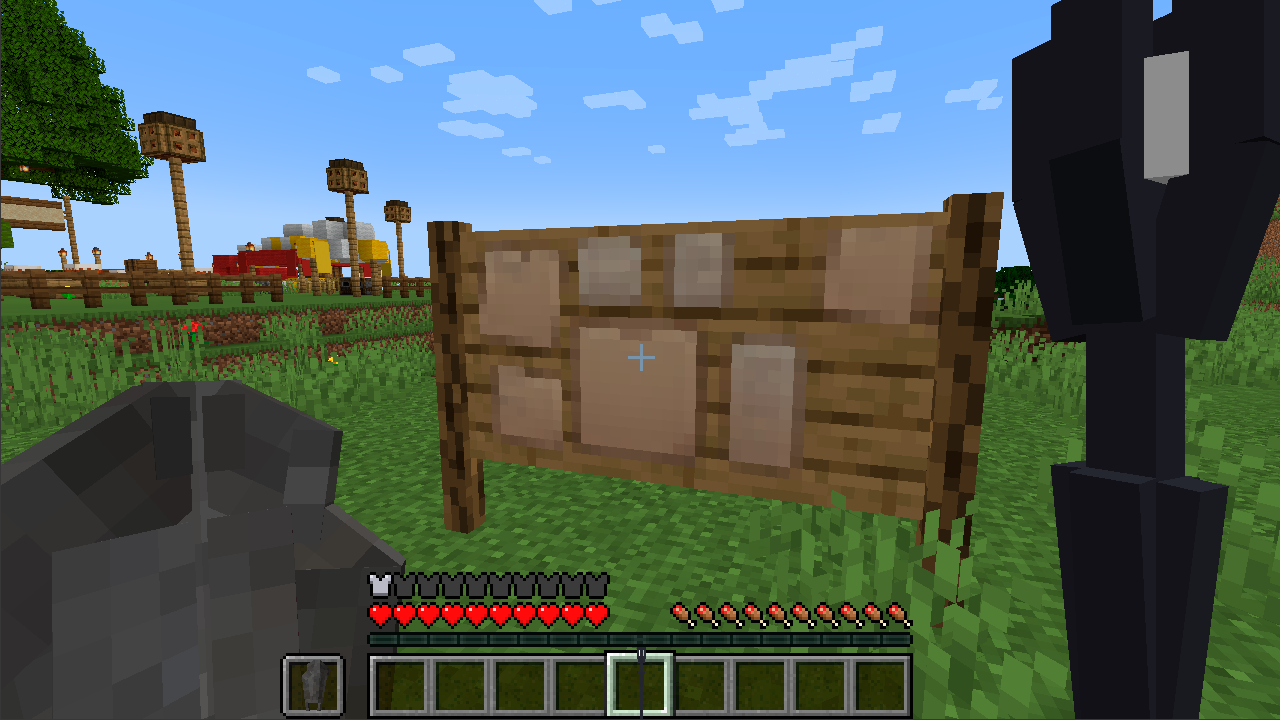
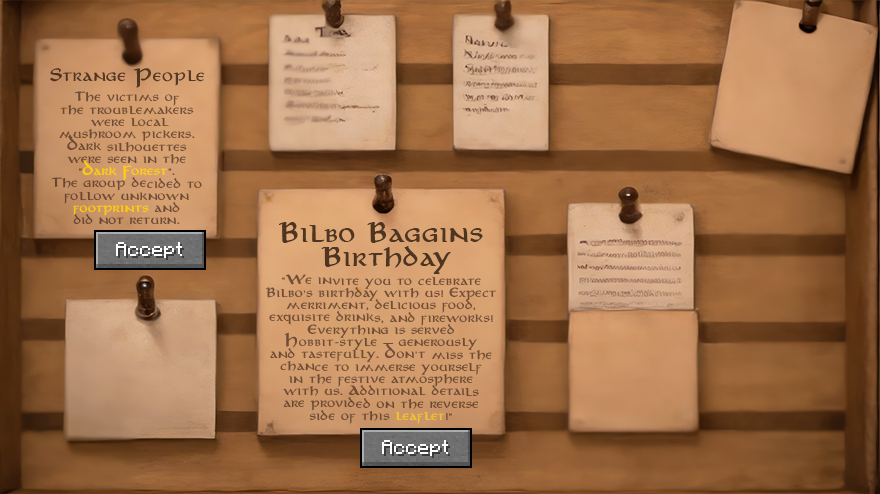
- A notice board with 2 quest lines has been added;
- Achievements
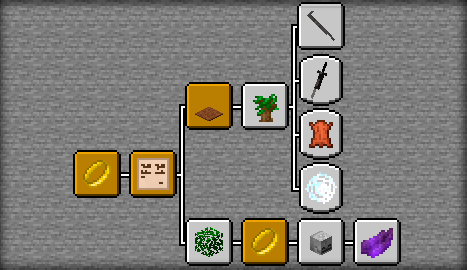
- New levels of the ring with Nazgûl on Fell Beasts;
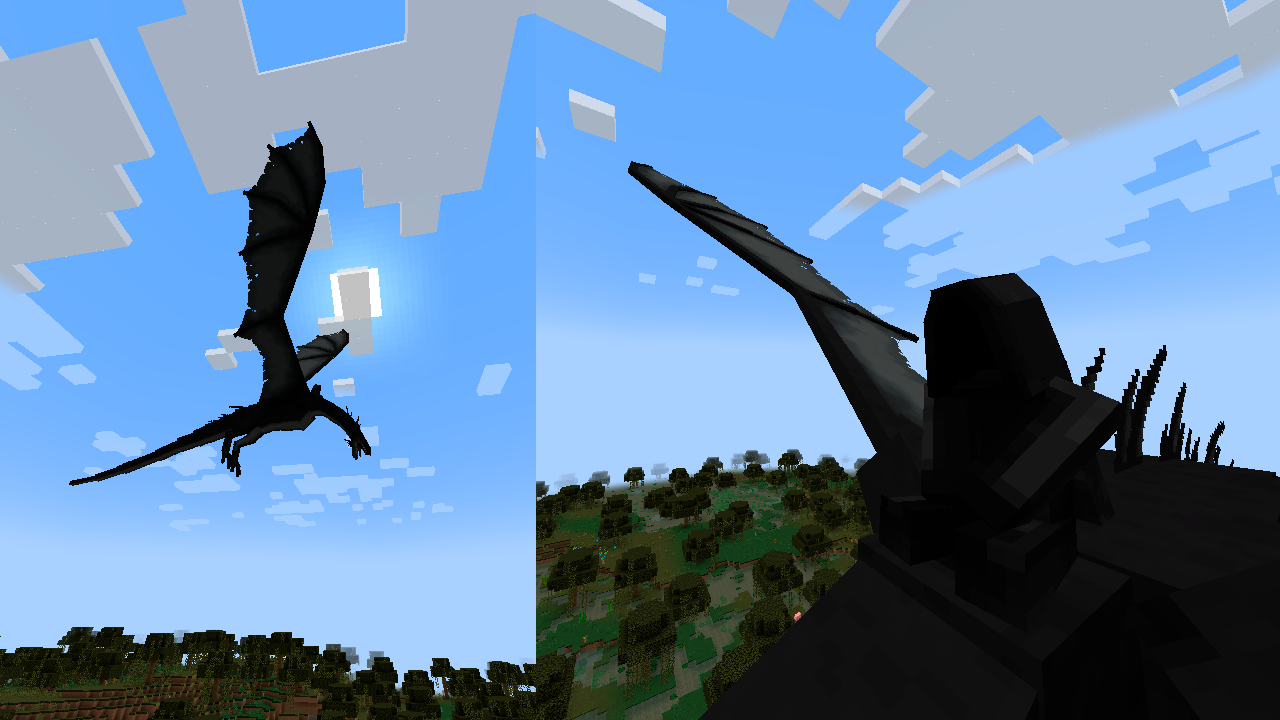
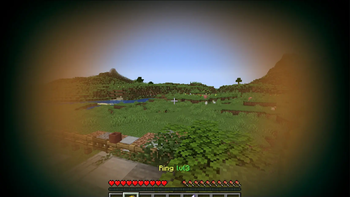
- The ring now has a cooldown;
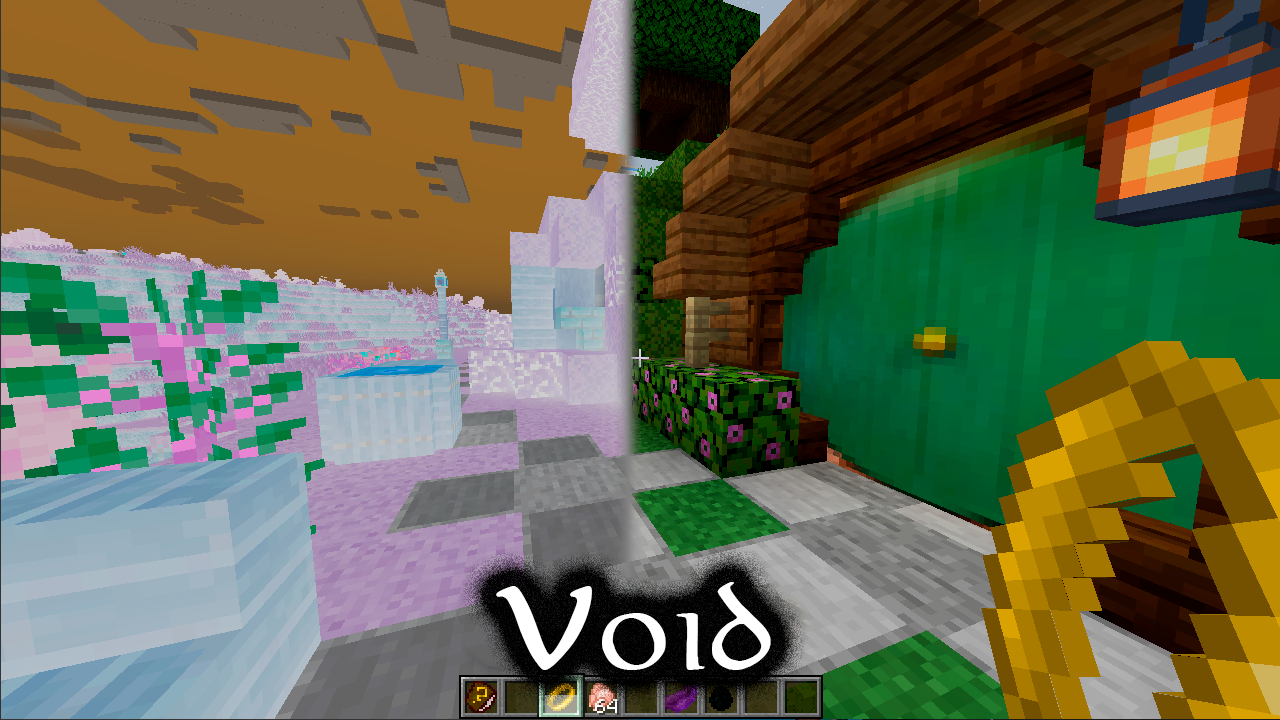
- When using the ring, the shader changes;
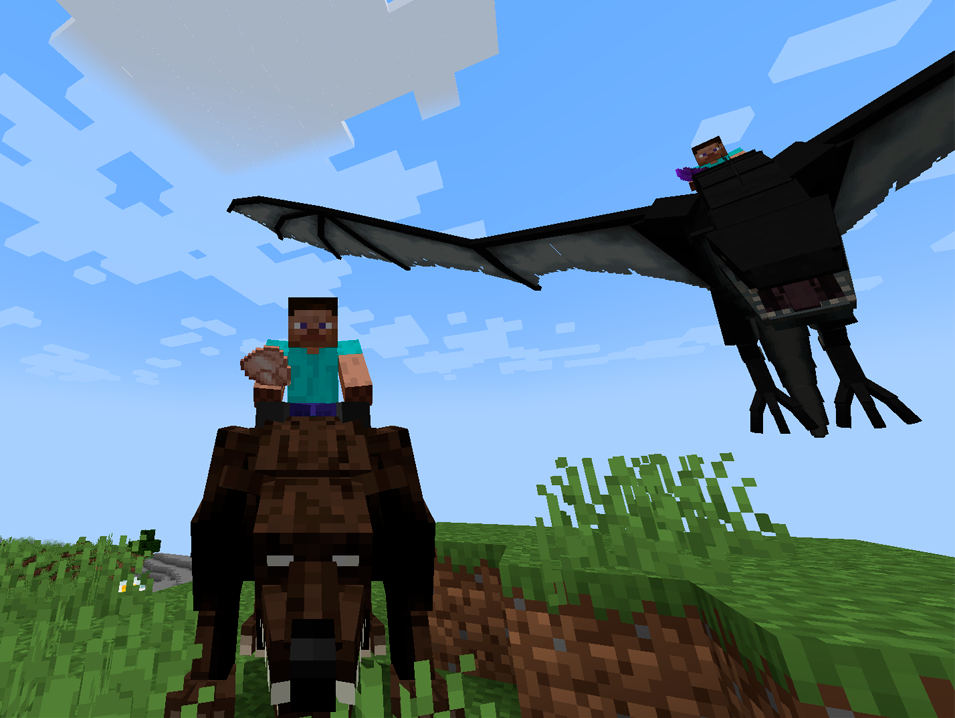
- The Fell Beast can be tamed;
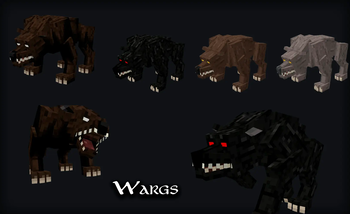
- In Isengard, you can find 4 colors of Warg puppies, take them in your inventory, raise them, and use them in battle;
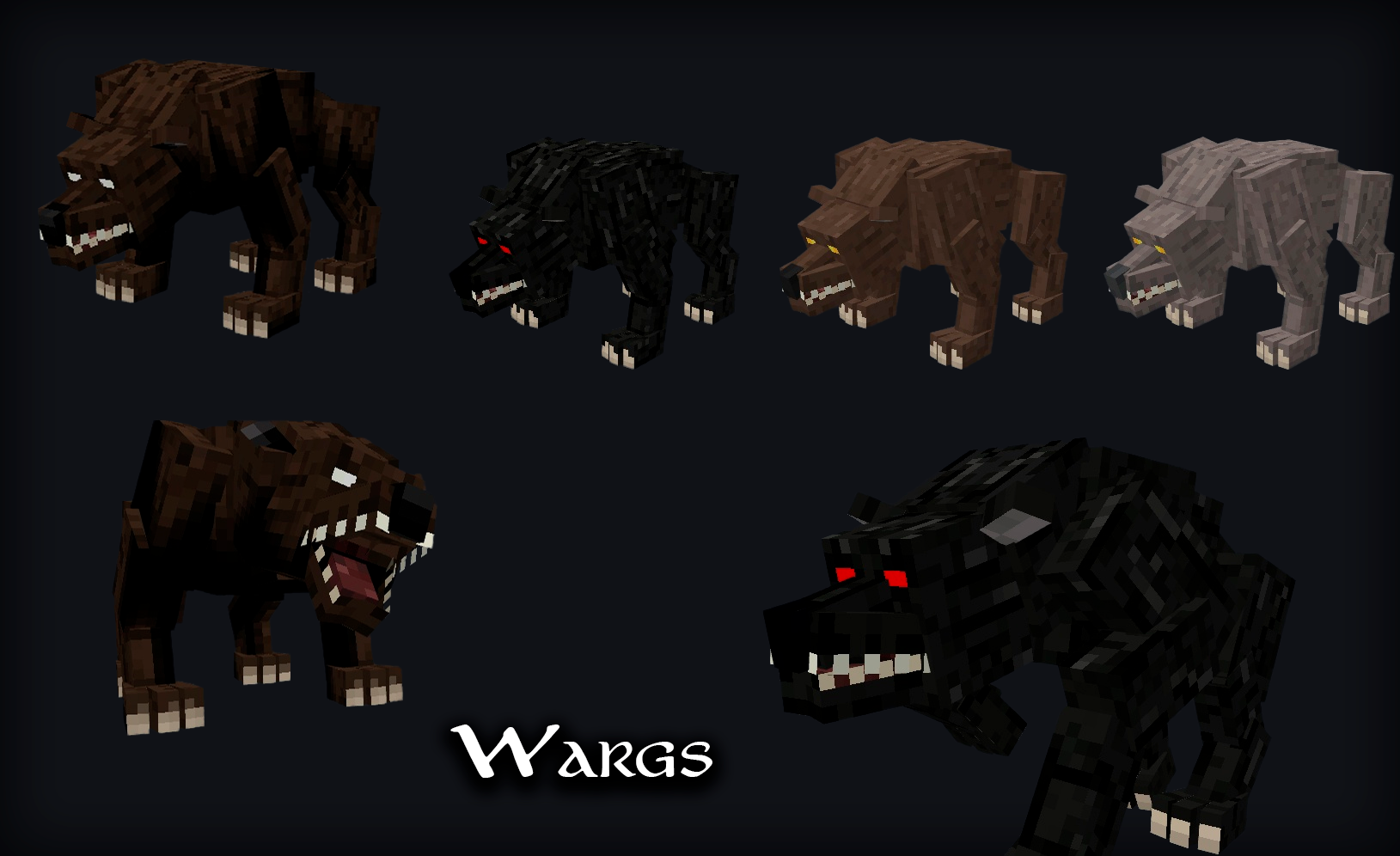
- Special abilities have been added for the Fell Beast and Wargs;
- 2 types of Ents have been added;
- Several Ent quests have been added;
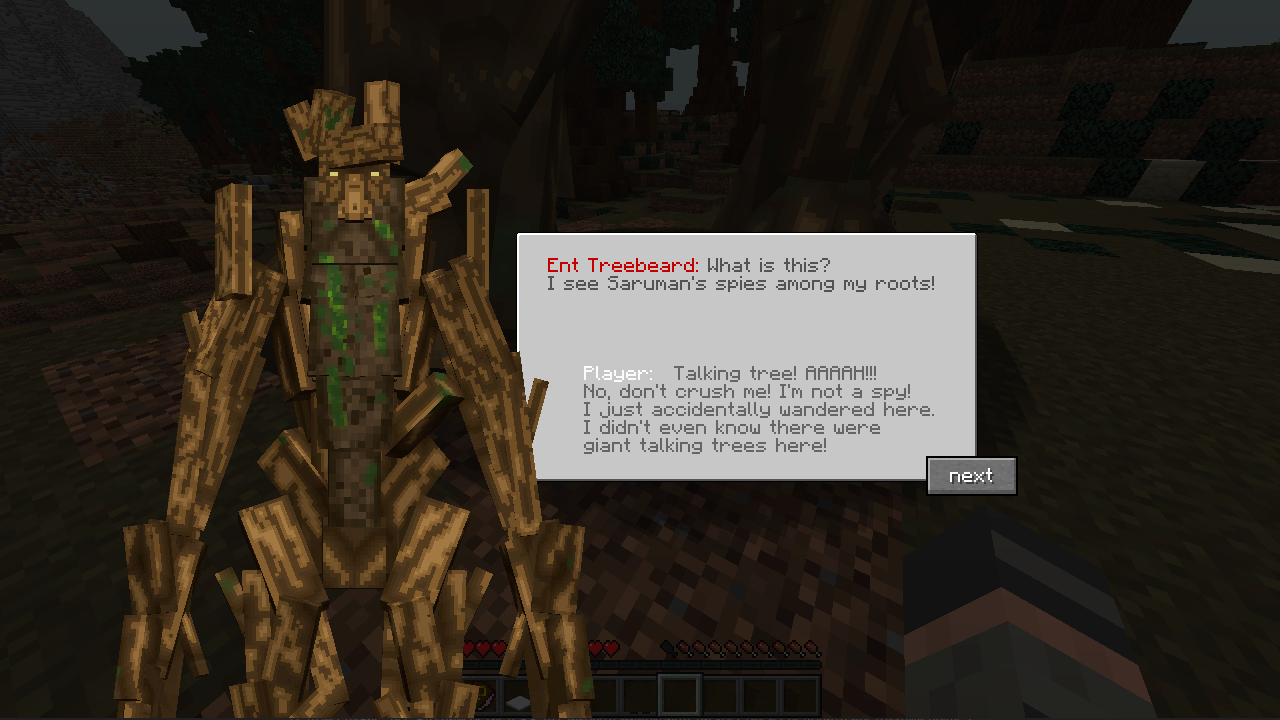
- You can climb on Treebeard;
- A scene from the movie where the Ents join the battle against Isengard has been added;
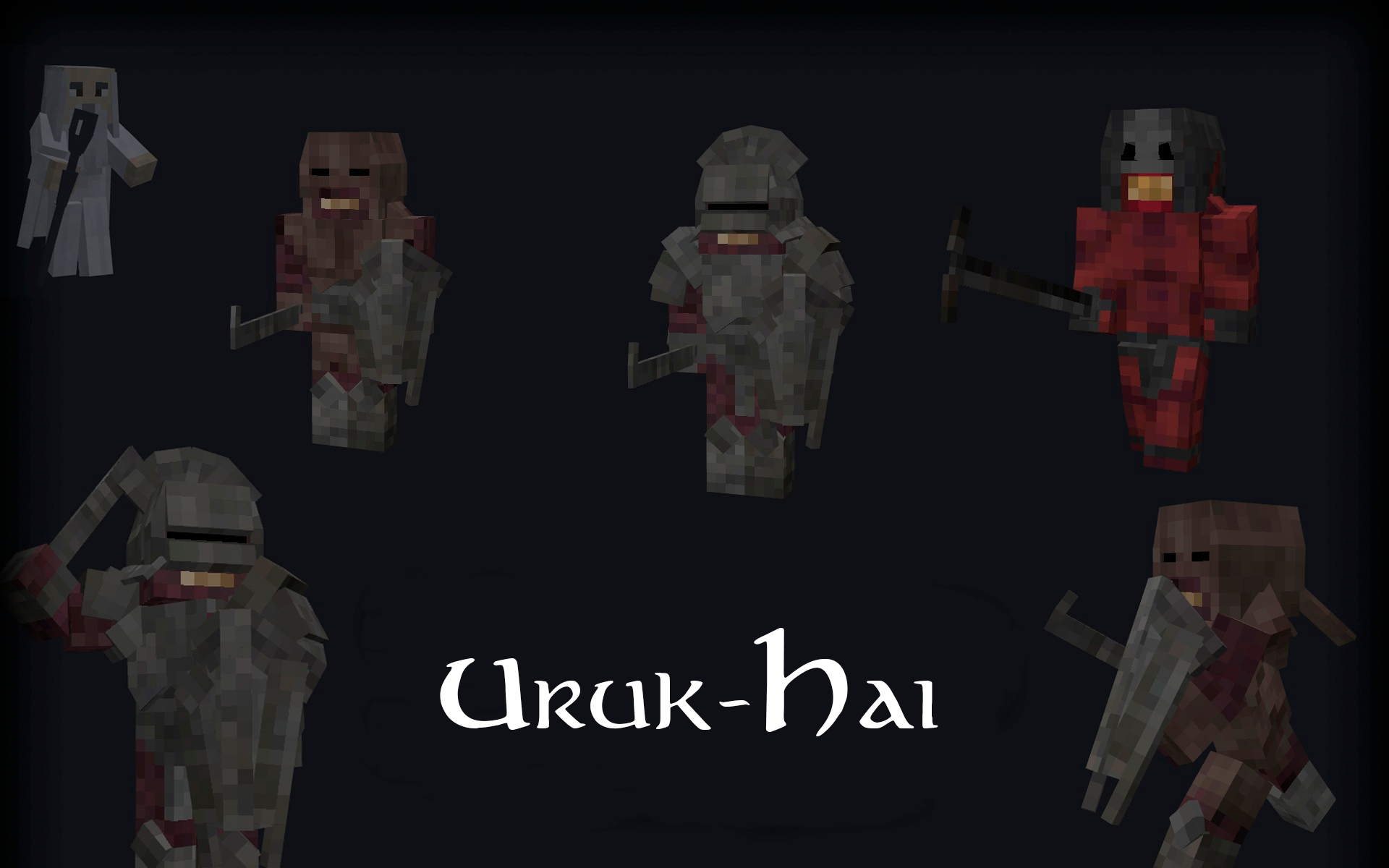
- 3 Uruk-hai have been added;
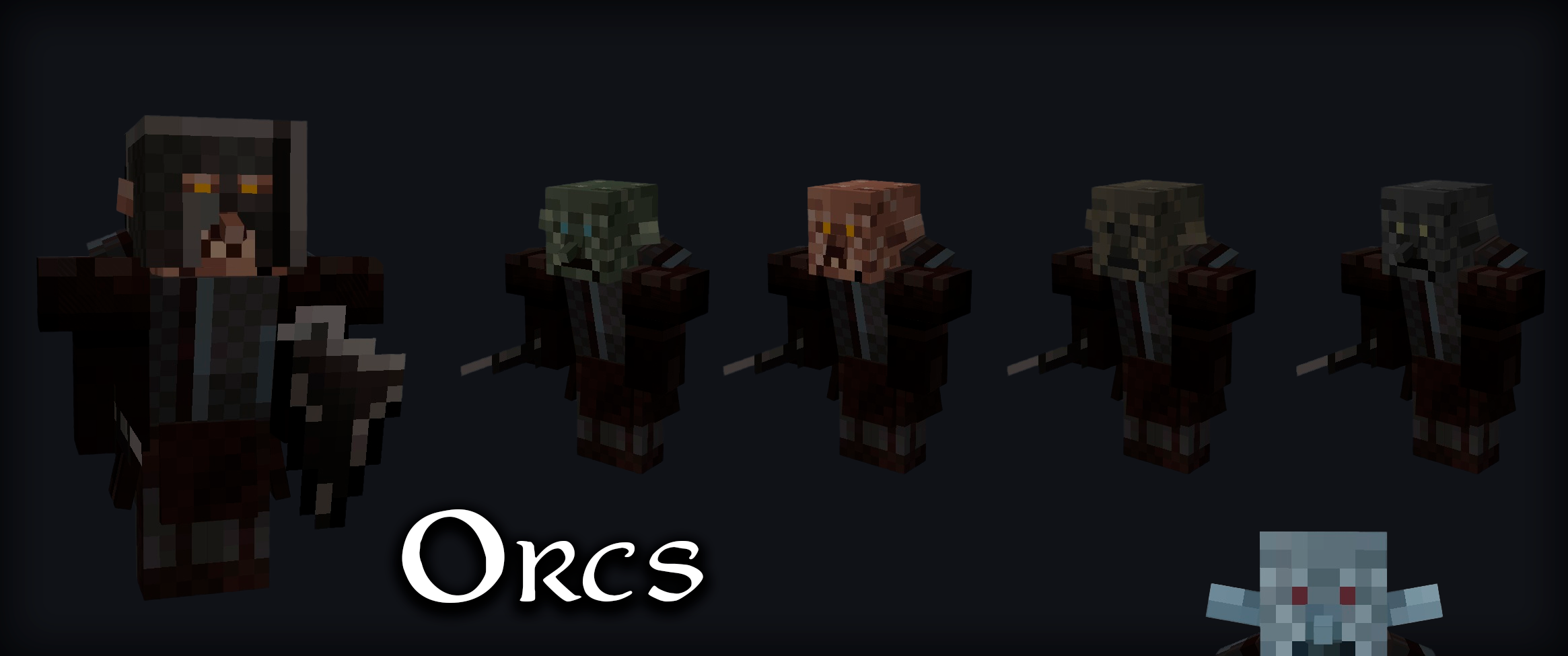
- Dozens of variations of orcs (skin, equipment, etc.);
- 6 armor sets;
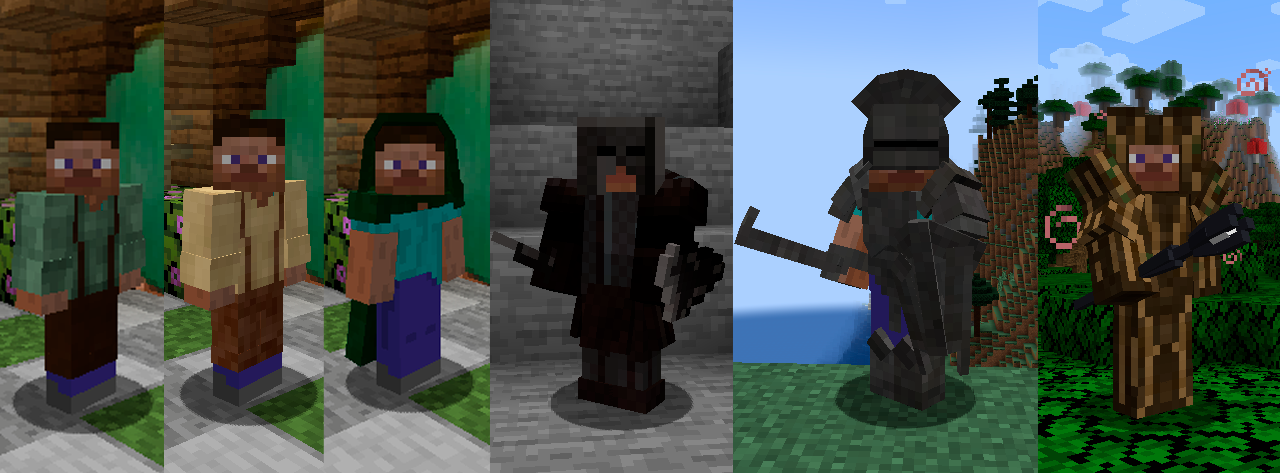
- 3 orc weapons;
- 2 shields;
- Boss Saruman;
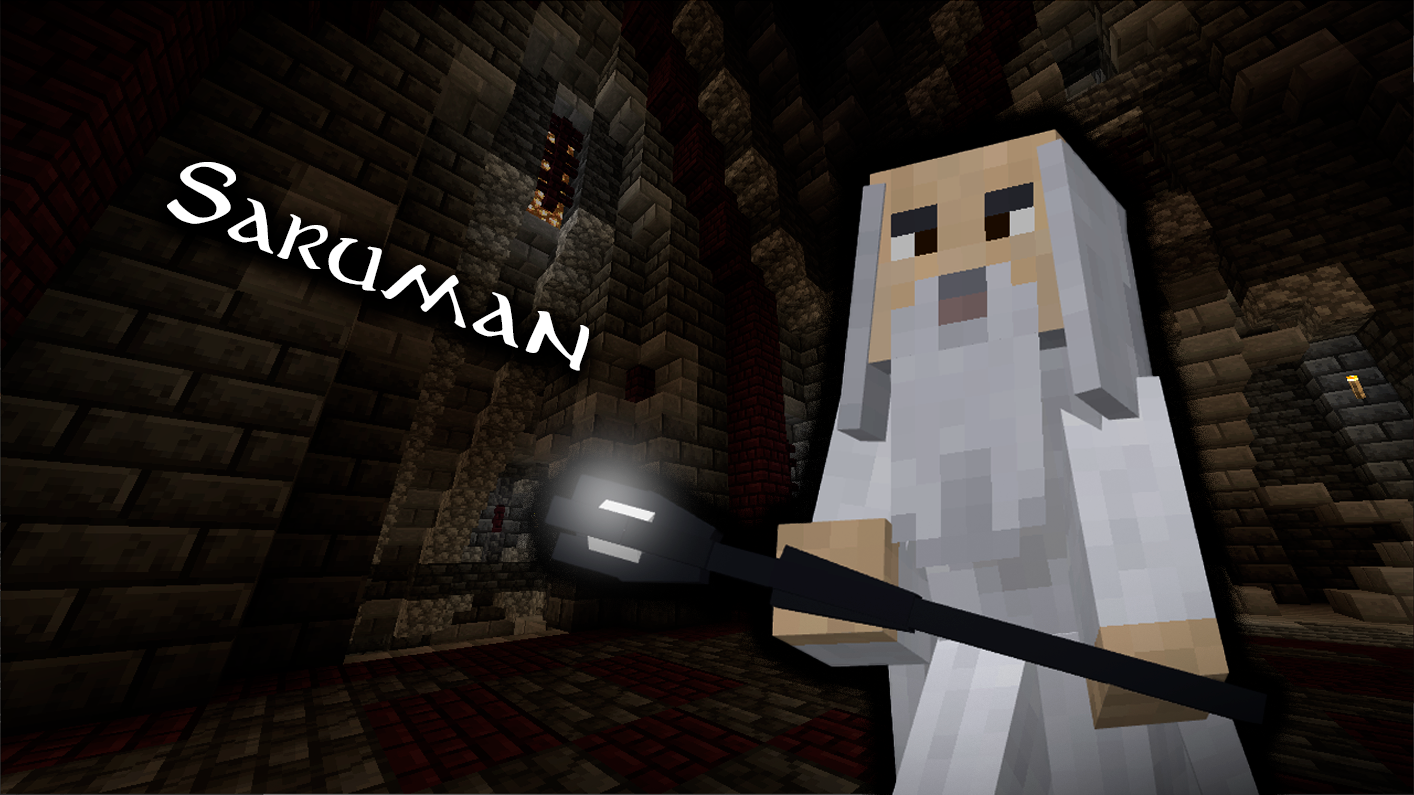
- Saruman's staff;
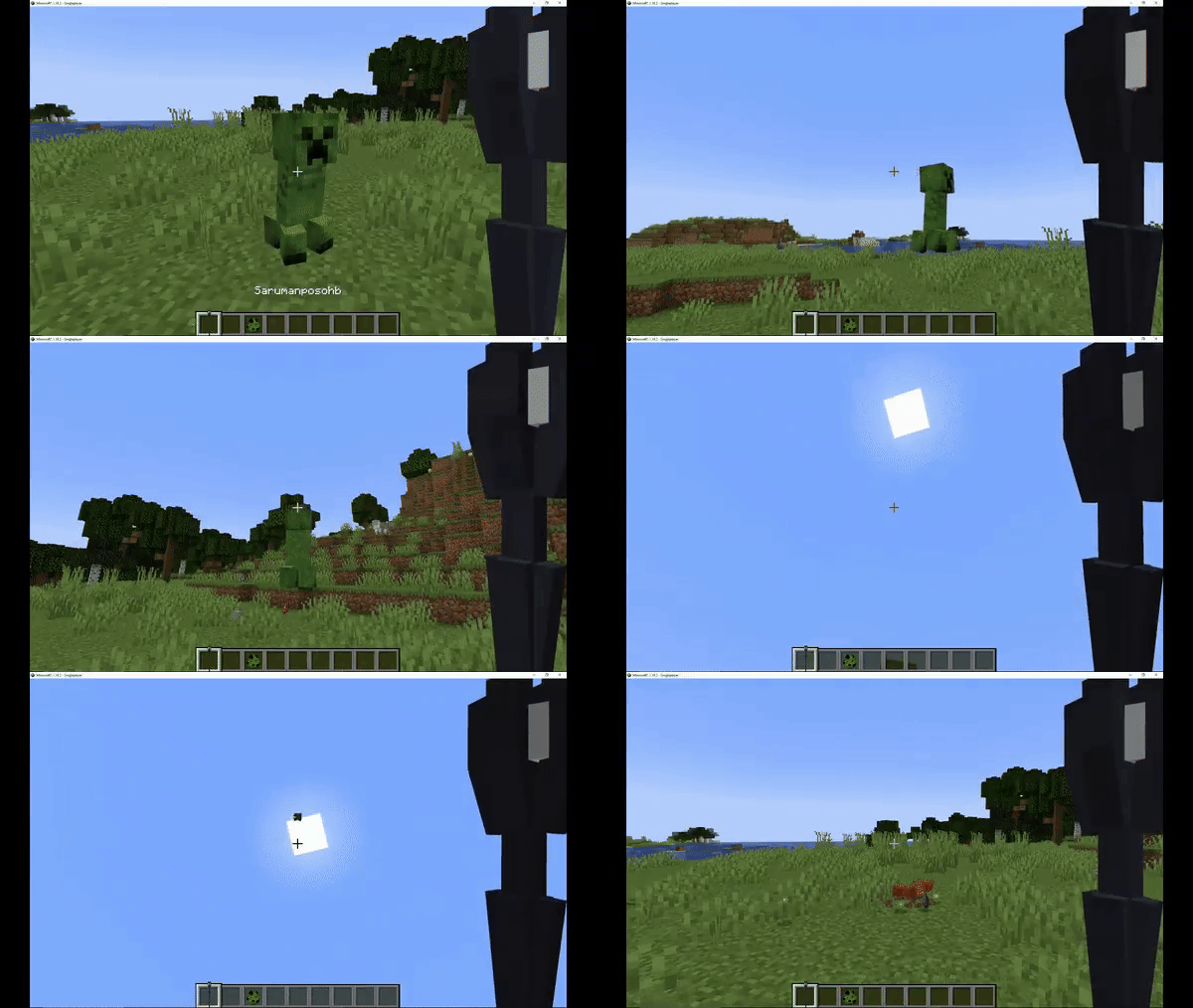
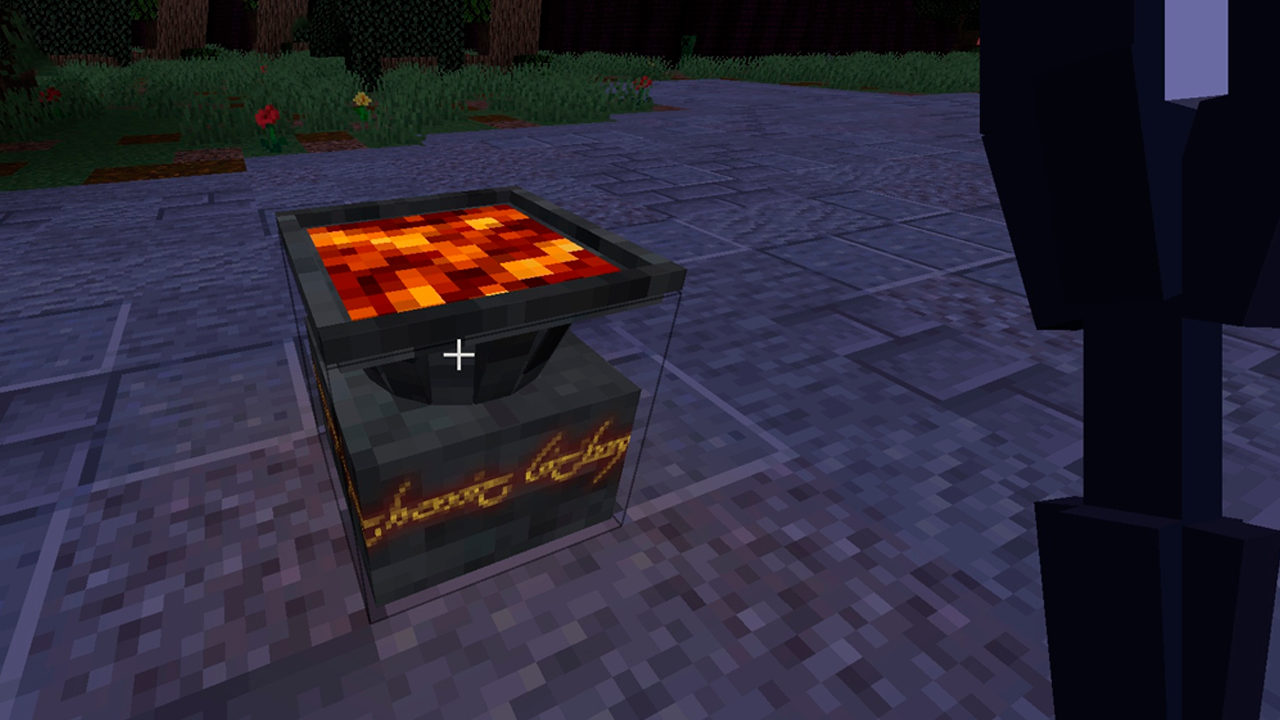
- A special forge;
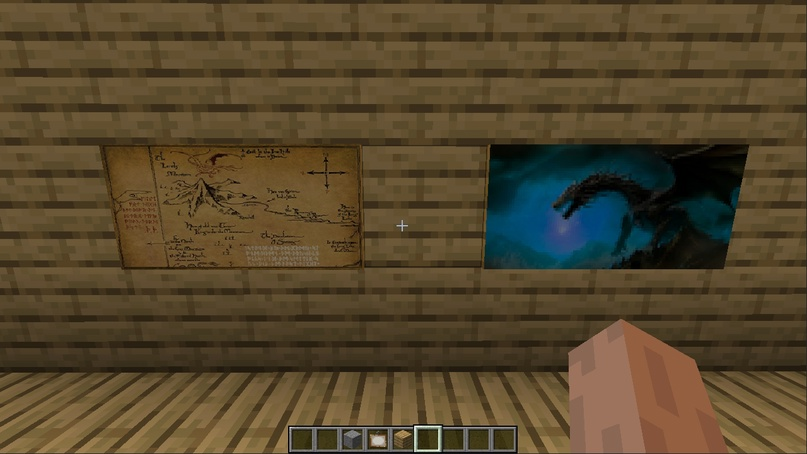
- 2 paintings;
- A dimension for Isengard has been added (due to this, the installation might be a bit non-standard, but more on that below).
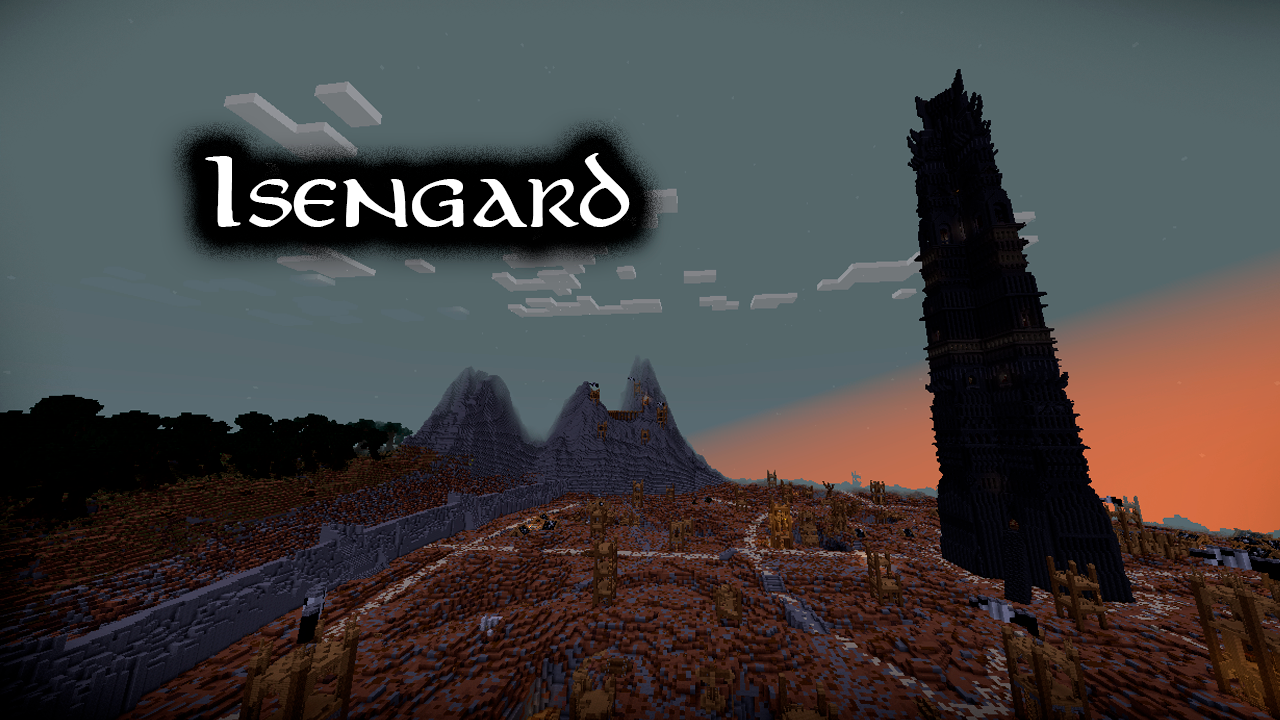
Changes:
- Improved Hobbit structure;
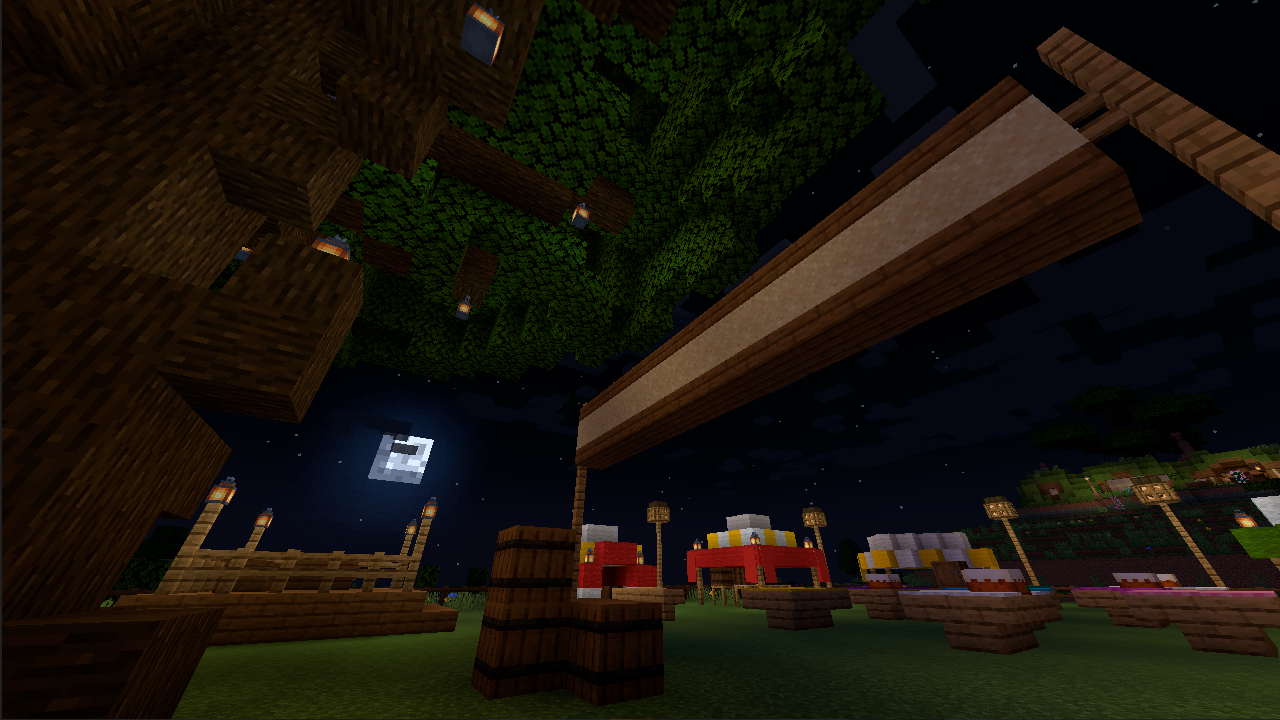
- Fixed doors.
⚠️ Installation (NON-STANDARD, READ):
- Download the mod for your version https://modrinth.com/mod/vtubruh-lotr-mobs/versions
- Download additional files https://cdn.modrinth.com/data/pGnVL7c7/versions/KrT3mRRH/vtubruhlotrmobs_map_files.zip
- Download Geckolib for your version https://modrinth.com/mod/geckolib/versions
- Create a world and exit it
- Go to your Minecraft folder, then to your world folder, for example .minecraft\saves\world
- In the world folder, there will be a dimensions folder - put the downloaded vtubruhlotrmobs folder there, replacing the old one (if prompted)
Otherwise, when entering Isengard, you will see this:
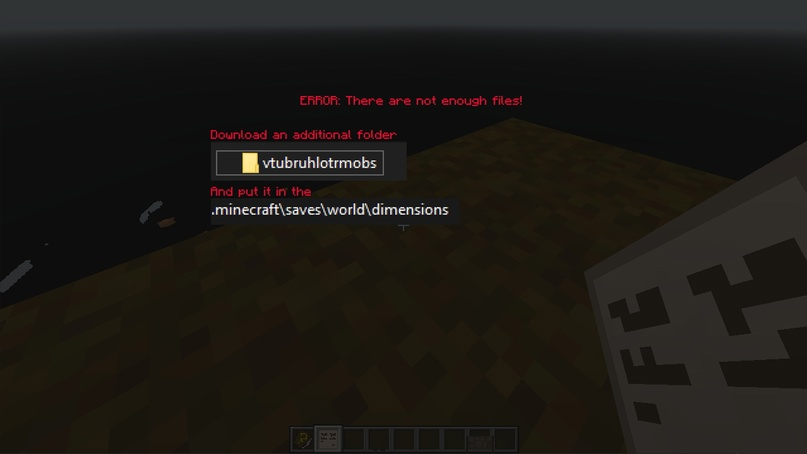
In this case, all you have to do is close Minecraft and follow the instructions above.
If after re-entering you find yourself underground, just jump.
Why is this happening? It's related to the large map, which I haven't been able to load automatically in the dimension yet.
Hopefully, I will fix this in the future.
Credits:
Many thanks to EpicQuestz for allowing me to use your incredibly beautiful and elaborate Isengard map!
(Original map https://www.epicquestz.com/isengard/)
Special thanks to: YoshyMaker
The mod is made using MCreator
Available Versions
How to Install vtubruh LOTR Mobs on Your Server
Order Server
Order a Minecraft Java server with at least 3 GB RAM (4 GB recommended).
Set forge Loader
In the panel under "Egg", select the forge loader and matching Minecraft version (1.20.1).
Install Mod
Open the mod browser in the dashboard and search for "vtubruh LOTR Mobs". Click "Install" – done! Alternatively, upload the .jar via SFTP to the /mods folder.
Compatibility
Mod Loaders
Minecraft Versions
1.20.1, 1.19.4, 1.19.2 (+1 more)
Server-side
✓ RequiredRecommended RAM
4 GB(min. 3 GB)Frequently Asked Questions
vtubruh LOTR Mobs server crashes on startup – what to do?
Most common cause: wrong forge version or insufficient RAM. Check the server log (latest.log) for "OutOfMemoryError" or "Mixin" errors. With Mado Hosting: ensure at least 3 GB RAM is allocated and the loader matches the mod version (1.20.1). You can switch loaders with one click in the panel.
Is vtubruh LOTR Mobs compatible with forge?
vtubruh LOTR Mobs officially supports forge for Minecraft 1.20.1, 1.19.4, 1.19.2. The Mado dashboard automatically detects incompatible loader combinations.
Server lagging with vtubruh LOTR Mobs – how to optimize performance?
Recommended RAM: 4 GB (per 8 players). Use /spark profiler to check if vtubruh LOTR Mobs consumes the most tick time. Common fixes: reduce server view-distance to 8-10, install "performant" or "starlight" as supplementary mods on Forge. With Mado Hosting, your server runs on NVMe SSDs with dedicated CPU cores for minimal latency.
Similar Mods




Rent Modded Server
Install vtubruh LOTR Mobs with just one click on your server.