
WAIG: Where Am I Going
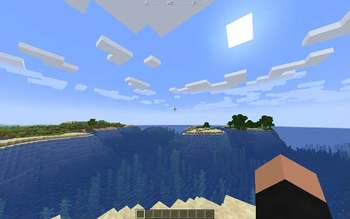
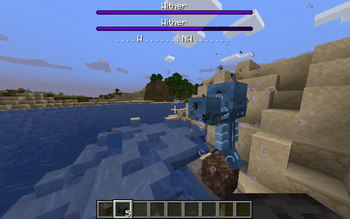
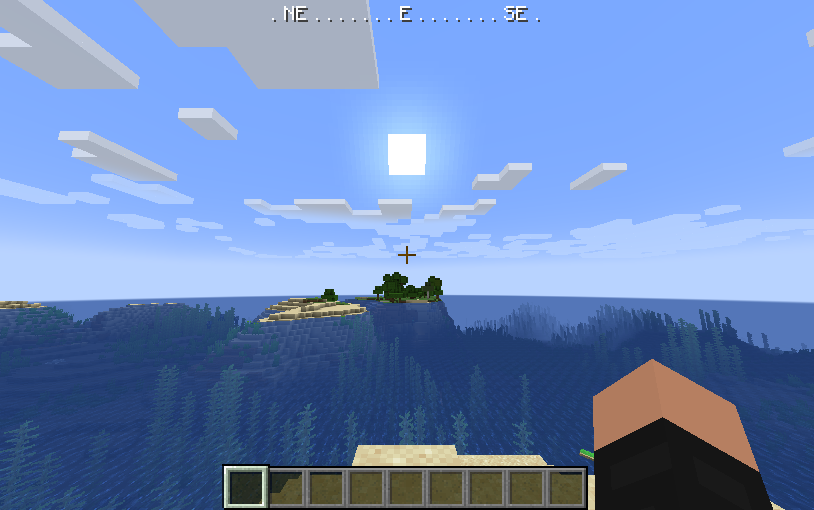
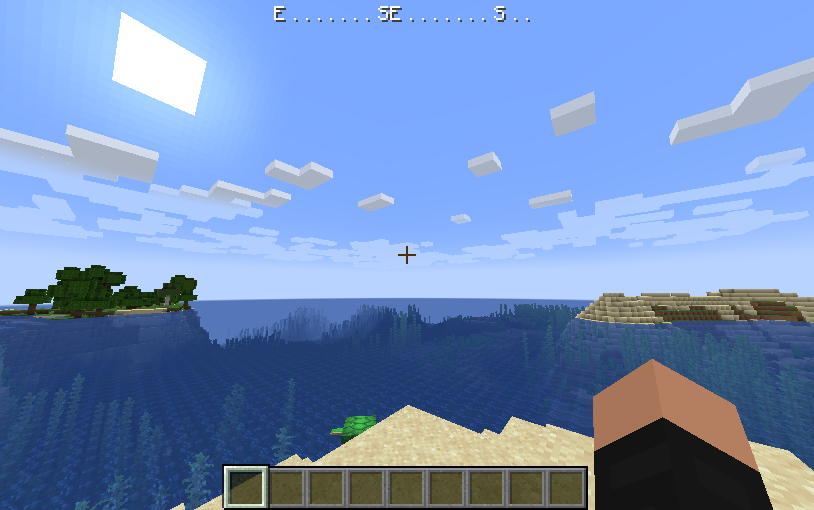
Fabric mod for Minecraft, adds a minimal RPG-inspired compass HUD to the game.
Screenshots
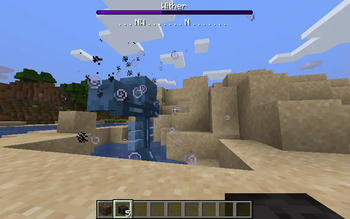
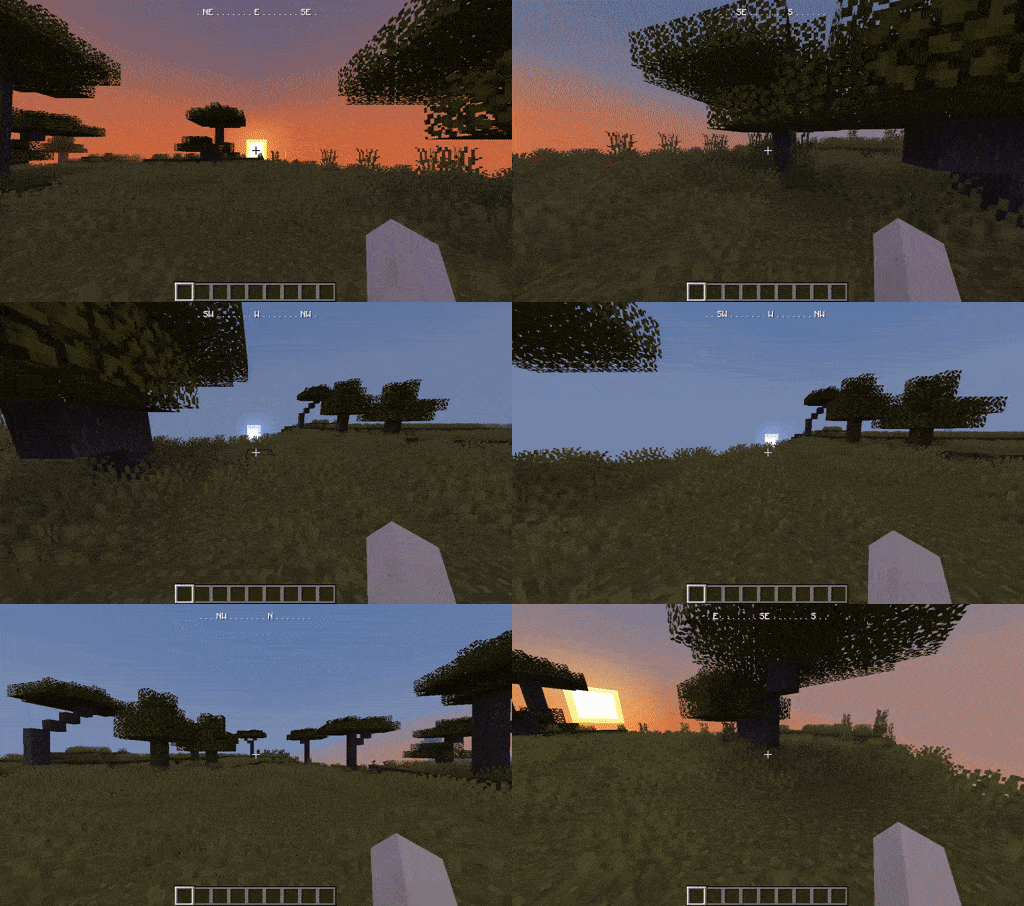
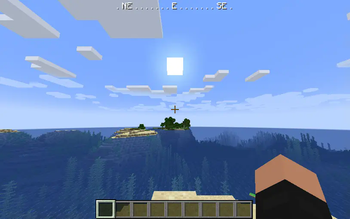
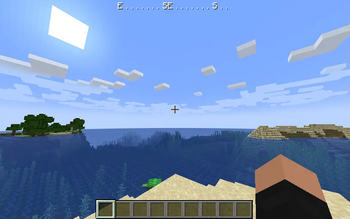
About this Mod
WAIG: Where Am I Going
Fabric mod for Minecraft, adds a minimal RPG-inspired compass HUD to the game.
This mod is client side only.
 : In case it is not shown the short demo gif showcasing the HUD can be found here and in the image gallery.
Features
- Always know in which direction your Minecraft character is going
- Toggleable via key binding (default: F6)
- Can be configured to show the HUD only when the player carries a compass in the inventory or is holding a compass in any hand. See Configuration section below for details.
- Does not obstruct boss bars by moving down
- Client side only
- Scales with the GUI
Configuration
- Config file location:
minecraft-base-folder/config/waig.config - A default configuration is generated when the mod is started for the first time or if the config file is missing
hud-show-mode: config key to enable the compass HUD only in certain circumstances (default:always)- if set to
alwaysthe HUD will always be displayed - if set to
inventorythe HUD will be displayed only if the player carries a compass in the inventory - if set to
handthe HUD will be displayed only if the player holds a compass in the main hand or off-hand
- if set to
compass-items: config key to list all items that count as compass equivalent. Whenhud-show-modeis set toinventoryorhand, the mod checks if any of the listed items are in the inventory or held, and if so will show the HUD.
Developer Support Options
If you like this project and want to support me you can buy me a coffee - everything is greatly appreciated, you are the best! <3
Images
Available Versions
How to Install WAIG: Where Am I Going on Your Server
Order Server
Order a Minecraft Java server with at least 3 GB RAM (4 GB recommended).
Set fabric Loader
In the panel under "Egg", select the fabric loader and matching Minecraft version (26.1.2).
Install Mod
Open the mod browser in the dashboard and search for "WAIG: Where Am I Going". Click "Install" – done! Alternatively, upload the .jar via SFTP to the /mods folder.
Compatibility
Mod Loaders
Minecraft Versions
26.1.2, 26.1.1, 26.1 (+27 more)
Server-side
✗ UnsupportedRecommended RAM
4 GB(min. 3 GB)Frequently Asked Questions
WAIG: Where Am I Going server crashes on startup – what to do?
Most common cause: wrong fabric version or insufficient RAM. Check the server log (latest.log) for "OutOfMemoryError" or "Mixin" errors. With Mado Hosting: ensure at least 3 GB RAM is allocated and the loader matches the mod version (26.1.2). You can switch loaders with one click in the panel.
Is WAIG: Where Am I Going compatible with fabric?
WAIG: Where Am I Going officially supports fabric for Minecraft 26.1.2, 26.1.1, 26.1. The Mado dashboard automatically detects incompatible loader combinations.
Server lagging with WAIG: Where Am I Going – how to optimize performance?
Recommended RAM: 4 GB (per 8 players). Use /spark profiler to check if WAIG: Where Am I Going consumes the most tick time. Common fixes: reduce server view-distance to 8-10, install "performant" or "starlight" as supplementary mods on Forge. With Mado Hosting, your server runs on NVMe SSDs with dedicated CPU cores for minimal latency.
Similar Mods




Rent Modded Server
Install WAIG: Where Am I Going with just one click on your server.