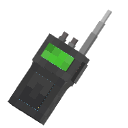
Walkie Talkie
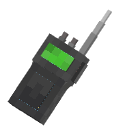
The mod adds Walkie Talkies!
Screenshots
About this Mod
Walkie Talkie 
A Minecraft Fabric mod that adds functional walkie-talkies with real voice communication via Simple Voice Chat integration.
Features
- Real Voice Communication — talk to other players on the same frequency using Simple Voice Chat
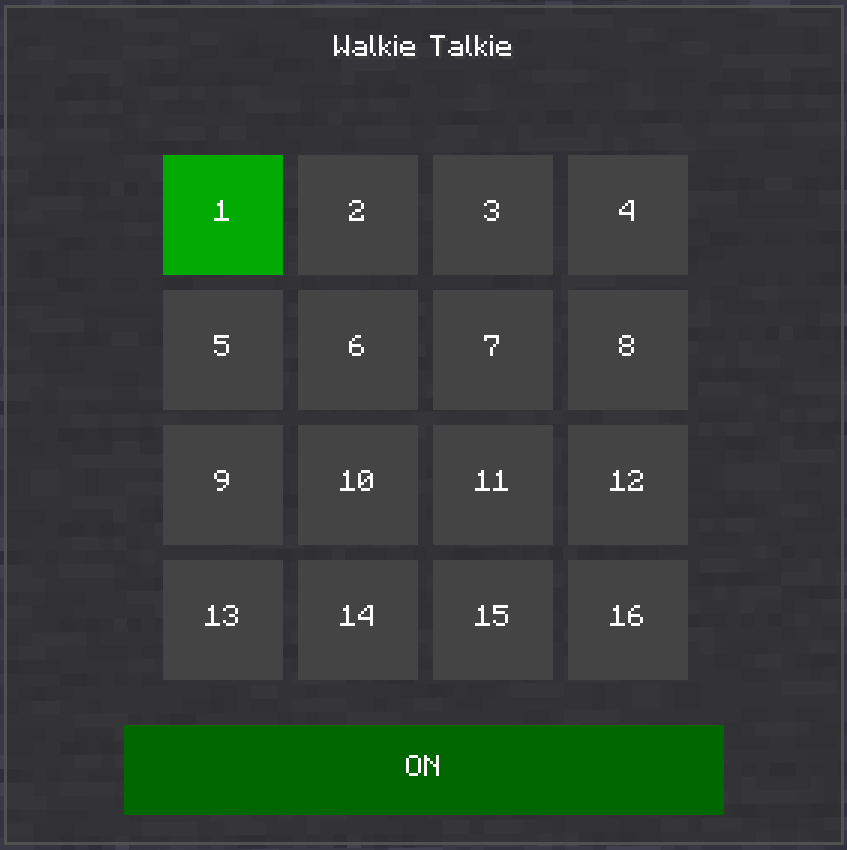
- 16 Channels (1–16) — select any frequency through the in-game GUI
- ON/OFF Toggle — enable or disable your walkie-talkie at any time
- Radio Sound Effects — audio is processed with a radio effect (compression, noise); also supports distortion, echo, low-pass, and high-pass filters
- Fake Sound System — broadcast OGG audio files through a radio channel using commands
- Custom Sounds — power on/off clicks and ambient static noise play during transmissions
- Full Inventory Scanning — walkie-talkies in your inventory (not just hands) are detected and joined to channels
Items
| Item | Description |
|---|---|
| Walkie Talkie |
Standard working radio |
Beta Walkie Talkie  |
Alternative variant (functional) |
Broken Walkie Talkie  |
Non-functional decorative item |
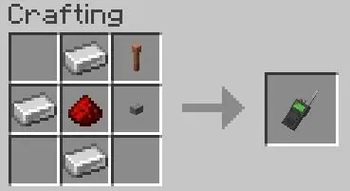
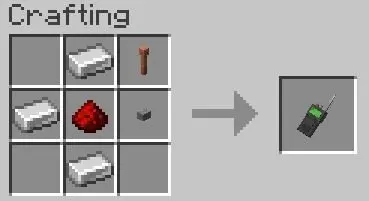
Crafting
Usage
Walkie Talkie
- Craft a Walkie Talkie
- Shift + right-click to open the frequency selector GUI
- Click a channel (1–16) to set your frequency
- Toggle ON/OFF with the button at the bottom of the GUI
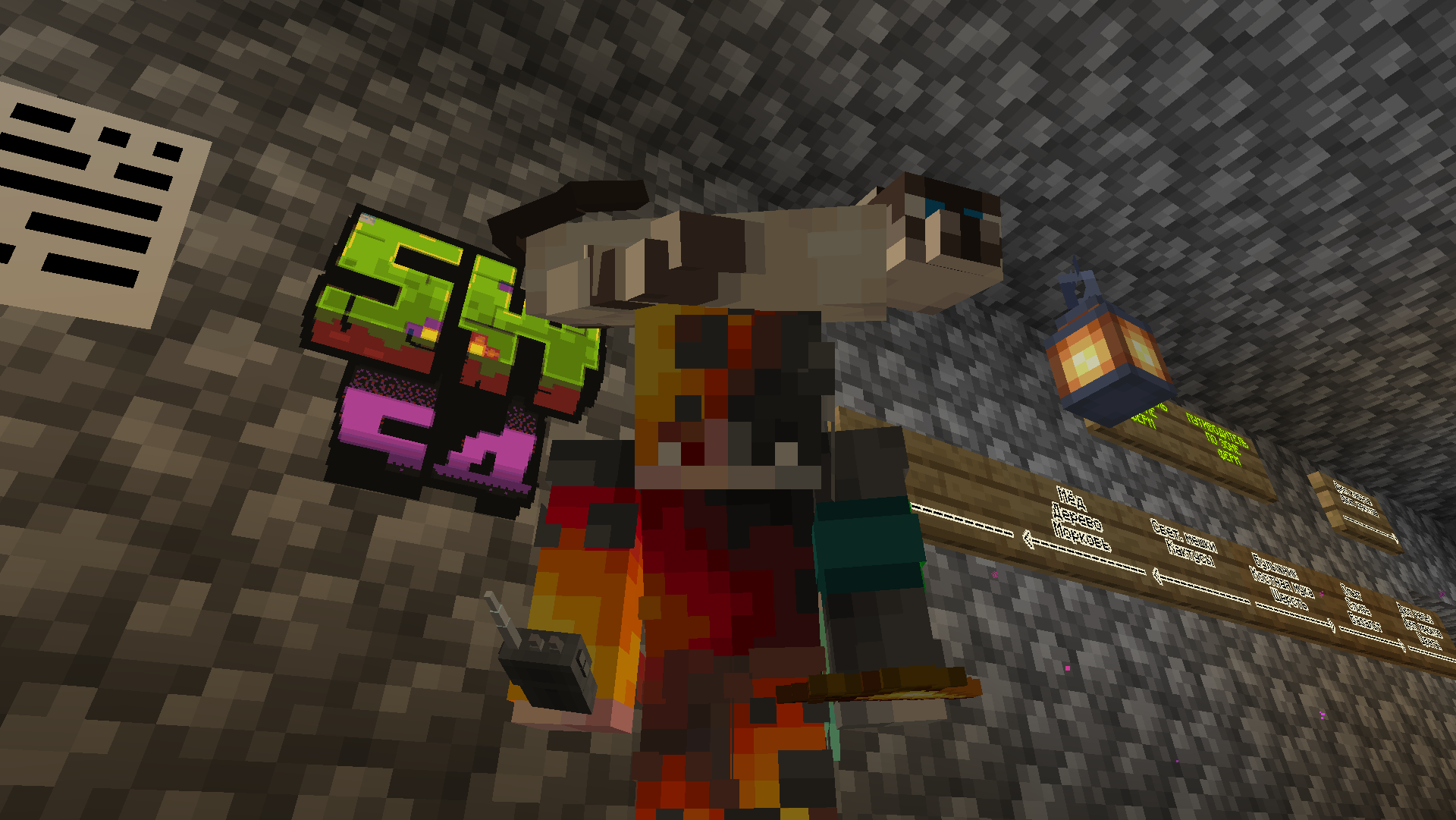
- Hold right-click (PCM) with the walkie-talkie in hand to start transmitting
- Release to stop transmitting — other players on the same channel will hear you
Commands
| Command | Description |
|---|---|
/sw4wt soundeffect |
List all available sound effects |
/sw4wt soundeffect <effect> |
Set a sound effect (radio, distortion, echo, lowpass, highpass, none) |
/sw4wt fakesound <file> <frequency> |
Play an audio file on a specific frequency |
/sw4wt stopfakesound <frequency> |
Stop a fake sound on a specific frequency |
/sw4wt listfakesounds |
List all configured fake sounds |
/sw4wt reloadfakesounds |
Reload fake sound configuration |
Place .ogg files in config/sw4wt/fakesounds/.
Configuration
Config file: config/sw4wt/sw4wt-config.json
| Option | Type | Description |
|---|---|---|
effect |
string | Current radio effect (radio, distortion, echo, lowpass, highpass, none) |
fakeSounds |
object | Map of frequency → audio file name |
Requirements
- Minecraft 1.21.11
- Fabric Loader ≥0.18.4
- Fabric API
- Super GUI Lib
- Simple Voice Chat
Available Versions
How to Install Walkie Talkie on Your Server
Order Server
Order a Minecraft Java server with at least 3 GB RAM (4 GB recommended).
Set fabric Loader
In the panel under "Egg", select the fabric loader and matching Minecraft version (1.21.11).
Install Mod
Open the mod browser in the dashboard and search for "Walkie Talkie". Click "Install" – done! Alternatively, upload the .jar via SFTP to the /mods folder.
Compatibility
Mod Loaders
Minecraft Versions
1.21.11
Server-side
✓ RequiredRecommended RAM
4 GB(min. 3 GB)Frequently Asked Questions
Walkie Talkie server crashes on startup – what to do?
Most common cause: wrong fabric version or insufficient RAM. Check the server log (latest.log) for "OutOfMemoryError" or "Mixin" errors. With Mado Hosting: ensure at least 3 GB RAM is allocated and the loader matches the mod version (1.21.11). You can switch loaders with one click in the panel.
Is Walkie Talkie compatible with fabric?
Walkie Talkie officially supports fabric for Minecraft 1.21.11. The Mado dashboard automatically detects incompatible loader combinations.
Server lagging with Walkie Talkie – how to optimize performance?
Recommended RAM: 4 GB (per 8 players). Use /spark profiler to check if Walkie Talkie consumes the most tick time. Common fixes: reduce server view-distance to 8-10, install "performant" or "starlight" as supplementary mods on Forge. With Mado Hosting, your server runs on NVMe SSDs with dedicated CPU cores for minimal latency.
Similar Mods



![[TaCZ] Timeless and Classics Zero](https://cdn.modrinth.com/data/SzzJttH8/fd27766d2bb8390d284696b1dbd358f87e081439_96.webp)


Rent Modded Server
Install Walkie Talkie with just one click on your server.