
War of worlds
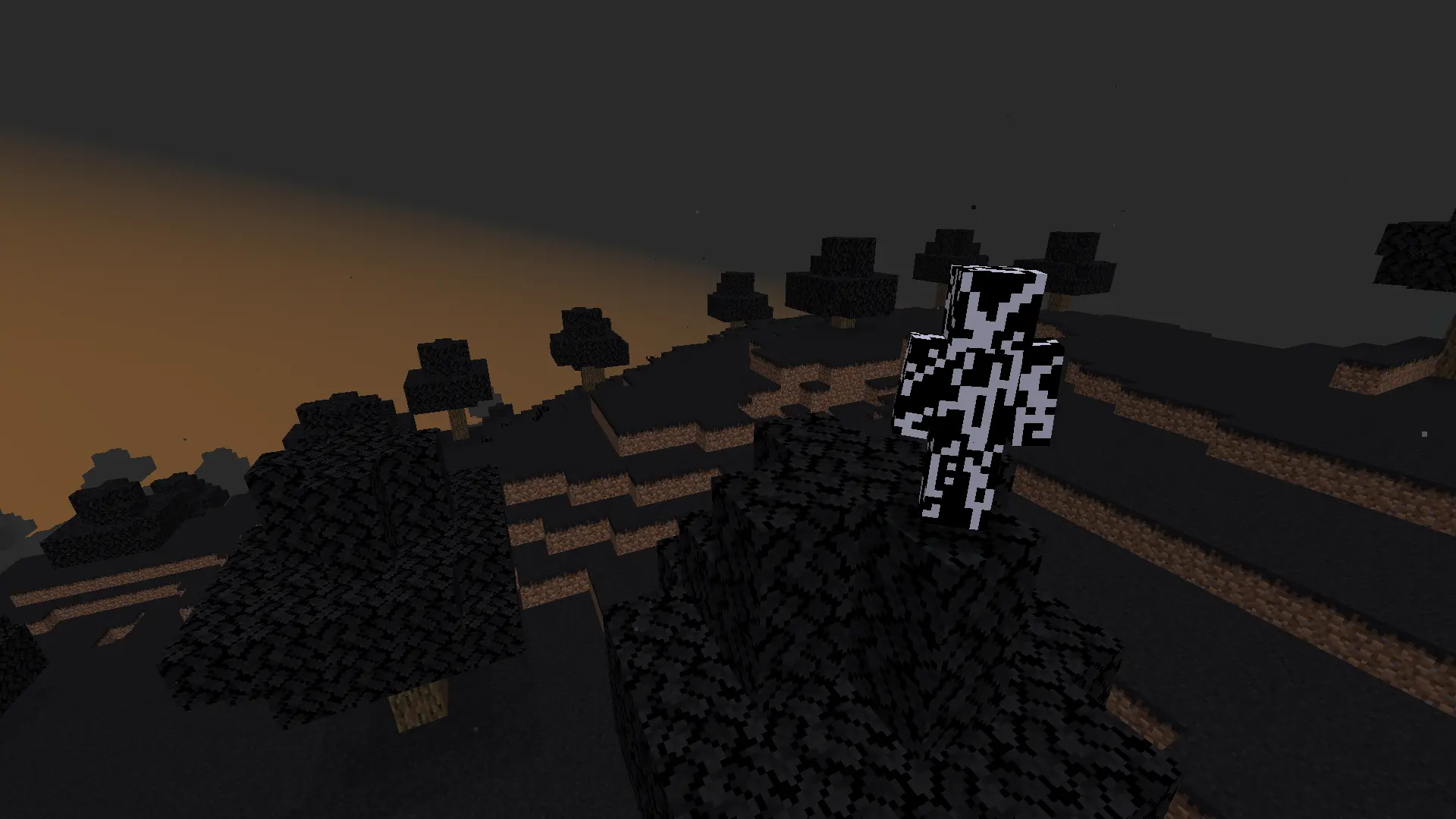
Adds multiple anomalies and new dimensions featuring unique structures and terrains all designed to maintain a tense scary atmosphere
Screenshots
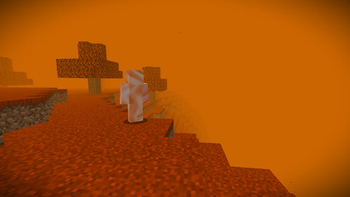
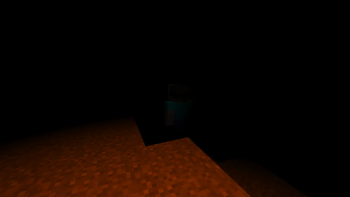
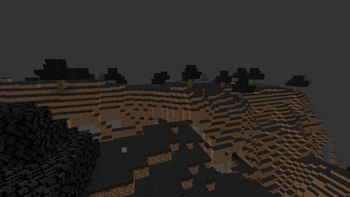
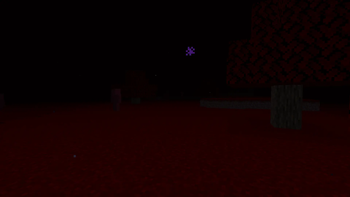
About this Mod
Welcome to War of the Worlds.
(NOT TRIPODS)
⚠️DISCLAIMER: This Mods Intention is not to be entirely scary this mod was mainly made for an adventurous/lore aesthetic with a little bit of horror
Random anomalies, strange buildings and dangerous mobs will spawn all around you! New dimensions await full of eerie world‑generation, tense atmosphere, and sights you hopefully will never see.
Dimensions all have their own vibe; Biomes, buildings, and threats that keep you on your toes.
Explore weird world‑gen, chilling ambiance, and random scary stuff.
⚠️Contains bugs -- First mod I have ever made.
Comments and bug reports are welcome.
🐛Report Bugs at https://discord.gg/n4wxwq4qAD
Only supported on NeoForge 1.21.8 Probably not supported with any other mods
This Mod is in the most beta beta can get expect many bugs and features that can break. Bugs will be fixed and more features will be added like entities structures etc
Most importantly have fun!
Credits:
Mod created by alexanderstar25
Thank you for playing have fun!
Thanks for reporting bugs!
Available Versions
How to Install War of worlds on Your Server
Order Server
Order a Minecraft Java server with at least 3 GB RAM (4 GB recommended).
Set neoforge Loader
In the panel under "Egg", select the neoforge loader and matching Minecraft version (1.21.8).
Install Mod
Open the mod browser in the dashboard and search for "War of worlds". Click "Install" – done! Alternatively, upload the .jar via SFTP to the /mods folder.
Compatibility
Mod Loaders
Minecraft Versions
1.21.8
Server-side
✓ RequiredRecommended RAM
4 GB(min. 3 GB)Frequently Asked Questions
War of worlds server crashes on startup – what to do?
Most common cause: wrong neoforge version or insufficient RAM. Check the server log (latest.log) for "OutOfMemoryError" or "Mixin" errors. With Mado Hosting: ensure at least 3 GB RAM is allocated and the loader matches the mod version (1.21.8). You can switch loaders with one click in the panel.
Is War of worlds compatible with neoforge?
War of worlds officially supports neoforge for Minecraft 1.21.8. The Mado dashboard automatically detects incompatible loader combinations.
Server lagging with War of worlds – how to optimize performance?
Recommended RAM: 4 GB (per 8 players). Use /spark profiler to check if War of worlds consumes the most tick time. Common fixes: reduce server view-distance to 8-10, install "performant" or "starlight" as supplementary mods on Forge. With Mado Hosting, your server runs on NVMe SSDs with dedicated CPU cores for minimal latency.
Similar Mods




Rent Modded Server
Install War of worlds with just one click on your server.