
The Warp Mod
The WarpMod allows the creation of and travel to various warps locations.
Screenshots


About this Mod

Description
It allows teleporting to various warps, This mod does NOT need to be installed client-side.
Clientside
This mod can now be installed purely serverside, purely clientside, or for the best experience installed on both.
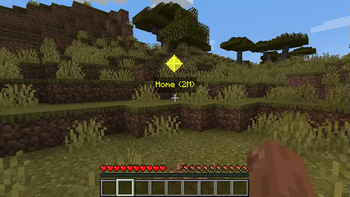
Waypoints
Warps can now show in game via waypoints.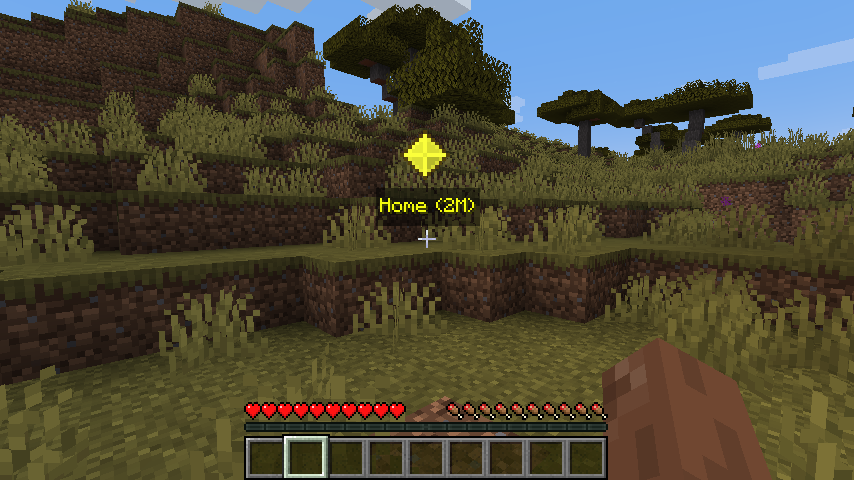
Keybindings
| Key | Name | Description |
|---|---|---|
| B | Create Warp | This will open a quick create UI |
| U | Open Warps Menu | This will open a warp list UI |
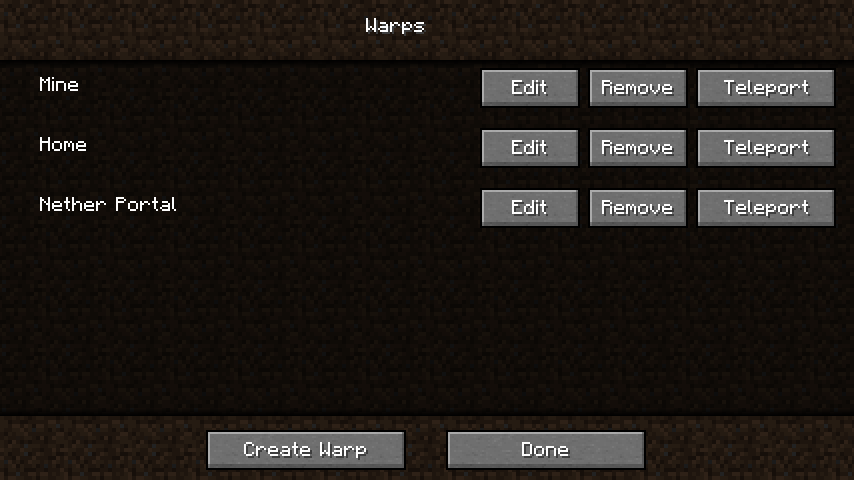
Warp Menu
This is a menu to show a list of all of your warps, remove, edit and teleport to them.
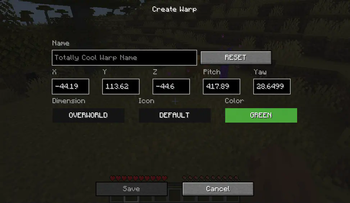
Edit/Create Warp Screen
This is the menu that will allow you to create and edit your warps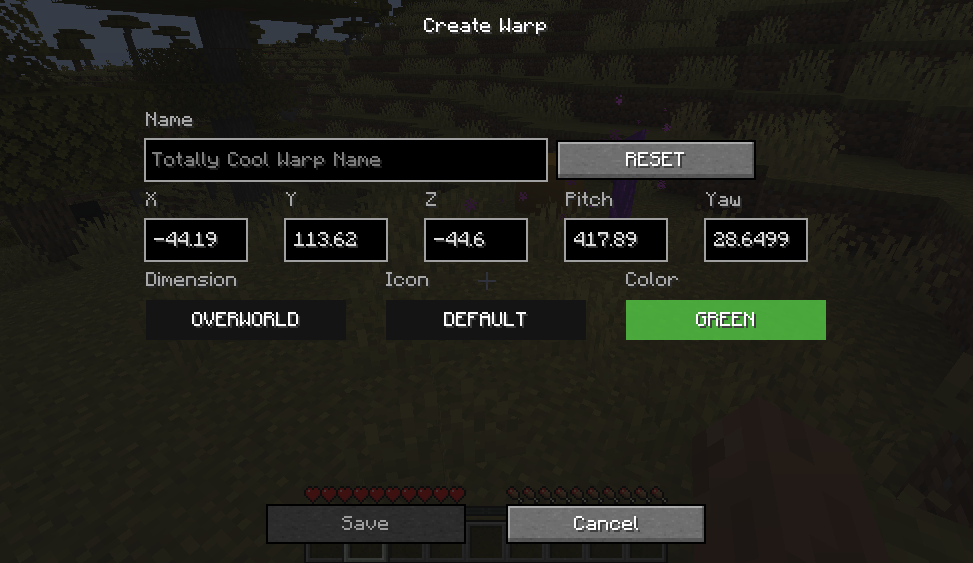
Serverside
Commands
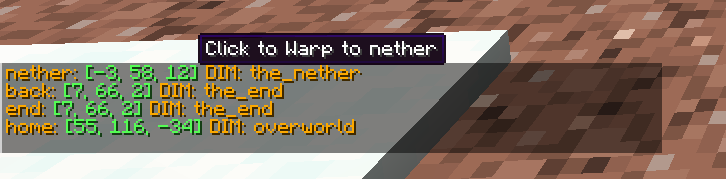
/warp set <name>- creates a warp/warp list- lists all warps created/warp back- when you teleport using warp a "warp back" is automatically created./warp random [<max>] [<min>]- randomly teleports the player using the max and min. by default max is 500 and
min is 25 blocks away./warp rename <old> <new> [<overwrite>]- renames the old warp name to new warp name, if new warp exists
overwrite will overwrite it./warp <name>- Teleports you to that warp point./warp spawn- Teleports you to spawn/warp remove <name>- removes warp
FAQ:
- Can I use this in a modpack
- Yes, you are more than welcome to add this to your modpack.
- If I have an error where is the best place to vocalize.
- Posting in the Issues section would be the easiest way for me to notice, but I do read and reply to all comments.
Video
Available Versions
How to Install The Warp Mod on Your Server
Order Server
Order a Minecraft Java server with at least 3 GB RAM (4 GB recommended).
Set fabric Loader
In the panel under "Egg", select the fabric loader and matching Minecraft version (1.19.4).
Install Mod
Open the mod browser in the dashboard and search for "The Warp Mod". Click "Install" – done! Alternatively, upload the .jar via SFTP to the /mods folder.
Compatibility
Mod Loaders
Minecraft Versions
1.19.4, 1.18.2, 1.18.1 (+9 more)
Server-side
✓ RequiredRecommended RAM
4 GB(min. 3 GB)Frequently Asked Questions
The Warp Mod server crashes on startup – what to do?
Most common cause: wrong fabric version or insufficient RAM. Check the server log (latest.log) for "OutOfMemoryError" or "Mixin" errors. With Mado Hosting: ensure at least 3 GB RAM is allocated and the loader matches the mod version (1.19.4). You can switch loaders with one click in the panel.
Is The Warp Mod compatible with fabric and forge?
The Warp Mod officially supports fabric, forge for Minecraft 1.19.4, 1.18.2, 1.18.1. Note: Forge and Fabric mods are NOT cross-compatible – pick one loader and stick with it. The Mado dashboard automatically detects incompatible loader combinations.
Server lagging with The Warp Mod – how to optimize performance?
Recommended RAM: 4 GB (per 8 players). Use /spark profiler to check if The Warp Mod consumes the most tick time. Common fixes: reduce server view-distance to 8-10, install "performant" or "starlight" as supplementary mods on Forge. With Mado Hosting, your server runs on NVMe SSDs with dedicated CPU cores for minimal latency.
Similar Mods


Rent Modded Server
Install The Warp Mod with just one click on your server.