
Wheatley Laboratories
Adds Wheatley & more to Minecraft
Screenshots
About this Mod
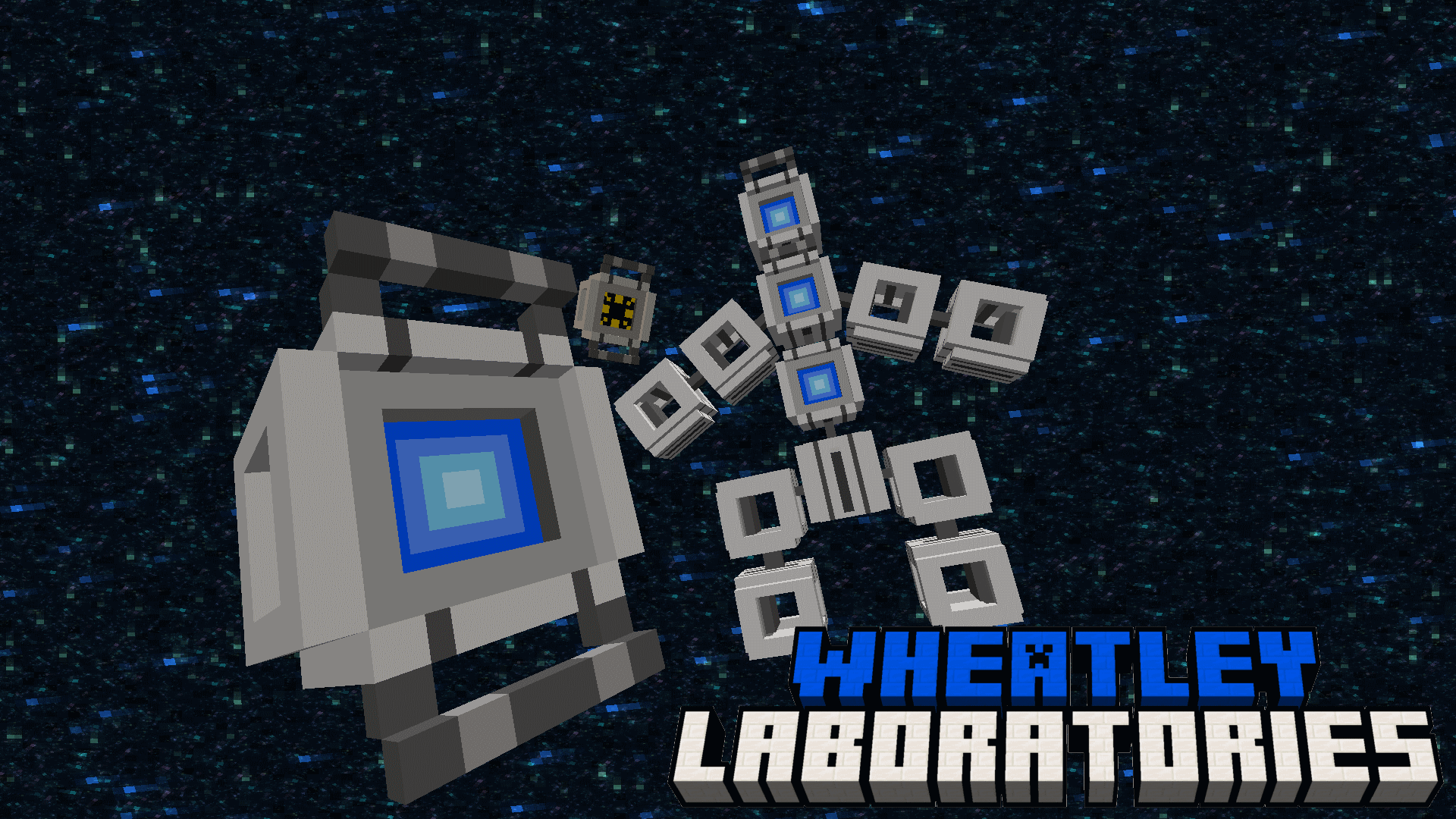
This Mod requires Geckolib
Features
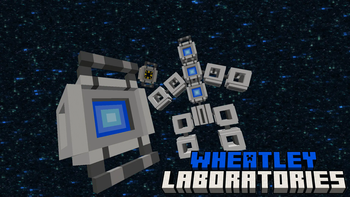
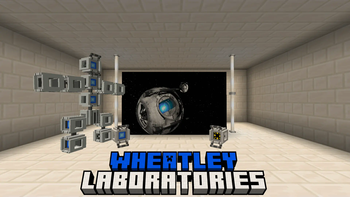
Wheatley

"I AM NOT A MORON"
HE DOES NOT STOP TALKING!
While in your inventory Wheatley can randomly say a lot of different lines
LET THERE BE LIGHT!
Right Click Wheatley to open the Wheatley Menu, while in this menu you have the option
to press the "Light" button which will give you Night Vision
GET INSULTED!
In the same menu as the light you can also choose the insult option
Spoiler
by default it doesnt do anything but if you turn on the gamerule
"DoWheatleyExplosion" he will explode (WARNING : THE EXPLOSION IS VERY POWERFUL
USE WITH CAUTION)
Space Core
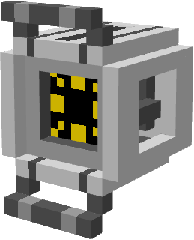
"Space Space Wanna go to Space"
HE DOES NOT STOP TALKING ABOUT SPACE!
SPACE WANNA GO TO SPACE
THATS ABOUT IT
He doesnt do much
Mega Wheatley

"Hello, This is the part where I kill you"
Crafting 4 Wheatleys and a Nether Star will make MEGA WHEATLEY
MEGA WHEATLEY will attack you and throw Wheatley Bombs at you, it currently does not drop anything but it probably will in a future update
Recipes
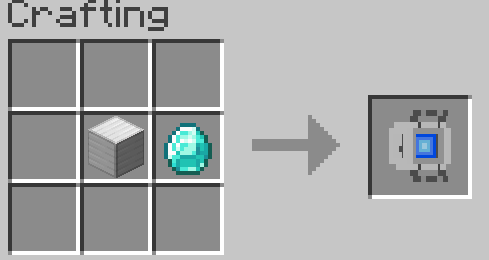
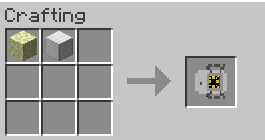
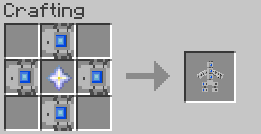
All Credits go to Valve for creating Portal 2
This mod is NOT endorsed by Valve
This Mod is currently only uploaded on Modrinth, if you found this mod on any other website it was put there without my permission and could potentially be dangerous
Available Versions
How to Install Wheatley Laboratories on Your Server
Order Server
Order a Minecraft Java server with at least 3 GB RAM (4 GB recommended).
Set forge Loader
In the panel under "Egg", select the forge loader and matching Minecraft version (1.21.1).
Install Mod
Open the mod browser in the dashboard and search for "Wheatley Laboratories". Click "Install" – done! Alternatively, upload the .jar via SFTP to the /mods folder.
Compatibility
Mod Loaders
Minecraft Versions
1.21.1, 1.20.1
Server-side
✓ RequiredRecommended RAM
4 GB(min. 3 GB)Frequently Asked Questions
Wheatley Laboratories server crashes on startup – what to do?
Most common cause: wrong forge version or insufficient RAM. Check the server log (latest.log) for "OutOfMemoryError" or "Mixin" errors. With Mado Hosting: ensure at least 3 GB RAM is allocated and the loader matches the mod version (1.21.1). You can switch loaders with one click in the panel.
Is Wheatley Laboratories compatible with forge and neoforge?
Wheatley Laboratories officially supports forge, neoforge for Minecraft 1.21.1, 1.20.1. The Mado dashboard automatically detects incompatible loader combinations.
Server lagging with Wheatley Laboratories – how to optimize performance?
Recommended RAM: 4 GB (per 8 players). Use /spark profiler to check if Wheatley Laboratories consumes the most tick time. Common fixes: reduce server view-distance to 8-10, install "performant" or "starlight" as supplementary mods on Forge. With Mado Hosting, your server runs on NVMe SSDs with dedicated CPU cores for minimal latency.
Similar Mods





Rent Modded Server
Install Wheatley Laboratories with just one click on your server.