
Wheel of Wacky
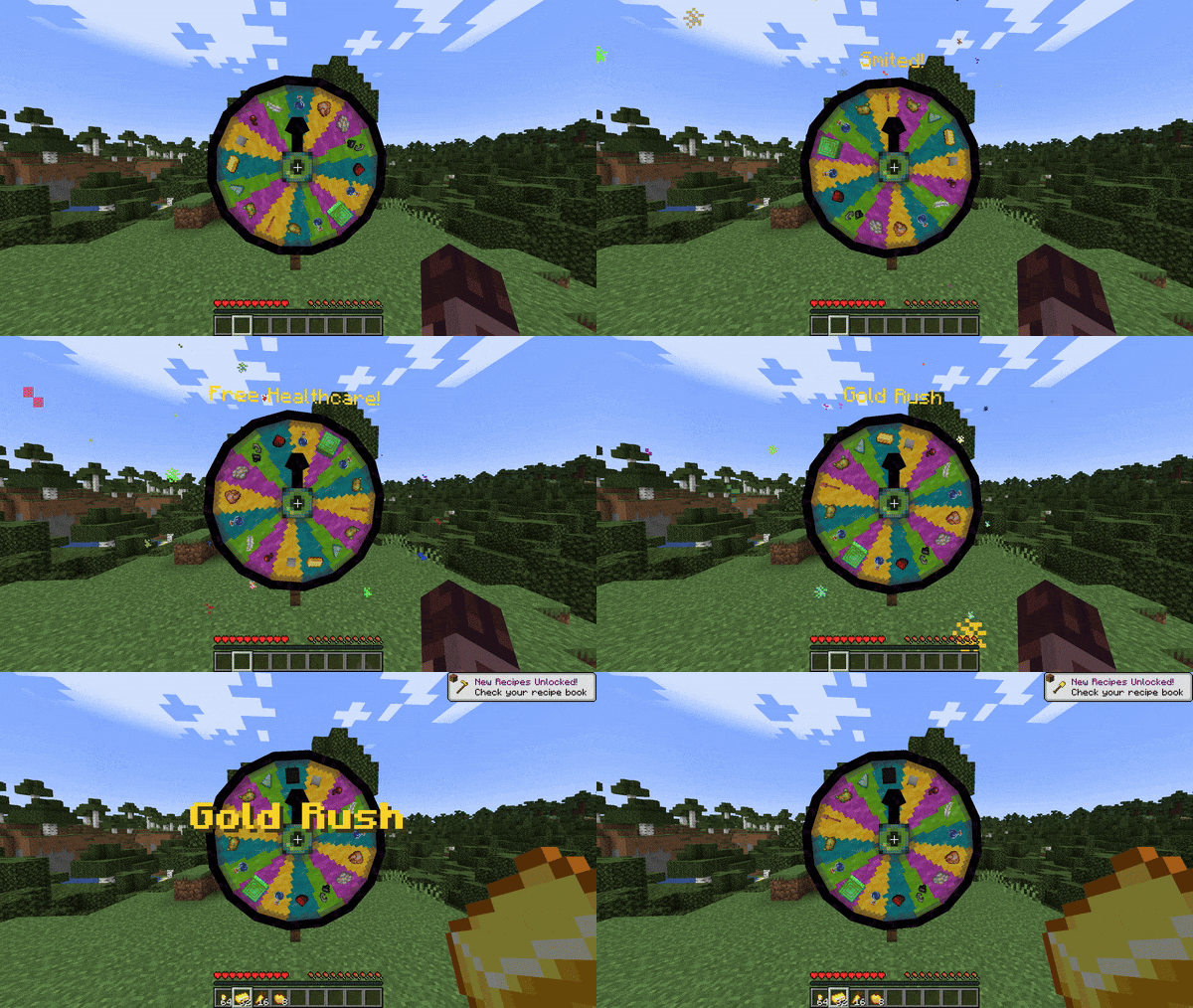
A mod that adds a carnival prize wheel that has the chance to either fabulously reward or horrifically punish players!
Screenshots
About this Mod
Wheel of Wacky
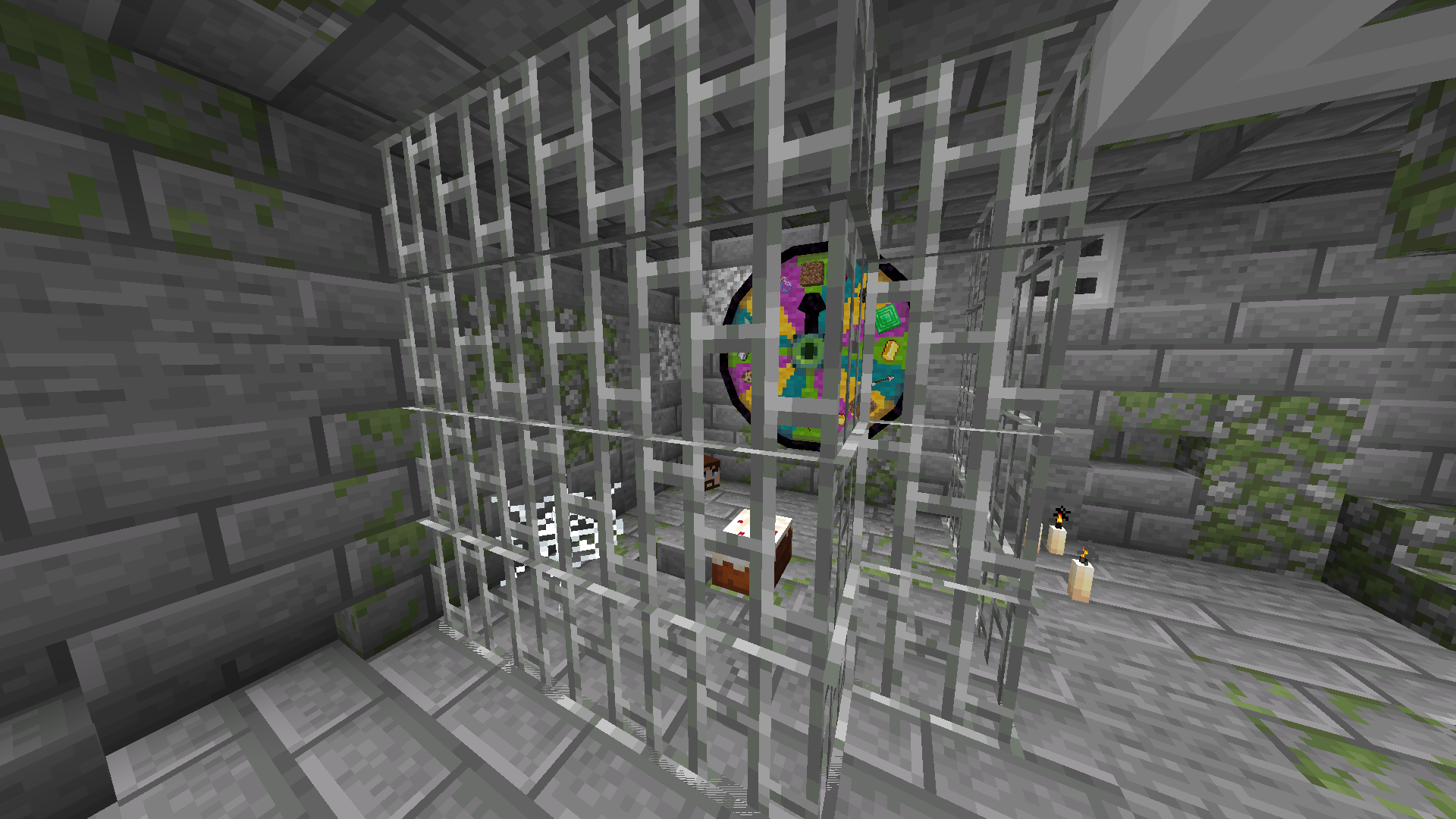
A mod that adds a carnival prize wheel that - when spun - has the chance to either fabulously reward or horrifically punish the player that spun the wheel in a hilarious fashion!
You do not need Sinytra Connector and Forgified Fabric API if you are playing on Fabric.
Obtaining a Wheel of Wacky
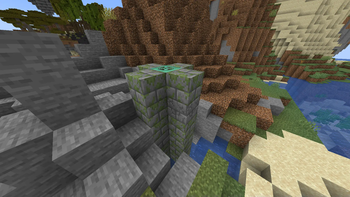
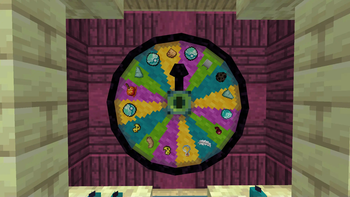
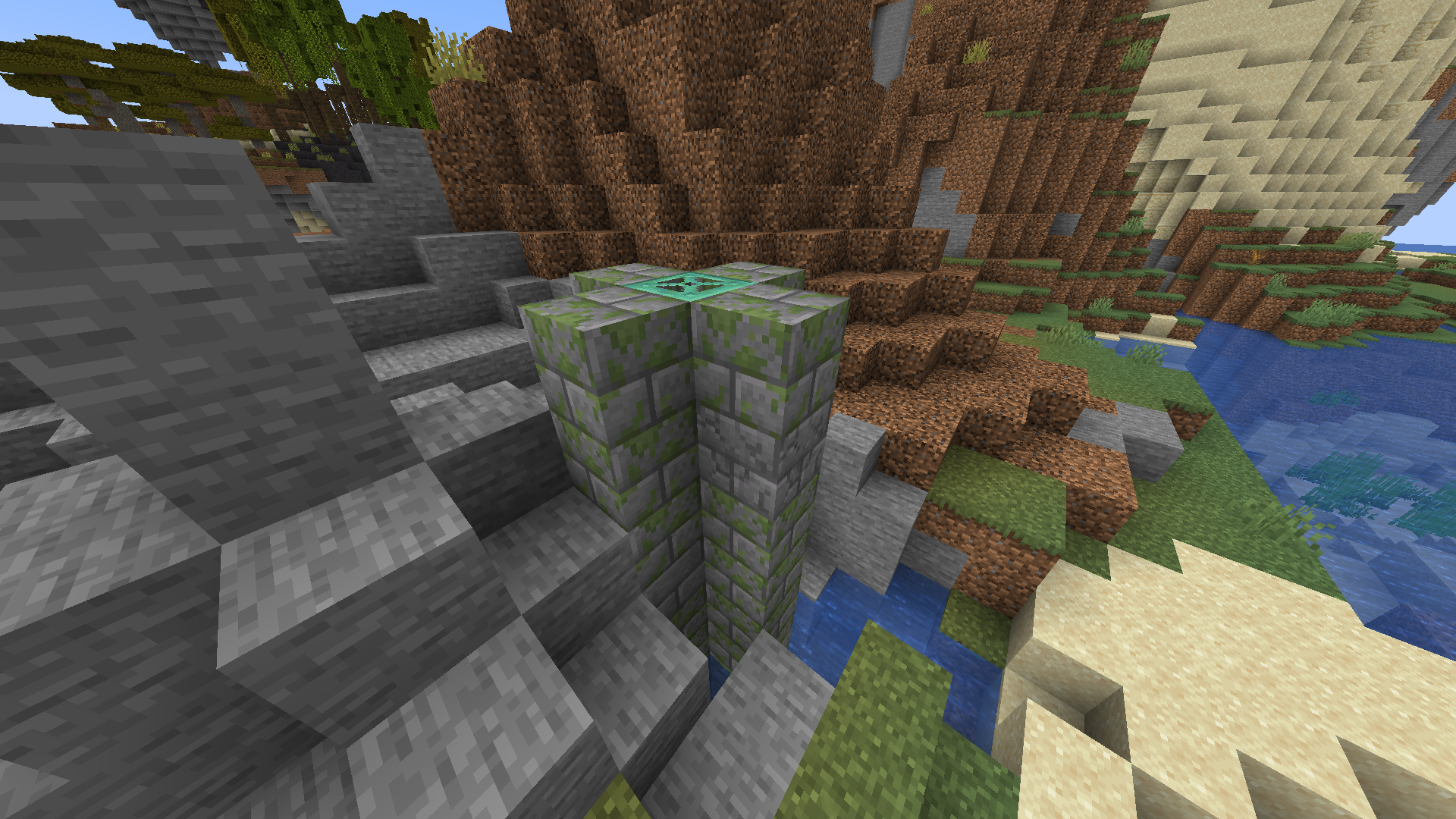
In order to get a Wheel of Wacky for yourself, you'll have to find a "basement" structure in your world. Inside Wheel Boy's dungeon prison the basement you'll find a Wheel of Wacky that you can break and collect using a diamond or better pickaxe.
Creating spells
To start creating your own custom spells, you'll first have to create a data pack folder. If you don't know how to make a data pack, here is a link to a tutorial to help you get started: Creating a data pack.
If you haven't already, you'll want to create a data folder in your data pack folder. Then you'll want to a create a folder named wacky_wheel within your data folder. After which you will have to create a folder called spell_type in the wacky_wheel folder.
Your file path should look like this: <your data pack folder>/data/wacky_wheel/spell_type.
Now you'll want to create a JSON file in <your data pack folder>/data/wacky_wheel/spell_type. For the purpose of this example, we'll call it free_diamond.json.
The first thing we'll want to do is give a spell a name that will be displayed to the player when they roll that spell on the wheel.
{
  "name": "Free Diamond!",
}
We can also optionally set a specific color for the name text and add some flavor text to be displayed underneath it:
{
  "name": "Free Diamond!",
  "titleColor": "#ADD8E6",
  "flavorText": "Enjoy your free diamond :)",
}
Next, we have to provide our spell with an item id that corresponds to an in-game item. This item will be used to represent the spell on wheel slices.
{
  "name": "Free Diamond!",
  "titleColor": "#ADD8E6",
  "flavorText": "Enjoy your free diamond :)",
  "itemID": "minecraft:diamond",
}
The next field we have to define is castingTime, which represents the amount of time (in ticks) that it will take to cast the spell after the wheel lands on it:
{
  "name": "Free Diamond!",
  "titleColor": "#ADD8E6",
  "flavorText": "Enjoy your free diamond :)",
  "itemID": "minecraft:diamond",
  "castingTime": 60,
}
The last step is the provide the name of .mcfunction file that will be used to provide the actual spell effect.
{
  "name": "Free Diamond!",
  "titleColor": "#ADD8E6",
  "flavorText": "Enjoy your free diamond :)",
  "itemID": "minecraft:diamond",
  "castingTime": 60,
  "onCastFunction": "give_diamond"
}
Of course, we'll actually have a create a .mcfunction file named give_diamond.mcfunction in <your data pack folder>/data/wacky_wheel/functions.
give @s diamond
Keep in mind that the onCastFunction by default will target the player who initially spun the wheel.
To test our new command, enter the /wheel free_diamond command into chat and receive your free diamond.
Spell JSON Properties
name: The name of the spell.
titleColor (Optional) : Color of the name text/title.
flavorText (Optional): Additional information that appears underneath the spell's name.
flavorTextColor (Optional): Color of the flavor text subtitle.
itemID: ID of the item used to represent the spell on the wacky wheel.
castingTime: Time in ticks that it takes to cast the spell.
onCastFunction: Name of the .mcfunction file that executes to create the spell effect.
executeOnCastFunctionAtPlayer (Optional): Set to true to execute onCastFunction AT player instead of AS player.
duration (Optional): Time in ticks that the spell lasts.
onTickFunction (Optional): Name of the .mcfunction that executes every tick that the spell lasts.
executeOnTickFunctionAtPlayer (Optional): Set to true to execute onTickFunction AT player instead of as player.
onEndFunction (Optional) : Name of the .mcfunction file that executes when the spell ends.
executeOnEndFunctionAtPlayer (Optional): Set to true to execute onEndFunction AT player instead of AS player.
Credits
https://github.com/HyperPigeon
Available Versions
How to Install Wheel of Wacky on Your Server
Order Server
Order a Minecraft Java server with at least 3 GB RAM (4 GB recommended).
Set fabric Loader
In the panel under "Egg", select the fabric loader and matching Minecraft version (1.21.1).
Install Mod
Open the mod browser in the dashboard and search for "Wheel of Wacky". Click "Install" – done! Alternatively, upload the .jar via SFTP to the /mods folder.
Compatibility
Mod Loaders
Minecraft Versions
1.21.1, 1.21
Server-side
✓ RequiredRecommended RAM
4 GB(min. 3 GB)Frequently Asked Questions
Wheel of Wacky server crashes on startup – what to do?
Most common cause: wrong fabric version or insufficient RAM. Check the server log (latest.log) for "OutOfMemoryError" or "Mixin" errors. With Mado Hosting: ensure at least 3 GB RAM is allocated and the loader matches the mod version (1.21.1). You can switch loaders with one click in the panel.
Is Wheel of Wacky compatible with fabric and neoforge?
Wheel of Wacky officially supports fabric, neoforge for Minecraft 1.21.1, 1.21. The Mado dashboard automatically detects incompatible loader combinations.
Server lagging with Wheel of Wacky – how to optimize performance?
Recommended RAM: 4 GB (per 8 players). Use /spark profiler to check if Wheel of Wacky consumes the most tick time. Common fixes: reduce server view-distance to 8-10, install "performant" or "starlight" as supplementary mods on Forge. With Mado Hosting, your server runs on NVMe SSDs with dedicated CPU cores for minimal latency.
Similar Mods




Rent Modded Server
Install Wheel of Wacky with just one click on your server.