
Where? - Coordinates & Pings
Share, convert, display, and manage coordinates with pings, team pings, private coordinates, and chat menus.
Screenshots
About this Mod
What is Where?
Where? is a Minecraft utility mod for quickly sharing, displaying, converting, and managing coordinates.
The mod can detect coordinates in chat and lets you copy them, convert them between dimensions, display them as pings, or send them to other players.
Features
- Detect coordinates in chat
- Copy coordinates quickly
- Convert coordinates between Overworld, Nether, and End
- Create normal world pings
- Create team-only pings
- Send private coordinates to specific players
- Send coordinates only to your team
- Use clickable coordinate menus in chat
- Manage teams with invites, leaders, members, and blocked players
- Customize ping color, size, range, transparency, lifetime, and display options
Commands

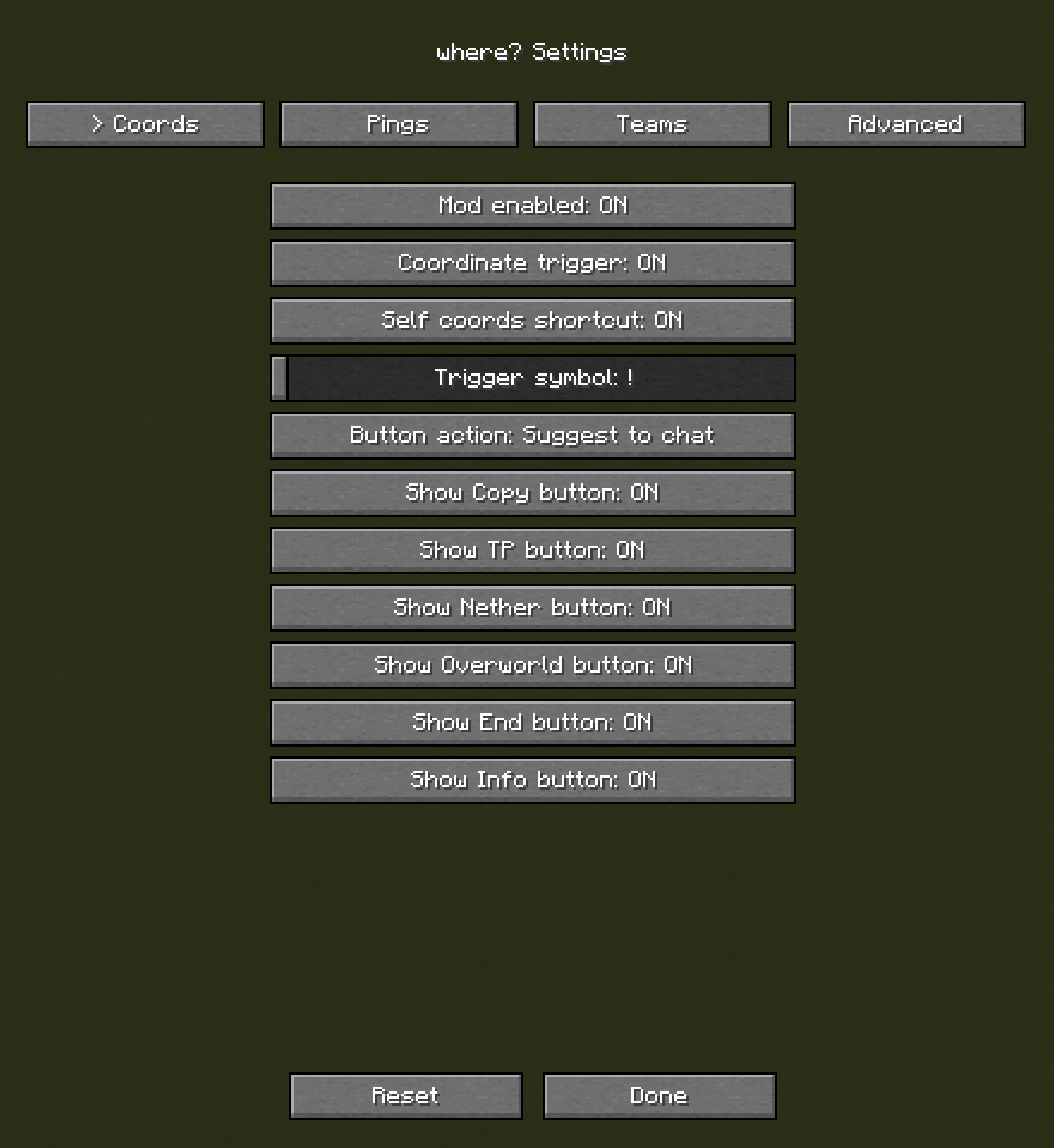
Send your current coordinates:
!coords
Enter coordinates manually:
!100 10 -30
Send your coordinates privately to a player:
!coords <player>
Send your coordinates only to your team:
!coords teams
settings menu:
Team System
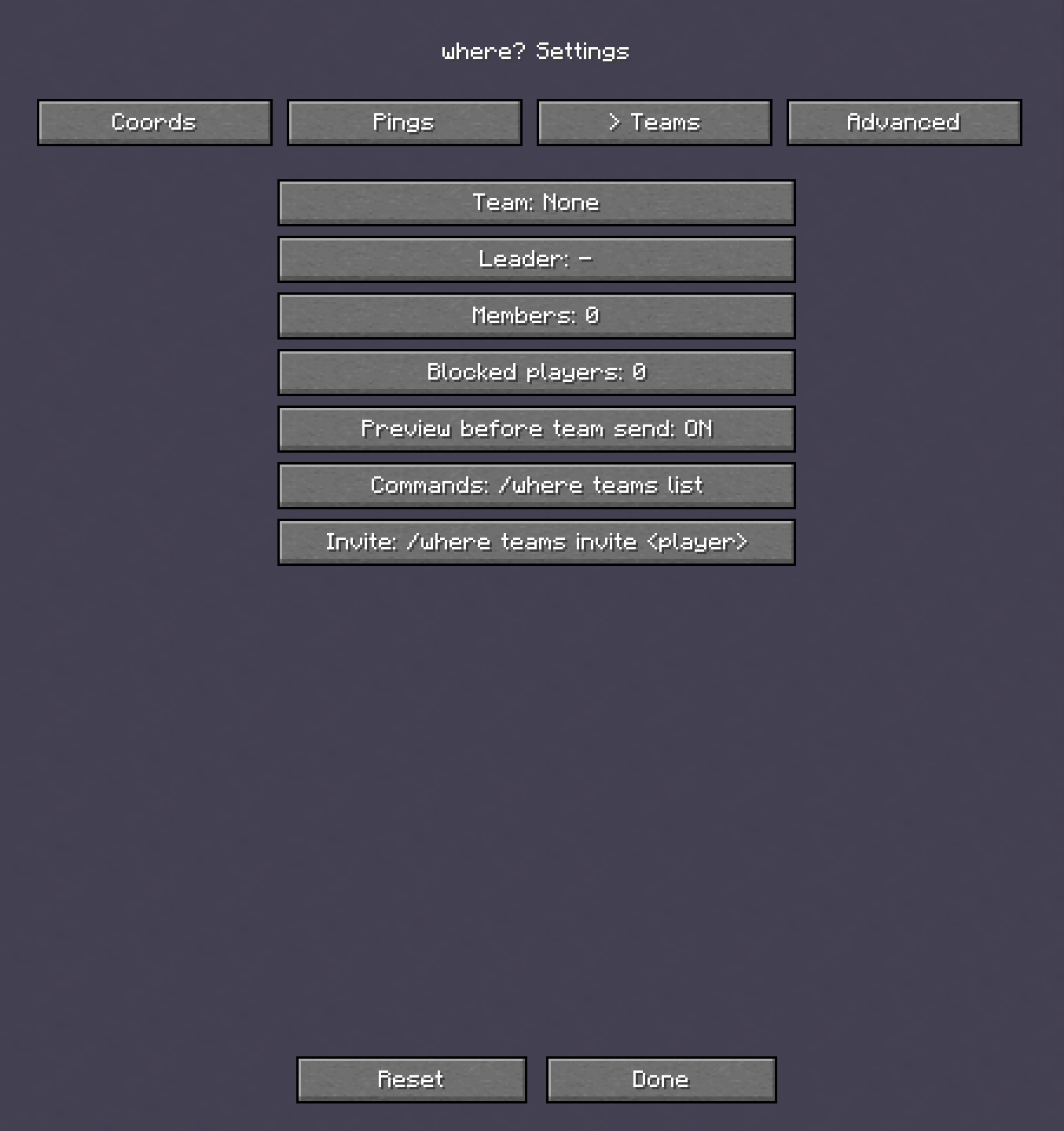
Where? includes a team system with team invites, leaders, members, blocked players, private team coordinates, and team-only pings.
Team commands are available under:
/where teams
settings menu:
Pings
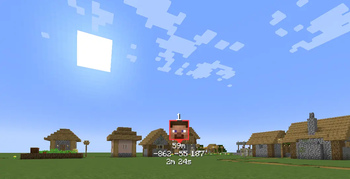
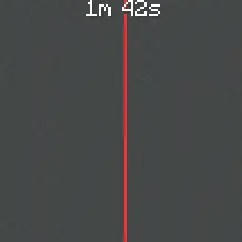
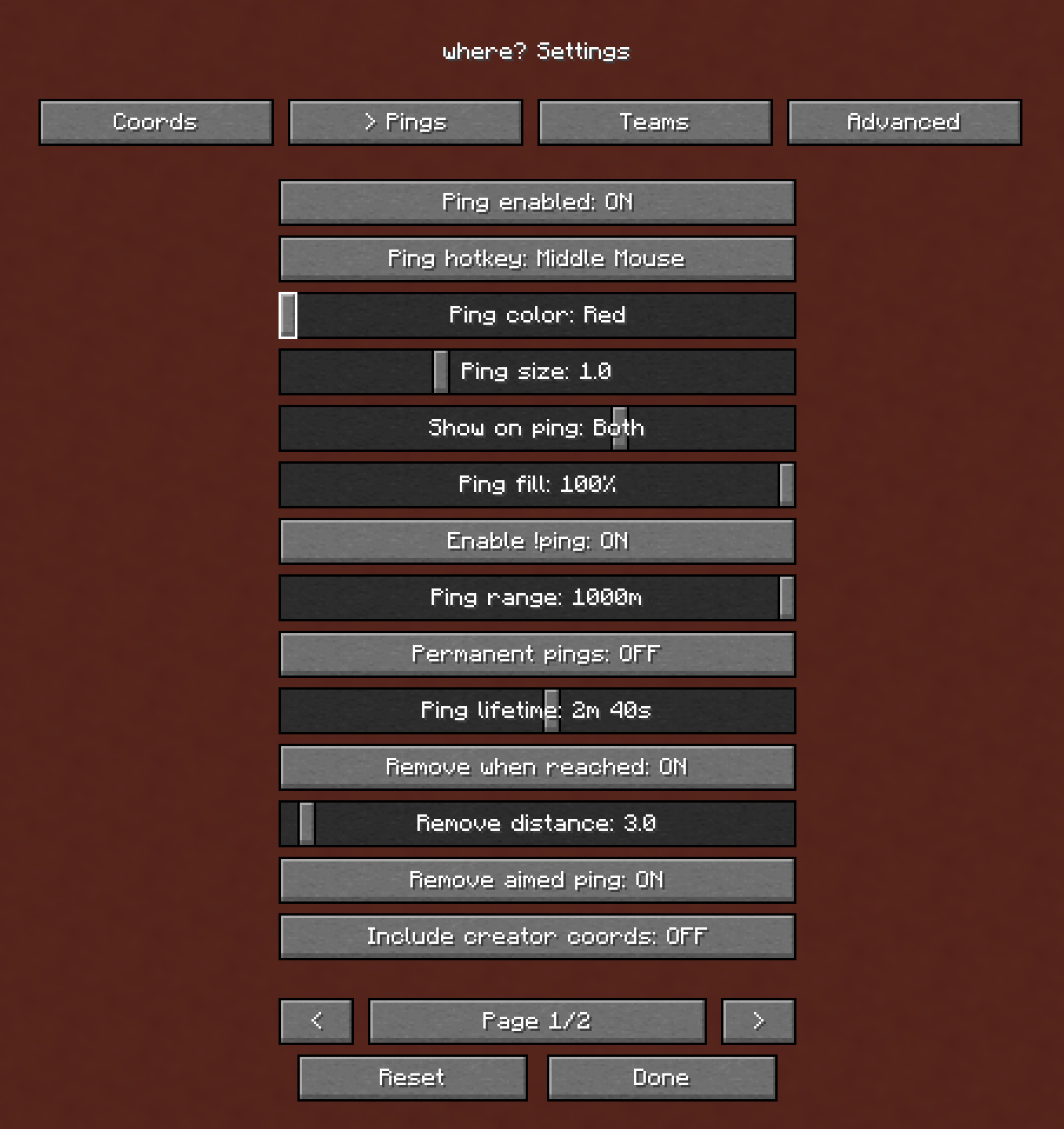
Pings can show coordinates, distance, dimension, player face, creator information, arrows, and despawn timers.
You can configure how pings look and behave in the Where? settings menu.
settings menu:
Working on bug fixes and updates! Feedback is welcome, my discord in bio
Available Versions
How to Install Where? - Coordinates & Pings on Your Server
Order Server
Order a Minecraft Java server with at least 3 GB RAM (4 GB recommended).
Set fabric Loader
In the panel under "Egg", select the fabric loader and matching Minecraft version (26.1.2).
Install Mod
Open the mod browser in the dashboard and search for "Where? - Coordinates & Pings". Click "Install" – done! Alternatively, upload the .jar via SFTP to the /mods folder.
Compatibility
Mod Loaders
Minecraft Versions
26.1.2, 1.21.11, 1.21.10 (+9 more)
Server-side
~ OptionalRecommended RAM
4 GB(min. 3 GB)Frequently Asked Questions
Where? - Coordinates & Pings server crashes on startup – what to do?
Most common cause: wrong fabric version or insufficient RAM. Check the server log (latest.log) for "OutOfMemoryError" or "Mixin" errors. With Mado Hosting: ensure at least 3 GB RAM is allocated and the loader matches the mod version (26.1.2). You can switch loaders with one click in the panel.
Is Where? - Coordinates & Pings compatible with fabric?
Where? - Coordinates & Pings officially supports fabric for Minecraft 26.1.2, 1.21.11, 1.21.10. The Mado dashboard automatically detects incompatible loader combinations.
Server lagging with Where? - Coordinates & Pings – how to optimize performance?
Recommended RAM: 4 GB (per 8 players). Use /spark profiler to check if Where? - Coordinates & Pings consumes the most tick time. Common fixes: reduce server view-distance to 8-10, install "performant" or "starlight" as supplementary mods on Forge. With Mado Hosting, your server runs on NVMe SSDs with dedicated CPU cores for minimal latency.
Rent Modded Server
Install Where? - Coordinates & Pings with just one click on your server.