
WitcherCraft
Want to experience Witcher world in Minecraft? Now it's possible
Screenshots
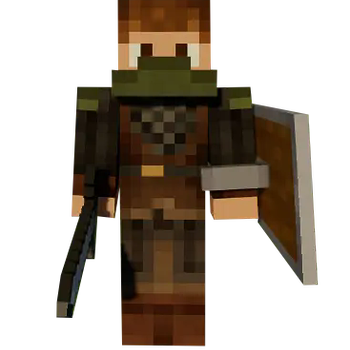
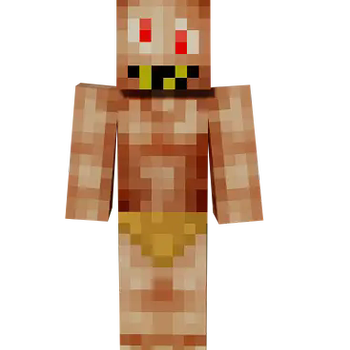
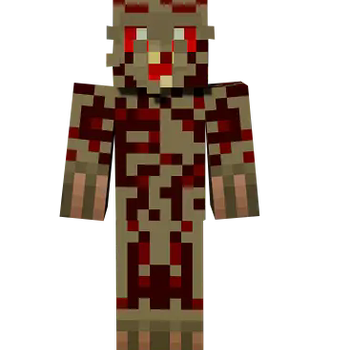
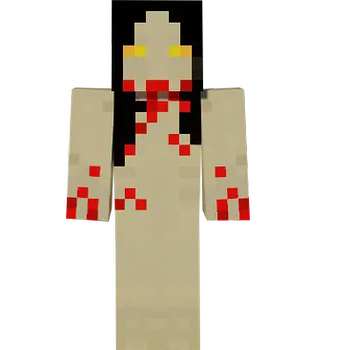
About this Mod

If you ever wanted to feel like Geralt from Witcher series while playing Minecraft, you are in the right place.
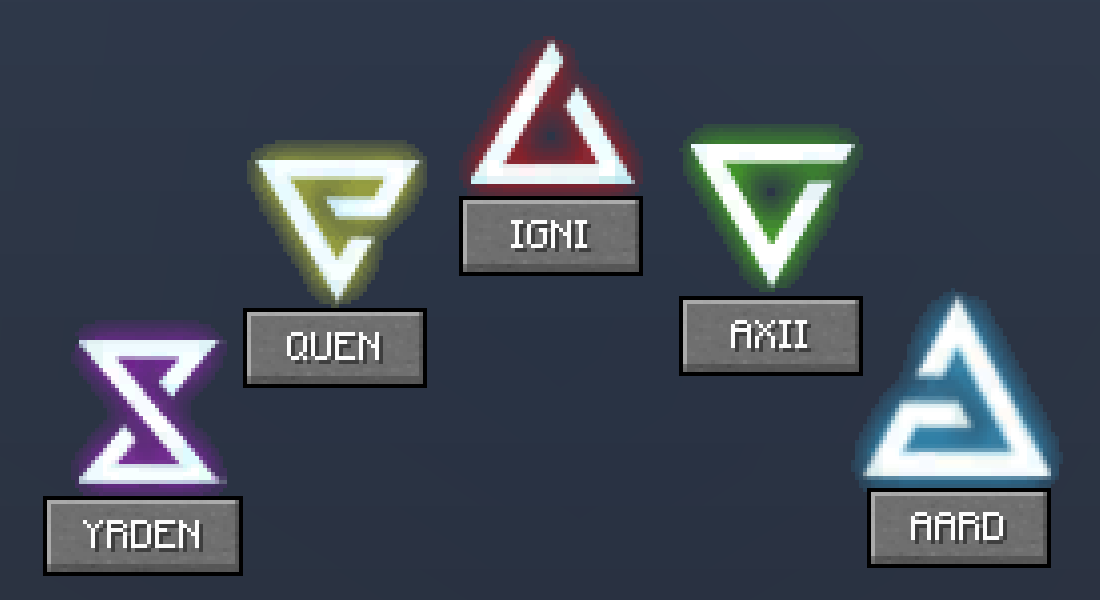
Signs
Signs are powerful magic spells that can help fight monsters as well as defend from upcoming damage.
To open Sign Menu you need to press Tab. To choose the sign you just need to click on one of 5 buttons. To cast sign you have to press R. Player can cast one of signs every 45 seconds.
Signs are widely described on this page on the Wiki.
Alchemy
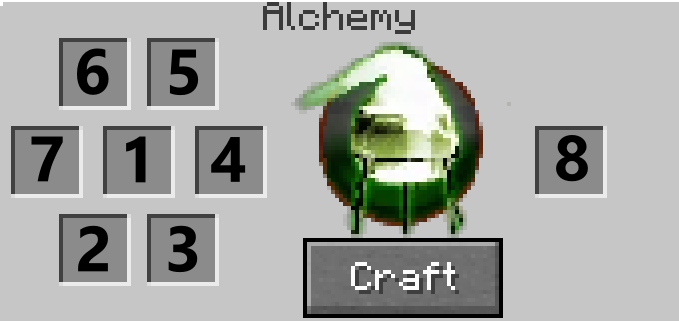
Alchemy Menu is portable crafting table used to craft potions, oils and bombs. It can be accessed by pressing B.
Using Alchemy Menu you can craft:
Potions that are the most common use for alchemy and serve as drinkable buffs.
Oils that are applicable enhancements that player can put on their sword. When using a weapon with oil applied player deal additional damage to the particular foe group the oil targets.
Bombs that are area-effecting, thrown projectiles which can damage, stun or cause other effects on clustered groups of enemies.
Alchemy is widely described on this page on the Wiki.
Witcher Gear
There are sets of gear form 6 witcher schools. Every one of schools promote certain playstyle and give special effects.
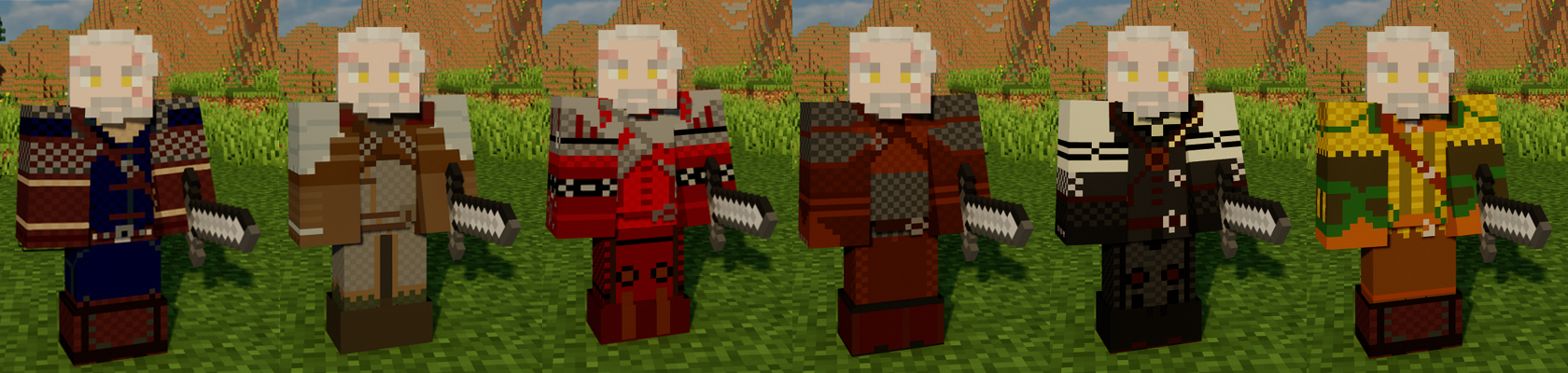
In order to craft every piece of witcher equipment you will need a diagram of that specific gear. Diagrams can be found in chests or bought from villagers.
Witcher Gear is widely described on this page on the Wiki.
Monsters(WIP)
WitcherCraft adds new hostile monsters, that can be found while exploring the world. Their loot can be crafted into alchemy materials used to create potion, oils and bombs and witcher gear.
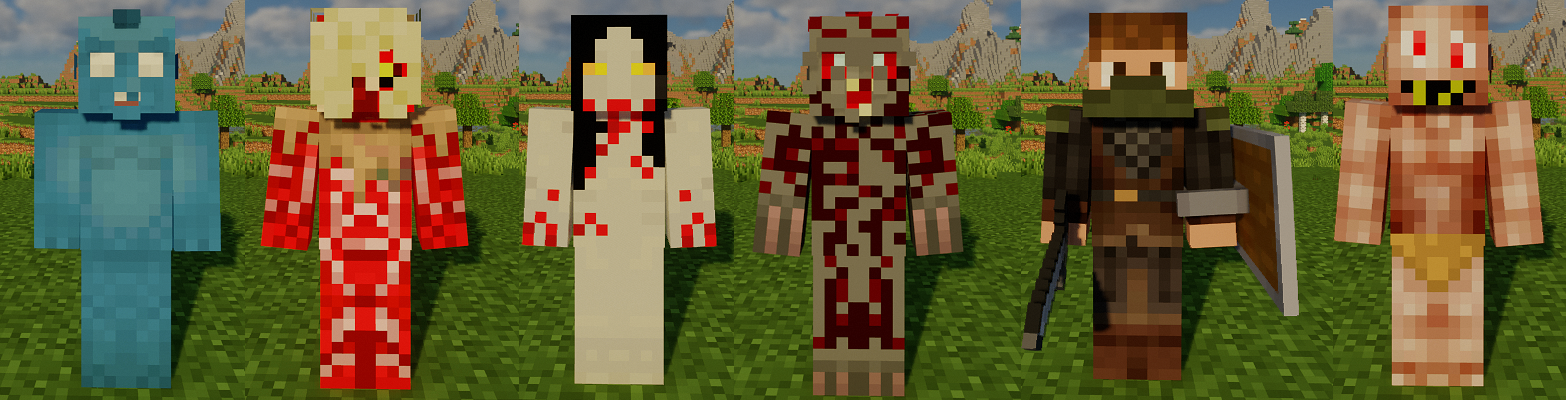
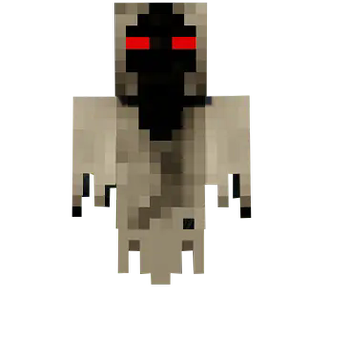
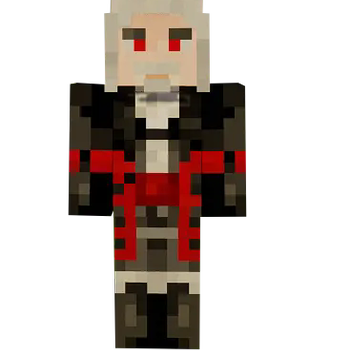
Currently monsters than can be found are(pictures in gallery tab):
Drowners,
Rotfiends,
Foglets,
Bruxas,
Graveirs,
Higher Vampires,
Wraiths,
Nekkers,
Bandits
Monsters are widely described on this page on the Wiki.
I really recommend using recipe viewers like Just Enough Items.
But when it comes to alchemy recipes your only help is your general witcher knowledge and this Wiki. Generally, this wiki is very helpful.
If you need it while playing you can type /wiki in chat to get a link to the wiki home page.
Join discord to share your experience, issues or ideas connected to WitcherCraft! 
If you want to use this mod in modpack of any kind or on a multiplayer server you are allowed as long as you let me know about that fact, for example on Discord.
This is an unofficial fan work and is not approved/endorsed by CD PROJEKT RED.
Most of in game graphics were made by CD PROJEKT RED for Witcher 3: Wild Hunt. They are used here to provide the greatest level of immersion while playing WitcherCraft. If using them is any kind of problem, let me know. Discord is probably the best choice for quick response.
Available Versions
How to Install WitcherCraft on Your Server
Order Server
Order a Minecraft Java server with at least 3 GB RAM (4 GB recommended).
Set forge Loader
In the panel under "Egg", select the forge loader and matching Minecraft version (1.20.1).
Install Mod
Open the mod browser in the dashboard and search for "WitcherCraft". Click "Install" – done! Alternatively, upload the .jar via SFTP to the /mods folder.
Compatibility
Mod Loaders
Minecraft Versions
1.20.1, 1.19.2, 1.18.2 (+1 more)
Server-side
✓ RequiredRecommended RAM
4 GB(min. 3 GB)Frequently Asked Questions
WitcherCraft server crashes on startup – what to do?
Most common cause: wrong forge version or insufficient RAM. Check the server log (latest.log) for "OutOfMemoryError" or "Mixin" errors. With Mado Hosting: ensure at least 3 GB RAM is allocated and the loader matches the mod version (1.20.1). You can switch loaders with one click in the panel.
Is WitcherCraft compatible with forge?
WitcherCraft officially supports forge for Minecraft 1.20.1, 1.19.2, 1.18.2. The Mado dashboard automatically detects incompatible loader combinations.
Server lagging with WitcherCraft – how to optimize performance?
Recommended RAM: 4 GB (per 8 players). Use /spark profiler to check if WitcherCraft consumes the most tick time. Common fixes: reduce server view-distance to 8-10, install "performant" or "starlight" as supplementary mods on Forge. With Mado Hosting, your server runs on NVMe SSDs with dedicated CPU cores for minimal latency.
Similar Mods




Rent Modded Server
Install WitcherCraft with just one click on your server.