
Witchery: Companion
a companion mod for the Witchery: Resurrected, fixing bugs and adding features and integrations
Screenshots
About this Mod
Witchery: Companion is a companion mod for the Witchery: Resurrected mod, a faithful 1.12.2 recreation of the Witchery mod. Unfortunately, while the mod is mostly finished content-wise, it is infested with many little (and important) bugs that really makes it not ready for large modpack usage.
This is when this mod kicks in. Using Mixins, this mod patches tens of bugs, crashes and glitches and adds integration with CraftTweaker, JEI and Just Enough Resources.
The mod is still in active development, and aims to make W:R more modpack-ready and customizable.
This mod requires Witchery: Resurrected and MixinBooter to run
Witchery: Resurrected requires the original 1.7.10 Witchery mod to be installed into the resourcepacks folder. This mod downloads it automatically on game startup, handling this step for you.
A list of current features is available at the Github Repo
A non-exhaustive list highlighting the most important features:
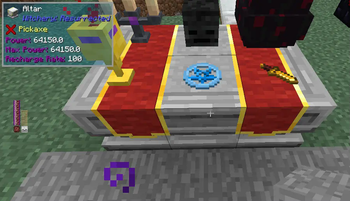
- Fix Altar Disconnection bug
- Fix and enhance Triggered Disperal brews (can also be applied on tripwires and TileEntities!)
- Fix familiars forgetting owners on world reload
- Fix Ghost entities when changing dimensions
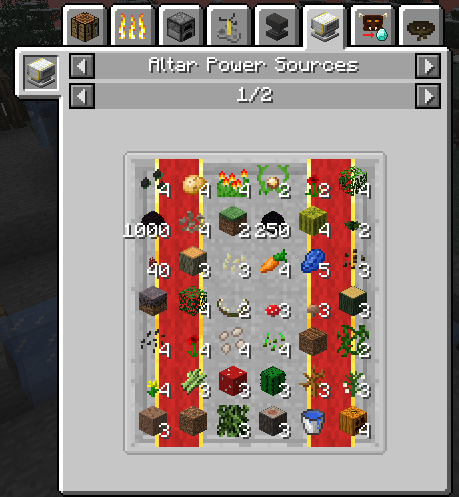
- Crafttweaker integration for Altar Power Sources, Brew of Erosion behaviour, Cauldron heat sources, Bark Belt rechargers and more (documentation about CraftTweaker and API on the Wiki)
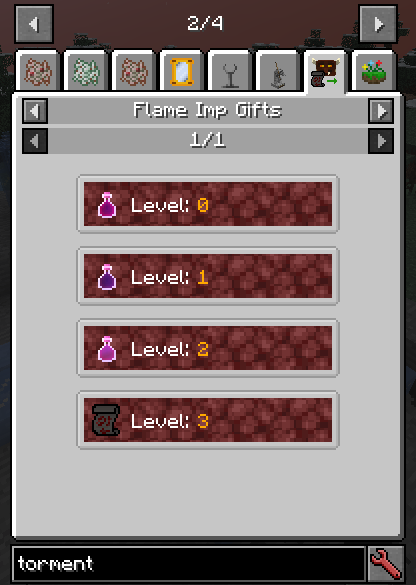
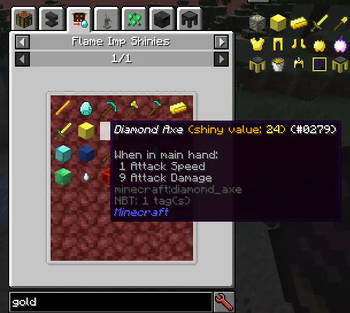
- JEI integration for Hobgoblin trades, Imp shines and gifts
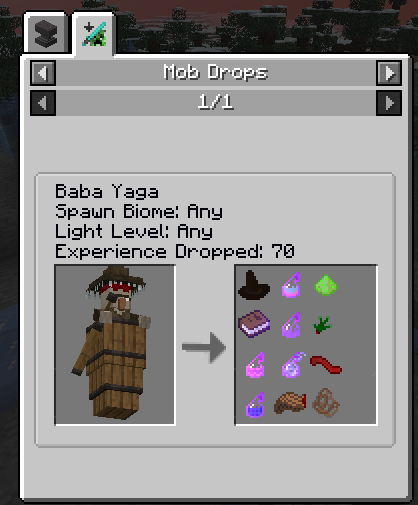
- JER integration for a bounch of mobs and bosses
- The One Probe integration for Altar, Cauldron, Hobgoblin and Imps
- Compat and bugfix for other mods, such as Morph, Quark and Thaumcraft
- Fix Server Freeze when Enchanted Broom is broken while player is riding it
- Fix Mystical Branch Knowledge being lost upon death
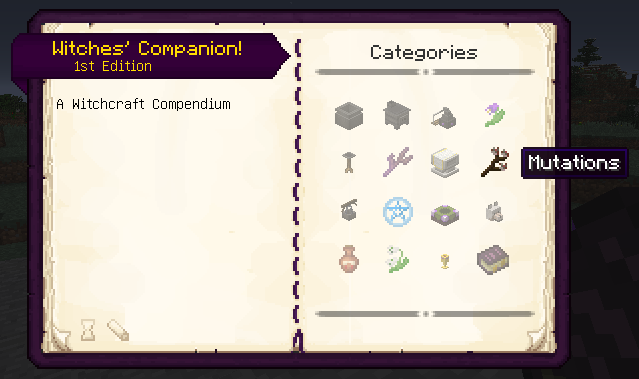
- Revamped documentation with Patchouli, with a much more complete guide, links, more information and details, lots of configuration, possibility to customize by pack makers and multiblock preview (sprig mutations, structures, worldgen structures)
- And ~80 more fixes and tweaks. Full list available at Github Readme
Available Versions
How to Install Witchery: Companion on Your Server
Order Server
Order a Minecraft Java server with at least 3 GB RAM (4 GB recommended).
Set forge Loader
In the panel under "Egg", select the forge loader and matching Minecraft version (1.12.2).
Install Mod
Open the mod browser in the dashboard and search for "Witchery: Companion". Click "Install" – done! Alternatively, upload the .jar via SFTP to the /mods folder.
Compatibility
Mod Loaders
Minecraft Versions
1.12.2
Server-side
✓ RequiredRecommended RAM
4 GB(min. 3 GB)Frequently Asked Questions
Witchery: Companion server crashes on startup – what to do?
Most common cause: wrong forge version or insufficient RAM. Check the server log (latest.log) for "OutOfMemoryError" or "Mixin" errors. With Mado Hosting: ensure at least 3 GB RAM is allocated and the loader matches the mod version (1.12.2). You can switch loaders with one click in the panel.
Is Witchery: Companion compatible with forge?
Witchery: Companion officially supports forge for Minecraft 1.12.2. The Mado dashboard automatically detects incompatible loader combinations.
Server lagging with Witchery: Companion – how to optimize performance?
Recommended RAM: 4 GB (per 8 players). Use /spark profiler to check if Witchery: Companion consumes the most tick time. Common fixes: reduce server view-distance to 8-10, install "performant" or "starlight" as supplementary mods on Forge. With Mado Hosting, your server runs on NVMe SSDs with dedicated CPU cores for minimal latency.
Rent Modded Server
Install Witchery: Companion with just one click on your server.
Details
- License
- Creative Commons Attribution Non Commercial Share Alike 4.0 International
- Server-side
- Required