
World Guard
Mod that prevents your world from loading if its generator settings changed between now and the last time you loaded your world.
Screenshots
About this Mod
What is this?
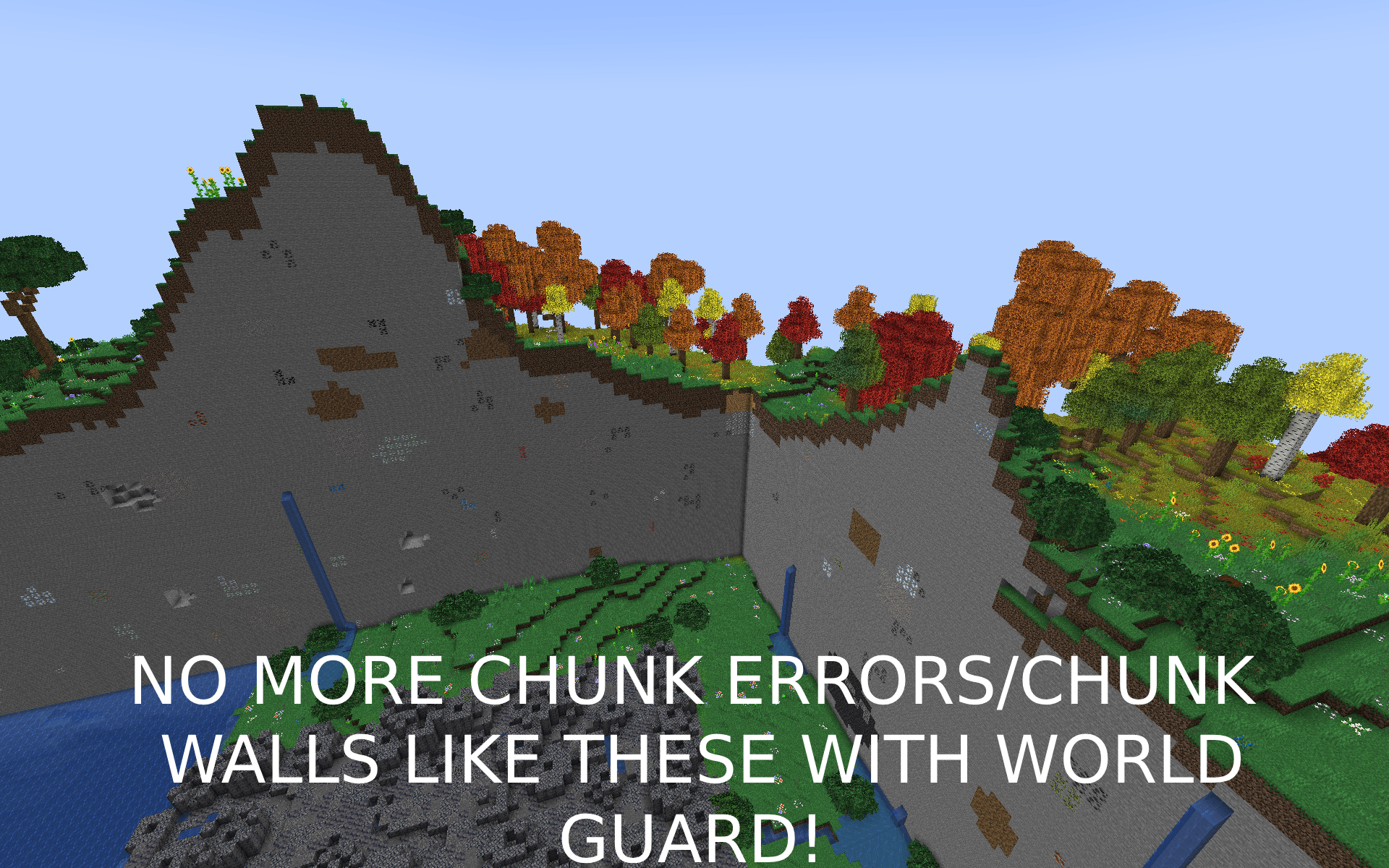
- World Guard is a mod that aims at preventing you from corrupting your world with awful chunk walls and missing biomes due to a changing seed or world generator or missing biomes.
How does it work?
- Between world loads, World Guard locally saves basic information about your world's generator settings, dimensions, biomes installed mods, and installed datapacks. With this basic information stored, everytime the server starts, World Guard will run various checks including:
- World Seed is the exact same. (config=
crash_when_mismatched_seed=true) - Chunk generator settings and type are the exact same. (config=
crash_when_mismatched_chunk_generator=true) - Ensuring no biomes have been removed from your server. (config=
crash_when_removed_biome=true) - Ensuring no dimension were removed from your server. (config=
crash_when_missing_dimension=true) - Ensuring the biome source used to sample biomes matches (config=
crash_when_mismatched_biome_source=true)
What happens if it catches any of those errors?
- World Guard will crash your game with the goal of preventing data corruption to your world's chunks by not letting the chunk's generate at all. The created crash report will give you very detailed information in regards to the before and after.
I am convinced my world will be fine!
- Ensure you back up your world before deleting the
<yourgameinstance>/config/worldguard/backup.datfile which will allow you to load into your world.
How do I configure this?
- Config file for this mod can be found at
<yourgameinstance>/config/worldguard/config.json
Available Versions
How to Install World Guard on Your Server
Order Server
Order a Minecraft Java server with at least 4 GB RAM (6 GB recommended).
Set fabric Loader
In the panel under "Egg", select the fabric loader and matching Minecraft version (1.21.1).
Install Mod
Open the mod browser in the dashboard and search for "World Guard". Click "Install" – done! Alternatively, upload the .jar via SFTP to the /mods folder.
Compatibility
Mod Loaders
Minecraft Versions
1.21.1
Server-side
✓ RequiredRecommended RAM
6 GB(min. 4 GB)Frequently Asked Questions
World Guard server crashes on startup – what to do?
Most common cause: wrong fabric version or insufficient RAM. Check the server log (latest.log) for "OutOfMemoryError" or "Mixin" errors. With Mado Hosting: ensure at least 4 GB RAM is allocated and the loader matches the mod version (1.21.1). You can switch loaders with one click in the panel.
Is World Guard compatible with fabric and forge and neoforge?
World Guard officially supports fabric, forge, neoforge for Minecraft 1.21.1. Note: Forge and Fabric mods are NOT cross-compatible – pick one loader and stick with it. The Mado dashboard automatically detects incompatible loader combinations.
Server lagging with World Guard – how to optimize performance?
Recommended RAM: 6 GB (per 5 players). Use /spark profiler to check if World Guard consumes the most tick time. Common fixes: reduce server view-distance to 8-10, install "performant" or "starlight" as supplementary mods on Forge. With Mado Hosting, your server runs on NVMe SSDs with dedicated CPU cores for minimal latency.
Similar Mods



Rent Modded Server
Install World Guard with just one click on your server.