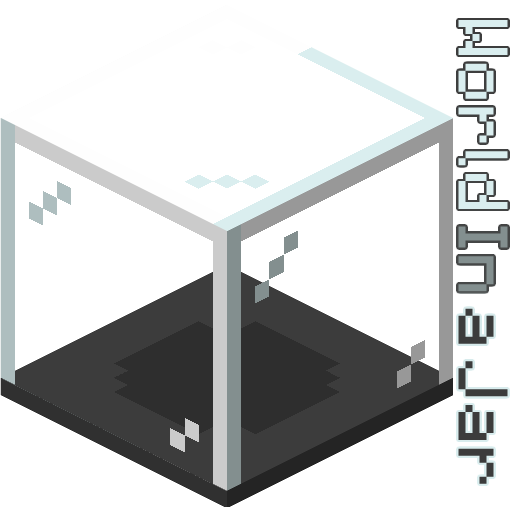
World In a Jar
(Snowglobe) A terrarium-inspired block made for builders and survival players alike.
Screenshots
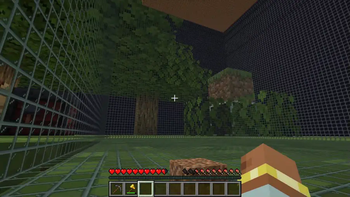
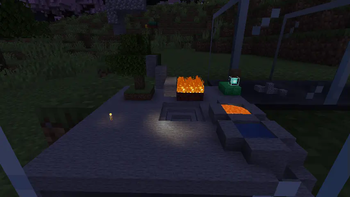
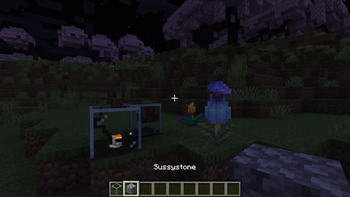
About this Mod
Warning (Read This!)
Do not use versions marked as "BlanketCon"! These will not work in your world.
1.20.1 is also not supported and does not resemble the mod in its current state. That is, do not use the 1.20.1 version.
World In a Jar
This mod squeezes entire worlds into jars for your enjoyment. Play god or go home.
You can put blocks in a jar block with a lot of room! All of your storage issues are solved!
Make little snow globes, make a cool redstone contraption; The possibilities are endless.


How To Use
Mine Bedrock
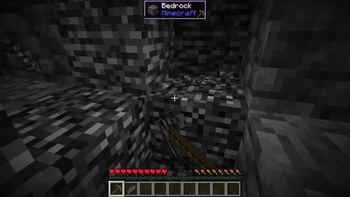
Start by mining bedrock using a Netherite Pickaxe. This may take a few tries before a shard drops.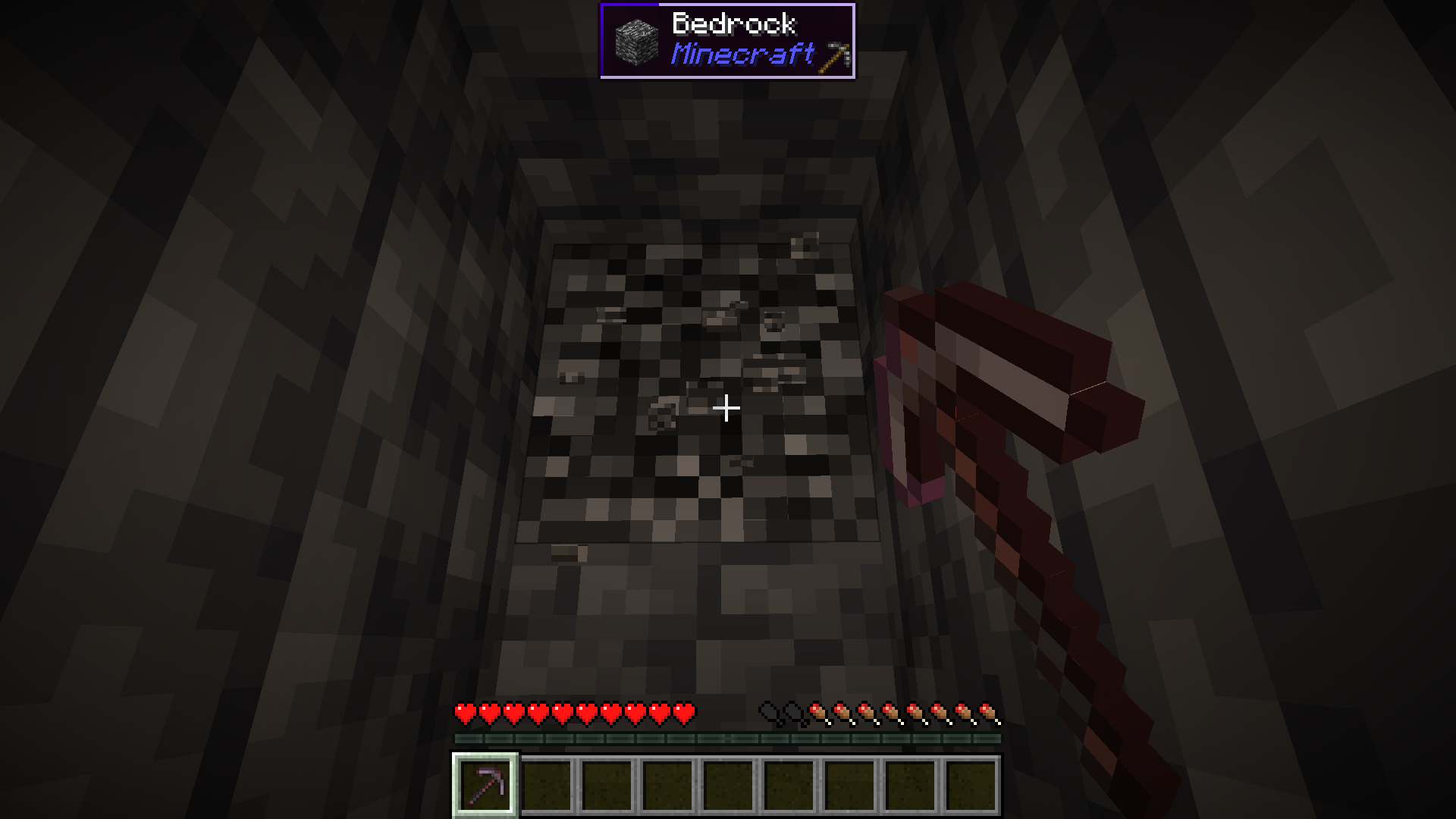
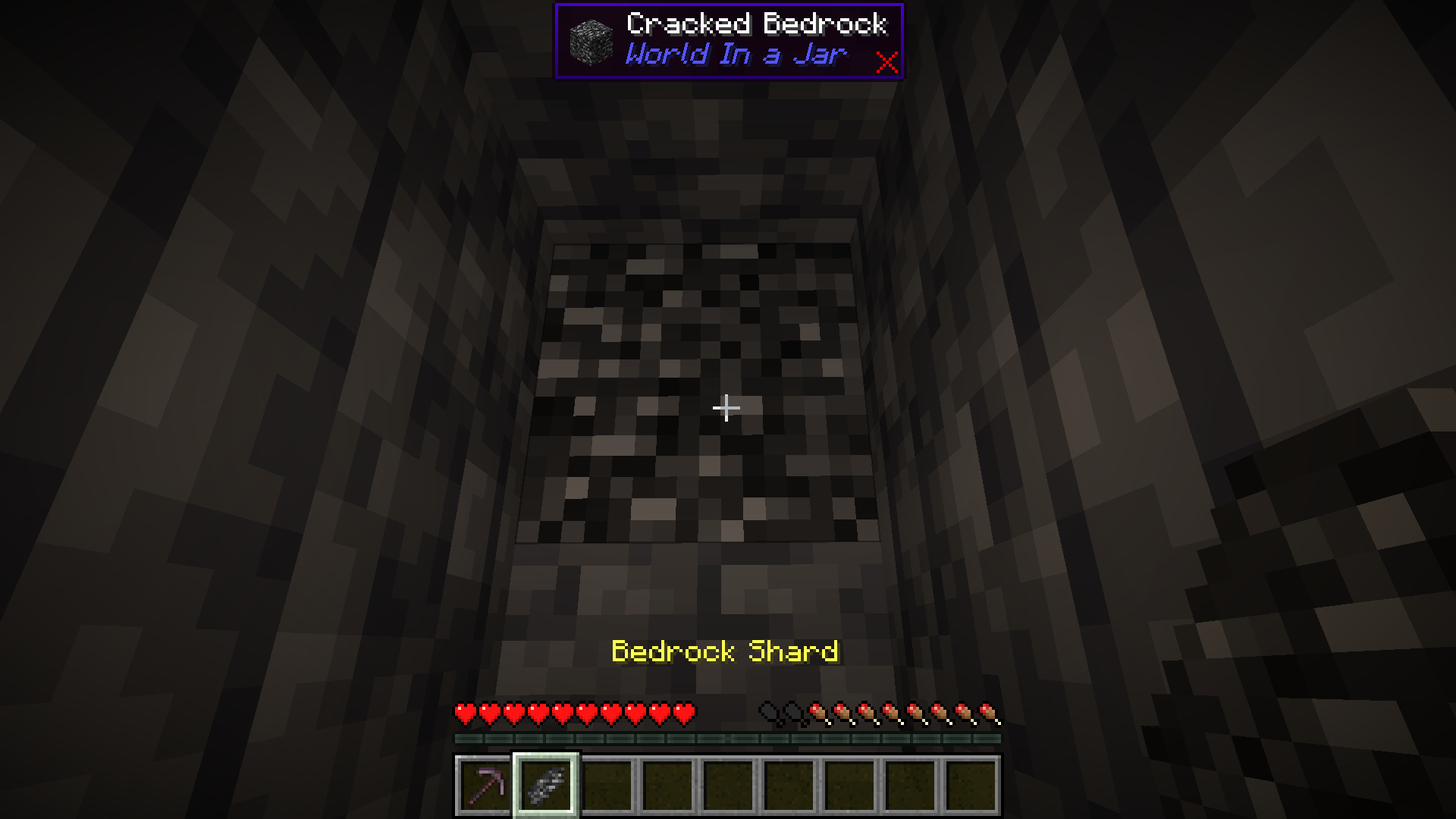
Upgrade To a Bedrock Pickaxe
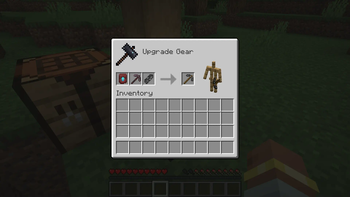
Upgrade your Netherite Pickaxe to a Bedrock Pickaxe using a Smithing Table.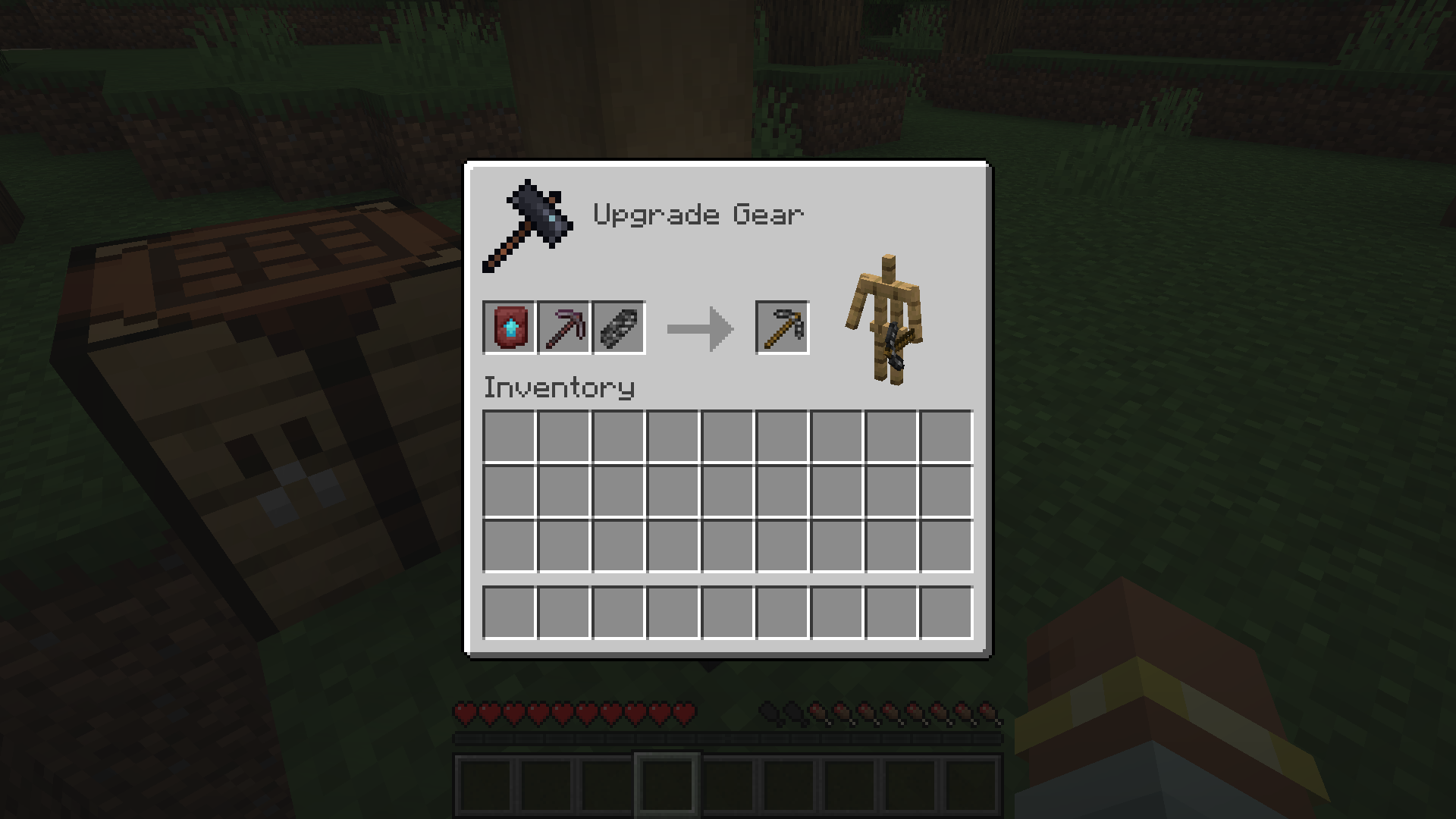
Mine More Bedrock
Mine more Bedrock with your Bedrock Pickaxe. You will need 28 Bedrock Shards.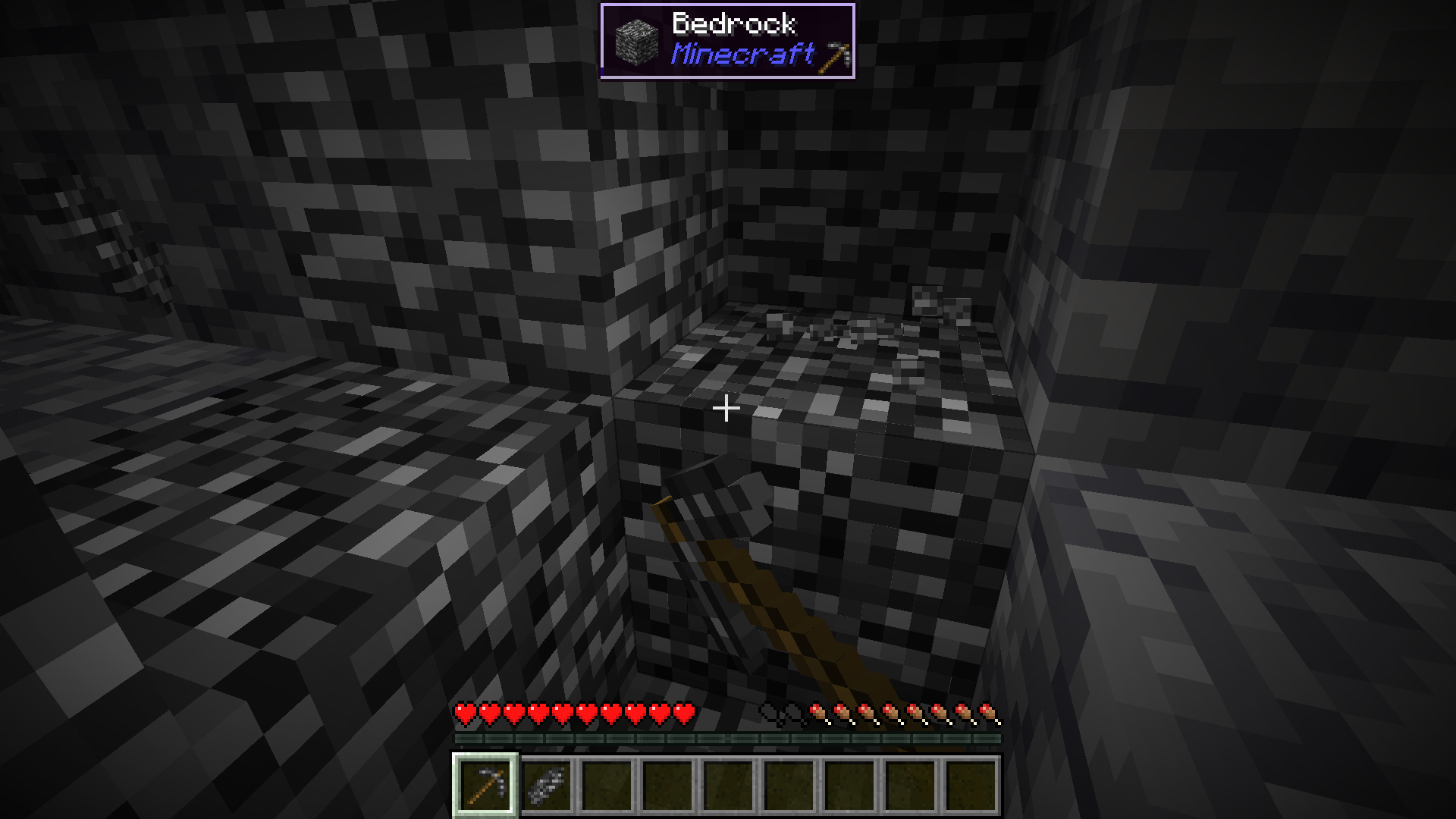
Obtain Ingredients And Craft Reinforced Echnoplast
Obtain 7 Glass and 28 Amethyst Shards to craft 7 Reinforced Echnoplast.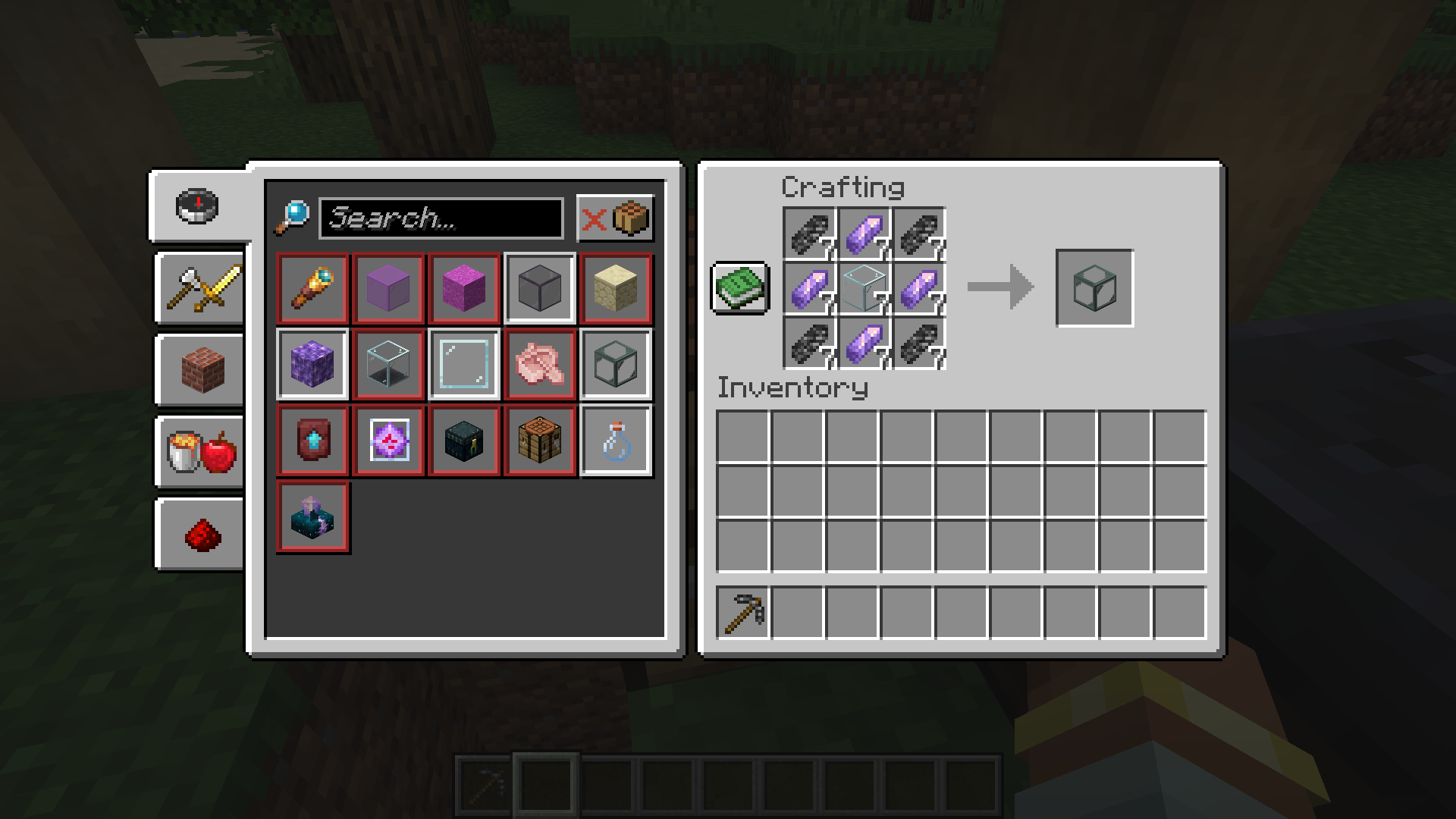
Strip Logs To Obtain Bark
Strip logs to obtain their bark. You will need 9 bark of any type.
Craft a World Jar
Craft a World Jar using a Cork Block, Eye of Ender, and 7 Reinforced Echnoplast.
Enter the World Jar
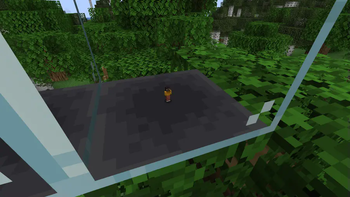
Place the World Jar and interact with (right-click) the jar to enter it. You can interact with the jar again to exit.
Video Demonstration
Permissions (Not Working)
This does not currently work.
The number stated after the permission ID is the minimum OP level that users will need to have the permission. This mod can also use permissions with mods compatible with Fabric Permissions API (such as LuckPerms). The permission ID and OP level are written respectively (in that order).
worldinajar.lock_jar2- Allows a user to lock/unlock a jar. A locked jar cannot be edited. When right-clicked, a locked jar simply teleports the player if they do not have this permission.
FAQ
Port to NeoForge? Quilt? <insert loader here>?
- no
Port to 1.12.2? <insert version here>? Update to version X?
- no
There is a bug and I need to report it!
- Please go to the issue tracker and create a bug report.
Please add X feature.
- yesn't (feel free to open an issue)
Can I port this mod to X?
- Please ask for permission before doing so. I also ask that you credit the original mod and state that it is an unofficial fork, however. Forks claiming to be official will be taken down.
Redistribution 🖍️
VulpixelMC does not sanction any redistributions not hosted on its website, GitHub, or Modrinth. Do not upload this software to any other services without due credit and links to the original file from which the redistributed software was downloaded.
You may use this software in Modpacks, given due credit and a link to download the original software.
License
World In a Jar is licensed under LGPL-3.0-only. See COPYING and COPYING.LESSER for details.
Available Versions
How to Install World In a Jar on Your Server
Order Server
Order a Minecraft Java server with at least 3 GB RAM (4 GB recommended).
Set fabric Loader
In the panel under "Egg", select the fabric loader and matching Minecraft version (1.21.1).
Install Mod
Open the mod browser in the dashboard and search for "World In a Jar". Click "Install" – done! Alternatively, upload the .jar via SFTP to the /mods folder.
Compatibility
Mod Loaders
Minecraft Versions
1.21.1, 1.20.1, 1.19.4 (+1 more)
Server-side
✓ RequiredRecommended RAM
4 GB(min. 3 GB)Frequently Asked Questions
World In a Jar server crashes on startup – what to do?
Most common cause: wrong fabric version or insufficient RAM. Check the server log (latest.log) for "OutOfMemoryError" or "Mixin" errors. With Mado Hosting: ensure at least 3 GB RAM is allocated and the loader matches the mod version (1.21.1). You can switch loaders with one click in the panel.
Is World In a Jar compatible with fabric and quilt?
World In a Jar officially supports fabric, quilt for Minecraft 1.21.1, 1.20.1, 1.19.4. The Mado dashboard automatically detects incompatible loader combinations.
Server lagging with World In a Jar – how to optimize performance?
Recommended RAM: 4 GB (per 8 players). Use /spark profiler to check if World In a Jar consumes the most tick time. Common fixes: reduce server view-distance to 8-10, install "performant" or "starlight" as supplementary mods on Forge. With Mado Hosting, your server runs on NVMe SSDs with dedicated CPU cores for minimal latency.
Similar Mods





Rent Modded Server
Install World In a Jar with just one click on your server.