
WynnBuild
A Wynncraft mod for generating WynnBuilder build urls in-game.
Screenshots

About this Mod
WynnBuild
A simple mod that lets you generate WynnBuilder links directly in-game.
How to Use
You can quickly create a WynnBuilder link for your build in two ways:
- Press the BUILD button at the bottom-right of your character info screen (you can turn this button off in settings if you want).
- Or, more reliably, just run the /build command.

Precision Settings
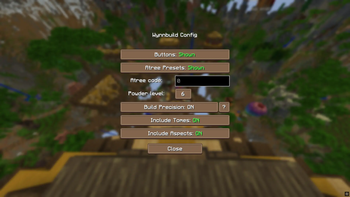
You can control how detailed your build stats are through the Precision option in /build config:
- OFF - Items are treated as average (default rolls)
- ON - Items use your exact rolls for maximum accuracy.
Tomes & Aspects
Tomes and aspects are supported. You can choose whether to include them in your builds via the config menu.
Crafted Items
Crafted items are automatically detected and included in your build. However, since WynnBuilder doesn’t support crafted items with custom rolls, they’ll show up as a Normal rarity custom item.
Standalone Items
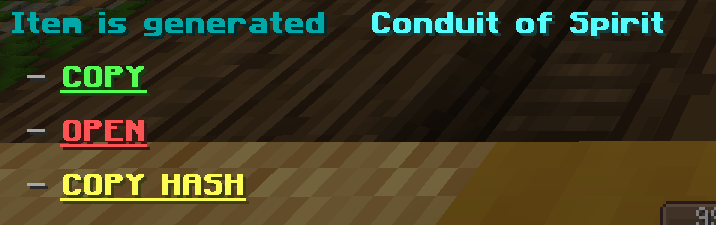
To share just one item with its exact rolls use the /build buildcustomitem command to generate a WynnCustom link.
Config Options
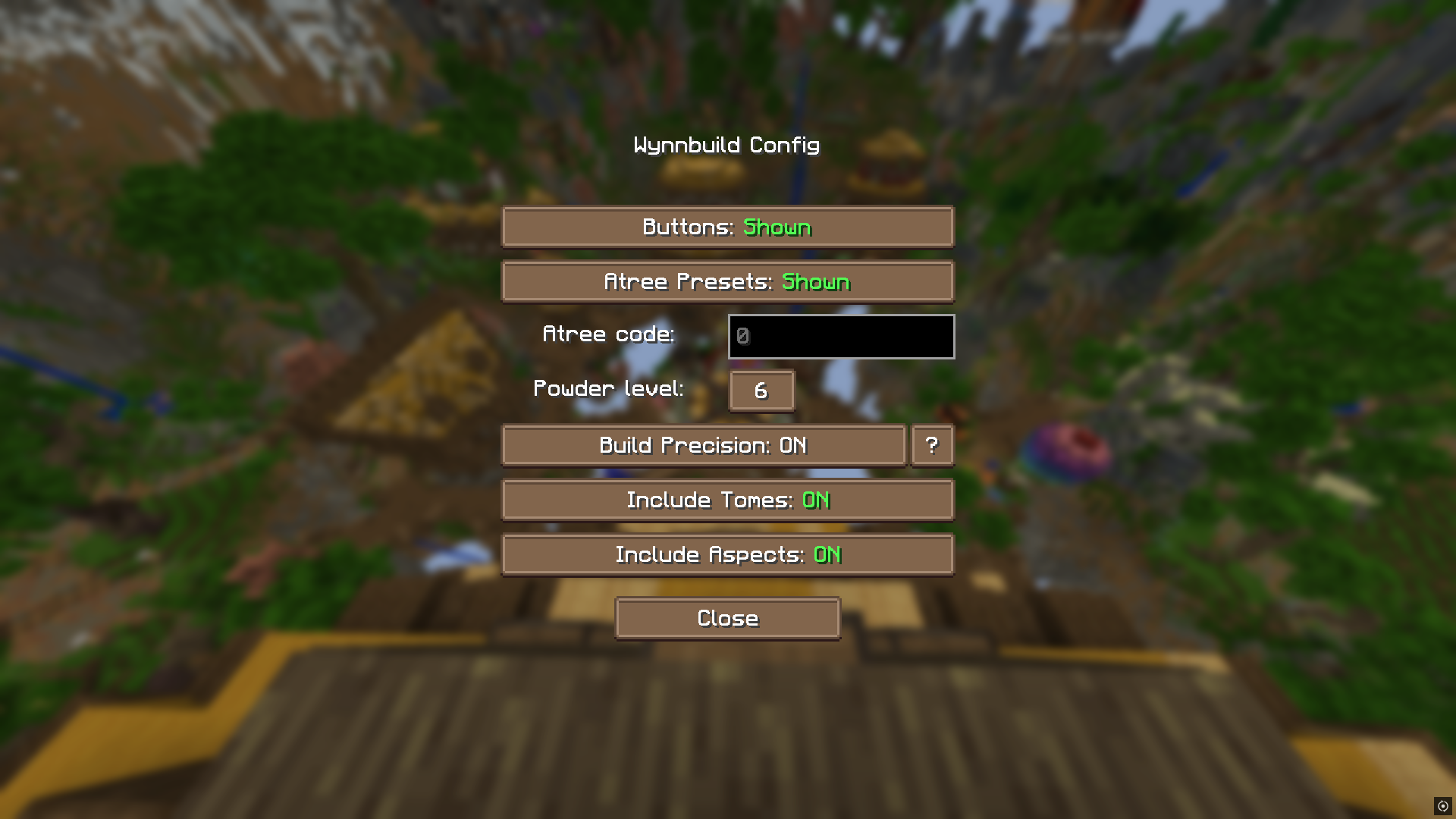
Open the config with /build config. From here, you can:
- Enable/disable buttons
- Access your encoded ability tree value
- Toggle tomes and aspects
- Set default powder level
All item, tome, and aspect encoding logic comes from the wynnbuilder repo
In-game info gathering is done by Wynntils
Join the discord and share your feature suggestions and issues!
Available Versions
How to Install WynnBuild on Your Server
Order Server
Order a Minecraft Java server with at least 3 GB RAM (4 GB recommended).
Set fabric Loader
In the panel under "Egg", select the fabric loader and matching Minecraft version (1.21.11).
Install Mod
Open the mod browser in the dashboard and search for "WynnBuild". Click "Install" – done! Alternatively, upload the .jar via SFTP to the /mods folder.
Compatibility
Mod Loaders
Minecraft Versions
1.21.11, 1.21.4, 1.21.1 (+2 more)
Server-side
✗ UnsupportedRecommended RAM
4 GB(min. 3 GB)Frequently Asked Questions
WynnBuild server crashes on startup – what to do?
Most common cause: wrong fabric version or insufficient RAM. Check the server log (latest.log) for "OutOfMemoryError" or "Mixin" errors. With Mado Hosting: ensure at least 3 GB RAM is allocated and the loader matches the mod version (1.21.11). You can switch loaders with one click in the panel.
Is WynnBuild compatible with fabric?
WynnBuild officially supports fabric for Minecraft 1.21.11, 1.21.4, 1.21.1. The Mado dashboard automatically detects incompatible loader combinations.
Server lagging with WynnBuild – how to optimize performance?
Recommended RAM: 4 GB (per 8 players). Use /spark profiler to check if WynnBuild consumes the most tick time. Common fixes: reduce server view-distance to 8-10, install "performant" or "starlight" as supplementary mods on Forge. With Mado Hosting, your server runs on NVMe SSDs with dedicated CPU cores for minimal latency.
Similar Mods




![[TaCZ] Timeless and Classics Zero](https://cdn.modrinth.com/data/SzzJttH8/fd27766d2bb8390d284696b1dbd358f87e081439_96.webp)

Rent Modded Server
Install WynnBuild with just one click on your server.