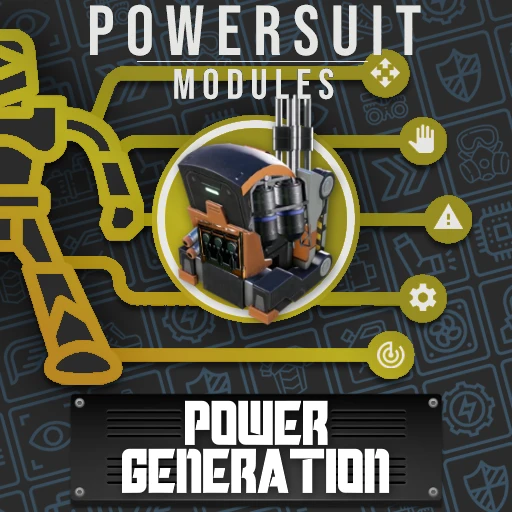
PSM: Power Generation
Modules that produce vital Power for your other modules to operate with.
Description
<!--
Test early releases for Update 8 on the [Discord](http://discord.gg/zqp6U7Y7Nu)! -->
[](https://ficsit.app/mod/PowerSuit)
[](https://ficsit.app/mod/ArmorModules/)
[](https://ficsit.app/mod/ArmorModules__Modpack_All)
_If you enjoy my work, please consider donating to my [completely optional tip jar](https://ko-fi.com/robb4)._
Check out the PowerSuit Modules suite of mods!
[](https://ficsit.app/mod/ArmorModules__Modpack_All)
[](https://ficsit.app/mod/ArmorModules)
[](https://ficsit.app/mod/ArmorModules_SuitRegulation)
[](https://ficsit.app/mod/ArmorModules_PowerGeneration)
[](https://ficsit.app/mod/ArmorModules_Mobility)
[](https://ficsit.app/mod/ArmorModules_Flight)
[](https://ficsit.app/mod/ArmorModules_Defense)
[](https://ficsit.app/mod/ArmorModules_Special)
[](https://ficsit.app/mod/LogisticModules)
Multiplayer Compatible!
See the [PowerSuit Modules](https://ficsit.app/mod/ArmorModules/) modpage for further multiplayer compatibility notes.
PowerSuit Modules: Power Generation
_Modules that produce vital Power for your Suit (and many other modules) to operate on._
This is an addon mod for [PowerSuit Modules](https://ficsit.app/mod/ArmorModules/) that offers numerous modules focused on granting the player additional Suit Power generation options. This includes:
- Passive power production options
- Suit Fuel-consuming generators
- Zipline and Hypertube usage-based generators
- Generate power from ambient radiation
- ... and more!
You can find more info on how to use these modules on the [page for the base mod](https://ficsit.app/mod/ArmorModules).
Install Instructions
You should probably look at the [Modpack: All PowerSuit Modules](https://ficsit.app/mod/ArmorModules__Modpack_All) mod before deciding to download this one specifically.
To install, use [Satisfactory Mod Manager](https://smm.ficsit.app/). You can also see and download specific versions in the "Versions" tab on this Satisfactory Mod Repository page.
After installing this, you can select to show all 'Enabled' mods (not 'Installed') in the Mod Manager, which causes all dependency mods to be listed as well.
See the main mod page [here](https://ficsit.app/mod/ArmorModules) for more information about the mod.
Versions
How to Install PSM: Power Generation on Your Server
Order Satisfactory Server
Order a Satisfactory server with at least 4 GB RAM (6 GB recommended). For multiplayer: per 4 players.
Install Mod
Open the mod manager in the dashboard and search for "PSM: Power Generation". Installation dependencies are installed automatically.
Restart Server
Restart the server so the mod is loaded. Players need to have the mod installed locally as well.
Frequently Asked Questions
PSM: Power Generation not working after update – what to do?
After a Satisfactory update, mods need to be updated. Check ficsit.app whether PSM: Power Generation has been updated for the new game version. With Mado Hosting: open the mod manager and click "Update All". If the mod hasn't been updated yet, temporarily remove it so the server starts.
PSM: Power Generation causing crashes in multiplayer – solution
Most common cause: all players must have exactly the same mod version installed. Check server logs for "ModMismatch" or "Version Conflict". Ensure all players use PSM: Power Generation v2.3.0 and the same SML. With Mado Hosting, Satisfactory servers run with 6 GB RAM for stable multiplayer performance.
Is PSM: Power Generation compatible with other Satisfactory mods?
PSM: Power Generation uses the Satisfactory Mod Loader (SML). Generally, SML-based mods are cross-compatible, but mods modifying the same game systems can cause conflicts. Test new mod combinations on a backup save. The Mado dashboard automatically detects known conflicts and warns you.
Rent PSM: Power Generation Server
Play PSM: Power Generation on your own Satisfactory server with mod support.
Mod Information
- Author
- Robb
- Latest Version
- v2.3.0
- Created
- July 5, 2021
- Last Updated
- July 7, 2026
- Source Code
- GitHub →