Boil Away!
Provides a way to get rid of certain fluilds in your production chain
Description
#
AniViRus Productions (AniMouse) is now on [Ficsit Labs](https://discord.gg/pz2U6FvMat). Join for news, updates and your feedback and suggestions!
[Donation link](https://boosty.to/anivirus/donate) if you wish to toss a coin to support me. Everything goes into a new PC for modding!
---
What is this mod?
This mod adds Refinery recipes for "sinking" certain vanilla fluids. They either have no output or result in a solid output item. Recipes can be obtained in AWESOME Shop at Management section for 5 coupons each. The recipes are:- Water Boiling: 10 Water -> 0 Water (5 sec)
- Thermoextracted Sulfir: 20 Sulfuric Acid -> 5 Sulfur (5 sec)
- Nitric Crystal: 20 Nitric Acid -> 5 Quartz Crystal (5 sec)
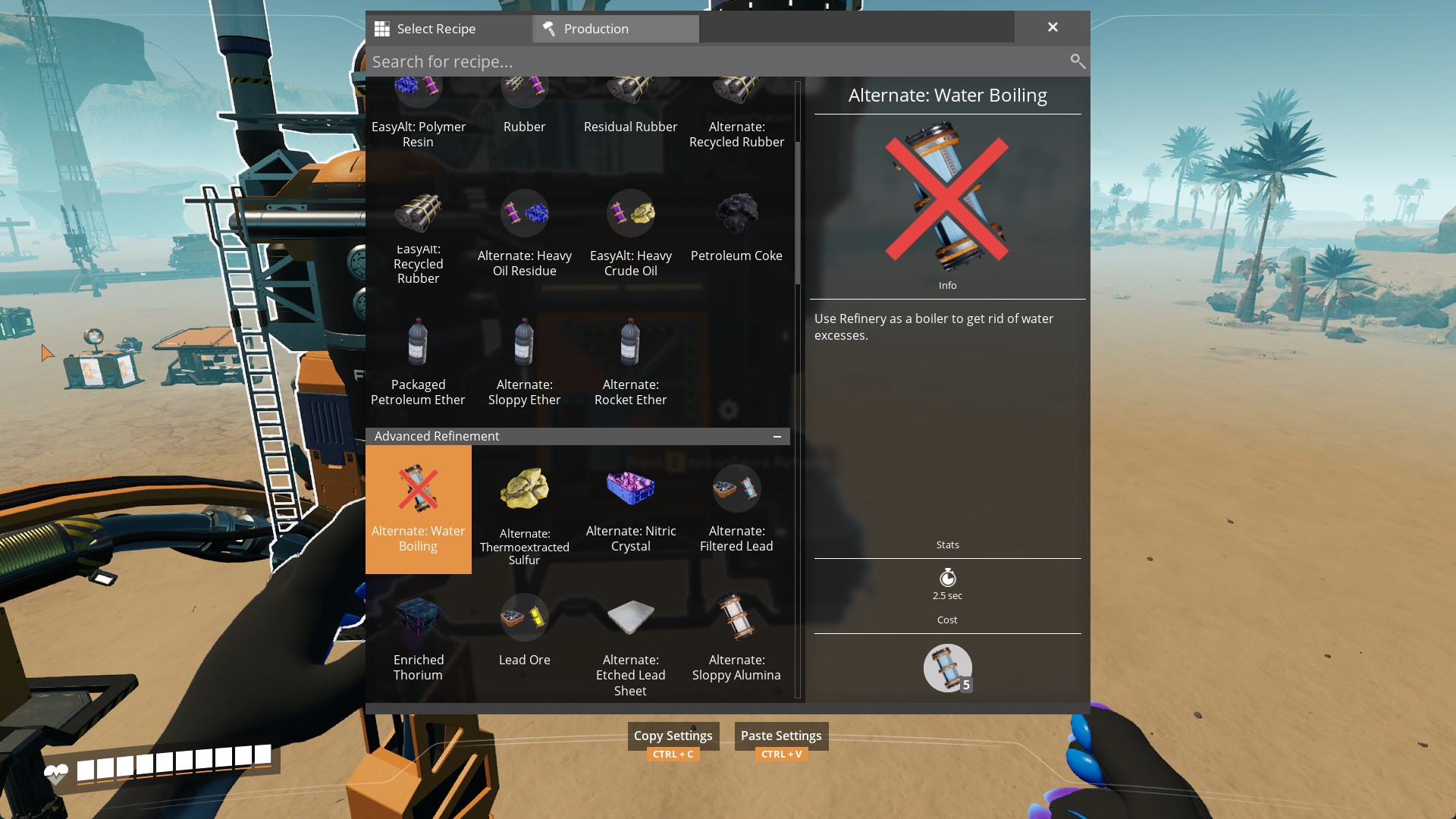
Each recipe appears for purchase in the AWESOME Shop upon discovering corresponding items.
---
Compatibility
The mod doesn't include any radically new code, systems or logic, and thus, is fully compatible with other mods and multiplayer!---
Conclusion
If you have any suggestions, ideas or issues you are free to contact me via:- GitHub (Source code link).
- Discord (@AniMouse), I am on Satisfactory Modding Server and Ficsit Labs.
- [Any of my other social media](https://linktr.ee/anivirus) [under maintainance].
Thanks for reading through all of this!
Versions
How to Install Boil Away! on Your Server
Order Satisfactory Server
Order a Satisfactory server with at least 4 GB RAM (6 GB recommended). For multiplayer: per 3 players.
Install Mod
Open the mod manager in the dashboard and search for "Boil Away!". Installation dependencies are installed automatically.
Restart Server
Restart the server so the mod is loaded. Players need to have the mod installed locally as well.
Frequently Asked Questions
Boil Away! not working after update – what to do?
After a Satisfactory update, mods need to be updated. Check ficsit.app whether Boil Away! has been updated for the new game version. With Mado Hosting: open the mod manager and click "Update All". If the mod hasn't been updated yet, temporarily remove it so the server starts.
Boil Away! causing crashes in multiplayer – solution
Most common cause: all players must have exactly the same mod version installed. Check server logs for "ModMismatch" or "Version Conflict". Ensure all players use Boil Away! v1.1.1 and the same SML. With Mado Hosting, Satisfactory servers run with 6 GB RAM for stable multiplayer performance.
Is Boil Away! compatible with other Satisfactory mods?
Boil Away! uses the Satisfactory Mod Loader (SML). Generally, SML-based mods are cross-compatible, but mods modifying the same game systems can cause conflicts. Test new mod combinations on a backup save. The Mado dashboard automatically detects known conflicts and warns you.
Rent Boil Away! Server
Play Boil Away! on your own Satisfactory server with mod support.
Mod Information
- Author
- AniViRus Productions
- Latest Version
- v1.1.1
- Created
- June 6, 2025
- Last Updated
- July 8, 2026
- Source Code
- GitHub →