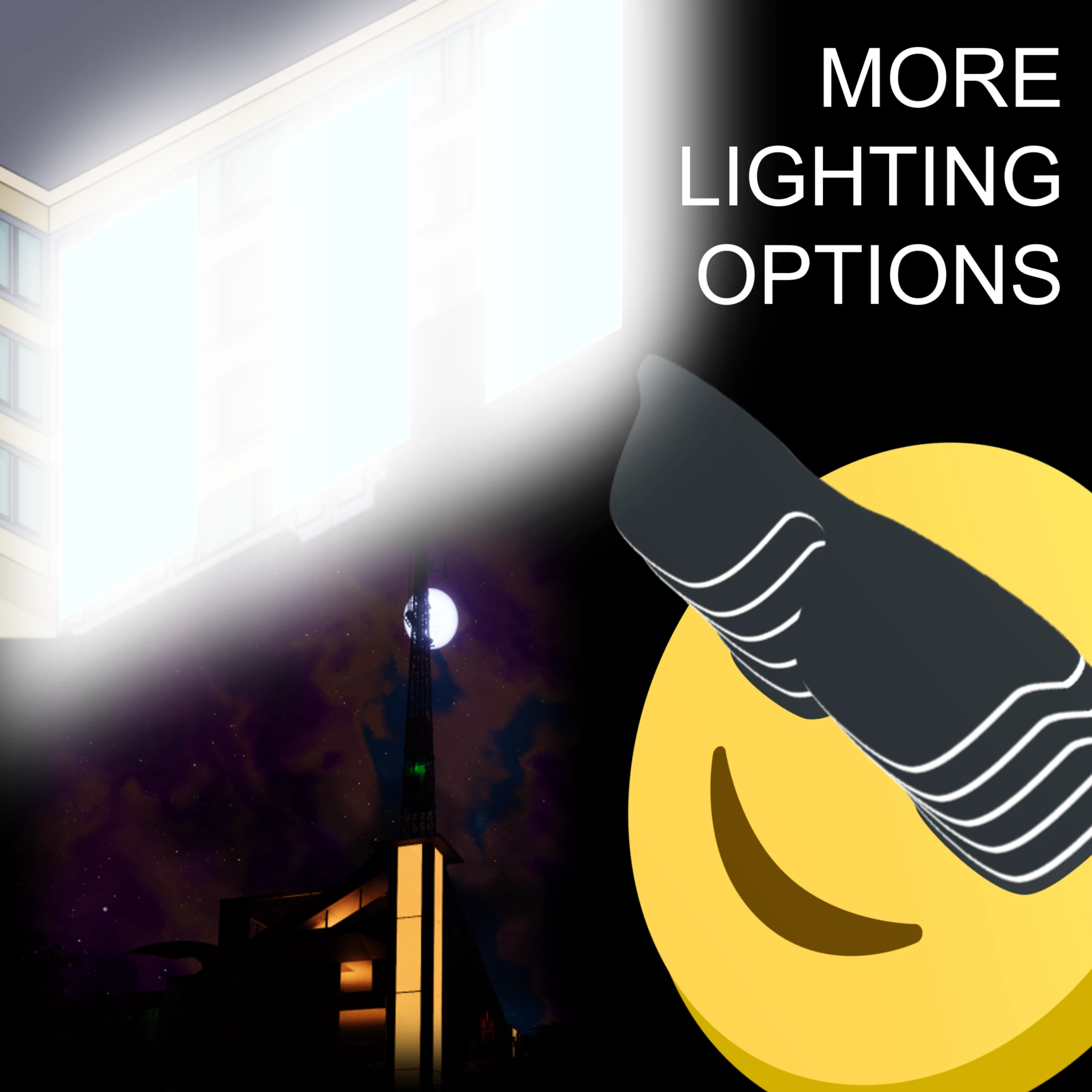
More Lighting Options
Additional control over lighting in the game
Description
More Lighting Options
<p align="center" width="100%"><img alt="Icon" src="https://raw.githubusercontent.com/TheRealBeef/Satisfactory-More-Lighting-Options/refs/heads/master/MoreLightingOptions.png" width="15%" />
</p>
Description
Beef's More Lighting Options mod gives you additional control over lighting in the game.
Sun and Moon Brightness
Nights too bright? Days not dreary enough for you? You can increase or decrease the brightness/intensity of both the Sun and the Moon now, with independent settings.Sign Emissiveness
Adjust your desired emissiveness level for each emissiveness option for signs (Off, Level 1, 2, 3) in the mod options either on the main menu or in-game. The default values are vanilla, so if you don't notice any changes make sure you've changed the settings!There's a setting to increase the speed at which Mod Configuration options are applied to signs in-game since it now updates in realtime, at the cost of more flickering and if you have a lot of signs, potential for lag.
<p align="center" width="100%">
Sign Emissiveness<br>
<img alt="Icon" src="https://raw.githubusercontent.com/TheRealBeef/Satisfactory-More-Lighting-Options/refs/heads/master/Preview1.jpg" width="85%" />
<br><br>
Sun and Moon Brightness
<br>
<img alt="Icon" src="https://raw.githubusercontent.com/TheRealBeef/Satisfactory-More-Lighting-Options/refs/heads/master/Preview2.jpg" width="85%" />
</p>
Known Bugs
- Untested and unlikely to work in multiplayer and dedicated for now.- Updating brightness of signs in mod options, especially with Fast Update enabled, causes flickering. This is an artifact of the update process and there's not much I can do about it. It only happens while dragging sliders in mod options.
Changelog
- Version 1.1.2- Rebuild against SML 3.10
- Version 1.1.1
- Fixed minor issue where Sun max brightness setting was capped at 2.0 instead of 5.0
- Version 1.1.0
- Control over sun and moon brightness/intensity values. You can make your sun and moon darker (or brighter) according to your wishes.
- Changed the default config values for all settings (including signs) to vanilla values, to allow picking and choosing what you want to alter.
- Version 1.0.2
- You can now see your mod config changes realtime in-game. There's a setting for "fast update" that can be set that speeds it up even more, but can result in flickering as it refreshes which is a vanilla behavior sped up.
- Version 1.0.1
- Added configuration support - requires reloading the save
- Version: 1.0.0
- Implemented basic functionality for signs
- Replaced vanilla values (0,1,5,10) with higher values (0,2,10,50)
Roadmap
(In most likely order of tackling them)
- [X] Configuration of sign brightness levels can happen in-game
- [ ] Dimmer lights - Allow setting lights lower than 10%, as sometimes this is still too bright
- [ ] Configure "light cones" emitting from regular lights, allowing them to be reduced or eliminated
- [X] Sun / Moon Brightness Control - to make your day and nights brighter or darker
- [ ] Place a slider in sign menu to give more fine-control over sign emissiveness
- [ ] Test and resolve any multiplayer / dedicated server issues, including synchroniziation of settings
Credits
Mod created by TheRealBeef, and much thanks to Rex and Mircea and the rest of the people on Discord so far guiding me through the first steps here.
Versions
How to Install More Lighting Options on Your Server
Order Satisfactory Server
Order a Satisfactory server with at least 4 GB RAM (6 GB recommended). For multiplayer: per 4 players.
Install Mod
Open the mod manager in the dashboard and search for "More Lighting Options". Installation dependencies are installed automatically.
Restart Server
Restart the server so the mod is loaded. Players need to have the mod installed locally as well.
Frequently Asked Questions
More Lighting Options not working after update – what to do?
After a Satisfactory update, mods need to be updated. Check ficsit.app whether More Lighting Options has been updated for the new game version. With Mado Hosting: open the mod manager and click "Update All". If the mod hasn't been updated yet, temporarily remove it so the server starts.
More Lighting Options causing crashes in multiplayer – solution
Most common cause: all players must have exactly the same mod version installed. Check server logs for "ModMismatch" or "Version Conflict". Ensure all players use More Lighting Options v1.1.3 and the same SML. With Mado Hosting, Satisfactory servers run with 6 GB RAM for stable multiplayer performance.
Is More Lighting Options compatible with other Satisfactory mods?
More Lighting Options uses the Satisfactory Mod Loader (SML). Generally, SML-based mods are cross-compatible, but mods modifying the same game systems can cause conflicts. Test new mod combinations on a backup save. The Mado dashboard automatically detects known conflicts and warns you.
Rent More Lighting Options Server
Play More Lighting Options on your own Satisfactory server with mod support.
Mod Information
- Author
- Acxd, TheRealBeef
- Latest Version
- v1.1.3
- Created
- October 23, 2024
- Last Updated
- July 8, 2026
- Source Code
- GitHub →