Respawn Points
The HUB is no longer your only option.
Description
Overview
Normally, you can only respawn at the one-and-only HUB on the map.That can lead to long travel times when you die.
This mod adds buildings that let you respawn at the closest one.
Mutiplayer support
✅ Full multiplayer support, including dedicated servers.
How it works
After installing the mod, you will see a new research tree in the MAM called Respawn Points.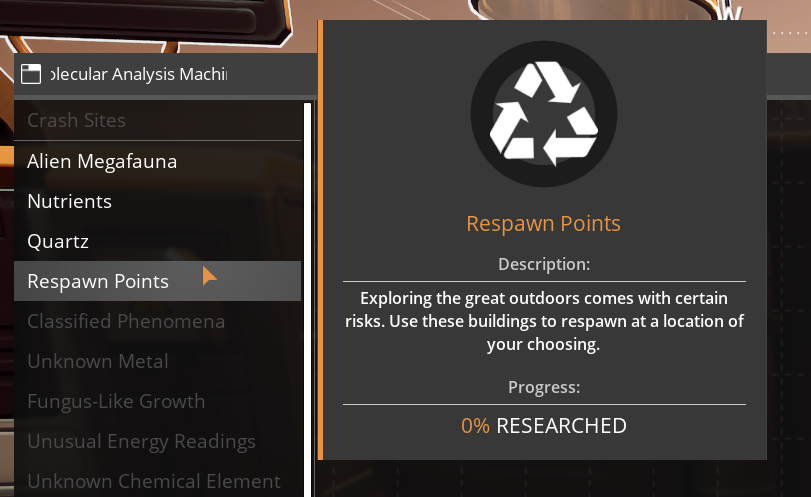
The buildings you unlock there will show up in the Builder under the category Respawn.
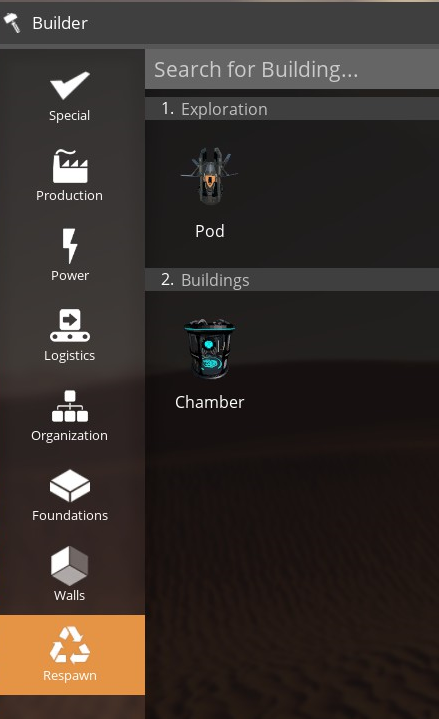
Buildings available
There are currently two buildings available:The Pod (meant for the outside)
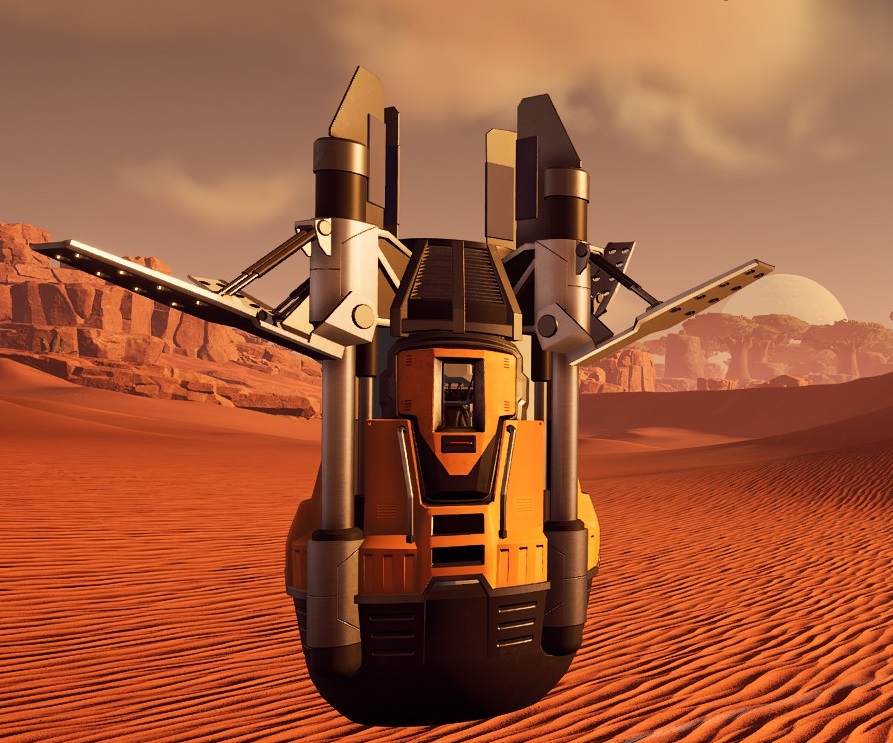
...and the Chamber (for inside factories)
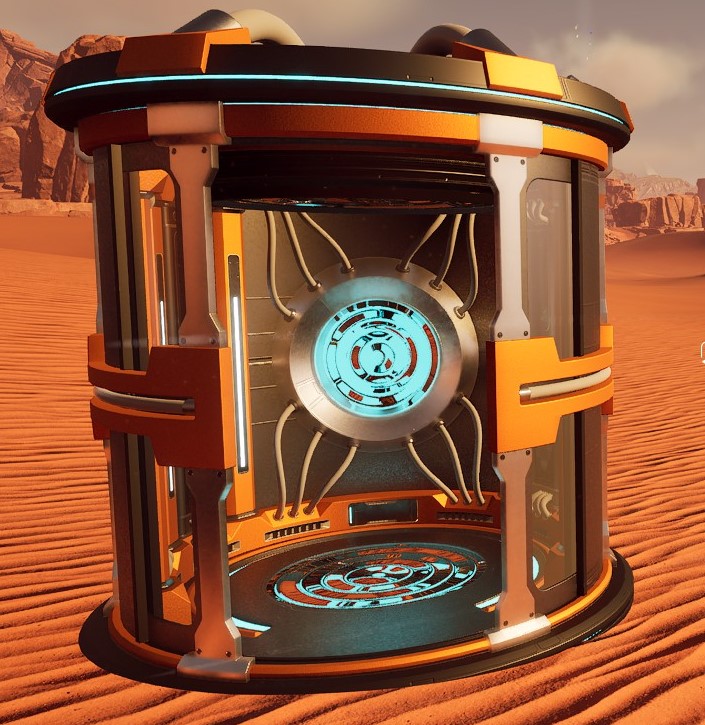
More buildings are planned for future updates.
Map markers
Each building you place will put a marker on your map, which you can then customize to your liking.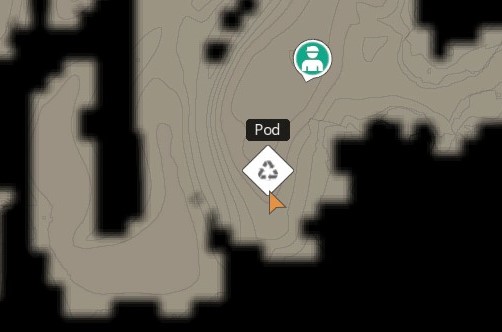
What happens when you die?
When you die, you will respawn at the closest Respawn Point.If the HUB happens to be closer, you will respawn at the HUB instead.
What happens when you uninstall the mod?
If you uninstall the mod, all Respawn Points you have placed in the world will be deleted the next time you load the save and the standard game logic will apply on death.Feedback welcome
If you run into any issues (or want to suggest new features or improvements), please create a new issue on [the GitHub page for the mod](https://github.com/pkjaer/RespawnPoints/issues).Credits
I would like to thank the following people for their help in the development of this mod: - The [Satisfactory Modding organization](https://github.com/satisfactorymodding) (without their hard work, this mod would never have happened)
- Sarah (for your encouragement and for brainstorming with me)
- [FishFace](https://ficsit.app/user/5f8AhKYjcVdg4j) (for your incredible Chamber model)
- Robb (for your feedback and the idea for the future Porta Potty)
Versions
How to Install Respawn Points on Your Server
Order Satisfactory Server
Order a Satisfactory server with at least 4 GB RAM (6 GB recommended). For multiplayer: per 4 players.
Install Mod
Open the mod manager in the dashboard and search for "Respawn Points". Installation dependencies are installed automatically.
Restart Server
Restart the server so the mod is loaded. Players need to have the mod installed locally as well.
Frequently Asked Questions
Respawn Points not working after update – what to do?
After a Satisfactory update, mods need to be updated. Check ficsit.app whether Respawn Points has been updated for the new game version. With Mado Hosting: open the mod manager and click "Update All". If the mod hasn't been updated yet, temporarily remove it so the server starts.
Respawn Points causing crashes in multiplayer – solution
Most common cause: all players must have exactly the same mod version installed. Check server logs for "ModMismatch" or "Version Conflict". Ensure all players use Respawn Points v1.1.0 and the same SML. With Mado Hosting, Satisfactory servers run with 6 GB RAM for stable multiplayer performance.
Is Respawn Points compatible with other Satisfactory mods?
Respawn Points uses the Satisfactory Mod Loader (SML). Generally, SML-based mods are cross-compatible, but mods modifying the same game systems can cause conflicts. Test new mod combinations on a backup save. The Mado dashboard automatically detects known conflicts and warns you.
Rent Respawn Points Server
Play Respawn Points on your own Satisfactory server with mod support.
Mod Information
- Author
- pkjaer
- Latest Version
- v1.1.0
- Created
- October 19, 2025
- Last Updated
- July 8, 2026
- Source Code
- GitHub →