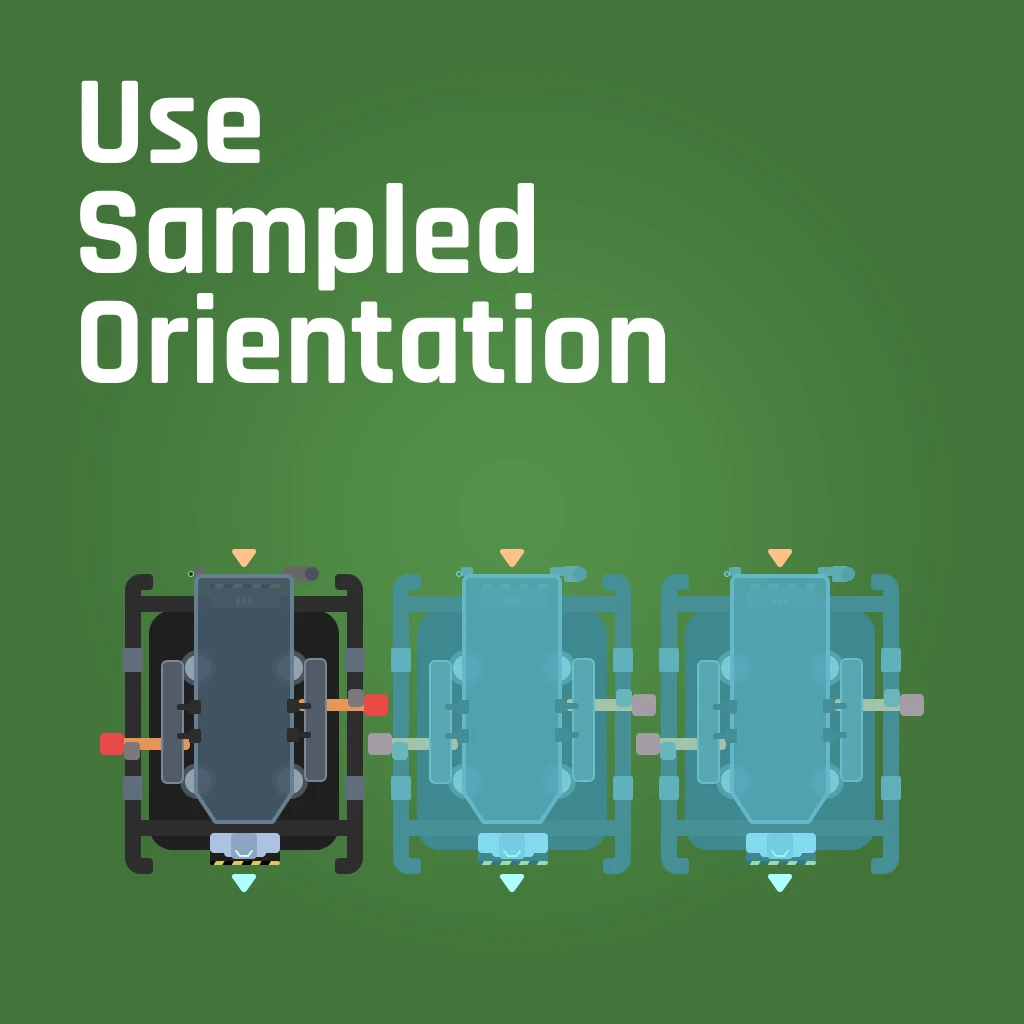
USO (Use Sampled Orientation)
When you sample a structure to build, the hologram will use the sampled structure's orientation.
Description
When you sample a structure (default: middle mouse button), the resulting hologram will match the structure's orientation. Also, sample can be used in build mode to match the current hologram's orientation to a structure of the same type, making it easier to snap buildings and to ensure your splitters/mergers always line up the way you expect.
In addition, if used on a conveyor belt, pipeline, railroad, or hypertube, your GROUND hologram will be oriented in the direction of the tangent at the point you targeted (though please note that the game will still snap to certain rotation steps depending on where you are looking). Unfortunately, the mod does not reliably set hologram orientation of ceiling and wall poles for belts, pipes, or hypertubes due to some internal oddness in how they work.
Here's a quick demonstration video: https://youtu.be/B__7lO_p460
Be sure "Hologram Rotation Mode" in the Controls options is set to "Static"
Please report any bugs at https://github.com/Epp-s-Satisfactory-Mods/UseSampledOrientation/issues
Additional caveats:
- This mod does not override behavior for foundations and walls and anything else that is part of the internal lightweight buildable system; they are handled differently by the game and have special rotation and snapping behavior that makes attempting to align inconsistent, ineffective, and/or unintuitive.
- If you sample a structure on bare ground but your cursor is pointed to a foundation behind it, the game snaps the hologram on the foundation and it may not be possible to match the original orientation. Re-sample in this case. Another reason to build on foundations whenever possible!
My QoL mods try to improve the game's user experience without drastically altering gameplay. Check them all out at https://ficsit.app/user/2WMLC615MzZpaL
Big thanks to the Satisfactory Modding discord and especially the very patient members of the #help-writing-ue-cpp channel!
Special thanks to bpforest for creating the mod icon - https://bpforest.com/
Versions
How to Install USO (Use Sampled Orientation) on Your Server
Order Satisfactory Server
Order a Satisfactory server with at least 4 GB RAM (6 GB recommended). For multiplayer: per 4 players.
Install Mod
Open the mod manager in the dashboard and search for "USO (Use Sampled Orientation)". Installation dependencies are installed automatically.
Restart Server
Restart the server so the mod is loaded. Players need to have the mod installed locally as well.
Frequently Asked Questions
USO (Use Sampled Orientation) not working after update – what to do?
After a Satisfactory update, mods need to be updated. Check ficsit.app whether USO (Use Sampled Orientation) has been updated for the new game version. With Mado Hosting: open the mod manager and click "Update All". If the mod hasn't been updated yet, temporarily remove it so the server starts.
USO (Use Sampled Orientation) causing crashes in multiplayer – solution
Most common cause: all players must have exactly the same mod version installed. Check server logs for "ModMismatch" or "Version Conflict". Ensure all players use USO (Use Sampled Orientation) v0.3.1 and the same SML. With Mado Hosting, Satisfactory servers run with 6 GB RAM for stable multiplayer performance.
Is USO (Use Sampled Orientation) compatible with other Satisfactory mods?
USO (Use Sampled Orientation) uses the Satisfactory Mod Loader (SML). Generally, SML-based mods are cross-compatible, but mods modifying the same game systems can cause conflicts. Test new mod combinations on a backup save. The Mado dashboard automatically detects known conflicts and warns you.
Rent USO (Use Sampled Orientation) Server
Play USO (Use Sampled Orientation) on your own Satisfactory server with mod support.
Mod Information
- Author
- Epp, Nidere
- Latest Version
- v0.3.1
- Created
- October 11, 2024
- Last Updated
- July 8, 2026
- Source Code
- GitHub →