

Modrinth · Fabric, Quilt
Advanced Skin Restorer Server mieten
Dein eigener Advanced Skin Restorer Server auf AMD Ryzen 9 ohne Thread-Limit. Der Server ist in der Regel unter 60 Sekunden bereit, das Pack installierst du danach mit einem Klick im Modpack-Browser.
Fixes some bugged skins for skin overrides! Better skin combo.. Mostly for Cracked users!
- Downloads
- 8.2K
- Follower
- 0
- Loader
- Fabric, Quilt
- Minecraft
- 1.20 – 26.3
- Aktualisiert
- –
Einrichtung
In vier Schritten zum Advanced Skin Restorer Server
Prüfe bei Fehlern zuerst Startprotokoll, Java-Version, Loader und Abhängigkeiten. Erhöhe RAM nur bei Hinweisen auf Speichermangel. Behalte vor Updates eine Kopie der funktionierenden Installation.
- 01
Konfigurieren
6 GB RAM sind vorausgewählt und Advanced Skin Restorer ist im Konfigurator vorgemerkt. Laufzeit und Add-ons wählst du selbst.
- 02
Bezahlen
Per Kreditkarte oder PayPal. Der Server ist in der Regel unter 60 Sekunden bereit.
- 03
Pack installieren
Öffne den Modpack-Browser im Panel, wähle Modrinth, prüfe die Projekt-ID und installiere die gewünschte Pack-Version. Sichere eine bestehende Welt vorher.
- 04
Verbinden
Alle Spieler installieren dieselbe Pack-Version in einem kompatiblen Launcher und verbinden sich über die Serveradresse aus dem Panel.
Modrinth-Projekt-ID: 1dqTy9X0
Das Panel
Pack installieren, Fehler finden.
Echte Screenshots aus dem Mado Panel. Beides ist bei jedem Minecraft Server enthalten.
Modpack-Browser
Modrinth und CurseForge direkt im Panel.
Pack suchen, Version wählen, installieren. Loader und Serverdateien musst du nicht von Hand hochladen.

KI-Crash-Analyse
Wenn ein Mod crasht, liest die Analyse das Log.
Große Modpacks scheitern oft an einer einzelnen Mod, Java-Version oder fehlenden Abhängigkeit. Die Analyse nennt eine wahrscheinliche Ursache und einen Lösungsvorschlag.

Versionen
Veröffentlichte Pack-Versionen
Server und Spieler brauchen dieselbe Pack-Version. Wähle sie im Modpack-Browser passend zu den Clients deiner Gruppe.
Advanced Skin Restorer · Modrinth- Advanced Skin Restorer 1.4.311. Oktober 2026Minecraft 1.21 · Quilt
- Advanced Skin Restorer 1.4.211. Oktober 2026Minecraft 26.3 · Quilt
- Advanced Skin Restorer 1.4.111. Oktober 2026Minecraft 1.21.11 · Quilt
- Advanced Skin Restorer 1.4.011. Oktober 2026Minecraft 1.20.6 · Fabric
- Advanced Skin Restorer 1.3.911. Oktober 2026Minecraft 1.20.5 · Fabric
Originalbeschreibung des Projektautors

Advanced Skin Restorer

✨ Seamless Skin Restoration
Persistent Skins: Automatically restores your chosen look, even on offline-mode servers or after a crash.
Override Bug Fixes: Resolves entity flickering and "invalid state" errors that occur when reloading custom textures.
Instant Updates: Update your look on the fly using simple commands without needing a game restart.
Cracked: Its most likely made for cracked users, some people have their skin gone and have normal vanila skins.
🚀 Performance & Capability Boosts
We’ve pushed the Skin Overrides mod to its limit by bundling a world-class optimization suite. These mods work behind the scenes to ensure your custom layers render smoothly:
Elite Rendering: ImmediatelyFast and Sodium work together to batch skin draw calls and modernize the rendering pipeline, giving you a massive FPS overhead.
Advanced Culling: Entity Culling and MoreCulling stop your GPU from wasting power on skins and objects you can't see, significantly boosting performance in crowded lobbies.
System Efficiency: Lithium and FerriteCore optimize game logic and memory usage, preventing stutters when loading unique player textures.
Smart Backgrounding: Dynamic FPS reduces resource usage when you're tabbed out, keeping your PC cool while you browse for new skins.
💡 Tutorial
Download the modpack and go to FO's mrpack to zip converter and convert your mrpack file into .zip file. Therefore, you must select the modpack's version according to your game's version.
Now open the zip file and copy the "mods" folder.
Go to your .minecraft folder and paste your folder. If it pulls out a option thing, click on replace and wait some time. File path may look like: C:\Users\user\AppData\Roaming\.minecraft\
Launch your game and hop on any server or single player world. Now, press your "esc" button then go to options->video settings and click on Skins on the left side. The menu will appear like this:

Note: Your skin may gets fixed automatically like mine, because I'm using premium username so if you also use premium username but your cracked it will display the premium username's main skin from NameMC. Therefore, if you want custom skin, follow the next steps.
5.Click on your name and then choose "Override from library". In the top, you can type the name of your skin that you have selected to use or you can drag drop the .png file of that skin. The in built method for adding skin may not work but drag drop method works almost 100% of the time.
6.Visit websites like NameMC or MineSkin to download the skin.
📜 Credits
Special thanks to the developers of SkinRestorer and the creators of Skin Overrides for their foundational work.
A huge thank you to the performance improver creators for the incredible optimizing mods that help this pack run smoothly and boost the overall capability of the skin systems.
📂 My Other Projects
Ähnliche Packs
Weitere server-fähige Modpacks
 Server-fähig

Zombie Invade 100 Days
von FlameFire
僵尸入侵 100 天(高版本惊变重制)—— Same as Forge Labs 100 Days Zombie Apocalypse in new Minecraft
 Server-fähig

Cobblemon Official Modpack [Fabric]
von CobbledStudios
The official modpack of the Cobblemon mod, for Fabric!
 Server-fähig

COBBLEVERSE - Pokemon Adventure [Cobblemon]
von LUMYVERSE
Start a true Pokémon adventure in Minecraft: Cobblemon 1.8.4 | ALL 1025 Pokémon! | Mega Evolutions | Gyms & Badges | Starter Kit | Unique Structures | Custom Music | Shaders | Optimized | So much more! [1.21.1]
 Server-fähig

BattleArmory TACZ
von JZ_zhenmeng
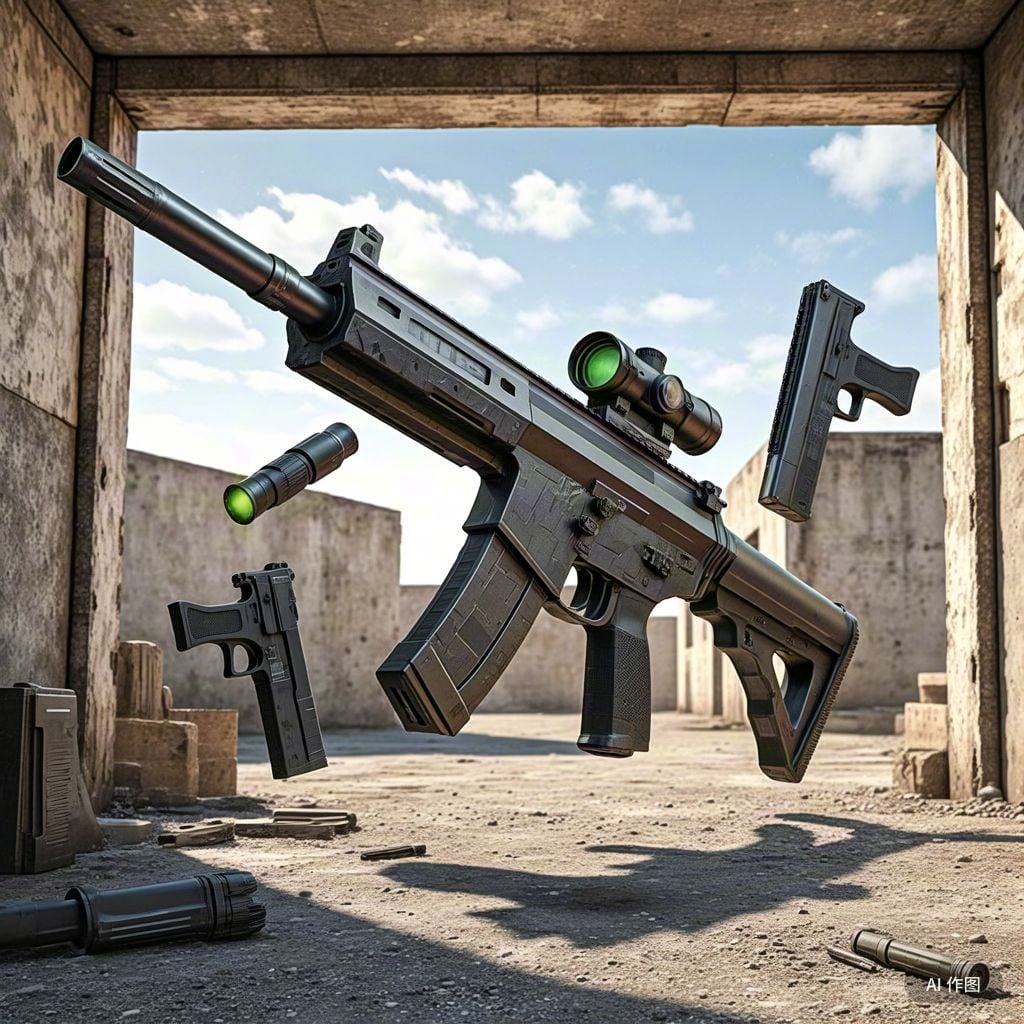
厌倦了每次开局都是一样的钻石剑和弓?BattleArmory 让你每场重生都像开盲盒——400+ 现代枪械随机配发,从使命召唤的经典步枪到赛博朋克科幻杀器,配上 CS 经典地图和战术投掷物,开局就是 80 帧+丝滑刚枪。** 这不是模组体验卡,这是完全免费的 1.20.1 战术枪战整合包,下载启动,直接开战。
Bereit für deinen Advanced Skin Restorer Server?
6 GB RAM ab 12,00 € im Monat. 35 % auf den 1. Monat mit MADO35.