![Isabel's Aeroscapes [for Create Aeronautics]](https://cdn.modrinth.com/data/x308hQIU/dc9f13c3fc770e9c9ea3676da55fd403cbe3fd0d_96.webp)
Isabel's Aeroscapes [for Create Aeronautics]
Totally immersive sky island survival for Create: Aeronautics.
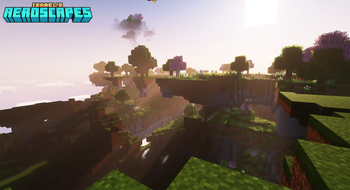
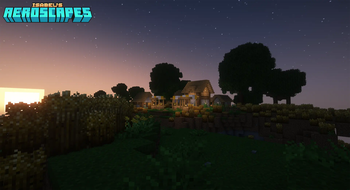
Screenshots
Über dieses Modpack
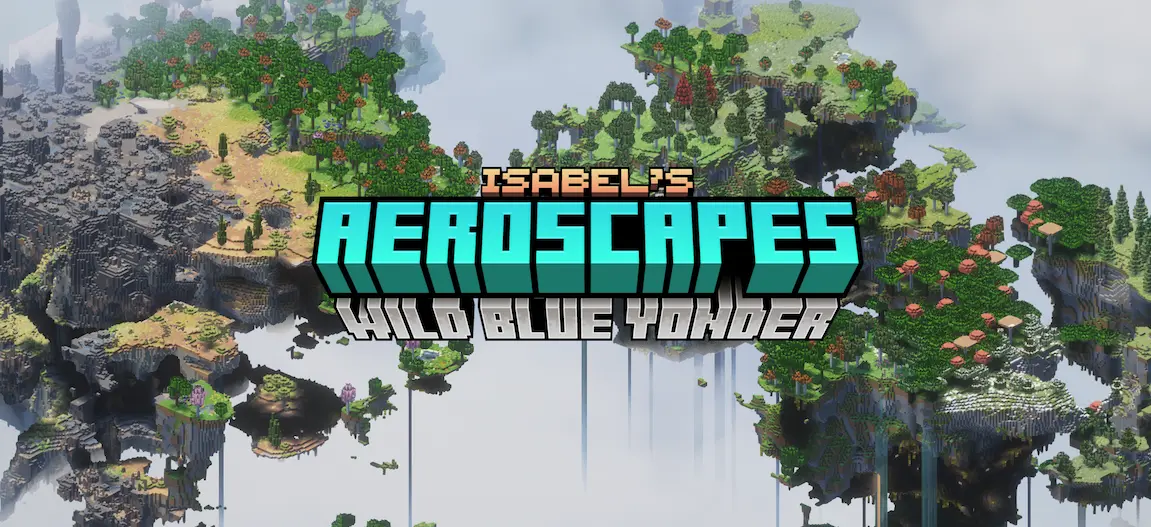
Features
All of the mods in this pack are heavily configured to provide an accessible, balanced, and immersive experience. Check the full modlist for more details.
🛩️ Create: Aeronautics!
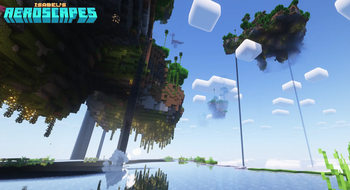
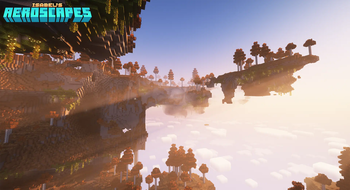
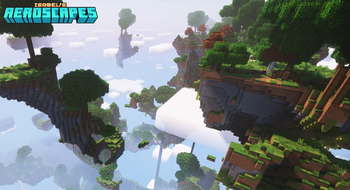
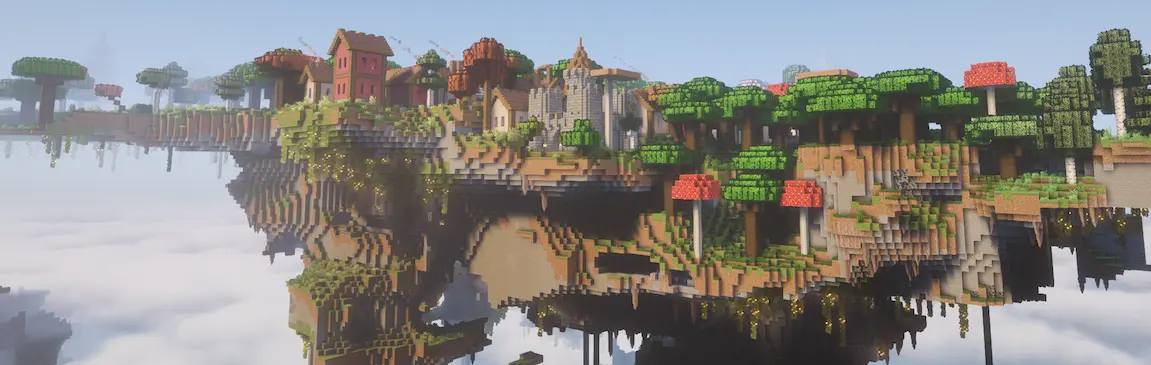
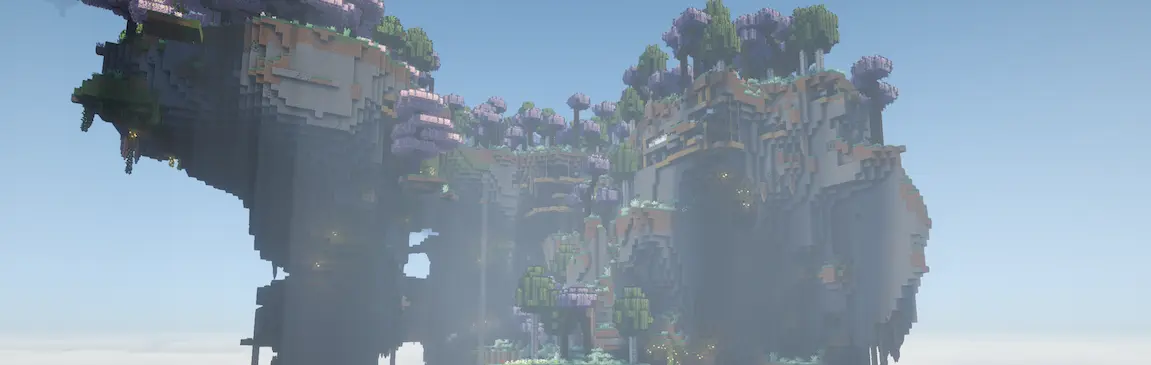
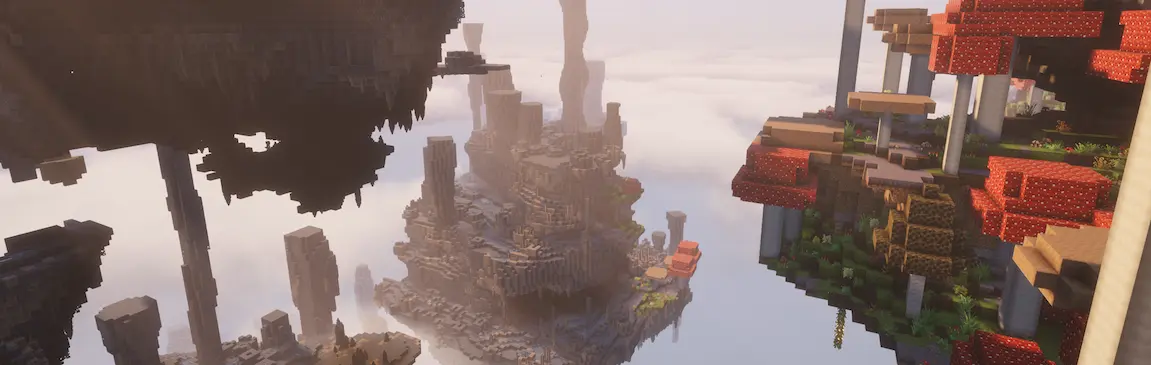
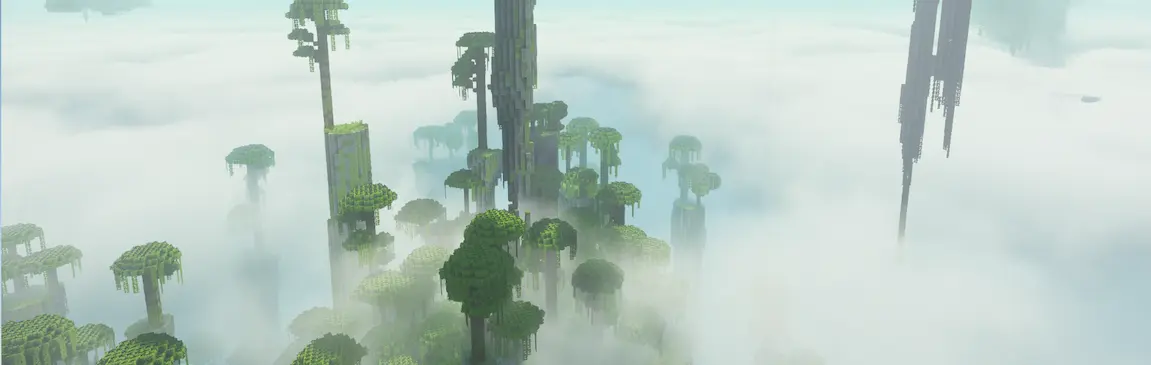
🏝️ Beautiful floating islands world generation!
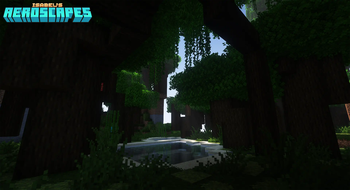
🌱 150+ biomes to explore!
🏺 Vanilla-friendly ruins!
🌽 Dozens of new crops!
🐤 Immersive wildlife!
🪁 Gliders, Grappling Hooks, and more!
🎶 Immersive sound overhaul!
💽 Original music by Elephants!
Installation Guide
Download the latest release.
Download and install a Minecraft launcher of your choice. You can use the Modrinth app, or a third-party one like MultiMC or PrismLauncher.
For the official Modrinth app, check out this support page. The rest of these instructions are for either of the other listed launchers!
Ensure you have Java 21+. If you don’t, or you’re not sure, download it from Oracle and install it.
Make sure that your launcher of choice is using Java 21+ by either pointing it at your Java executable during setup, or going to Settings > Java and pointing the Java Path at your Java executable.
In your launcher's settings, make sure the max RAM is high enough; 4096MB should be more than enough.
In your launcher, click the Add Instance button in the top left.
Select the Import from zip option in the left menu.
Select Browse and open the .mrpack file for Isabel’s Aeroscapes that you downloaded. If you don't see it, you might have to set the file type in the browse window to ".mrpack".
After import has completed, double-click the new instance that was just created to launch. Done!

FAQ
❓ Can this pack be used in multiplayer?
Absolutely! Check out this support page for more info.
❓ Are there any vanilla features missing from this pack?
The only missing features are certain structures that are incompatible with Aeroscapes world generation, like oceans and Ocean Monuments. I plan on adding alternative methods for getting the blocks and items exclusive to these structures in a future update. Elytra and some modded items have been intentionally removed for balance.
❓ Will this pack be updated to newer Minecraft versions?
The pack is on 1.21.1, the only version of the game that Create: Aeronautics is compatible with at the time of writing. This pack will be updated to new versions of the game by popular demand only :)
❓ Can I make the islands further apart?
Yes! Try Stardust Labs' Continents pack and use the Large Biomes preset.
❓ Whoa, my performance is terrible!
Hey, that's not a question! First, make sure your launcher has enough RAM. The default configuration is usually not enough. Then try disabling shaders, then LambDynamicLights, then Sound Physics Remastered: those are the most performance-impacting mods in the pack.
❓ What's next for the pack?
The next step for this pack is to incorporate feedback from players and improve the generator as I work to integrate a lightweight FTB quest integration into the pack.

Full Modlist
Check out the full modlist here!
It's recommended to also grab Stay True for a massive (but faithful!) enhancement to the vanilla visuals.
External Links
🎼 Elephants, composer of the original music disc yaw
☕ My Ko-fi
Verfügbare Versionen
Isabel's Aeroscapes [for Create Aeronautics] Server einrichten
Server bestellen
Wähle mindestens 6 GB RAM (8 GB empfohlen für Isabel's Aeroscapes [for Create Aeronautics]). Je nach Spieleranzahl: +1 GB pro 5 Spieler.
Modpack im Dashboard installieren
Öffne den Modpack-Browser im Dashboard, suche nach "Isabel's Aeroscapes [for Create Aeronautics]" und klicke "Installieren". Der neoforge-Loader und Minecraft 1.21.1 werden automatisch konfiguriert.
Server starten & spielen
Starte den Server – alle Mods werden automatisch geladen. Teile die Server-IP mit Freunden und spielt zusammen!
Häufige Fragen
Isabel's Aeroscapes [for Create Aeronautics] Server crasht oder startet nicht – was tun?
Häufigste Ursachen: zu wenig RAM oder falscher neoforge-Loader. Prüfe latest.log auf "OutOfMemoryError" → erhöhe RAM auf mindestens 8 GB. Bei "Mixin" oder "ClassNotFoundException": Modpack-Version und Loader stimmen nicht überein. Bei Mado Hosting werden Loader und Minecraft-Version beim Modpack-Install automatisch konfiguriert – das verhindert die meisten Startprobleme.
Wie viel RAM braucht ein Isabel's Aeroscapes [for Create Aeronautics] Server wirklich?
Minimum 6 GB, empfohlen 8 GB für stabile Performance. +1 GB pro 5 Spieler. Wichtig: Minecraft-Modpacks brauchen mehr RAM als Vanilla – plane pro zusätzlichem Spieler extra ein. Bei Mado Hosting kannst du den RAM jederzeit live hochskalieren, ohne Datenverlust (ab €7.800000000000001/Monat).
Kann ich eigene Mods zu Isabel's Aeroscapes [for Create Aeronautics] hinzufügen, ohne Konflikte?
Ja, aber achte auf die Kompatibilität: Nutze nur Mods für den gleichen Loader (neoforge) und die gleiche Minecraft-Version (1.21.1). Häufige Probleme: ID-Konflikte bei Rezept-Mods und inkompatible Coremod-Versionen. Im Mado Dashboard zeigt der Mod-Browser nur kompatible Mods an und warnt bei bekannten Konflikten.
Isabel's Aeroscapes [for Create Aeronautics] Server laggt – Performance-Tipps
1) RAM auf 8 GB+ erhöhen. 2) Server-View-Distance auf 8 reduzieren (server.properties). 3) Pre-Generiere Chunks mit dem "Chunky" Plugin. 4) Prüfe mit /spark profiler welche Mods die meiste Tick-Time verbrauchen. Bei Mado Hosting laufen alle Server auf NVMe-SSDs mit dedizierten CPU-Kernen – das eliminiert Hardware als Engpass.
Ähnliche Modpacks
![Cobblemon Official Modpack [Fabric]](https://cdn.modrinth.com/data/5FFgwNNP/e7f9ee2e9d361623847853fe2ddce42f519ee64f.png)
![COBBLEVERSE - Pokemon Adventure [Cobblemon]](https://cdn.modrinth.com/data/Jkb29YJU/581ecf54530972afb18a04660afd820f2f24f6c7.png)
![Better MC [FABRIC] - BMC2](https://cdn.modrinth.com/data/shFhR8Vx/a19c2bcb51d38f32f138d3607e91cb2b7b8e387f_96.webp)


![Better MC [FORGE] - BMC4](https://cdn.modrinth.com/data/4BV47HRn/7f5ef7cc61b2593609aabef3ed07a866a4f11b73_96.webp)
Isabel's Aeroscapes [for Create Aeronautics] Server mieten
Starte deinen eigenen Server mit automatischer Modpack-Installation.
Details
- Lizenz
- Creative Commons Attribution Share Alike 4.0 International
- Server-seitig
- Erforderlich
- Client-seitig
- Erforderlich
Unterstützte Versionen
Starte deinen Isabel's Aeroscapes [for Create Aeronautics] Server jetzt
Ab €7.80/Monat; für die beste Performance werden 8 GB RAM empfohlen.
Server konfigurieren →