
Aether Plus 2
💀 Conquer Bosses • 🐦Flying Pets • ☁️ Sky Is The Limit • ✨ Acquire Gear • 💎 Shaders| ✅ Play Now With Friends
Screenshots

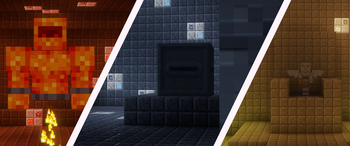
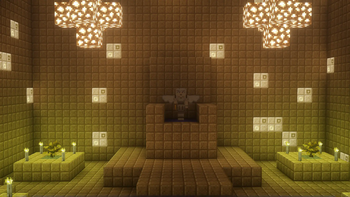
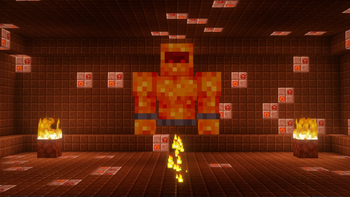
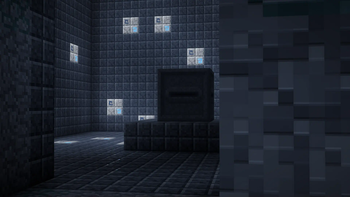
Über dieses Modpack

✅ Features
☁️ The OG Aether
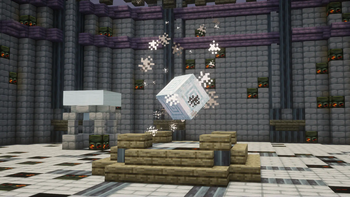
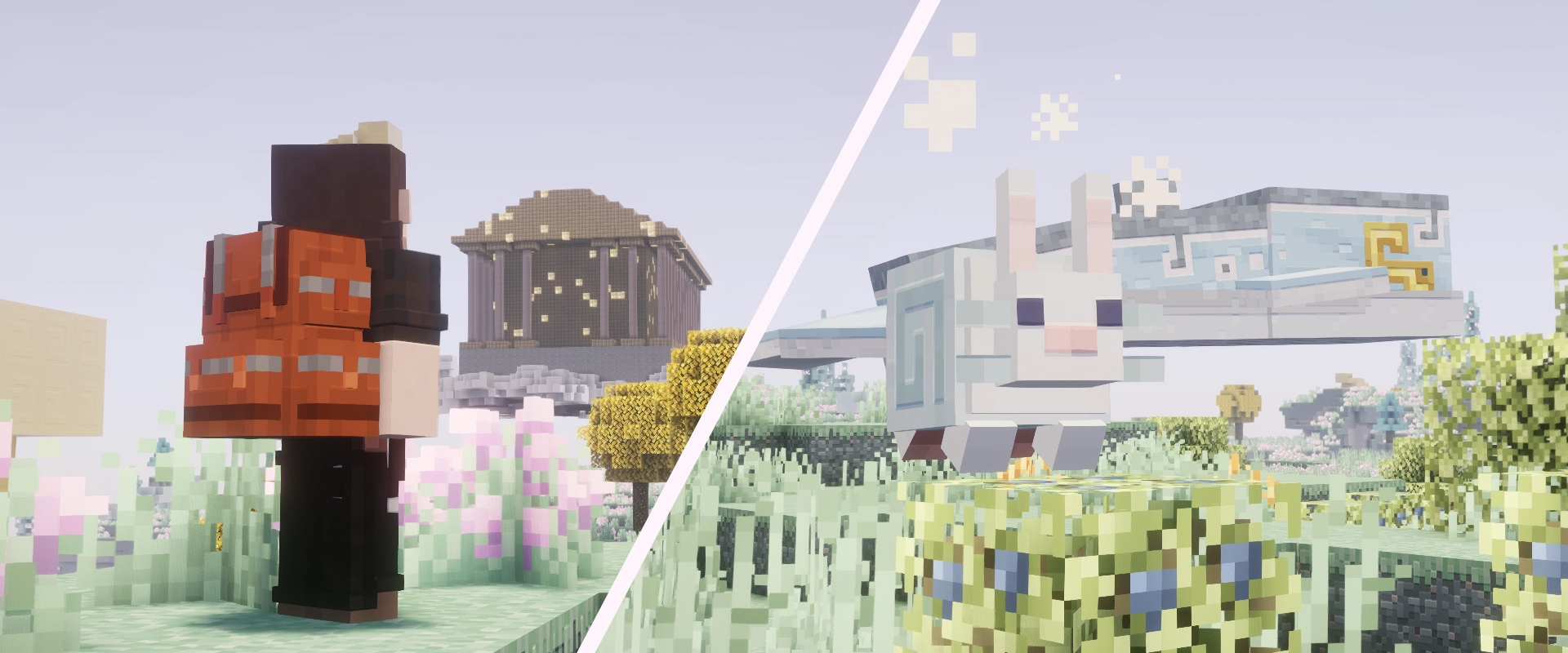
Dive into the legendary Aether, a dimension floating high above the clouds. Discover a world of wonder and beauty, waiting to be explored. Encounter unique creatures and unveil its ancient secrets.
✨ Majestic Optimized Shaders
Transform your Minecraft experience with breathtaking visuals. Enjoy stunning lighting, realistic reflections, and immersive volumetric fog. Play smoothly with performance-optimized shaders that make your world shine.
💀 Conquer Bosses
Face off against challenging and epic bosses lurking within the Aether's depths. Each victory promises incredible loot and powerful rewards. Prove your might and become a true champion.
🌍 Explore Heaven-like Dimension
Ascend into a dimension of unparalleled beauty, resembling a mythical heaven. Float among ethereal islands, vibrant flora, and cascading waterfalls. Every corner holds new discoveries in this celestial realm.
🗺️ Not Lost With Minimap
Navigate the expansive Aether with ease thanks to an integrated minimap. Mark important locations like your home base or hidden dungeons. Never lose your way in this boundless new world.
🎒 Sophisticated Backpacks
Expand your carrying capacity with versatile and upgradable backpacks. Store hundreds of items and keep your inventory organized. Enjoy features like magnet collection and more to enhance your adventures.
🔮 Quality Of Life Features
Experience a smoother and more enjoyable gameplay with numerous enhancements. From improved crafting to intuitive inventory management, every detail is designed for your convenience. Focus on adventure, not frustration.
🌐 Full Multiplayer Support
Share the wonder of the Aether with your friends! This modpack is fully optimized for multiplayer fun. Embark on epic quests, conquer bosses, and build together in this heavenly dimension.

📊 Additional Info
- 🔍Check Out Gallery For More Images
- 💬Join Our Discord Server
- ⚡Fully Optimized With Shader Support (3Gb Ram Min.)
- 💡Recommended Server Hosting -> ****
- 📦Included projects are in version tabs; click the version.
👀 Play with friends
Want to run a flawless modded server? Check out Godlike Host! Setting up a server through them is the absolute best way to support us right now.
Don't just take our word for it—read the community reviews here: Best Minecraft Server Hosting.
👉 Click the image below or use this link: Godlike Host to get 50% off your first month!
Verfügbare Versionen
Aether Plus 2 Server einrichten
Server bestellen
Wähle mindestens 6 GB RAM (8 GB empfohlen für Aether Plus 2). Je nach Spieleranzahl: +1 GB pro 5 Spieler.
Modpack im Dashboard installieren
Öffne den Modpack-Browser im Dashboard, suche nach "Aether Plus 2" und klicke "Installieren". Der neoforge-Loader und Minecraft 1.21.1 werden automatisch konfiguriert.
Server starten & spielen
Starte den Server – alle Mods werden automatisch geladen. Teile die Server-IP mit Freunden und spielt zusammen!
Häufige Fragen
Aether Plus 2 Server crasht oder startet nicht – was tun?
Häufigste Ursachen: zu wenig RAM oder falscher neoforge-Loader. Prüfe latest.log auf "OutOfMemoryError" → erhöhe RAM auf mindestens 8 GB. Bei "Mixin" oder "ClassNotFoundException": Modpack-Version und Loader stimmen nicht überein. Bei Mado Hosting werden Loader und Minecraft-Version beim Modpack-Install automatisch konfiguriert – das verhindert die meisten Startprobleme.
Wie viel RAM braucht ein Aether Plus 2 Server wirklich?
Minimum 6 GB, empfohlen 8 GB für stabile Performance. +1 GB pro 5 Spieler. Wichtig: Minecraft-Modpacks brauchen mehr RAM als Vanilla – plane pro zusätzlichem Spieler extra ein. Bei Mado Hosting kannst du den RAM jederzeit live hochskalieren, ohne Datenverlust (ab €7.800000000000001/Monat).
Kann ich eigene Mods zu Aether Plus 2 hinzufügen, ohne Konflikte?
Ja, aber achte auf die Kompatibilität: Nutze nur Mods für den gleichen Loader (neoforge) und die gleiche Minecraft-Version (1.21.1). Häufige Probleme: ID-Konflikte bei Rezept-Mods und inkompatible Coremod-Versionen. Im Mado Dashboard zeigt der Mod-Browser nur kompatible Mods an und warnt bei bekannten Konflikten.
Aether Plus 2 Server laggt – Performance-Tipps
1) RAM auf 8 GB+ erhöhen. 2) Server-View-Distance auf 8 reduzieren (server.properties). 3) Pre-Generiere Chunks mit dem "Chunky" Plugin. 4) Prüfe mit /spark profiler welche Mods die meiste Tick-Time verbrauchen. Bei Mado Hosting laufen alle Server auf NVMe-SSDs mit dedizierten CPU-Kernen – das eliminiert Hardware als Engpass.
Ähnliche Modpacks
![Cobblemon Official Modpack [Fabric]](https://cdn.modrinth.com/data/5FFgwNNP/e7f9ee2e9d361623847853fe2ddce42f519ee64f.png)
![COBBLEVERSE - Pokemon Adventure [Cobblemon]](https://cdn.modrinth.com/data/Jkb29YJU/581ecf54530972afb18a04660afd820f2f24f6c7.png)
![Better MC [FABRIC] - BMC2](https://cdn.modrinth.com/data/shFhR8Vx/a19c2bcb51d38f32f138d3607e91cb2b7b8e387f_96.webp)


![Better MC [FORGE] - BMC4](https://cdn.modrinth.com/data/4BV47HRn/7f5ef7cc61b2593609aabef3ed07a866a4f11b73_96.webp)
Aether Plus 2 Server mieten
Starte deinen eigenen Server mit automatischer Modpack-Installation.
Details
- Lizenz
- LicenseRef-All-Rights-Reserved
- Server-seitig
- Erforderlich
- Client-seitig
- Erforderlich
Unterstützte Versionen
Starte deinen Aether Plus 2 Server jetzt
Ab €7.80/Monat; für die beste Performance werden 8 GB RAM empfohlen.
Server konfigurieren →