

Modrinth · Fabric
Botania++ Server mieten
Dein eigener Botania++ Server auf AMD Ryzen 9 ohne Thread-Limit. Der Server ist in der Regel unter 60 Sekunden bereit, das Pack installierst du danach mit einem Klick im Modpack-Browser.
Feel the edge of nature in your Minecraft world
- Downloads
- 9.6K
- Follower
- 0
- Loader
- Fabric
- Minecraft
- 1.19.2
- Aktualisiert
- –
Einrichtung
In vier Schritten zum Botania++ Server
Prüfe bei Fehlern zuerst Startprotokoll, Java-Version, Loader und Abhängigkeiten. Erhöhe RAM nur bei Hinweisen auf Speichermangel. Behalte vor Updates eine Kopie der funktionierenden Installation.
- 01
Konfigurieren
8 GB RAM sind vorausgewählt und Botania++ ist im Konfigurator vorgemerkt. Laufzeit und Add-ons wählst du selbst.
- 02
Bezahlen
Per Kreditkarte oder PayPal. Der Server ist in der Regel unter 60 Sekunden bereit.
- 03
Pack installieren
Öffne den Modpack-Browser im Panel, wähle Modrinth, prüfe die Projekt-ID und installiere die gewünschte Pack-Version. Sichere eine bestehende Welt vorher.
- 04
Verbinden
Alle Spieler installieren dieselbe Pack-Version in einem kompatiblen Launcher und verbinden sich über die Serveradresse aus dem Panel.
Modrinth-Projekt-ID: idQDQVeY
Das Panel
Pack installieren, Fehler finden.
Echte Screenshots aus dem Mado Panel. Beides ist bei jedem Minecraft Server enthalten.
Modpack-Browser
Modrinth und CurseForge direkt im Panel.
Pack suchen, Version wählen, installieren. Loader und Serverdateien musst du nicht von Hand hochladen.

KI-Crash-Analyse
Wenn ein Mod crasht, liest die Analyse das Log.
Große Modpacks scheitern oft an einer einzelnen Mod, Java-Version oder fehlenden Abhängigkeit. Die Analyse nennt eine wahrscheinliche Ursache und einen Lösungsvorschlag.

Versionen
Veröffentlichte Pack-Versionen
Server und Spieler brauchen dieselbe Pack-Version. Wähle sie im Modpack-Browser passend zu den Clients deiner Gruppe.
Botania++ · ModrinthOriginalbeschreibung des Projektautors
Botania++ 🌺🍃
Botania++ is a modpack enriched with diverse features and compensating elements based on the key mod - Botania 🌼. This pack brings a touch of nature 🌿 into your regular Minecraft world.
Key Features 🕹️
Botania is a mod that adds the magic of nature into the game. Besides adding twist in the gameplay mechanics, it also contributes a number of woodland-themed items and blocks to create a magical ambient environment.
Thanks to Botania++, all of this becomes even more exciting and colorful 🎨
List of Mods 📜
List of mods for the latest release version: Soon
List of mods for the latest beta version: Link
Resource Packs Support 🎮
Botania++ supports Optifine resource packs, allowing you to customize the look and feel of your game to your liking.
Recommended resource packs:
Overgrown Flowery GUI - Introduces a more lively and green interface, filled with foliage, making it perfect for the themes of Botania 🍀
Fancy Crops - Has rebranded images of agricultural crops, which help to enhance the visual aspects of the farm 🌽🍓
Getting Started ⚔️
To start playing, use the Modrinth launcher or other multi launcher analogues - MultiMC, ATLauncher or PrismLauncer.
Support 🆘

To get support, contact me at Discord - gideonwhite1029 for help
Donation 🎁

Other projects 🛠️


Welcome the magic and nature into your Minecraft world with Botania++ 🎇🍃
Ähnliche Packs
Weitere server-fähige Modpacks
 Server-fähig

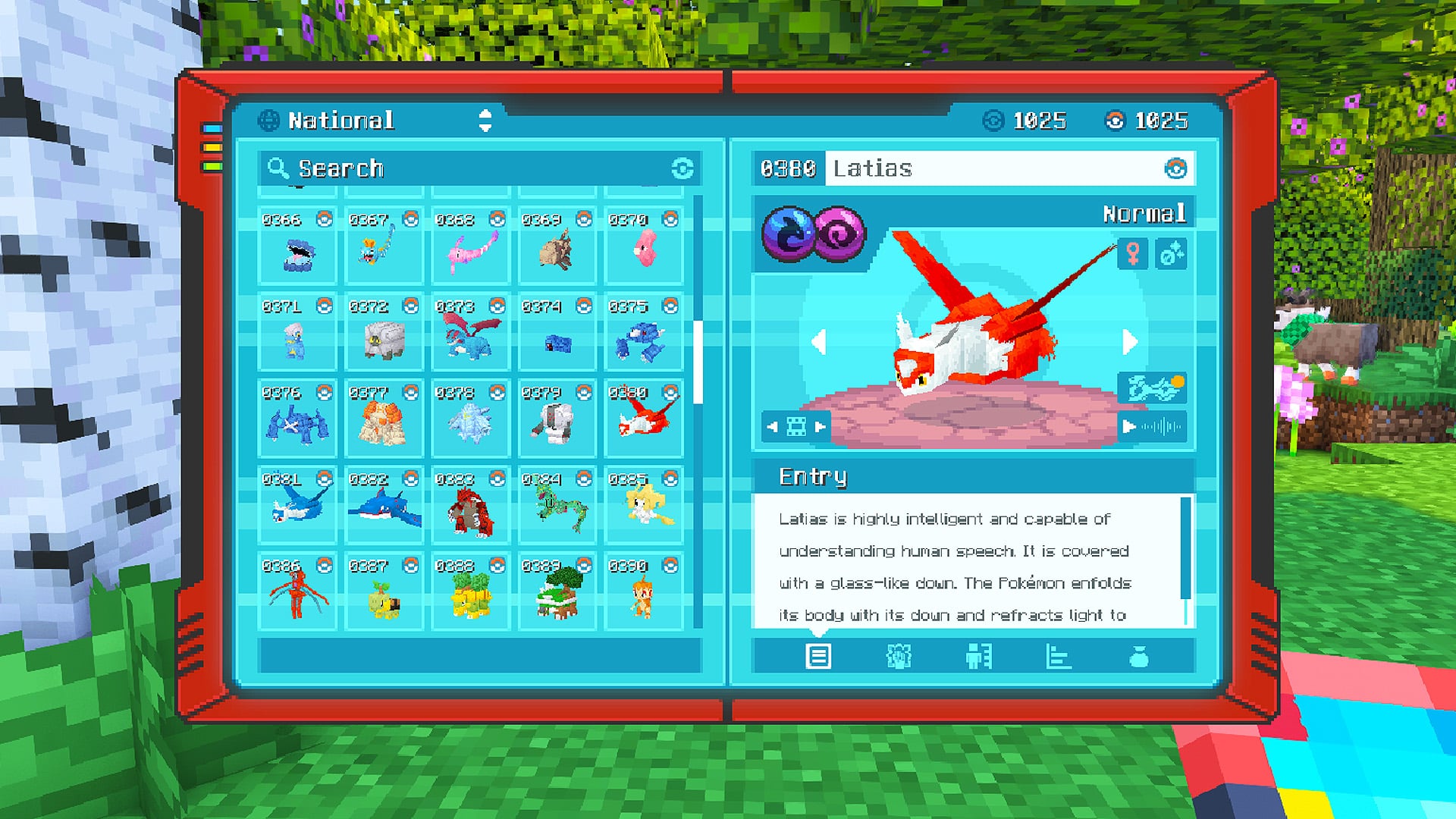
Cobblemon Official Modpack [Fabric]
von CobbledStudios
The official modpack of the Cobblemon mod, for Fabric!
 Server-fähig

COBBLEVERSE - Pokemon Adventure [Cobblemon]
von LUMYVERSE
Start a true Pokémon adventure in Minecraft: Cobblemon 1.8.4 | ALL 1025 Pokémon! | Mega Evolutions | Gyms & Badges | Starter Kit | Unique Structures | Custom Music | Shaders | Optimized | So much more! [1.21.1]
 Server-fähig

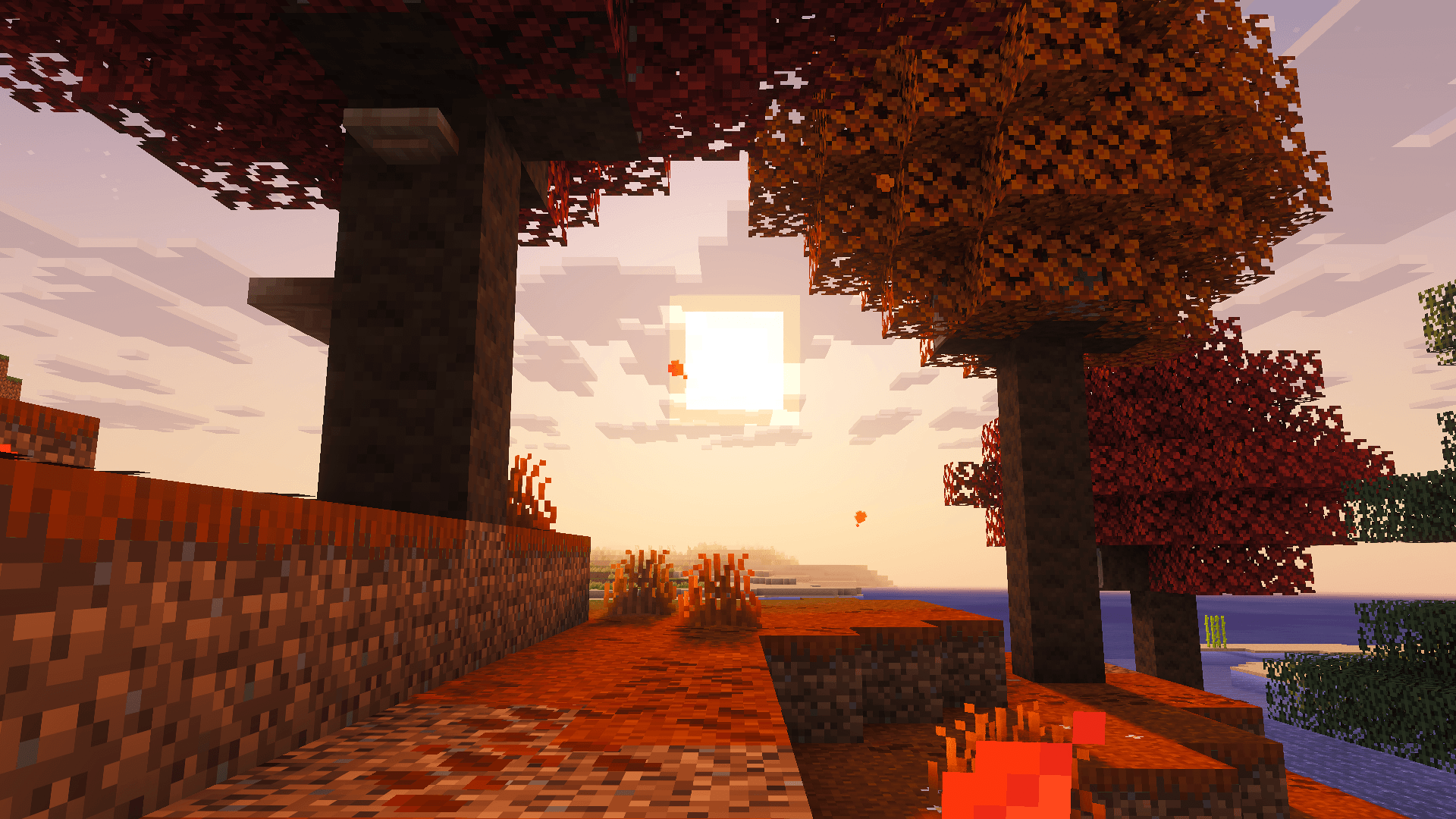
Better MC [FABRIC] - BMC2
von SHXRKIE
Version 1.20 | A Proper Vanilla+ Modpack | Don't play Vanilla play this!
 Server-fähig

Vanilla Perfected
von demonjoeTV
A compilation of Vanilla Plus mods & packs to perfect the Minecraft experience without drifting too far from the feel of the base game!
Bereit für deinen Botania++ Server?
8 GB RAM ab 16,00 € im Monat. 35 % auf den 1. Monat mit MADO35.