
Modrinth · NeoForge
CobbleCore Server mieten
Dein eigener CobbleCore Server auf AMD Ryzen 9 ohne Thread-Limit. Der Server ist in der Regel unter 60 Sekunden bereit, das Pack installierst du danach mit einem Klick im Modpack-Browser.
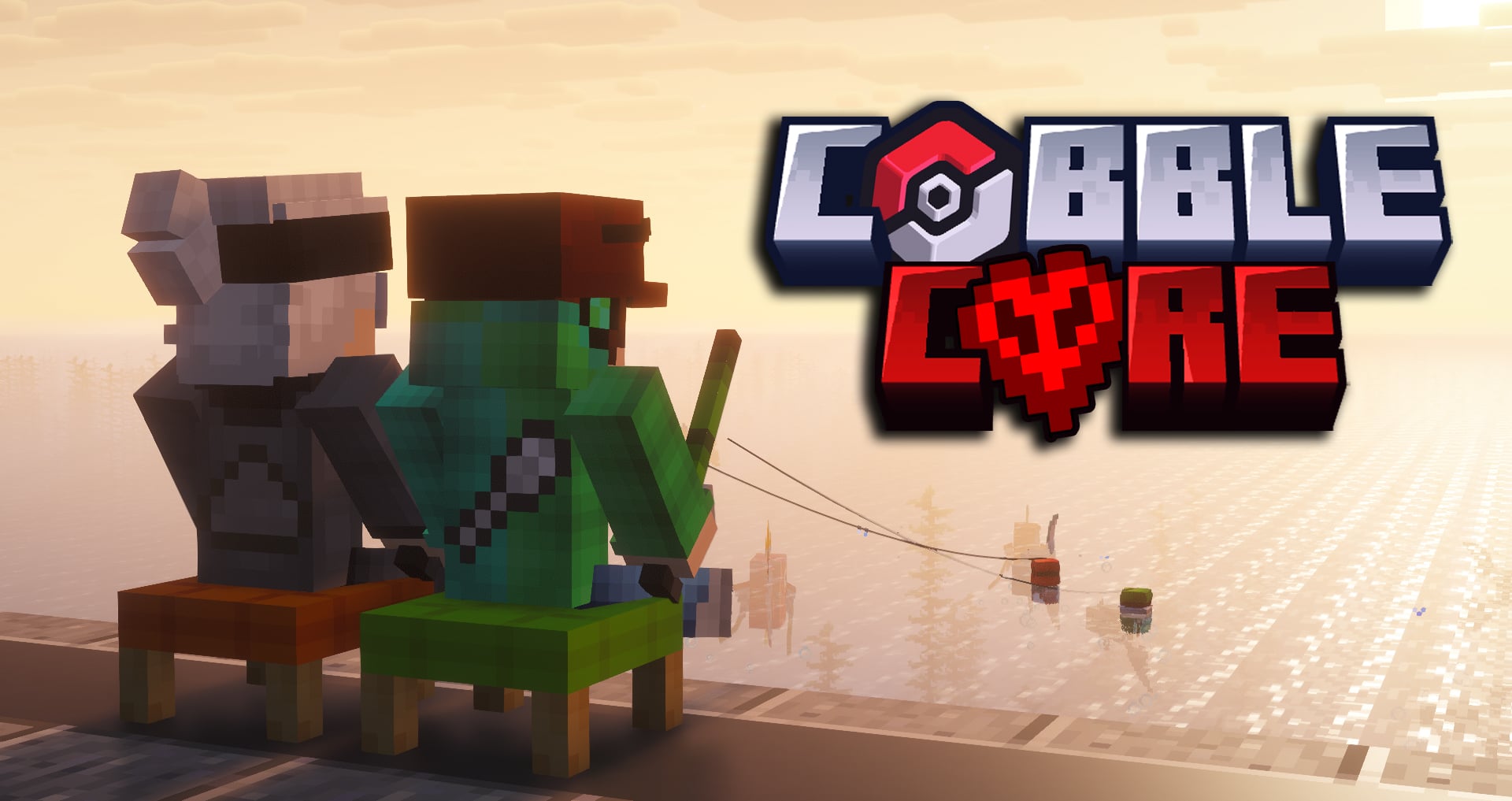
The CobbleCore Modpack used by FamiliarAsh & The Spoon!
- Downloads
- 20
- Follower
- 0
- Loader
- NeoForge
- Minecraft
- 1.21.1
- Aktualisiert
- –
Screenshots
So sieht CobbleCore aus

Bilder: CobbleCore auf Modrinth, vom Projektteam veröffentlicht.
Einrichtung
In vier Schritten zum CobbleCore Server
Prüfe bei Fehlern zuerst Startprotokoll, Java-Version, Loader und Abhängigkeiten. Erhöhe RAM nur bei Hinweisen auf Speichermangel. Behalte vor Updates eine Kopie der funktionierenden Installation.
- 01
Konfigurieren
8 GB RAM sind vorausgewählt und CobbleCore ist im Konfigurator vorgemerkt. Laufzeit und Add-ons wählst du selbst.
- 02
Bezahlen
Per Kreditkarte oder PayPal. Der Server ist in der Regel unter 60 Sekunden bereit.
- 03
Pack installieren
Öffne den Modpack-Browser im Panel, wähle Modrinth, prüfe die Projekt-ID und installiere die gewünschte Pack-Version. Sichere eine bestehende Welt vorher.
- 04
Verbinden
Alle Spieler installieren dieselbe Pack-Version in einem kompatiblen Launcher und verbinden sich über die Serveradresse aus dem Panel.
Modrinth-Projekt-ID: zgOw27Vd
Das Panel
Pack installieren, Fehler finden.
Echte Screenshots aus dem Mado Panel. Beides ist bei jedem Minecraft Server enthalten.
Modpack-Browser
Modrinth und CurseForge direkt im Panel.
Pack suchen, Version wählen, installieren. Loader und Serverdateien musst du nicht von Hand hochladen.

KI-Crash-Analyse
Wenn ein Mod crasht, liest die Analyse das Log.
Große Modpacks scheitern oft an einer einzelnen Mod, Java-Version oder fehlenden Abhängigkeit. Die Analyse nennt eine wahrscheinliche Ursache und einen Lösungsvorschlag.

Versionen
Veröffentlichte Pack-Versionen
Server und Spieler brauchen dieselbe Pack-Version. Wähle sie im Modpack-Browser passend zu den Clients deiner Gruppe.
CobbleCore · ModrinthOriginalbeschreibung des Projektautors

The modpack used by Spoon & FamiliarAsh for their YouTube series called CobbleCore.

CobbleCore is a modpack that primarily focuses on expanding the Cobblemon and Create mod. Originally meant to be played as a HardCore Nuzlocke, it can be played as a normal survival experience too.
List of Features
- Every Pokémon (Besides Celesteela & Iron Boulder)
- Every gimmick from the mainline Pokémon Games (Mega, Dynamax, Z-Moves and Tera)
- Obtainable Legendaries (Some with buildable shrines, some with a structure)
- Alternative Pokémon Variants (Shadow Mewtwo & Lugia, Meta Groudon, Primal Dialga & More)
- Collectable Cobblemon Cards
- Pokémon Armor
- Exp. All & Charms (Shiny, Oval and more)
- Portable Bases (Tents)
- Ingame Pokémon Wiki (Check for spawns/evolutions in the JEI)
- Raid Dens
- Custom Starters
- Upgradable Campfire Pots
- Pokémon Battle Tower (Climb the battle tower for rewards)
- Pokémon Expeditions (Send Pokémons on missions)
- Mass PokéBall Crafting (Create Factory)
- Create Factorys
- Player Personal Loot (Lootr chest, pots, item frames and gilded chests)
- Backpacks
- Storage System
- Equipable Artifacts
FAQ
Q: Where do I find "Pokémon"?
A: You can lookup the name of the Pokémon in the JEI search bar to find it's spawn locations.
Q: Do I have to play in Hardcore?
A: No, you aren't forced into Hardcore.
Featured Video's
Ähnliche Packs
Weitere server-fähige Modpacks
 Server-fähig

Cobblemon Official Modpack [Fabric]
von CobbledStudios
The official modpack of the Cobblemon mod, for Fabric!
 Server-fähig

COBBLEVERSE - Pokemon Adventure [Cobblemon]
von LUMYVERSE
Start a true Pokémon adventure in Minecraft: Cobblemon 1.8.4 | ALL 1025 Pokémon! | Mega Evolutions | Gyms & Badges | Starter Kit | Unique Structures | Custom Music | Shaders | Optimized | So much more! [1.21.1]
 Server-fähig

Better MC [FABRIC] - BMC2
von SHXRKIE
Version 1.20 | A Proper Vanilla+ Modpack | Don't play Vanilla play this!
 Server-fähig

Vanilla Perfected
von demonjoeTV
A compilation of Vanilla Plus mods & packs to perfect the Minecraft experience without drifting too far from the feel of the base game!
Bereit für deinen CobbleCore Server?
8 GB RAM ab 16,00 € im Monat. 35 % auf den 1. Monat mit MADO35.