
Create Empire
Modpack where the limits are only as finite as your imagination.
Screenshots
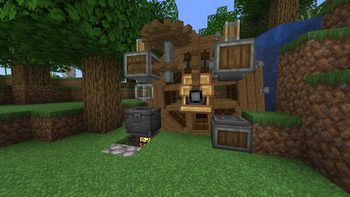
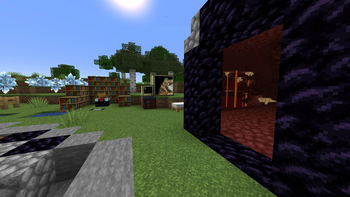
Über dieses Modpack

A Minecraft modpack that redefines the boundaries of creativity, automation, and immersive gameplay. Embark on a journey where you're not just playing within UIs, but challenged to build contraptions of animated components, all guided by the in-game documentation provided by the Create mod.
Embark on your journey to build, automate, and explore the Create Empire modpack. The limits are only as finite as your imagination.
Join the Create Empire server at play.triibu.tech
Create Mod:
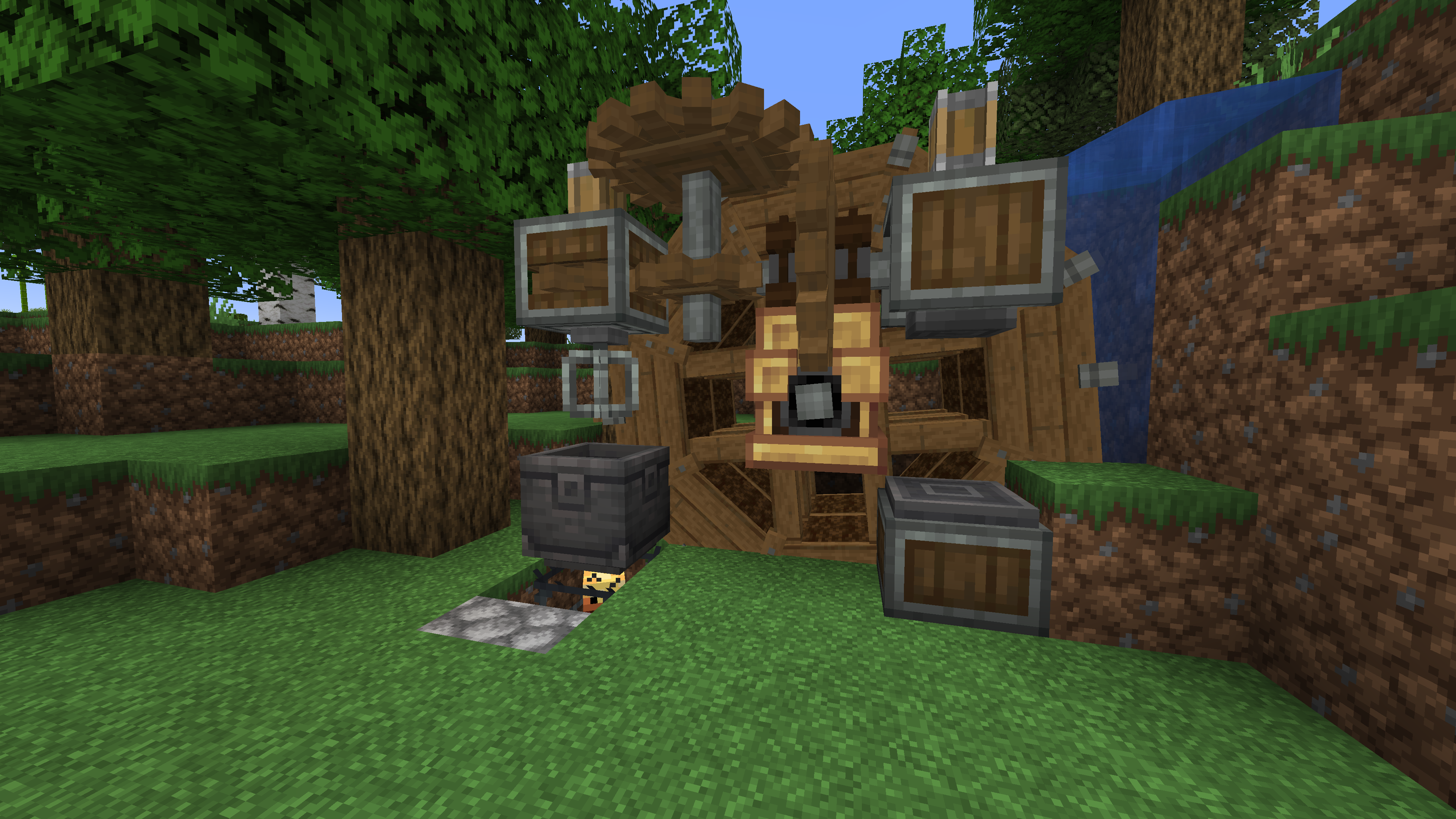
Welcome to a world of Building, Decoration, and Aesthetic Automation. Create offers an array of tools and blocks, leaving the player with design choices. Animated components working in various arrangements make for a unique gameplay experience. Let Ponder guide you through the added mechanics and gadgets.
Seasons:
Experience the 4 seasons in Minecraft with its beautiful scenery and a more complex farming system.
Create: Steam 'n' Rails:
Transform your railway system into an extensive and aesthetic integration with Create: Steam 'n' Rails. Decorate your builds with new rail types, create grade crossings, and enhance your train yards with Semaphore blocks. Construct cute conductors, enjoy crafting on the move with the Workbench Cart, and summon trains with conductor whistles. Your railway empire is about to reach new heights.
Applied Energistics 2:
Explore a futuristic inventory management system with AE2. Revolutionizing storage, auto-crafting and networking AE2 adds complexity and depth to tech gameplay. Store entire regions in spatial storage, utilize unique resources, and master the art of creating large-scale, efficient systems. For those who love automation and resource management, AE2 is the key to technological prowess.
CC: Tweaked:
Bring programming to life in Minecraft with CC: Tweaked, a modern fork of ComputerCraft. Write Lua scripts to control in-game computers, automate machinery, manage networks, or even build games within the game. Whether you're creating password-protected doors, data-logging machines, or fully functional operating systems, CC: Tweaked empowers your technical creativity.
Get this modpack and play on the Create Empire server.
Important!
- You require this modpack to play on the Create Empire server.
- You need 4GB of memory for optimal gameplay.
- If you have any trouble ask on discord.
Verfügbare Versionen
Create Empire Server einrichten
Server bestellen
Wähle mindestens 6 GB RAM (8 GB empfohlen für Create Empire). Je nach Spieleranzahl: +1 GB pro 5 Spieler.
Modpack im Dashboard installieren
Öffne den Modpack-Browser im Dashboard, suche nach "Create Empire" und klicke "Installieren". Der fabric-Loader und Minecraft 1.20.1 werden automatisch konfiguriert.
Server starten & spielen
Starte den Server – alle Mods werden automatisch geladen. Teile die Server-IP mit Freunden und spielt zusammen!
Häufige Fragen
Create Empire Server crasht oder startet nicht – was tun?
Häufigste Ursachen: zu wenig RAM oder falscher fabric-Loader. Prüfe latest.log auf "OutOfMemoryError" → erhöhe RAM auf mindestens 8 GB. Bei "Mixin" oder "ClassNotFoundException": Modpack-Version und Loader stimmen nicht überein. Bei Mado Hosting werden Loader und Minecraft-Version beim Modpack-Install automatisch konfiguriert – das verhindert die meisten Startprobleme.
Wie viel RAM braucht ein Create Empire Server wirklich?
Minimum 6 GB, empfohlen 8 GB für stabile Performance. +1 GB pro 5 Spieler. Wichtig: Minecraft-Modpacks brauchen mehr RAM als Vanilla – plane pro zusätzlichem Spieler extra ein. Bei Mado Hosting kannst du den RAM jederzeit live hochskalieren, ohne Datenverlust (ab €7.800000000000001/Monat).
Kann ich eigene Mods zu Create Empire hinzufügen, ohne Konflikte?
Ja, aber achte auf die Kompatibilität: Nutze nur Mods für den gleichen Loader (fabric) und die gleiche Minecraft-Version (1.20.1). Häufige Probleme: ID-Konflikte bei Rezept-Mods und inkompatible Coremod-Versionen. Im Mado Dashboard zeigt der Mod-Browser nur kompatible Mods an und warnt bei bekannten Konflikten.
Create Empire Server laggt – Performance-Tipps
1) RAM auf 8 GB+ erhöhen. 2) Server-View-Distance auf 8 reduzieren (server.properties). 3) Pre-Generiere Chunks mit dem "Chunky" Plugin. 4) Prüfe mit /spark profiler welche Mods die meiste Tick-Time verbrauchen. Bei Mado Hosting laufen alle Server auf NVMe-SSDs mit dedizierten CPU-Kernen – das eliminiert Hardware als Engpass.
Ähnliche Modpacks
![Cobblemon Official Modpack [Fabric]](https://cdn.modrinth.com/data/5FFgwNNP/e7f9ee2e9d361623847853fe2ddce42f519ee64f.png)
![COBBLEVERSE - Pokemon Adventure [Cobblemon]](https://cdn.modrinth.com/data/Jkb29YJU/581ecf54530972afb18a04660afd820f2f24f6c7.png)
![Better MC [FABRIC] - BMC2](https://cdn.modrinth.com/data/shFhR8Vx/a19c2bcb51d38f32f138d3607e91cb2b7b8e387f_96.webp)


![Better MC [FORGE] - BMC4](https://cdn.modrinth.com/data/4BV47HRn/7f5ef7cc61b2593609aabef3ed07a866a4f11b73_96.webp)
Create Empire Server mieten
Starte deinen eigenen Server mit automatischer Modpack-Installation.
Details
- Lizenz
- LicenseRef-All-Rights-Reserved
- Server-seitig
- Erforderlich
- Client-seitig
- Erforderlich
Unterstützte Versionen
Starte deinen Create Empire Server jetzt
Ab €7.80/Monat; für die beste Performance werden 8 GB RAM empfohlen.
Server konfigurieren →