
Essentials Mods
Enjoy a complete modpack that only adds essential mods!
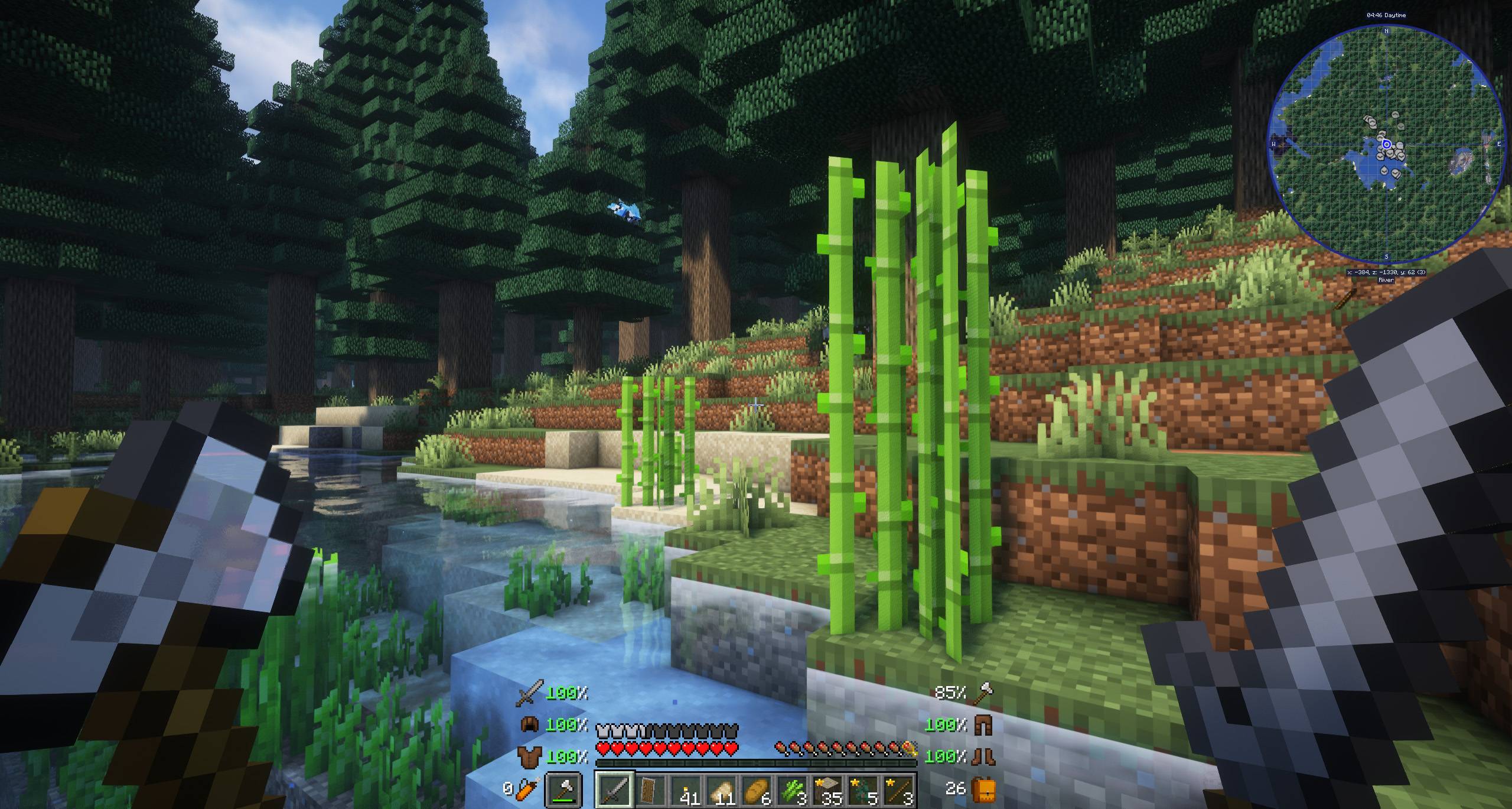
Screenshots
Über dieses Modpack
Due to many requests, we have published most of our modpacks on Modrinth. But keep the following in mind:
- There are many content and optimization mods that can't be added to Modrinth (they don't allow it).
- We are also unable to upload serverpacks here.
If you want to play with the full experience, we strongly recommend that you download the CurseForge version.
If what you are looking for is a modpack that adds the basic mods that can never be missing in a game with mods, this is undoubtedly your ideal option.
It's the perfect base for any modpack, and of course, it's completely customizable. You can add your favorite mods!
Of course, you can play a fantastic game only with this modpack without adding anything else, and the game will be much more fun, without breaking the gaming experience. It will be like Minecraft 2.0! Don't hesitate, try it and you'll see how fun a game can be with just a few mods.
Do you need a server to play with your friends?
!
In summary, this modpack has been created with two objectives, one, to serve as a base for the rest of my modpacks, all my modpacks have all of these mods! On the other hand, it is the perfect base for your customizations, and if you want to create a modpack, I recommend that you first install the mods in this pack, and from there you add your favorites.
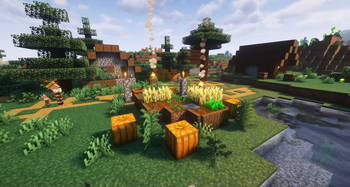
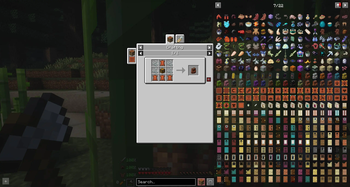
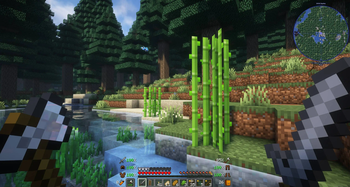
😎 Enjoy a much more immersive experience with mods such as AmbientSounds, Ambient Environment, Falling Leaves, Visuality or Visual Workbench.
🦁 Don't say there's no new content, over a hundred animals await you with Alex's Mobs, and much more! Yes, Alex's Caves has also been included in the latest versions :D
🕌 Structures are also a main pillar in this modpack, that's why all the YUNG's, Medieval Buildings and Additional Structures mods, among others, have been added.
🏅 A lot of vanilla improvements are also waiting for you, Better Archeology, Better Advancements or Better Burning are just some of the many mods added.
✔️ The “essential mods” are those that add little content, but are really important in a game. For example, Inventory HUD+, FallingTree, Jade, Polymorph, Not Enough Animations, and much, much more.
👓 Of course, you can add all the shaders you want, thanks to the Oculus and Xenon mods. The recommended (and already installed) shaders for this modpack are the Complementary Shaders - Unbound.
💑 Do you have friends? Then this is an ideal modpack for you, a lot of ideal mods have been added for multiplayer games, such as, Simple Voice Chat, Security Craft or YDM's Weapon Master.
!
Minecraft keeps loading? You enter the world but your FPS is low?
Please make sure to increase the RAM in case you need it, most problems are due to this. If you use the curseforge app, it's as easy as clicking on profile options, uncheck the option to use default memory system and move the bar to the right (at least we recommend 4GB or 4096 MB).
Is there an error with your server?
Unfortunately, when setting up a server on your own, or hiring a hosting that I have not recommended, the modpack may not work.
Please note that for this modpack, we recommend a minimum of 7GB of RAM. If you are a large number of players, you should consider increasing the amount of RAM even more.
!
](https://discord.gg/X8VY5WMbe4)
.
Verfügbare Versionen
Essentials Mods Server einrichten
Server bestellen
Wähle mindestens 6 GB RAM (8 GB empfohlen für Essentials Mods). Je nach Spieleranzahl: +1 GB pro 5 Spieler.
Modpack im Dashboard installieren
Öffne den Modpack-Browser im Dashboard, suche nach "Essentials Mods" und klicke "Installieren". Der neoforge-Loader und Minecraft 26.1.2 werden automatisch konfiguriert.
Server starten & spielen
Starte den Server – alle Mods werden automatisch geladen. Teile die Server-IP mit Freunden und spielt zusammen!
Häufige Fragen
Essentials Mods Server crasht oder startet nicht – was tun?
Häufigste Ursachen: zu wenig RAM oder falscher neoforge-Loader. Prüfe latest.log auf "OutOfMemoryError" → erhöhe RAM auf mindestens 8 GB. Bei "Mixin" oder "ClassNotFoundException": Modpack-Version und Loader stimmen nicht überein. Bei Mado Hosting werden Loader und Minecraft-Version beim Modpack-Install automatisch konfiguriert – das verhindert die meisten Startprobleme.
Wie viel RAM braucht ein Essentials Mods Server wirklich?
Minimum 6 GB, empfohlen 8 GB für stabile Performance. +1 GB pro 5 Spieler. Wichtig: Minecraft-Modpacks brauchen mehr RAM als Vanilla – plane pro zusätzlichem Spieler extra ein. Bei Mado Hosting kannst du den RAM jederzeit live hochskalieren, ohne Datenverlust (ab €7.800000000000001/Monat).
Kann ich eigene Mods zu Essentials Mods hinzufügen, ohne Konflikte?
Ja, aber achte auf die Kompatibilität: Nutze nur Mods für den gleichen Loader (neoforge) und die gleiche Minecraft-Version (26.1.2). Häufige Probleme: ID-Konflikte bei Rezept-Mods und inkompatible Coremod-Versionen. Im Mado Dashboard zeigt der Mod-Browser nur kompatible Mods an und warnt bei bekannten Konflikten.
Essentials Mods Server laggt – Performance-Tipps
1) RAM auf 8 GB+ erhöhen. 2) Server-View-Distance auf 8 reduzieren (server.properties). 3) Pre-Generiere Chunks mit dem "Chunky" Plugin. 4) Prüfe mit /spark profiler welche Mods die meiste Tick-Time verbrauchen. Bei Mado Hosting laufen alle Server auf NVMe-SSDs mit dedizierten CPU-Kernen – das eliminiert Hardware als Engpass.
Ähnliche Modpacks
![Cobblemon Official Modpack [Fabric]](https://cdn.modrinth.com/data/5FFgwNNP/e7f9ee2e9d361623847853fe2ddce42f519ee64f.png)
![COBBLEVERSE - Pokemon Adventure [Cobblemon]](https://cdn.modrinth.com/data/Jkb29YJU/581ecf54530972afb18a04660afd820f2f24f6c7.png)
![Better MC [FABRIC] - BMC2](https://cdn.modrinth.com/data/shFhR8Vx/a19c2bcb51d38f32f138d3607e91cb2b7b8e387f_96.webp)


![Better MC [FORGE] - BMC4](https://cdn.modrinth.com/data/4BV47HRn/7f5ef7cc61b2593609aabef3ed07a866a4f11b73_96.webp)
Essentials Mods Server mieten
Starte deinen eigenen Server mit automatischer Modpack-Installation.
Details
- Lizenz
- LicenseRef-All-Rights-Reserved
- Server-seitig
- Erforderlich
- Client-seitig
- Erforderlich
Unterstützte Versionen
Starte deinen Essentials Mods Server jetzt
Ab €7.80/Monat; für die beste Performance werden 8 GB RAM empfohlen.
Server konfigurieren →