
Modrinth · Fabric
Exploration & More Server mieten
Dein eigener Exploration & More Server auf AMD Ryzen 9 ohne Thread-Limit. Der Server ist in der Regel unter 60 Sekunden bereit, das Pack installierst du danach mit einem Klick im Modpack-Browser.
This modpack focuses on exploration and survival. These two aspects are paired with the awesome Create Mod.
- Downloads
- 3.0K
- Follower
- 0
- Loader
- Fabric
- Minecraft
- 1.20.1
- Aktualisiert
- –
Screenshots
So sieht Exploration & More aus

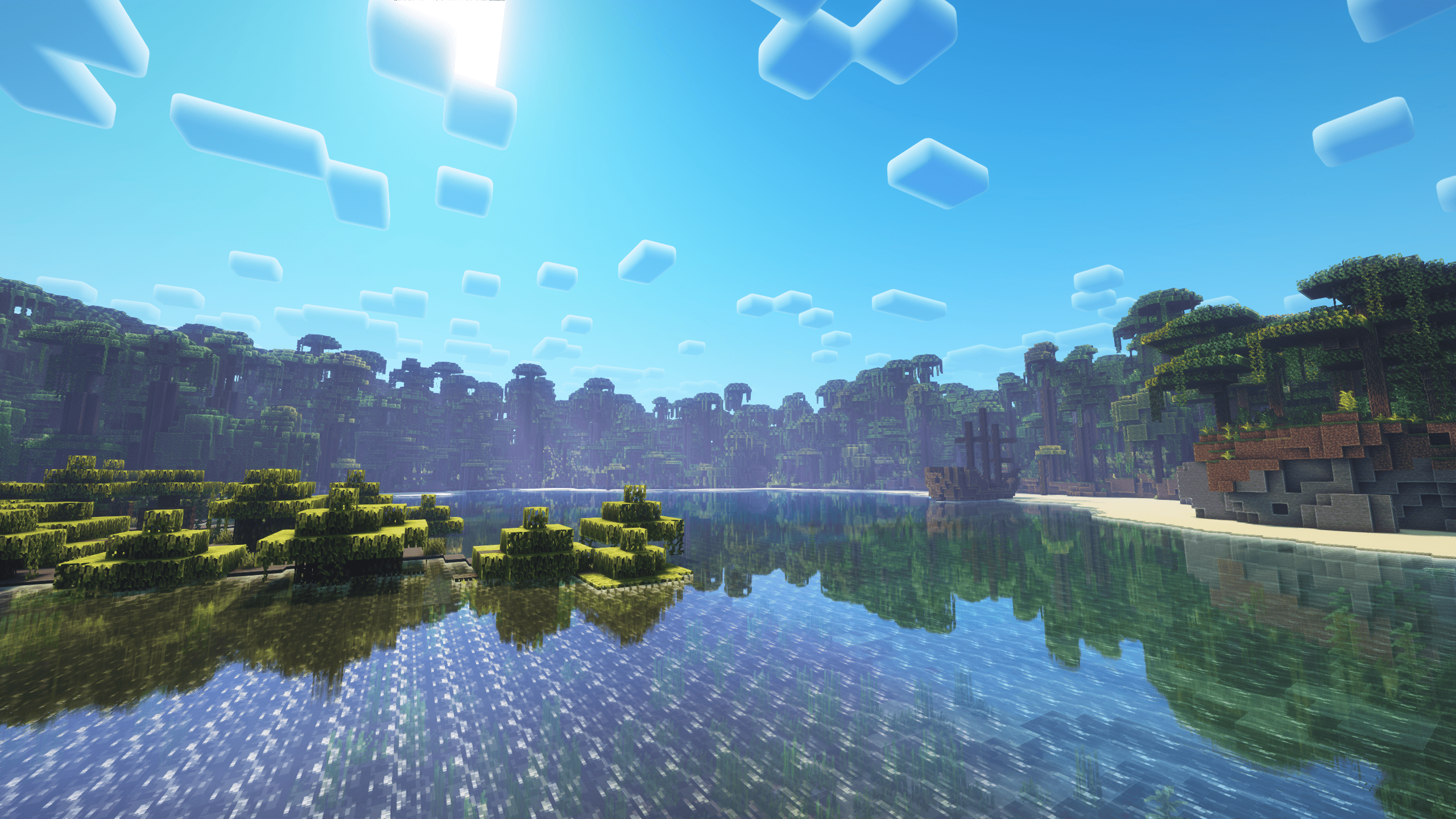
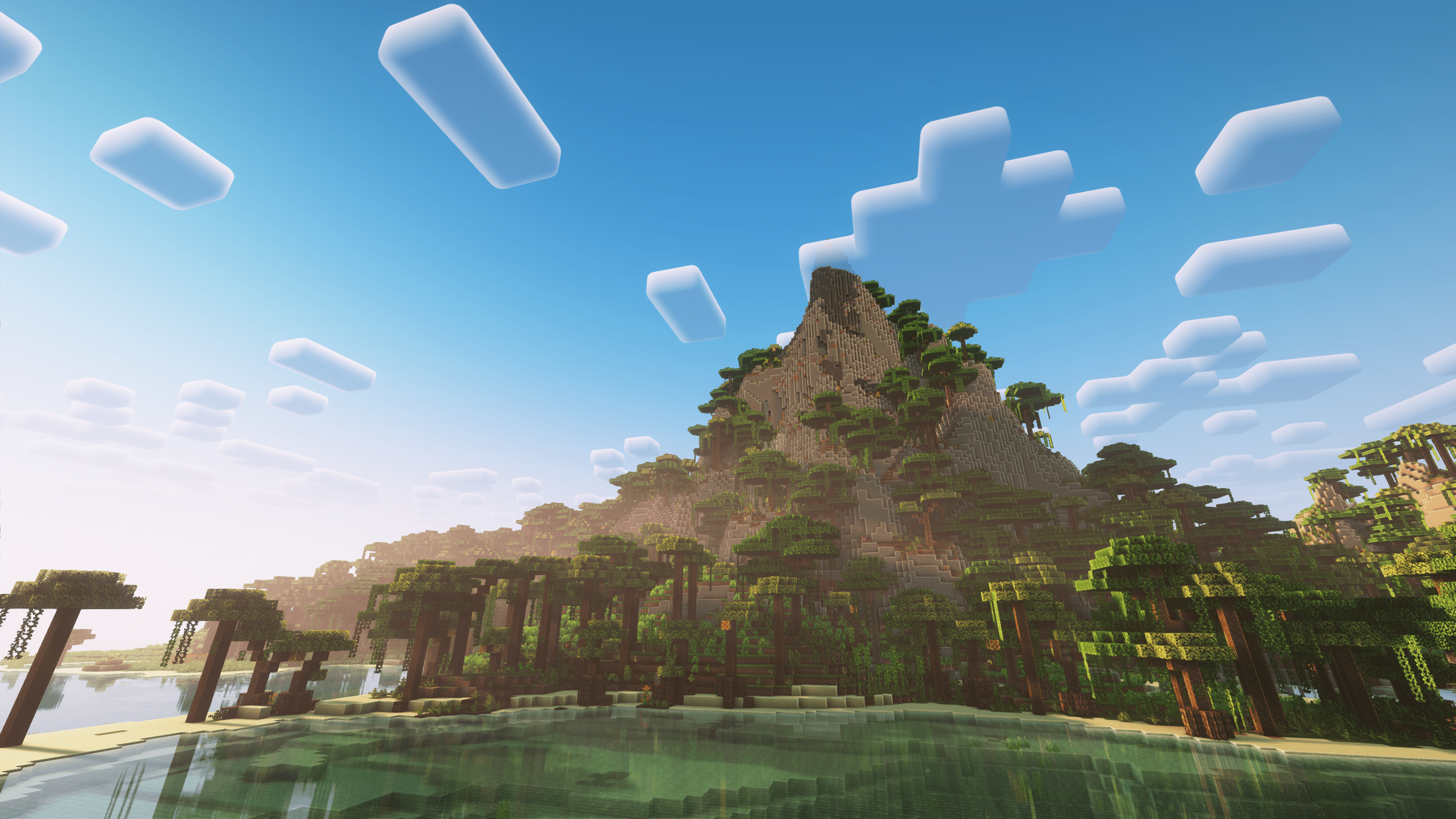


Bilder: Exploration & More auf Modrinth, vom Projektteam veröffentlicht.
Einrichtung
In vier Schritten zum Exploration & More Server
Prüfe bei Fehlern zuerst Startprotokoll, Java-Version, Loader und Abhängigkeiten. Erhöhe RAM nur bei Hinweisen auf Speichermangel. Behalte vor Updates eine Kopie der funktionierenden Installation.
- 01
Konfigurieren
8 GB RAM sind vorausgewählt und Exploration & More ist im Konfigurator vorgemerkt. Laufzeit und Add-ons wählst du selbst.
- 02
Bezahlen
Per Kreditkarte oder PayPal. Der Server ist in der Regel unter 60 Sekunden bereit.
- 03
Pack installieren
Öffne den Modpack-Browser im Panel, wähle Modrinth, prüfe die Projekt-ID und installiere die gewünschte Pack-Version. Sichere eine bestehende Welt vorher.
- 04
Verbinden
Alle Spieler installieren dieselbe Pack-Version in einem kompatiblen Launcher und verbinden sich über die Serveradresse aus dem Panel.
Modrinth-Projekt-ID: fyEosQzE
Das Panel
Pack installieren, Fehler finden.
Echte Screenshots aus dem Mado Panel. Beides ist bei jedem Minecraft Server enthalten.
Modpack-Browser
Modrinth und CurseForge direkt im Panel.
Pack suchen, Version wählen, installieren. Loader und Serverdateien musst du nicht von Hand hochladen.

KI-Crash-Analyse
Wenn ein Mod crasht, liest die Analyse das Log.
Große Modpacks scheitern oft an einer einzelnen Mod, Java-Version oder fehlenden Abhängigkeit. Die Analyse nennt eine wahrscheinliche Ursache und einen Lösungsvorschlag.

Versionen
Veröffentlichte Pack-Versionen
Server und Spieler brauchen dieselbe Pack-Version. Wähle sie im Modpack-Browser passend zu den Clients deiner Gruppe.
Exploration & More · ModrinthOriginalbeschreibung des Projektautors

This modpack focuses on exploration and survival. These two aspects are paired with the awesome Create Mod.
The main features are:
- 🧭 Exploration specific loot
- 🌍 Reworked Overworld
- 🌋 Reworked Nether
- 🌐 Reworked End
- 🍔 Overhauled food and health system
- 🔆 Seasons and climate effects
- 🐉 Some Bosses & special Mobs
- ✨ All the performance mods you know
Important:
- The modpack is tested with 5GB RAM. However, 8 GB is recommended.
- Iris & Flywheel Compat is disabled by default because it can cause crashes. You can enable it but be warned.
Notes:
- Simple Backup is disabled by default. To enable it go to your config folder and open 'simplebackup.json5'. Set 'enableAutomaticBackups' and 'enableServerStoppedBackup' to true. The backups are saved in your games folder in 'simpleBackup'
- The modpack is shader ready. Simply install the shader of your choice.
- The gamerules doPatrolSpawning, mobGriefing, doFireTick and doInsomnia are set to false by default.
Thanks:
- Thanks to everyone from the KubeJS team and the KubeJS extensions teams. Your mods are just awesome.
Download Recommendations
Modlist
- Aquamirae
- Controlling
- CottageCraft Axolotls
- Dehydration
- Drip Sounds (Fabric)
- EnviromentZ
- Explorers Compass
- Extended Drawers
- Extra Alchemy
- Falling Leaves
- Frostiful
- Items Displayed
- More Culling
- Natures Compass
- Scarecrow's Territory
- Alessandrv Enchantments
- Alternate Current
- Appleskin
- Artifacts
- Better Advancements
- Better Animation Collection
- Better Block Sounds
- Better Days
- Better Statistics Screen
- Better End
- Better Nether
- Blur
- Borderless Mining
- Bosses of Mass Destruction
- CIT Resewn
- Charm of Undying
- ChoiceTheorem's Overhauled Village
- Clumps
- Continuity
- Convenient Mobgriefing
- Create Fabric
- Create Jetpack
- Create Slice & Dice
- Create Utilities
- Create: Extended Cogwheels
- Create: Steam 'n' Rails
- DeepslateCutting
- Diagonal Fences
- Diet
- Dynamic Fps
- Easy Anvil
- Easy Magic
- Eating Animation
- Eggstractor Enchantment
- Eldritch Mobs
- Elytra Slot
- Enchant the Rainbow
- Enchantment Disabler
- Enchantments-Plus
- End Remastered
- Enhanced Block Entites
- Entity Culling
- Etcetera
- Euphonium
- Expanded Delight
- Explosive Enhancement
- Extra Enchantments and Curses
- Fabric Seasons
- Fabric Seasons Extras
- Fadeless
- Fancy Dyes
- Fast Items
- FastAnim
- FerriteCore
- Fishing Ruler
- Friends and Foes
- Handcrafted
- Hellions Sniffer+
- idwtialsimmoedm
- Imediately Fast
- Incantationem
- Indium
- Infinity Buttons
- Iris
- KubeJs
- LambDynamicLights
- LazyDFU
- Leaves Be Gone
- Legendary Tooltips
- Let Me Despawn
- Let's Do: Bakery
- Let's Do Vinery
- Lithium
- LootJs
- Lunar
- Memory Leak Fix
- MixinTrace
- Mob Lassos
- Mod Menu
- Modern Fix
- Modification Of Critical Hit
- More Mob Variants
- MoreJs
- Neruina - Tocking entity Fixer
- NERB
- Particle Tweaks
- Patchouli
- Polymorph
- Rare Ice
- Re: Enchantments
- Reacharound
- Reese's Sodium Options
- Seamless Loading Screen
- Shulker+
- Simple Backup
- Snow Real Magic
- Sodium
- Sodium Extra
- Sounds Be Gone
- Sparkle!
- Spelunker
- Spice of Fabric
- Spirit Walker
- Subterrestrial
- SwingThrough
- Tall Flower Pots
- Things
- Tidal Towns
- Tiny Item Animations
- Tom's Simple Storage Mod
- Travelers Titles
- Trinkets
- True Ending
- Vein Mining
- Video Tape
- Visual Workbench
- WITS
- WTHIT
- Wakes
- William Wythers' Expanded Ecosphere
- XXL Packets
- YUNG's Better Desert Temples
- YUNG's Better Dungeons
- YUNG's Better Jungle Temples
- YUNG's Better Mineshafts
- YUNG's Better Nether Fortresses
- YUNG's Better Ocean Monuments
- YUNG's Better Strongholds
- YUNG's Better Witch Huts
- YUNG's Extras
- Chef's Delight
- Hopo Better Underwater Ruins
- Plushie-Mod
- Create: Structures
- Explorify
- FiltPick
- Simple Hats
- Hopo Better Ruined Portals
- Archaeology Banners
- Archeology Plus
- Majruszs Accessories
- Illager Invasion
- Let's Do: Candlelight
- Snow Under Trees (Fabric)
- Mouse Wheelie
- Resource Pack Overrides
- [Let's Do] NetherVinery
- Create: Bells & Whistles
- VerdantVibes
- JEI
- EMI
- EMI Loot
- EMIffects
- Collision Fix
- Lanterns belong on walls
- Let's Do: Herbal Brews
- Gilded Sherds
- Shifting Wares
- Connectible Chains [Fabric]
- Hopper The Hedgehog
- Variant Crafting Tables
- Variant Bookshelves
- Variant Barrels
- Variant Chiseled Bookshelves
- Variant Chests
- Variant Composters
- Variant Beehives
- Better Archeology
- Petal
- Immersive Aircraft
- Lets Do: BloomingNature
- Bainier Bees
- Effortless
- Immersive Weathering
- Better End Citites
- Lets Do: Brewery
- Create: Copycats+
- Create: Deco
- BadOptimazitions
- Shutters
- Bank Storage
- Antique Atlas
- Man Of Many Planes
- Lets Do: Meadow
- Lets Do Addon: Structures
- Village Nullifier
- Farmers Delight Cookbook Reforged
- EMI Addon: Extra Mod Integrations
- EMF
- ETF
- Create: Food
- Forgotten Graves
- lmft
- Custom Block Highlight
- Exline's Copper Equipment
- Ijm's Tweaks
- Farmer's Delight Refabricated
- Medivieal Buildings
- Hexed
- Particle Core
- Dungeon Now Loading
- Create: Dreams & Desires
- The Graveyard
- TearedZ
- Biome Spawn Point
- Sleep to Night
- Create: Molten Metals
- Florum Sporum
- Pountiful Fares
- Iris Flywheel Compat
- Better Biome Reblend
- Lootr
- More Crustacean
- Platforms
- Building But Better
- Switcheroo
- Create: Power Loader
- Nvidium
- Default Options
- Create Cobblestone
- Party Spores
- Create: Crystal Clear
- C2M
- Colorful Hearts
Resource Packs
- CTM Create
- Cubic Sun & Moon
- Enhanced Boss Bars
- Falling Sakura
- Fancy Crops
- Lopy's Creaete's Copper Coating
- Tom's Create Storage
- The Brass Age
- Algard Font
- Steam Golems
- Steam Golem
- Create Style Hopper
- Created & Updated
- Motschens Better Leaves
- Vanilla Experience+
- Flower Pots+
- Foliage+
- Uncontrolled Flowers
- CTM Optifine - Fabric
- Better Lilypads
Ähnliche Packs
Weitere server-fähige Modpacks
 Server-fähig

Cobblemon Official Modpack [Fabric]
von CobbledStudios
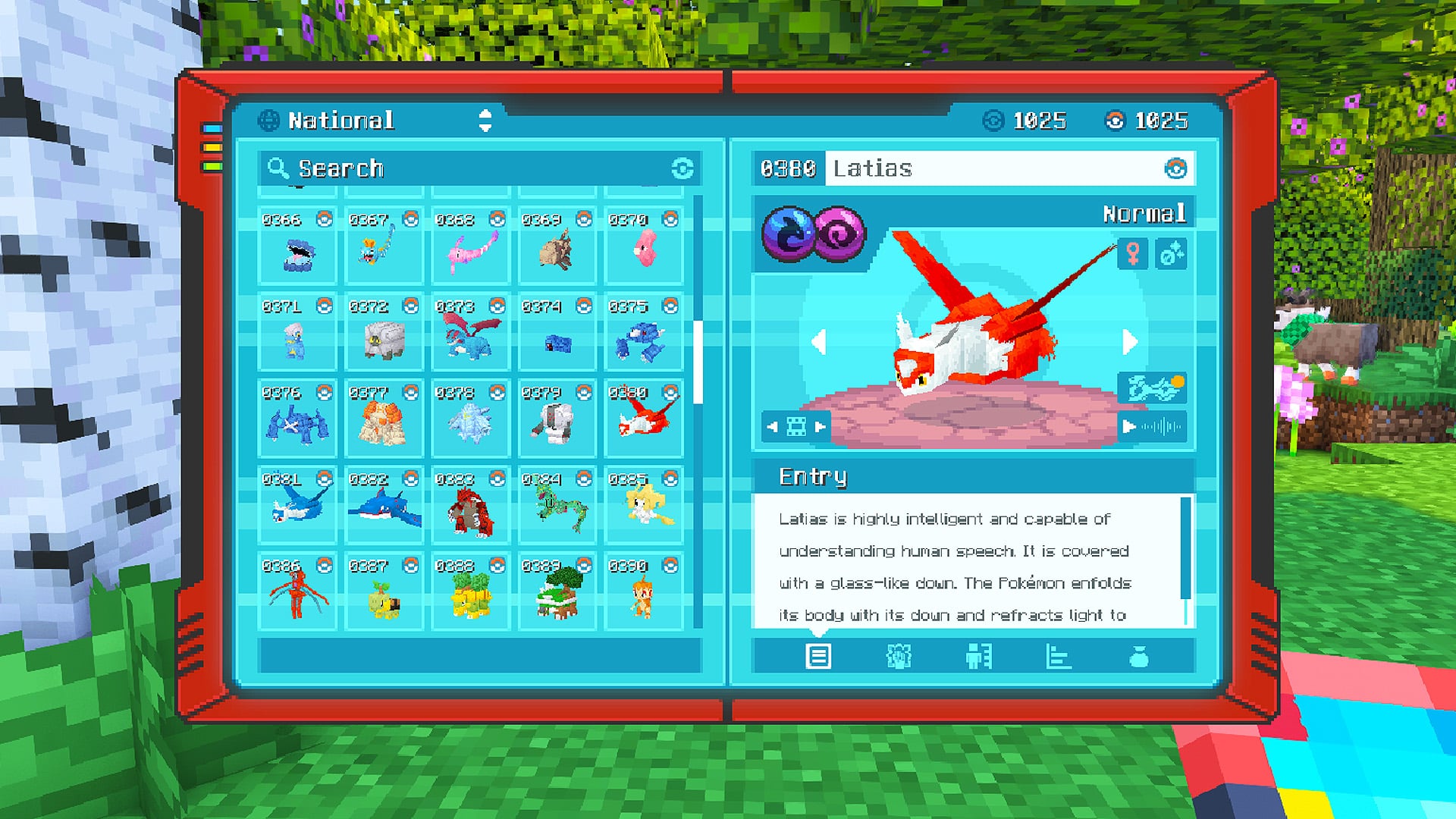
The official modpack of the Cobblemon mod, for Fabric!
 Server-fähig

COBBLEVERSE - Pokemon Adventure [Cobblemon]
von LUMYVERSE
Start a true Pokémon adventure in Minecraft: Cobblemon 1.8.4 | ALL 1025 Pokémon! | Mega Evolutions | Gyms & Badges | Starter Kit | Unique Structures | Custom Music | Shaders | Optimized | So much more! [1.21.1]
 Server-fähig

Better MC [FABRIC] - BMC2
von SHXRKIE
Version 1.20 | A Proper Vanilla+ Modpack | Don't play Vanilla play this!
 Server-fähig

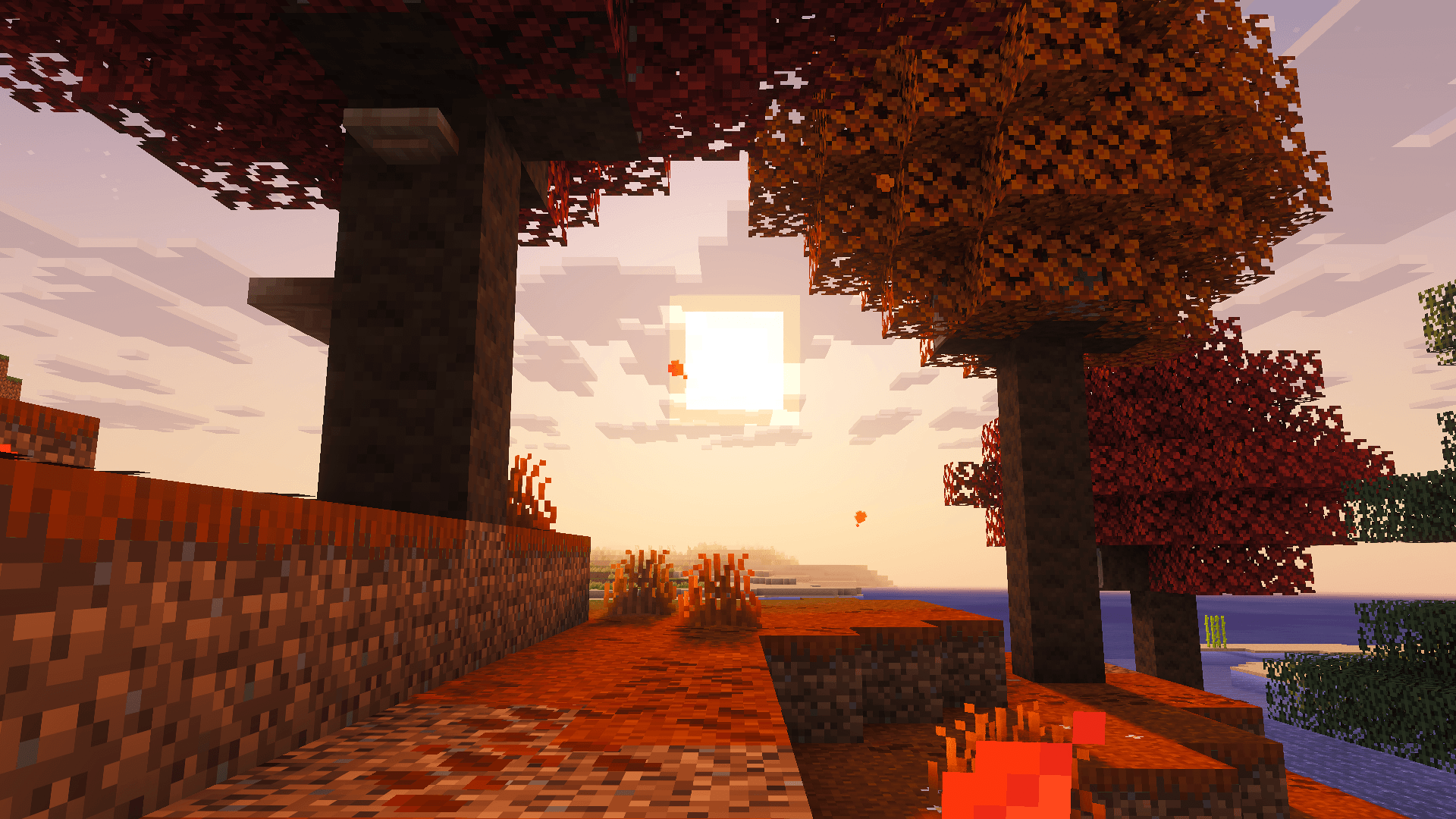
Vanilla Perfected
von demonjoeTV
A compilation of Vanilla Plus mods & packs to perfect the Minecraft experience without drifting too far from the feel of the base game!
Bereit für deinen Exploration & More Server?
8 GB RAM ab 16,00 € im Monat. 35 % auf den 1. Monat mit MADO35.