
Modrinth · Forge
Fantasia (magic and fantasy) Server mieten
Dein eigener Fantasia (magic and fantasy) Server auf AMD Ryzen 9 ohne Thread-Limit. Der Server ist in der Regel unter 60 Sekunden bereit, das Pack installierst du danach mit einem Klick im Modpack-Browser.
fantasy adventure that transforms the world of Minecraft into a magical and mysterious realm. It introduces powerful magic, dangerous creatures, and new structures to explore, making every journey feel like part of an epic story.
- Downloads
- 2.5K
- Follower
- 0
- Loader
- Forge
- Minecraft
- 1.20.1
- Aktualisiert
- –
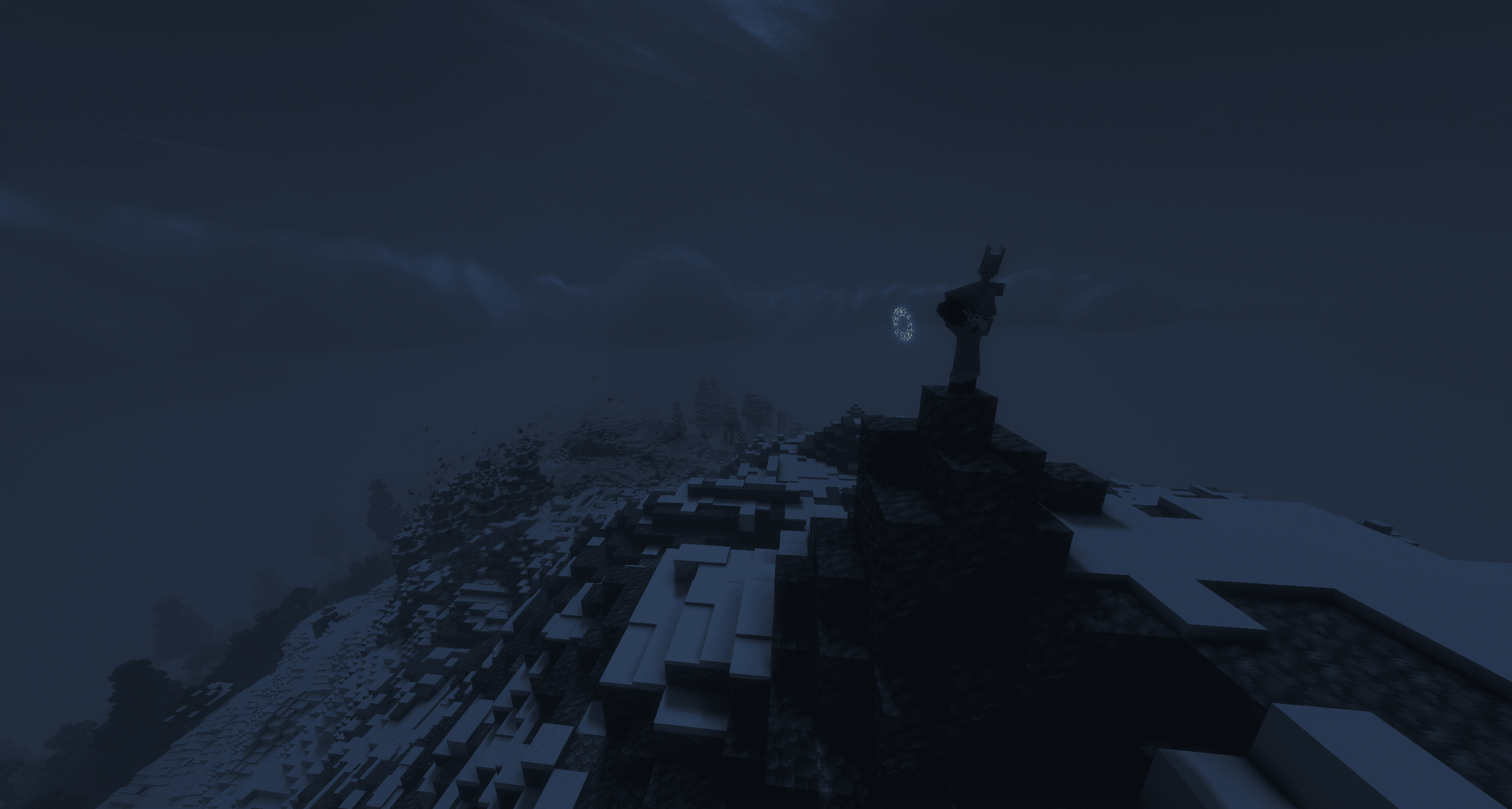
Screenshots
So sieht Fantasia (magic and fantasy) aus


Bilder: Fantasia (magic and fantasy) auf Modrinth, vom Projektteam veröffentlicht.
Einrichtung
In vier Schritten zum Fantasia (magic and fantasy) Server
Prüfe bei Fehlern zuerst Startprotokoll, Java-Version, Loader und Abhängigkeiten. Erhöhe RAM nur bei Hinweisen auf Speichermangel. Behalte vor Updates eine Kopie der funktionierenden Installation.
- 01
Konfigurieren
8 GB RAM sind vorausgewählt und Fantasia (magic and fantasy) ist im Konfigurator vorgemerkt. Laufzeit und Add-ons wählst du selbst.
- 02
Bezahlen
Per Kreditkarte oder PayPal. Der Server ist in der Regel unter 60 Sekunden bereit.
- 03
Pack installieren
Öffne den Modpack-Browser im Panel, wähle Modrinth, prüfe die Projekt-ID und installiere die gewünschte Pack-Version. Sichere eine bestehende Welt vorher.
- 04
Verbinden
Alle Spieler installieren dieselbe Pack-Version in einem kompatiblen Launcher und verbinden sich über die Serveradresse aus dem Panel.
Modrinth-Projekt-ID: GgUUiwn1
Das Panel
Pack installieren, Fehler finden.
Echte Screenshots aus dem Mado Panel. Beides ist bei jedem Minecraft Server enthalten.
Modpack-Browser
Modrinth und CurseForge direkt im Panel.
Pack suchen, Version wählen, installieren. Loader und Serverdateien musst du nicht von Hand hochladen.

KI-Crash-Analyse
Wenn ein Mod crasht, liest die Analyse das Log.
Große Modpacks scheitern oft an einer einzelnen Mod, Java-Version oder fehlenden Abhängigkeit. Die Analyse nennt eine wahrscheinliche Ursache und einen Lösungsvorschlag.

Versionen
Veröffentlichte Pack-Versionen
Server und Spieler brauchen dieselbe Pack-Version. Wähle sie im Modpack-Browser passend zu den Clients deiner Gruppe.
Fantasia (magic and fantasy) · ModrinthOriginalbeschreibung des Projektautors
This modpack is a fantasy-themed adventure experience that transforms the world of Minecraft into a rich, immersive realm filled with magic, danger, and endless opportunities for exploration. Designed to capture the feeling of a classic fantasy journey, it introduces a world where ancient ruins, hidden structures, and forgotten secrets await discovery around every corner.
Players can travel across vast and diverse landscapes, encounter powerful mythical creatures, uncover rare treasures, and master a variety of magical abilities and mystical artifacts. Every biome, dungeon, and encounter has been carefully chosen to create a sense of wonder, progression, and adventure.
More than simply adding new content, this modpack aims to create a living world that encourages exploration, creativity, and storytelling. Whether you choose to become a mighty mage, a fearless warrior, a skilled explorer, or forge your own unique path, the world offers countless possibilities to shape your own legend. With a balance of exploration, combat, magic, and world-building, the modpack delivers an engaging and memorable fantasy experience for both new and experienced players alike.
Ähnliche Packs
Weitere server-fähige Modpacks
 Server-fähig

Cobblemon Official Modpack [Fabric]
von CobbledStudios
The official modpack of the Cobblemon mod, for Fabric!
 Server-fähig

COBBLEVERSE - Pokemon Adventure [Cobblemon]
von LUMYVERSE
Start a true Pokémon adventure in Minecraft: Cobblemon 1.8.4 | ALL 1025 Pokémon! | Mega Evolutions | Gyms & Badges | Starter Kit | Unique Structures | Custom Music | Shaders | Optimized | So much more! [1.21.1]
 Server-fähig

Better MC [FABRIC] - BMC2
von SHXRKIE
Version 1.20 | A Proper Vanilla+ Modpack | Don't play Vanilla play this!
 Server-fähig

Vanilla Perfected
von demonjoeTV
A compilation of Vanilla Plus mods & packs to perfect the Minecraft experience without drifting too far from the feel of the base game!
Bereit für deinen Fantasia (magic and fantasy) Server?
8 GB RAM ab 16,00 € im Monat. 35 % auf den 1. Monat mit MADO35.