
FrostClient
Frost Client is a clean, minimal performance modpack for 1.21.11 — the spiritual successor to FoxClient, rebuilt for modern Minecraft with more stability, more FPS, and zero bloat.
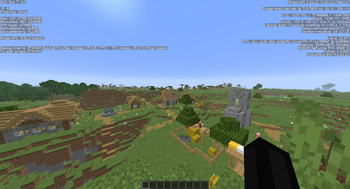
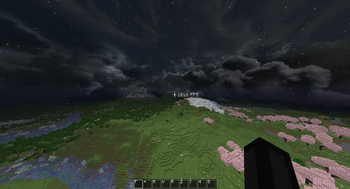
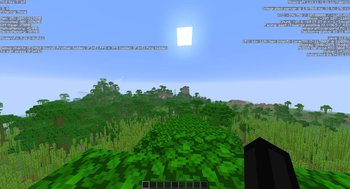
Screenshots


Über dieses Modpack

⚠️ This modpack is no longer updated
Frost has moved to its own launcher.
The .mrpack files on this page still work and you can keep playing them, but they are frozen. Every new Minecraft version, every new feature and every fix from now on ships only through the Frost Launcher.

➡️ Download the launcher at frostclient.eu/download
Why switch?
- 🆕 Newer Minecraft versions that will never come to this page.
- 🔄 One-click updates — no re-downloading a
.mrpackevery time something changes. - 🧊 The full Frost client: custom menus, HUD editor, built-in mods, friend list and capes.
- 🎛️ Instance management, mod browsing and settings transfer built in.
- ⚡ Frost Client Lite, if you want the tuned high-FPS build.
Your worlds, settings and resource packs are yours — the launcher can import an existing instance, so you do not have to start over.
💎 What Frost is
Frost is a performance-first Fabric client for Minecraft — the spiritual successor to FoxClient, rebuilt from scratch with a modern mod stack, a Vulkan renderer and zero unnecessary bloat. Tuned for CPvP and competitive play, preconfigured out of the box.

Frost Client Lite pushes performance even further — on average 100–400 more FPS than classic Frost, depending on your hardware. Subscribers also get an in-game badge, a special Discord role, priority tickets and staff pings. Lite unlocks inside the launcher once you sign in with the same Discord account. Details at frostclient.eu/lite.
🔑 Key Features
Performance & Rendering
- 🌋 A real Vulkan render pipeline alongside a standard OpenGL build — pick whichever runs best on your hardware.
- 🧵 Chunk loading, memory, networking and startup optimized together as one tuned pipeline, not a single "optimization mod".
- 👁️ Entity and foliage culling — stop spending frames on what you cannot see.
PvP & Combat
- 💀 Totem tracking and offhand warnings — never miss a totem pop again.
- 💣 TNT timers — know exactly when it is about to go off.
- 🎯 Hit feedback and a fully customizable crosshair.
- ⌨️ On-screen keystrokes for clips and POV footage.
Quality of Life
- 🎙️ Simple Voice Chat — built-in proximity voice chat, no third-party app needed.
- 👥 Built-in friend list — add friends and play together, no server to buy or host.
- 🧣 Custom capes, free, no third-party service.
- ⚙️ Every setting in one clean in-game menu, plus a drag-and-drop HUD editor.
- 🔭 Freelook, zoom, motion blur, custom skies and brightness controls that matter for PvP.
- 🎨 A custom branded main menu, not vanilla's.
- 🖼️ Bundled ready-to-go resource packs, including a custom Zipp CPvP pack, a lightweight "potato" pack and a dedicated PvP crosshair pack.
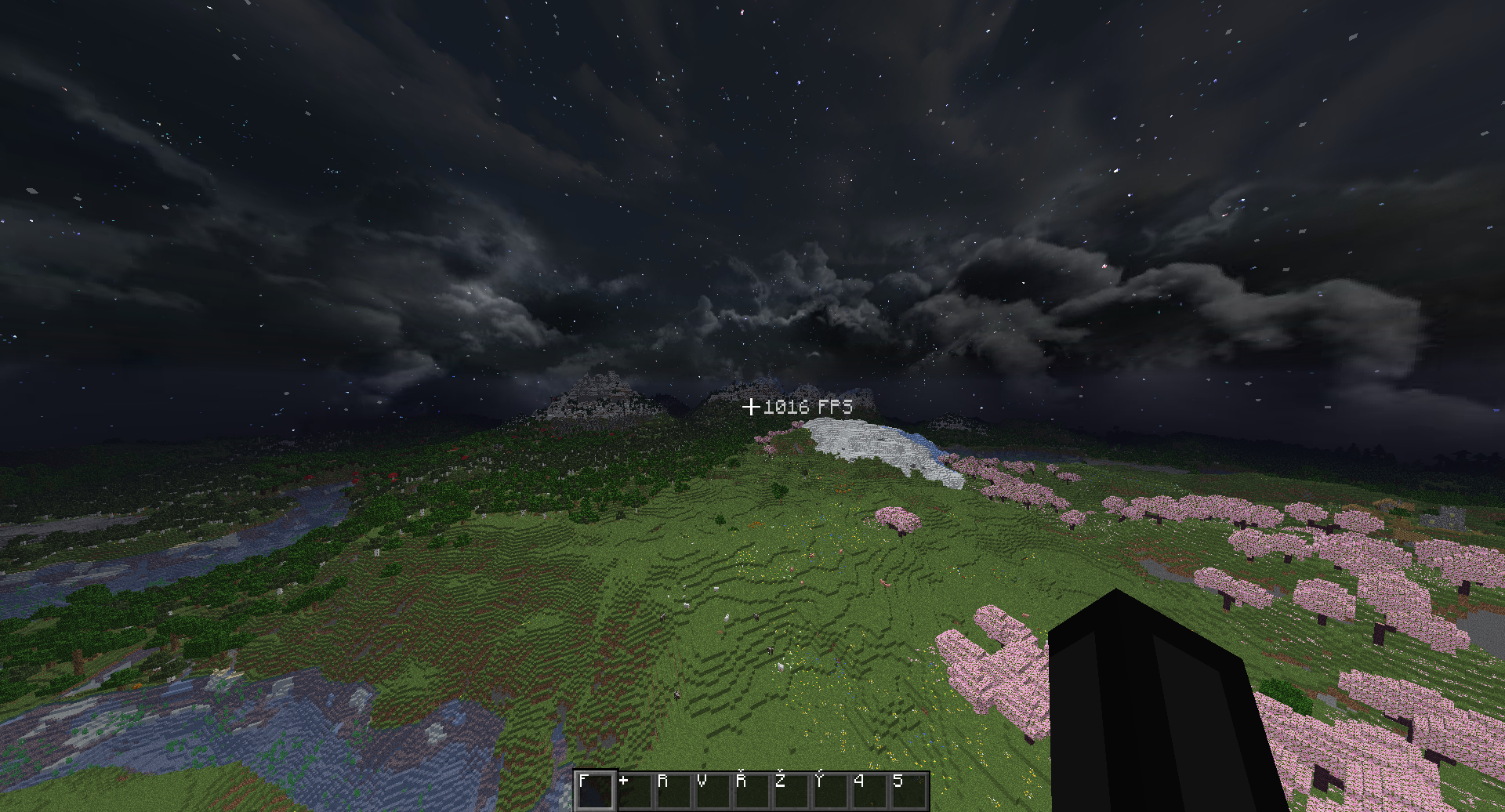
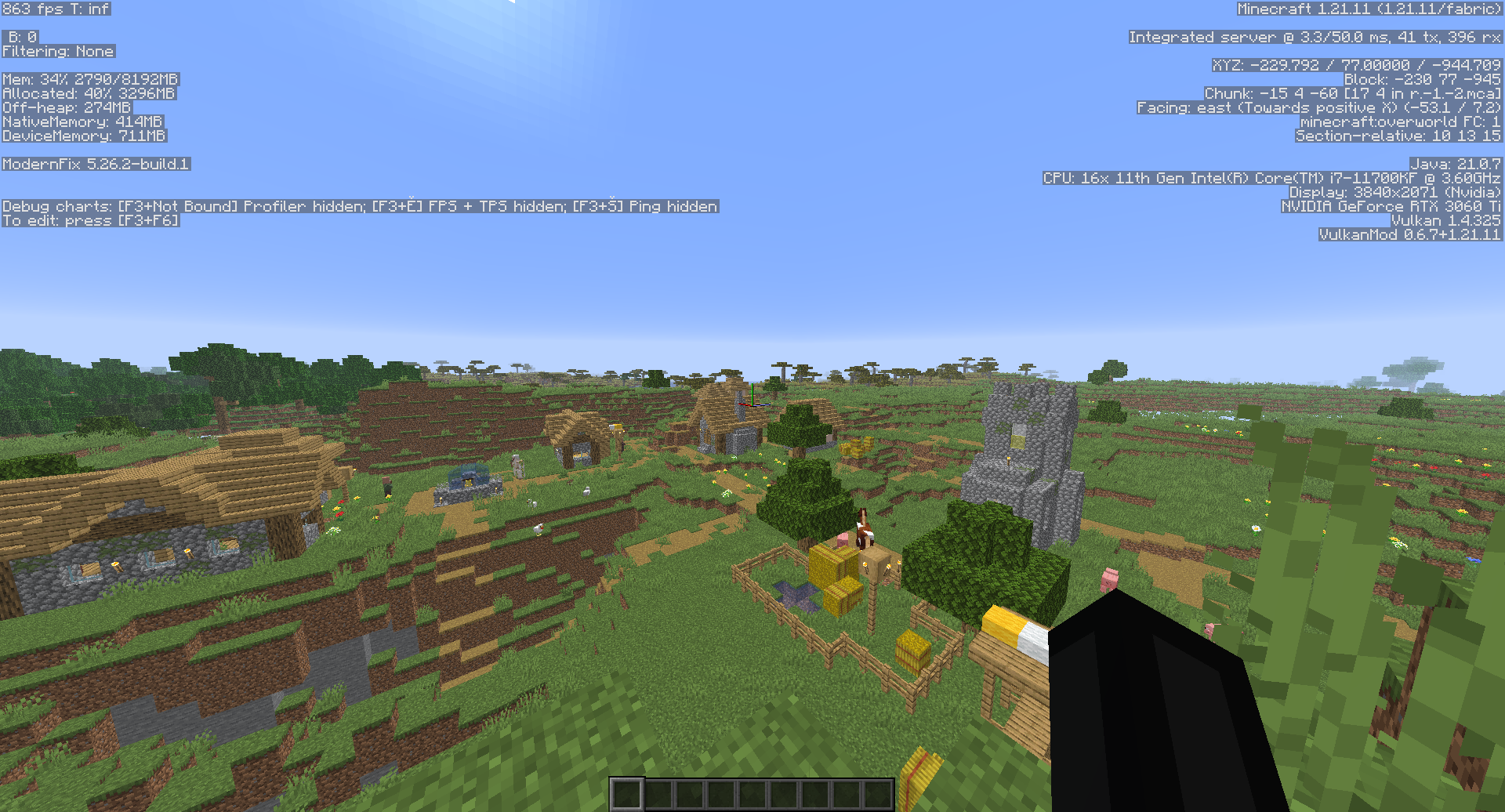
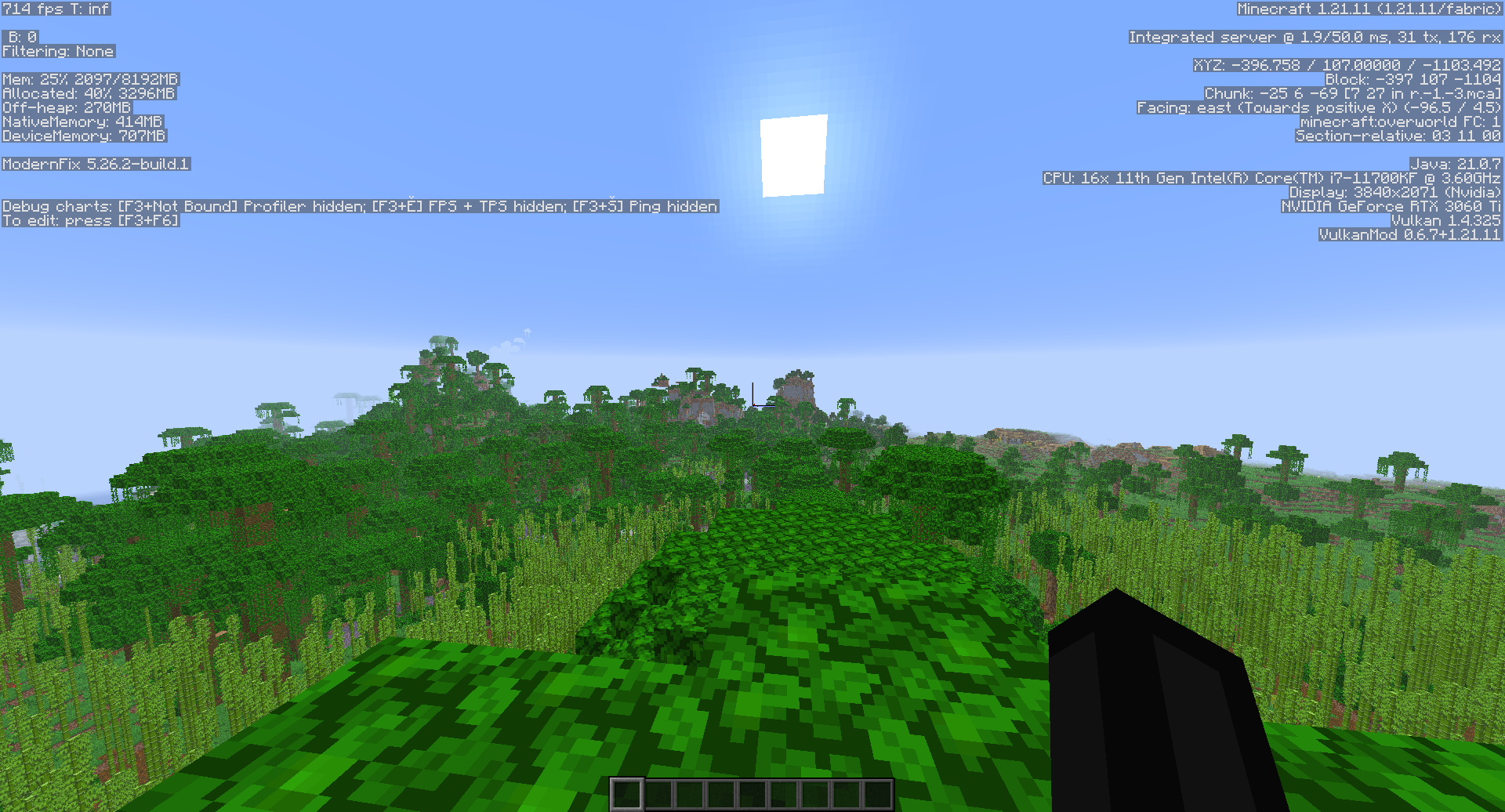
📸 Preview
📥 How to install
Recommended — the launcher
- ⬇️ Download the Frost Launcher from frostclient.eu/download.
- 🔑 Sign in with your Microsoft account.
- ▶️ Pick a version and hit Play. Updates are handled for you from then on.
Legacy — the frozen .mrpack files on this page
- ⬇️ Install the Modrinth App if you do not already have it.
- 📦 Download a build from this page — Vulkan or OpenGL, for your Minecraft version.
- 🖱️ Open the downloaded
.mrpackfile and the Modrinth App installs everything. - ▶️ Launch it as an instance and play. Do not expect further updates here.
Playing on an offline account? Follow the guide at frostclient.eu/cracked.
🌋 Crashing on the Vulkan build?
Vulkan performance depends heavily on your GPU and drivers. If you get crashes, missing rendering or startup issues, switch that instance to the OpenGL build — it needs no extra setup and runs on far more hardware. In the launcher you can keep both side by side and swap in a click.
🔗 Compatibility
- 🖥️ Minecraft versions on this page: 1.21 – 26.2 (frozen). Newer versions are launcher-only.
- 🧵 Mod loader: Fabric
- 🌋 Available as both Vulkan and OpenGL builds — Vulkan gives the bigger FPS boost, OpenGL runs on more hardware.
- ✅ Works with most CPvP and Optifine-format texture packs without issue.
Questions or issues? Come find us on Discord — that is also where our FoxClient legit-check history lives, if you want to see we are the real deal.
Verfügbare Versionen
FrostClient Server einrichten
Server bestellen
Wähle mindestens 4 GB RAM (6 GB empfohlen für FrostClient). Je nach Spieleranzahl: +1 GB pro 8 Spieler.
Modpack im Dashboard installieren
Öffne den Modpack-Browser im Dashboard, suche nach "FrostClient" und klicke "Installieren". Der fabric-Loader und Minecraft 26.2 werden automatisch konfiguriert.
Server starten & spielen
Starte den Server – alle Mods werden automatisch geladen. Teile die Server-IP mit Freunden und spielt zusammen!
Häufige Fragen
FrostClient Server crasht oder startet nicht – was tun?
Häufigste Ursachen: zu wenig RAM oder falscher fabric-Loader. Prüfe latest.log auf "OutOfMemoryError" → erhöhe RAM auf mindestens 6 GB. Bei "Mixin" oder "ClassNotFoundException": Modpack-Version und Loader stimmen nicht überein. Bei Mado Hosting werden Loader und Minecraft-Version beim Modpack-Install automatisch konfiguriert – das verhindert die meisten Startprobleme.
Wie viel RAM braucht ein FrostClient Server wirklich?
Minimum 4 GB, empfohlen 6 GB für stabile Performance. +1 GB pro 8 Spieler. Wichtig: Minecraft-Modpacks brauchen mehr RAM als Vanilla – plane pro zusätzlichem Spieler extra ein. Bei Mado Hosting kannst du den RAM jederzeit live hochskalieren, ohne Datenverlust (ab €5.2/Monat).
Kann ich eigene Mods zu FrostClient hinzufügen, ohne Konflikte?
Ja, aber achte auf die Kompatibilität: Nutze nur Mods für den gleichen Loader (fabric) und die gleiche Minecraft-Version (26.2). Häufige Probleme: ID-Konflikte bei Rezept-Mods und inkompatible Coremod-Versionen. Im Mado Dashboard zeigt der Mod-Browser nur kompatible Mods an und warnt bei bekannten Konflikten.
FrostClient Server laggt – Performance-Tipps
1) RAM auf 6 GB+ erhöhen. 2) Server-View-Distance auf 8 reduzieren (server.properties). 3) Pre-Generiere Chunks mit dem "Chunky" Plugin. 4) Prüfe mit /spark profiler welche Mods die meiste Tick-Time verbrauchen. Bei Mado Hosting laufen alle Server auf NVMe-SSDs mit dedizierten CPU-Kernen – das eliminiert Hardware als Engpass.
Ähnliche Modpacks


![Better MC [FABRIC] - BMC2](https://cdn.modrinth.com/data/shFhR8Vx/a19c2bcb51d38f32f138d3607e91cb2b7b8e387f_96.webp)
![Better MC [FORGE] - BMC4](https://cdn.modrinth.com/data/4BV47HRn/7f5ef7cc61b2593609aabef3ed07a866a4f11b73_96.webp)


FrostClient Server mieten
Starte deinen eigenen Server mit automatischer Modpack-Installation.
Details
- Lizenz
- LicenseRef-All-Rights-Reserved
- Server-seitig
- Nicht unterstützt
- Client-seitig
- Erforderlich
Unterstützte Versionen
Starte deinen FrostClient Server jetzt
Ab €5.20/Monat; für die beste Performance werden 6 GB RAM empfohlen.
Server konfigurieren →