
Hoplite for Lunar Client
Tailor-made list of popular mods to enhance your gameplay experience on Hoplite through Lunar Client, including in-game proximity voice chat.
Screenshots





Über dieses Modpack

Hoplite for Lunar Client
Hoplite for Lunar Client is a tailor-made list of popular mods to enhance your gameplay experience, including in-game proximity voice chat. These mods are validated to work with Lunar Client.
Note: While you're able to use Hoplite for Lunar Client on any modpack loader, it's heavily recommended to use it on Lunar Client to ensure you get the best experience on Hoplite.
Modpack Content
- Simple Voice Chat: Proximity voice chat for Minecraft with a variety of features.
- Cloth Config API: Configuration library for Minecraft Mods.
- Krypton: Optimizes in the Minecraft network stack. Reduces memory and CPU usage.
- Mod Menu: Adds a mod menu to view an in-game list of all the mods you have installed.
- More Culling: Prevents the rendering of things you cannot see to improve FPS.
- Memory Leak Fix: Fixes random memory leaks found within vanilla Minecraft.
- Sodium Extra: Adds features found in Optifine to Sodium, like particle and animation settings.
- Reese's Sodium Options: Replaces Sodium's option screen to improve user experience.
FAQ
What's Hoplite and where can I play it?
Hoplite is a Minecraft server created and owned by SpeedSilver. Hoplite offers innovative new games such as Battle Royale and Duels. All of the gamemodes found on Hoplite, contain custom items referred to as "Legendary Items". These are unique custom model items, that have special abilities to create a unique combat experience. You can play Hoplite today @ hoplite.gg.
Not sold yet? Read more!
How do I launch this on Lunar Client?
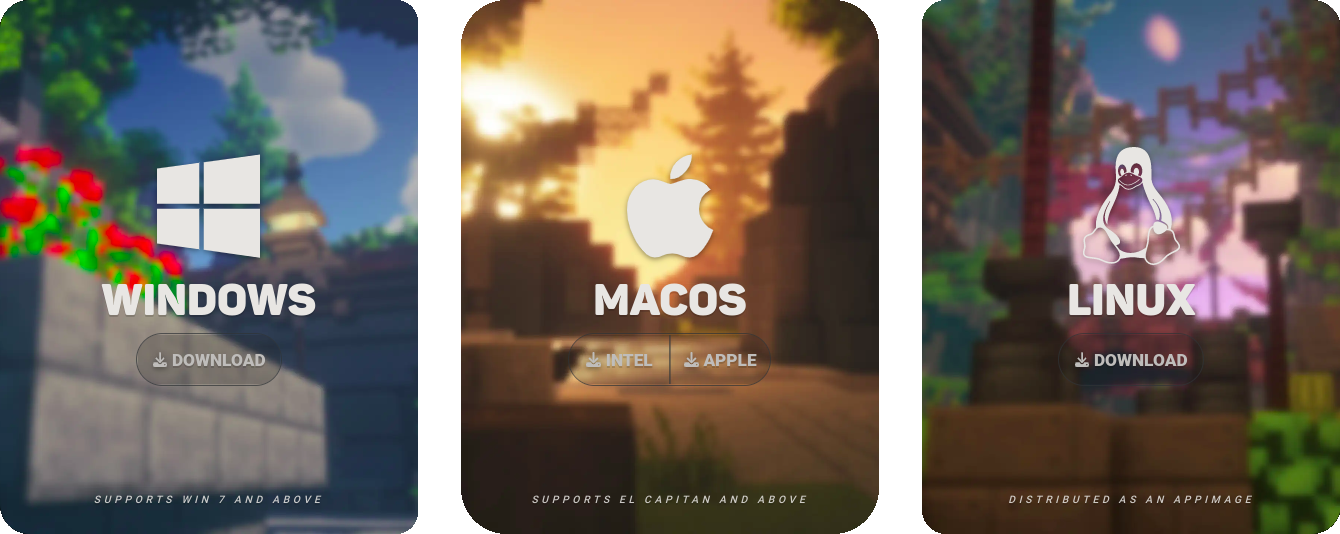
Step 1: Download Lunar Client
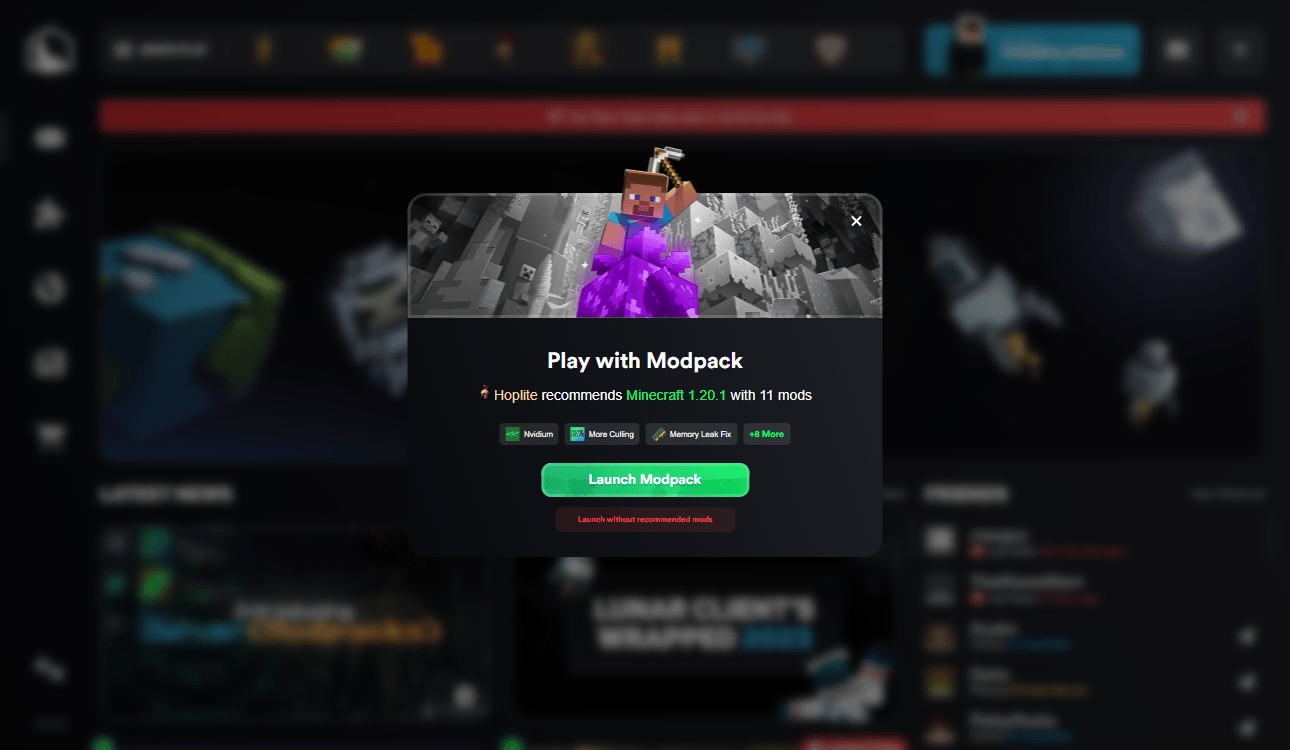
Step 2: Open Lunar Client and Click the Hoplite Logo

Step 3: Click "Launch Modpack"
Connect and create one of a kind experiences and get the latest updates by joining our Discord Community.
Verfügbare Versionen
Hoplite for Lunar Client Server einrichten
Server bestellen
Wähle mindestens 4 GB RAM (6 GB empfohlen für Hoplite for Lunar Client). Je nach Spieleranzahl: +1 GB pro 8 Spieler.
Modpack im Dashboard installieren
Öffne den Modpack-Browser im Dashboard, suche nach "Hoplite for Lunar Client" und klicke "Installieren". Der fabric-Loader und Minecraft 1.21.11 werden automatisch konfiguriert.
Server starten & spielen
Starte den Server – alle Mods werden automatisch geladen. Teile die Server-IP mit Freunden und spielt zusammen!
Häufige Fragen
Hoplite for Lunar Client Server crasht oder startet nicht – was tun?
Häufigste Ursachen: zu wenig RAM oder falscher fabric-Loader. Prüfe latest.log auf "OutOfMemoryError" → erhöhe RAM auf mindestens 6 GB. Bei "Mixin" oder "ClassNotFoundException": Modpack-Version und Loader stimmen nicht überein. Bei Mado Hosting werden Loader und Minecraft-Version beim Modpack-Install automatisch konfiguriert – das verhindert die meisten Startprobleme.
Wie viel RAM braucht ein Hoplite for Lunar Client Server wirklich?
Minimum 4 GB, empfohlen 6 GB für stabile Performance. +1 GB pro 8 Spieler. Wichtig: Minecraft-Modpacks brauchen mehr RAM als Vanilla – plane pro zusätzlichem Spieler extra ein. Bei Mado Hosting kannst du den RAM jederzeit live hochskalieren, ohne Datenverlust (ab €5.2/Monat).
Kann ich eigene Mods zu Hoplite for Lunar Client hinzufügen, ohne Konflikte?
Ja, aber achte auf die Kompatibilität: Nutze nur Mods für den gleichen Loader (fabric) und die gleiche Minecraft-Version (1.21.11). Häufige Probleme: ID-Konflikte bei Rezept-Mods und inkompatible Coremod-Versionen. Im Mado Dashboard zeigt der Mod-Browser nur kompatible Mods an und warnt bei bekannten Konflikten.
Hoplite for Lunar Client Server laggt – Performance-Tipps
1) RAM auf 6 GB+ erhöhen. 2) Server-View-Distance auf 8 reduzieren (server.properties). 3) Pre-Generiere Chunks mit dem "Chunky" Plugin. 4) Prüfe mit /spark profiler welche Mods die meiste Tick-Time verbrauchen. Bei Mado Hosting laufen alle Server auf NVMe-SSDs mit dedizierten CPU-Kernen – das eliminiert Hardware als Engpass.
Ähnliche Modpacks


![Better MC [FABRIC] - BMC2](https://cdn.modrinth.com/data/shFhR8Vx/a19c2bcb51d38f32f138d3607e91cb2b7b8e387f_96.webp)
![Better MC [FORGE] - BMC4](https://cdn.modrinth.com/data/4BV47HRn/7f5ef7cc61b2593609aabef3ed07a866a4f11b73_96.webp)


Hoplite for Lunar Client Server mieten
Starte deinen eigenen Server mit automatischer Modpack-Installation.
Unterstützte Versionen
Starte deinen Hoplite for Lunar Client Server jetzt
Ab €5.20/Monat; für die beste Performance werden 6 GB RAM empfohlen.
Server konfigurieren →