
Modrinth · Fabric
Horror + Server mieten
Dein eigener Horror + Server auf AMD Ryzen 9 ohne Thread-Limit. Der Server ist in der Regel unter 60 Sekunden bereit, das Pack installierst du danach mit einem Klick im Modpack-Browser.
Take the horror to a next level... (Fabric 1.20.1)
- Downloads
- 131.2K
- Follower
- 0
- Loader
- Fabric
- Minecraft
- 1.20.1
- Aktualisiert
- –
Screenshots
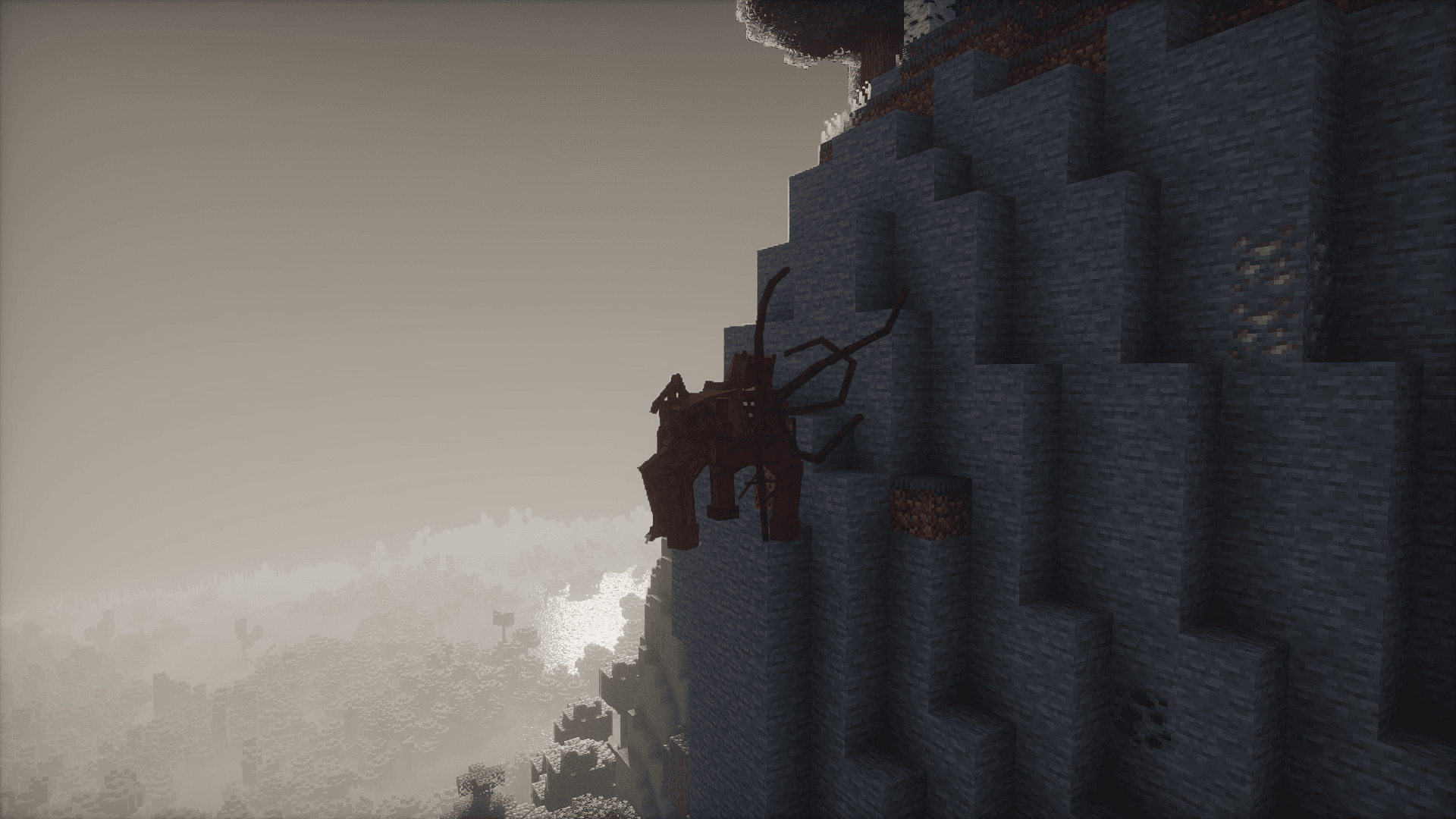
So sieht Horror + aus


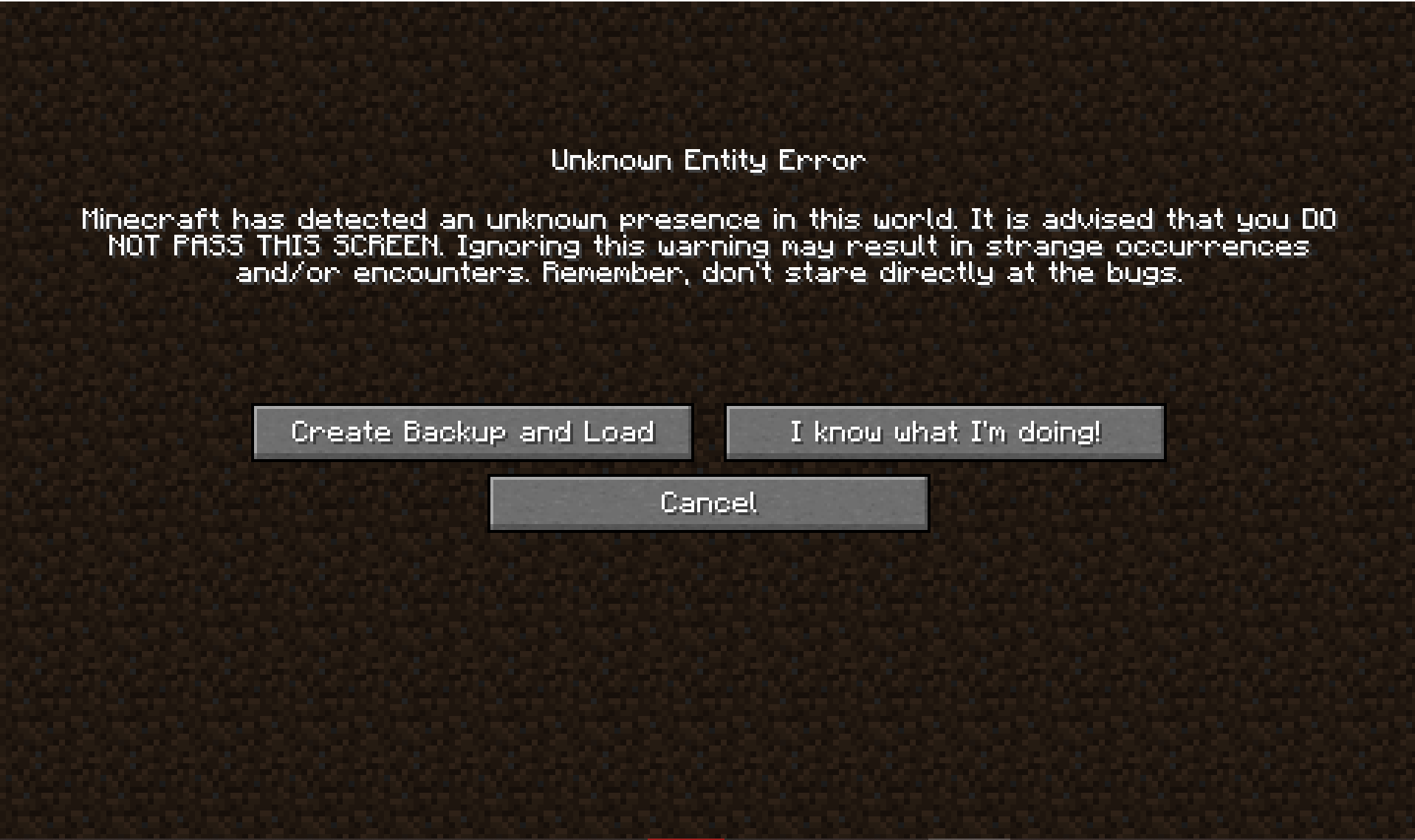


Bilder: Horror + auf Modrinth, vom Projektteam veröffentlicht.
Einrichtung
In vier Schritten zum Horror + Server
Prüfe bei Fehlern zuerst Startprotokoll, Java-Version, Loader und Abhängigkeiten. Erhöhe RAM nur bei Hinweisen auf Speichermangel. Behalte vor Updates eine Kopie der funktionierenden Installation.
- 01
Konfigurieren
8 GB RAM sind vorausgewählt und Horror + ist im Konfigurator vorgemerkt. Laufzeit und Add-ons wählst du selbst.
- 02
Bezahlen
Per Kreditkarte oder PayPal. Der Server ist in der Regel unter 60 Sekunden bereit.
- 03
Pack installieren
Öffne den Modpack-Browser im Panel, wähle Modrinth, prüfe die Projekt-ID und installiere die gewünschte Pack-Version. Sichere eine bestehende Welt vorher.
- 04
Verbinden
Alle Spieler installieren dieselbe Pack-Version in einem kompatiblen Launcher und verbinden sich über die Serveradresse aus dem Panel.
Modrinth-Projekt-ID: nI93ZDat
Das Panel
Pack installieren, Fehler finden.
Echte Screenshots aus dem Mado Panel. Beides ist bei jedem Minecraft Server enthalten.
Modpack-Browser
Modrinth und CurseForge direkt im Panel.
Pack suchen, Version wählen, installieren. Loader und Serverdateien musst du nicht von Hand hochladen.

KI-Crash-Analyse
Wenn ein Mod crasht, liest die Analyse das Log.
Große Modpacks scheitern oft an einer einzelnen Mod, Java-Version oder fehlenden Abhängigkeit. Die Analyse nennt eine wahrscheinliche Ursache und einen Lösungsvorschlag.

Versionen
Veröffentlichte Pack-Versionen
Server und Spieler brauchen dieselbe Pack-Version. Wähle sie im Modpack-Browser passend zu den Clients deiner Gruppe.
Horror + · ModrinthOriginalbeschreibung des Projektautors
Take the horror to the next level…
Horror+ is a Fabric modpack that brings the horror experience to Minecraft.
It focuses on atmosphere, exploration, and survival.
The world may look calm during the day, but something is always watching.
It features:
- Enhanced terrain generation
- New biomes
- New hostile mobs
- New structures
- Corrupted entities
Your goal is simple: survive for as long as possible.
Days may feel peaceful, but nights are never safe.
Multiplayer & Server support (NEW)
Horror+ now includes official server support.
A dedicated Horror+ Server modpack is available, allowing you to play multiplayer with the exact same experience.
The server version is designed specifically for Fabric servers and is not intended to be used as a client modpack.
You have 3 official options to play Horror+ in multiplayer:
1. Pre-configured server (recommended)
Download the fully pre-configured Horror+ server and follow the tutorial provided in the Google Drive.
This is the fastest option if you want a free ready-to-run server.
2. Server modpack
Download the Horror+ Server modpack, extract it, and copy the mods folder into your Fabric server directory.
3. Mods folder only
Download the mods folder here.
Then place the mods folder directly into your Fabric server directory.
➡ For full installation steps, hosting details, and Modrinth Hosting requirements, see the Horror+ Server page:
https://modrinth.com/project/horror+server
Hosting options
You can host the Horror+ server yourself for free, directly on your own hardware.
Performance will depend on your setup.
⚠ Less than 16 GB RAM, a weak CPU, or a poor internet connection may cause lag or crashes.
You can also use a paid hosting provider, which is generally simpler and avoids network configuration:
- Modrinth Hosting :
Recommended at least 6 GB RAM
⚠ For advanced configuration and host-specific requirements, always refer to the Horror+ Server page.
Support
If you encounter a bug, join the Discord server, accept the rules, go to Help, and send a message describing your issue while pinging @amilex.
Legal
This modpack is the property of amilexx.
Copying, modifying, or redistributing this modpack is strictly prohibited without written permission.
All rights reserved.
Ähnliche Packs
Weitere server-fähige Modpacks
 Server-fähig

Cobblemon Official Modpack [Fabric]
von CobbledStudios
The official modpack of the Cobblemon mod, for Fabric!
 Server-fähig

COBBLEVERSE - Pokemon Adventure [Cobblemon]
von LUMYVERSE
Start a true Pokémon adventure in Minecraft: Cobblemon 1.8.4 | ALL 1025 Pokémon! | Mega Evolutions | Gyms & Badges | Starter Kit | Unique Structures | Custom Music | Shaders | Optimized | So much more! [1.21.1]
 Server-fähig

Better MC [FABRIC] - BMC2
von SHXRKIE
Version 1.20 | A Proper Vanilla+ Modpack | Don't play Vanilla play this!
 Server-fähig

Vanilla Perfected
von demonjoeTV
A compilation of Vanilla Plus mods & packs to perfect the Minecraft experience without drifting too far from the feel of the base game!
Bereit für deinen Horror + Server?
8 GB RAM ab 16,00 € im Monat. 35 % auf den 1. Monat mit MADO35.