
vanilla experience : the best client-side modpack
the best modpack for multiplayer which brings together all the best optimization, utility and decoration mods for a maximum Minecraft experience.
Screenshots
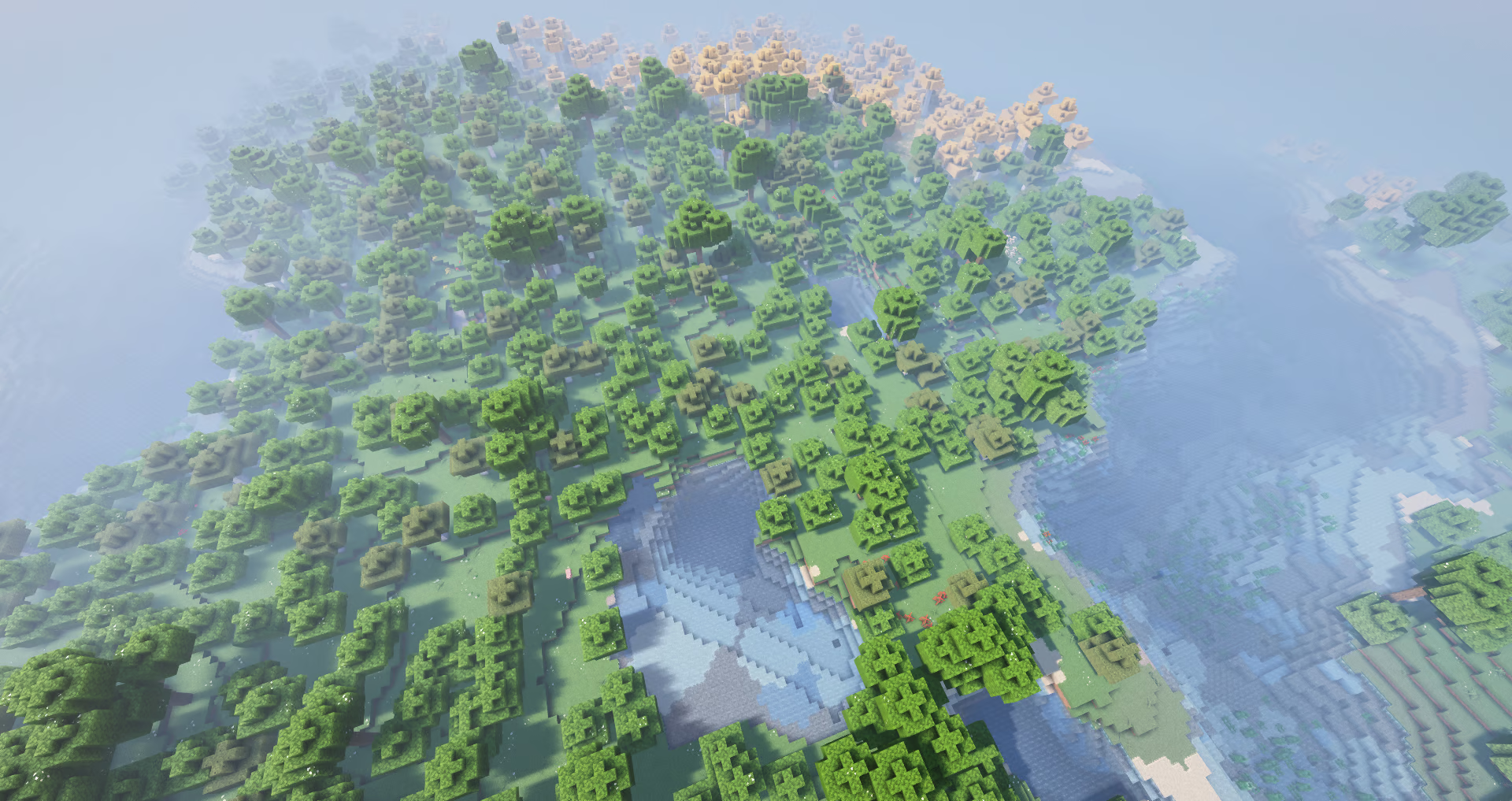

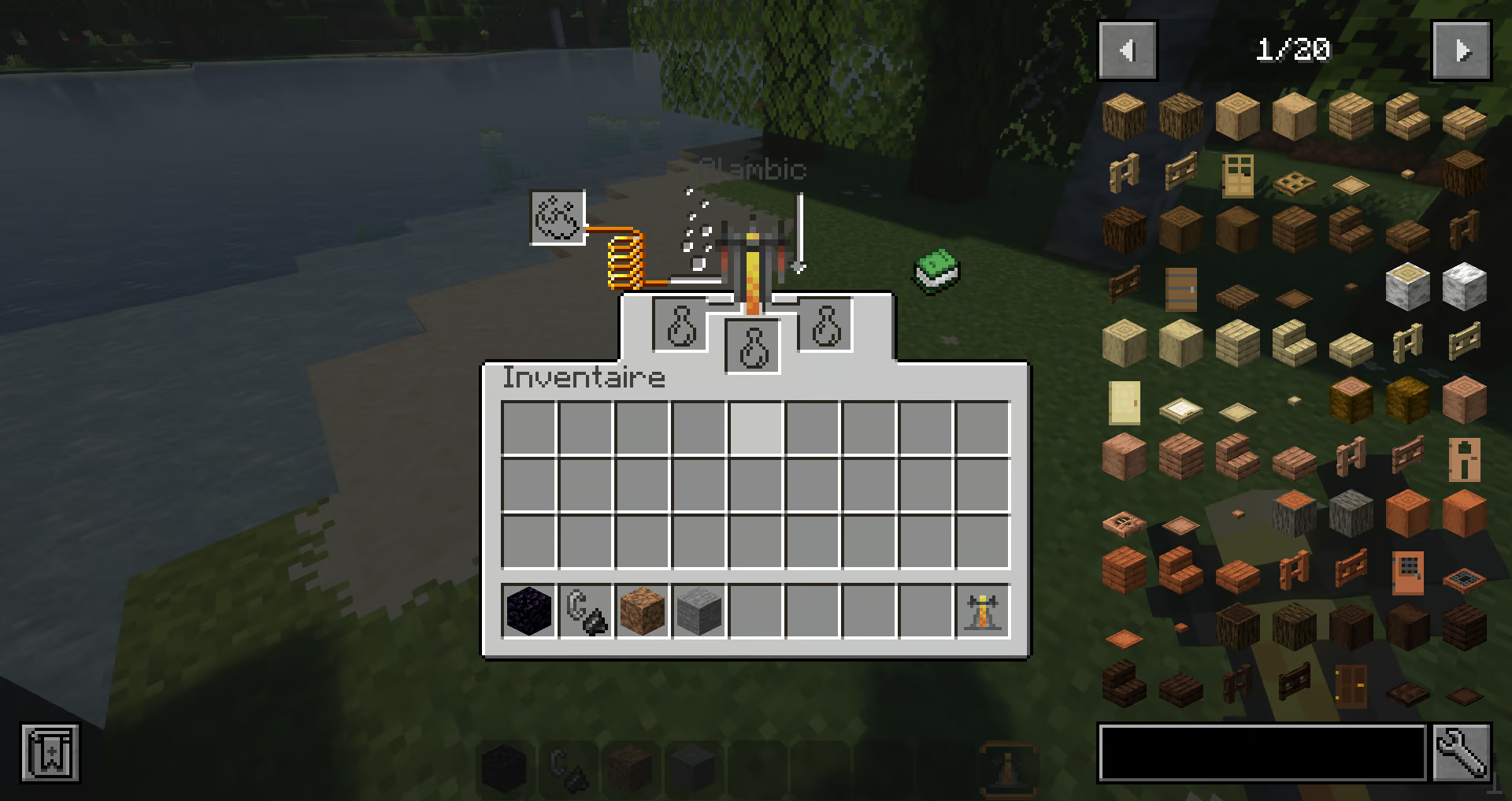
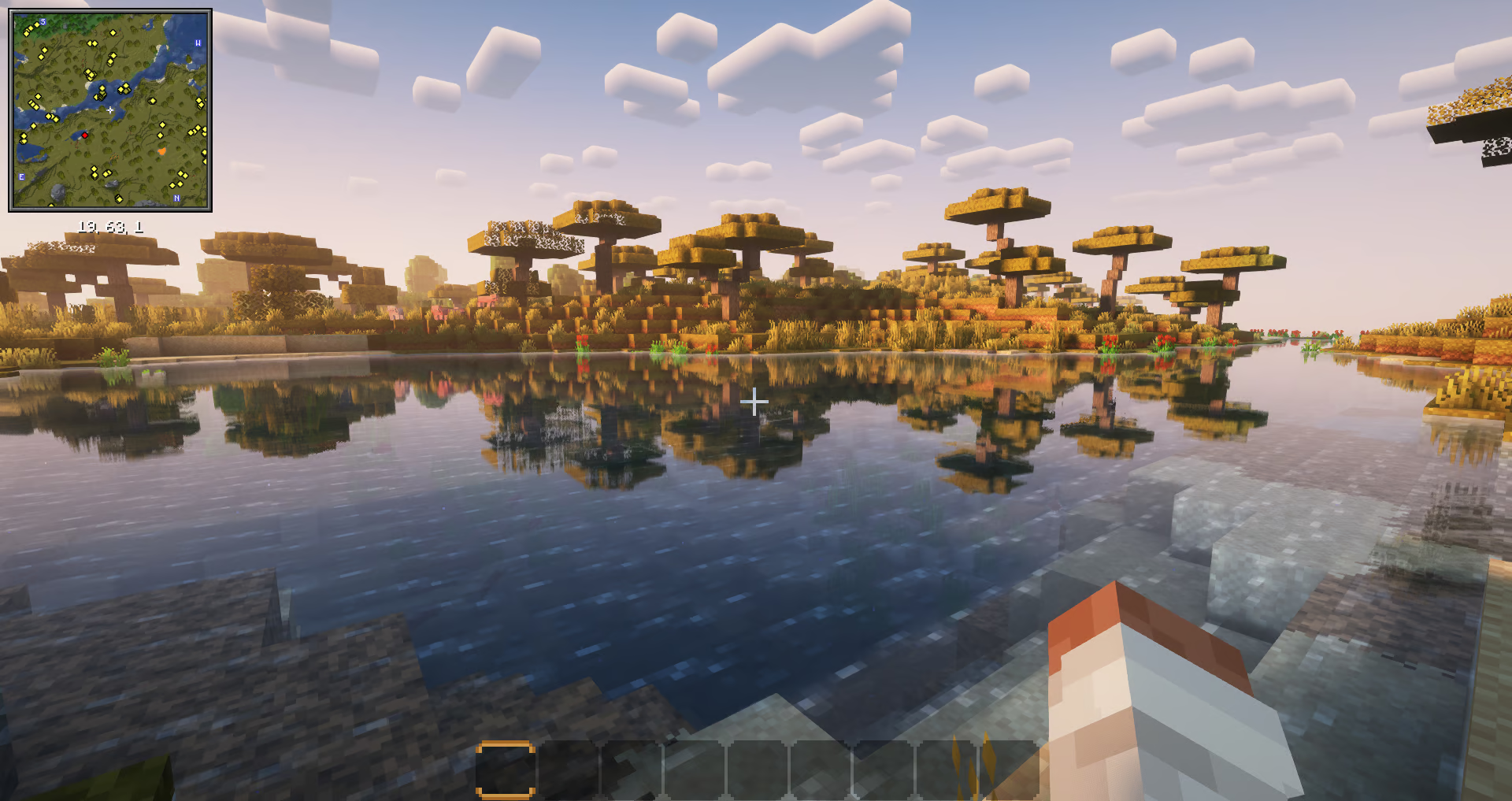

Über dieses Modpack
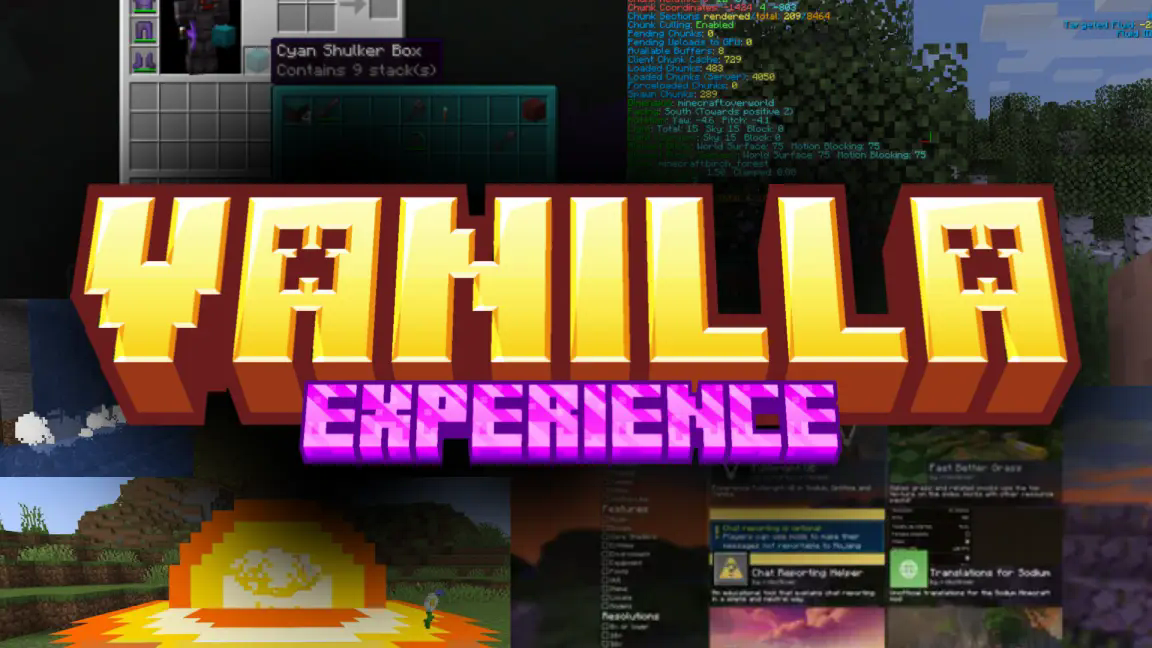

What is vanilla experience ❓
Vanilla experience is a client-side modpack for Minecraft that add quality of life features and graphique, particules and effect, while keeping the game relatively stable for the performance.
what does it add to Minecraft ? (Features) ➕
glade you ask !
just check by yourself !
- bars for effect duration
- custom chunk loading animation
- connect t oany server version
- immersive thunder storm
- new satistique screen
- selection with your mouse
do you want more ???
chat animation
new particles
customazibles and clean F3 screen
better explosions animation armor indictor
litematica
falling leaves
see item components
proximity chat
download shaders, datapacks, ressourcepacks and maps directly in Minecraft
see all of the recipes in your inventory
building software directly in Minecraft
hum... zoom and... shader
a free third person view
connected texture
better blur for GUI backrounds
flashback
see wich and how each pieace of armor is protecting you
chat with your friend and invite them in your world
see your weapons on your body
no loading wile changing language
better looking cloud
weavy capes
sound physique
mouse tweaks
MORE ANIMATION
step sounds
see the inside of shulker box
custom model/texture for entity
NBT auto complete
minimap and a map
smart block placement
dynamic light
controler compatibility
better scoreboard that hide when don't need
does Vanilla experience have cheat 🚔?
No, Vanilla Experience doesn't have cheat, BUT ❗❗❗NOTICE❗❗❗ that if you are using a controller, you can be ban for invalid movement that can be refer to cheat, so be aware.
Verfügbare Versionen
vanilla experience : the best client-side modpack Server einrichten
Server bestellen
Wähle mindestens 6 GB RAM (8 GB empfohlen für vanilla experience : the best client-side modpack). Je nach Spieleranzahl: +1 GB pro 5 Spieler.
Modpack im Dashboard installieren
Öffne den Modpack-Browser im Dashboard, suche nach "vanilla experience : the best client-side modpack" und klicke "Installieren". Der fabric-Loader und Minecraft 26.2 werden automatisch konfiguriert.
Server starten & spielen
Starte den Server – alle Mods werden automatisch geladen. Teile die Server-IP mit Freunden und spielt zusammen!
Häufige Fragen
vanilla experience : the best client-side modpack Server crasht oder startet nicht – was tun?
Häufigste Ursachen: zu wenig RAM oder falscher fabric-Loader. Prüfe latest.log auf "OutOfMemoryError" → erhöhe RAM auf mindestens 8 GB. Bei "Mixin" oder "ClassNotFoundException": Modpack-Version und Loader stimmen nicht überein. Bei Mado Hosting werden Loader und Minecraft-Version beim Modpack-Install automatisch konfiguriert – das verhindert die meisten Startprobleme.
Wie viel RAM braucht ein vanilla experience : the best client-side modpack Server wirklich?
Minimum 6 GB, empfohlen 8 GB für stabile Performance. +1 GB pro 5 Spieler. Wichtig: Minecraft-Modpacks brauchen mehr RAM als Vanilla – plane pro zusätzlichem Spieler extra ein. Bei Mado Hosting kannst du den RAM jederzeit live hochskalieren, ohne Datenverlust (ab €7.800000000000001/Monat).
Kann ich eigene Mods zu vanilla experience : the best client-side modpack hinzufügen, ohne Konflikte?
Ja, aber achte auf die Kompatibilität: Nutze nur Mods für den gleichen Loader (fabric) und die gleiche Minecraft-Version (26.2). Häufige Probleme: ID-Konflikte bei Rezept-Mods und inkompatible Coremod-Versionen. Im Mado Dashboard zeigt der Mod-Browser nur kompatible Mods an und warnt bei bekannten Konflikten.
vanilla experience : the best client-side modpack Server laggt – Performance-Tipps
1) RAM auf 8 GB+ erhöhen. 2) Server-View-Distance auf 8 reduzieren (server.properties). 3) Pre-Generiere Chunks mit dem "Chunky" Plugin. 4) Prüfe mit /spark profiler welche Mods die meiste Tick-Time verbrauchen. Bei Mado Hosting laufen alle Server auf NVMe-SSDs mit dedizierten CPU-Kernen – das eliminiert Hardware als Engpass.
Ähnliche Modpacks
![Cobblemon Official Modpack [Fabric]](https://cdn.modrinth.com/data/5FFgwNNP/e7f9ee2e9d361623847853fe2ddce42f519ee64f.png)
![COBBLEVERSE - Pokemon Adventure [Cobblemon]](https://cdn.modrinth.com/data/Jkb29YJU/581ecf54530972afb18a04660afd820f2f24f6c7.png)
![Better MC [FABRIC] - BMC2](https://cdn.modrinth.com/data/shFhR8Vx/a19c2bcb51d38f32f138d3607e91cb2b7b8e387f_96.webp)


![Better MC [FORGE] - BMC4](https://cdn.modrinth.com/data/4BV47HRn/7f5ef7cc61b2593609aabef3ed07a866a4f11b73_96.webp)
vanilla experience : the best client-side modpack Server mieten
Starte deinen eigenen Server mit automatischer Modpack-Installation.
Details
- Lizenz
- LicenseRef-All-Rights-Reserved
- Server-seitig
- Nicht unterstützt
- Client-seitig
- Erforderlich
Unterstützte Versionen
Starte deinen vanilla experience : the best client-side modpack Server jetzt
Ab €7.80/Monat; für die beste Performance werden 8 GB RAM empfohlen.
Server konfigurieren →