
ModFest: Carnival
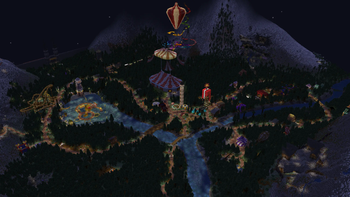
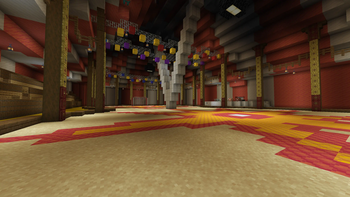
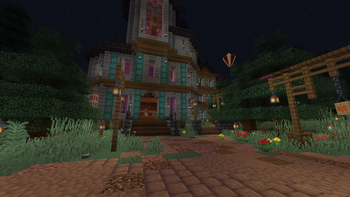
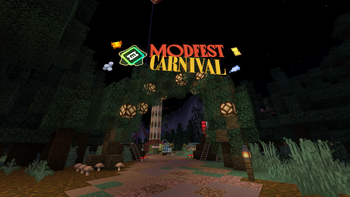
Explore a demo world for 52 entirely new Fabric 1.21 mods of the theme: Circus and Carnival! Created in a Summer 2024 event hosted by ModFest.
Screenshots
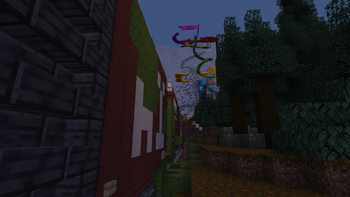
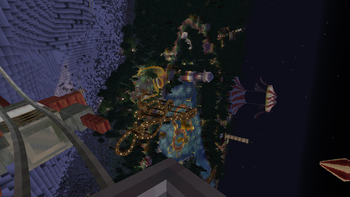
Über dieses Modpack
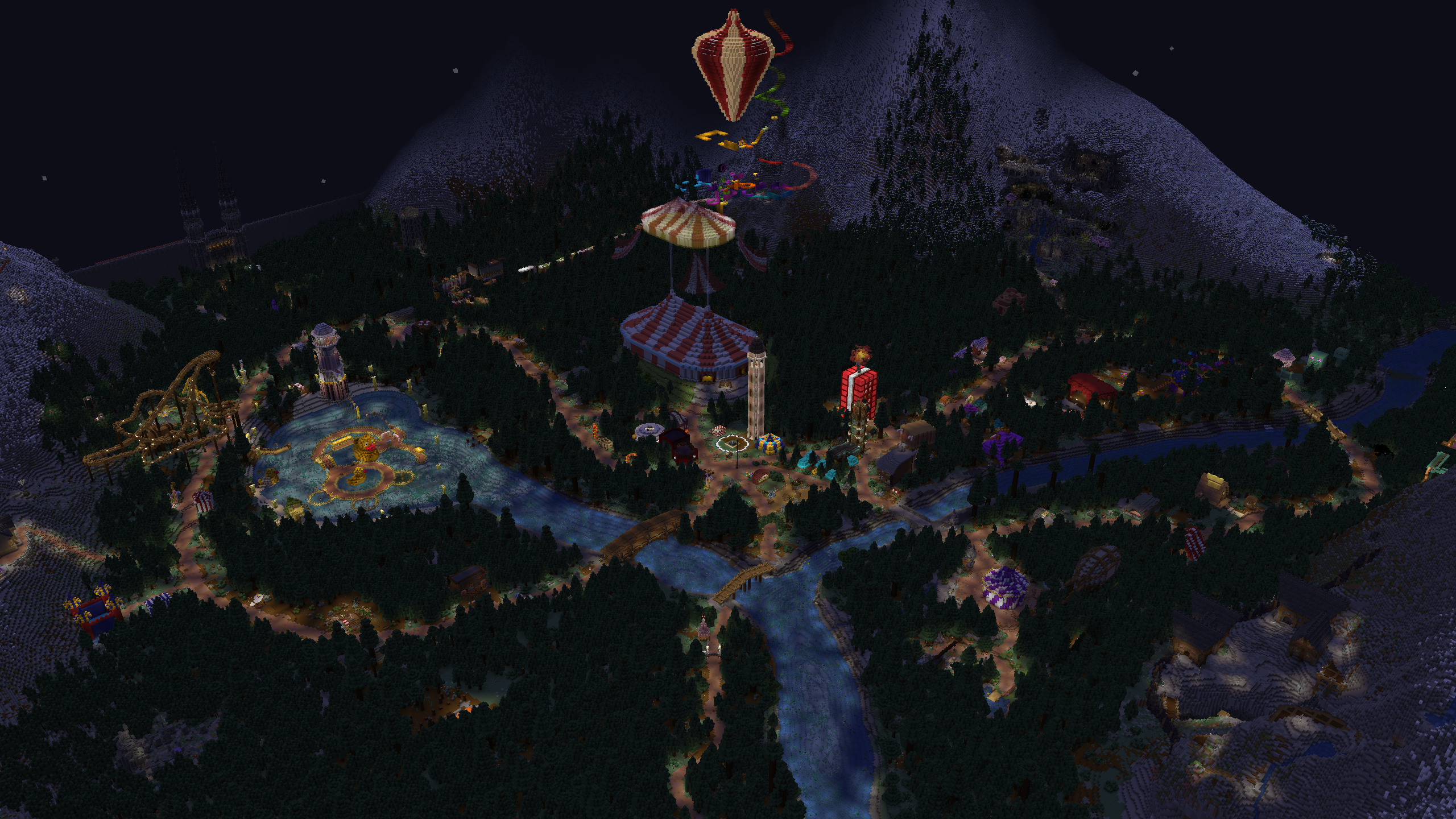
A collaboration between 64 modders, as hosted by ModFest.
ModFest: Carnival was a mod development jam that ran from June 7th through June 24th, 2024.
This modpack contains all submissions, as well as a showcase world built by participants to show off their mods!
Key Features:
- Witness the dawn of 52 mods, including Dancerizer, Ouch!, Splinecart, and Dream Burst Spirit Vector!
- Explore a cozy river-valley peppered with mod "booths" all along the sweeping, figure-8 shaped path!
- Traverse the map with skates, explosives, coasters, flying carpets, and a whole lot of style!
- Sink tokens into various minigames and challenges, and spend their ticket rewards on prizes!
- Find and earn 126 collectible "shards", tracking booth visits, hidden secrets, and tricky challenges!
- The circus isn't in town for long - go make some memories!
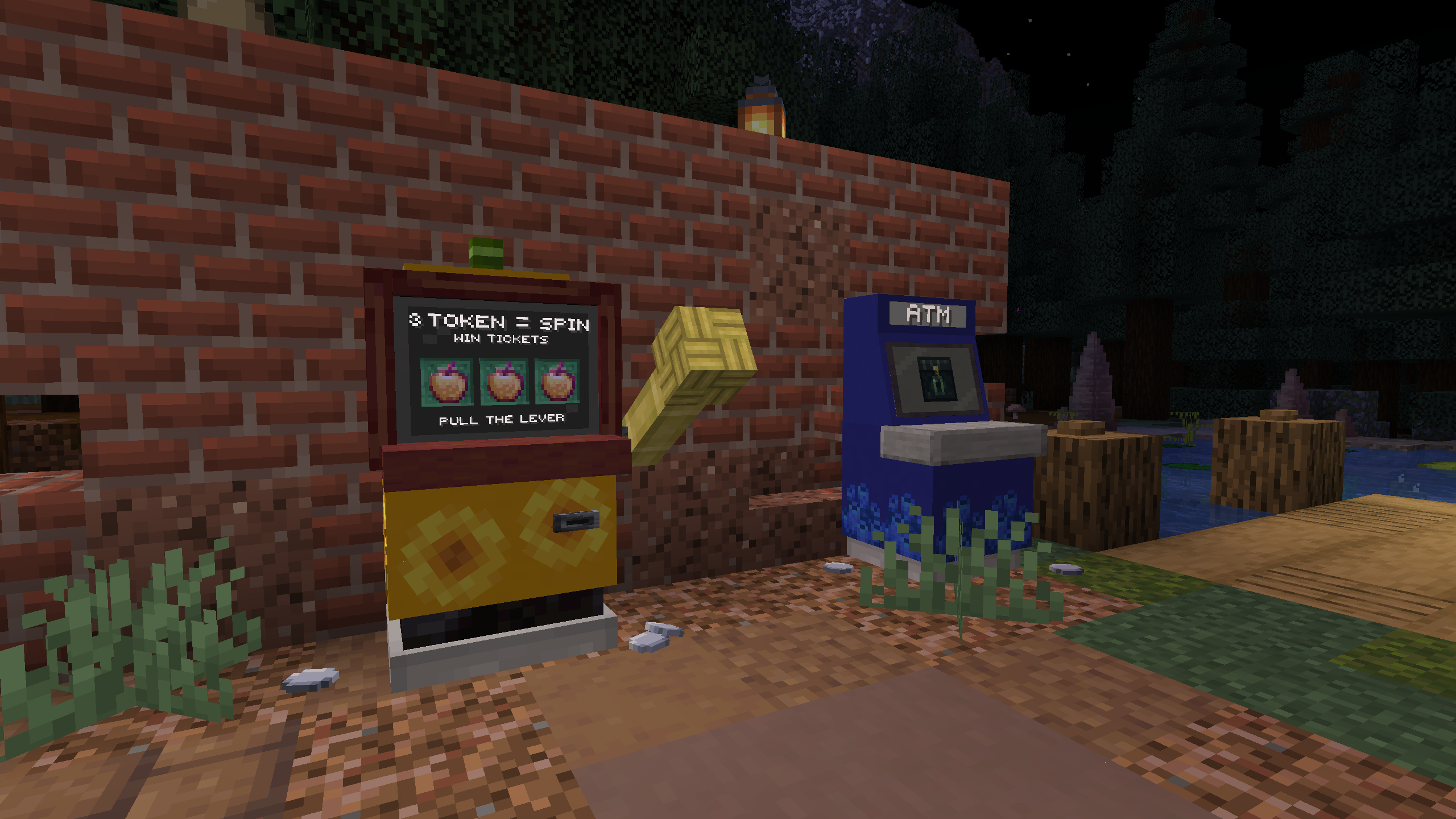
Feeling lucky yet?... have fun!
ModFest is made possible by the modding community.
A full list of credits for each submitted mod can be found on the submissions page.
This modpack and world was originally showcased on a multiplayer server in the summer of 2024.
Check out the ModFest website to see more events, or join our discord to tour or participate in the next event live!
Verfügbare Versionen
ModFest: Carnival Server einrichten
Server bestellen
Wähle mindestens 6 GB RAM (8 GB empfohlen für ModFest: Carnival). Je nach Spieleranzahl: +1 GB pro 5 Spieler.
Modpack im Dashboard installieren
Öffne den Modpack-Browser im Dashboard, suche nach "ModFest: Carnival" und klicke "Installieren". Der fabric-Loader und Minecraft 1.21 werden automatisch konfiguriert.
Server starten & spielen
Starte den Server – alle Mods werden automatisch geladen. Teile die Server-IP mit Freunden und spielt zusammen!
Häufige Fragen
ModFest: Carnival Server crasht oder startet nicht – was tun?
Häufigste Ursachen: zu wenig RAM oder falscher fabric-Loader. Prüfe latest.log auf "OutOfMemoryError" → erhöhe RAM auf mindestens 8 GB. Bei "Mixin" oder "ClassNotFoundException": Modpack-Version und Loader stimmen nicht überein. Bei Mado Hosting werden Loader und Minecraft-Version beim Modpack-Install automatisch konfiguriert – das verhindert die meisten Startprobleme.
Wie viel RAM braucht ein ModFest: Carnival Server wirklich?
Minimum 6 GB, empfohlen 8 GB für stabile Performance. +1 GB pro 5 Spieler. Wichtig: Minecraft-Modpacks brauchen mehr RAM als Vanilla – plane pro zusätzlichem Spieler extra ein. Bei Mado Hosting kannst du den RAM jederzeit live hochskalieren, ohne Datenverlust (ab €7.800000000000001/Monat).
Kann ich eigene Mods zu ModFest: Carnival hinzufügen, ohne Konflikte?
Ja, aber achte auf die Kompatibilität: Nutze nur Mods für den gleichen Loader (fabric) und die gleiche Minecraft-Version (1.21). Häufige Probleme: ID-Konflikte bei Rezept-Mods und inkompatible Coremod-Versionen. Im Mado Dashboard zeigt der Mod-Browser nur kompatible Mods an und warnt bei bekannten Konflikten.
ModFest: Carnival Server laggt – Performance-Tipps
1) RAM auf 8 GB+ erhöhen. 2) Server-View-Distance auf 8 reduzieren (server.properties). 3) Pre-Generiere Chunks mit dem "Chunky" Plugin. 4) Prüfe mit /spark profiler welche Mods die meiste Tick-Time verbrauchen. Bei Mado Hosting laufen alle Server auf NVMe-SSDs mit dedizierten CPU-Kernen – das eliminiert Hardware als Engpass.
Ähnliche Modpacks
![Cobblemon Official Modpack [Fabric]](https://cdn.modrinth.com/data/5FFgwNNP/e7f9ee2e9d361623847853fe2ddce42f519ee64f.png)
![COBBLEVERSE - Pokemon Adventure [Cobblemon]](https://cdn.modrinth.com/data/Jkb29YJU/581ecf54530972afb18a04660afd820f2f24f6c7.png)
![Better MC [FABRIC] - BMC2](https://cdn.modrinth.com/data/shFhR8Vx/a19c2bcb51d38f32f138d3607e91cb2b7b8e387f_96.webp)


![Better MC [FORGE] - BMC4](https://cdn.modrinth.com/data/4BV47HRn/7f5ef7cc61b2593609aabef3ed07a866a4f11b73_96.webp)
ModFest: Carnival Server mieten
Starte deinen eigenen Server mit automatischer Modpack-Installation.
Unterstützte Versionen
Starte deinen ModFest: Carnival Server jetzt
Ab €7.80/Monat; für die beste Performance werden 8 GB RAM empfohlen.
Server konfigurieren →