
PokeSMP Modpack
PokeSMP's Minecraft server Cobblemon Modpack for Fabric.
Screenshots
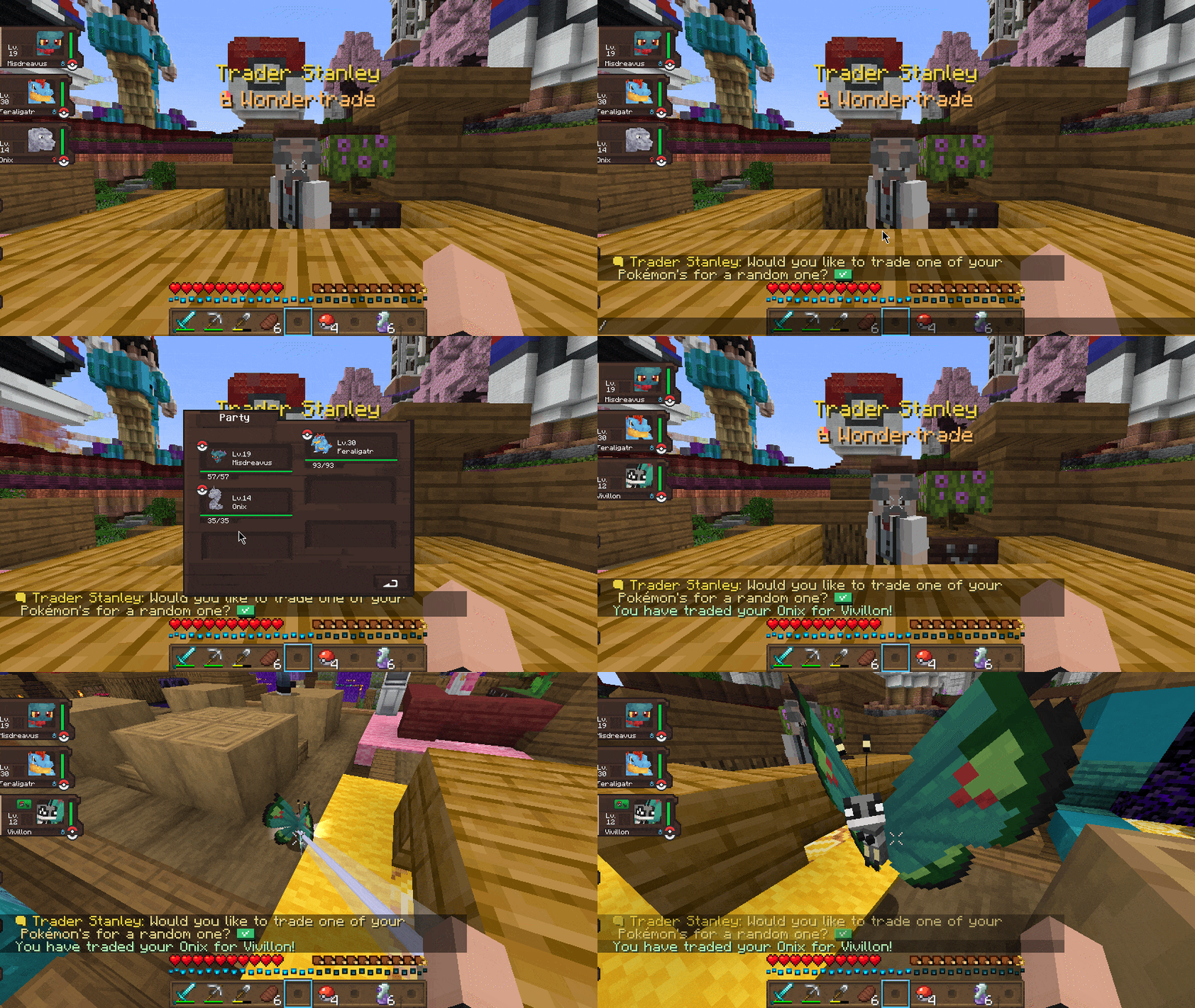
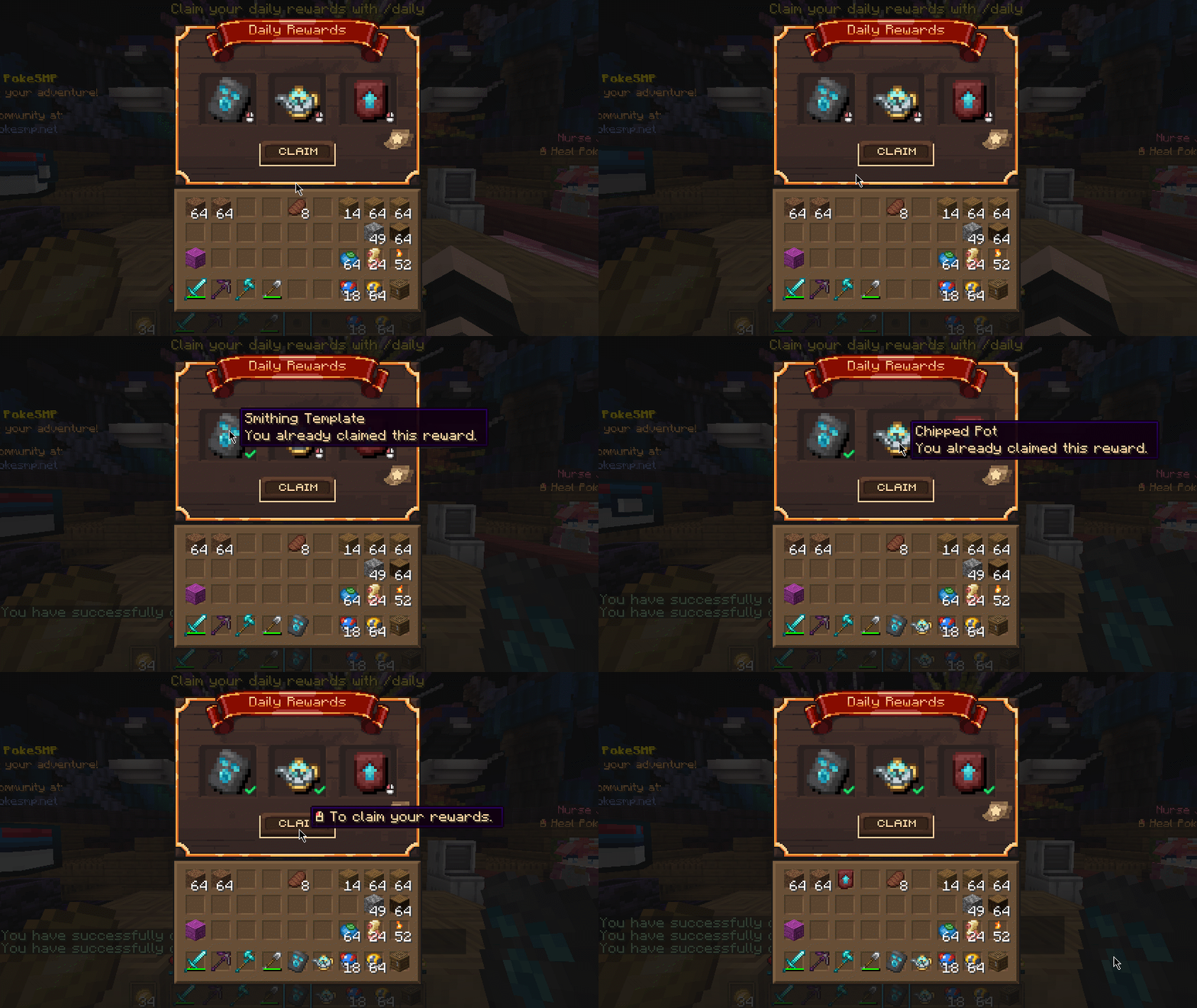

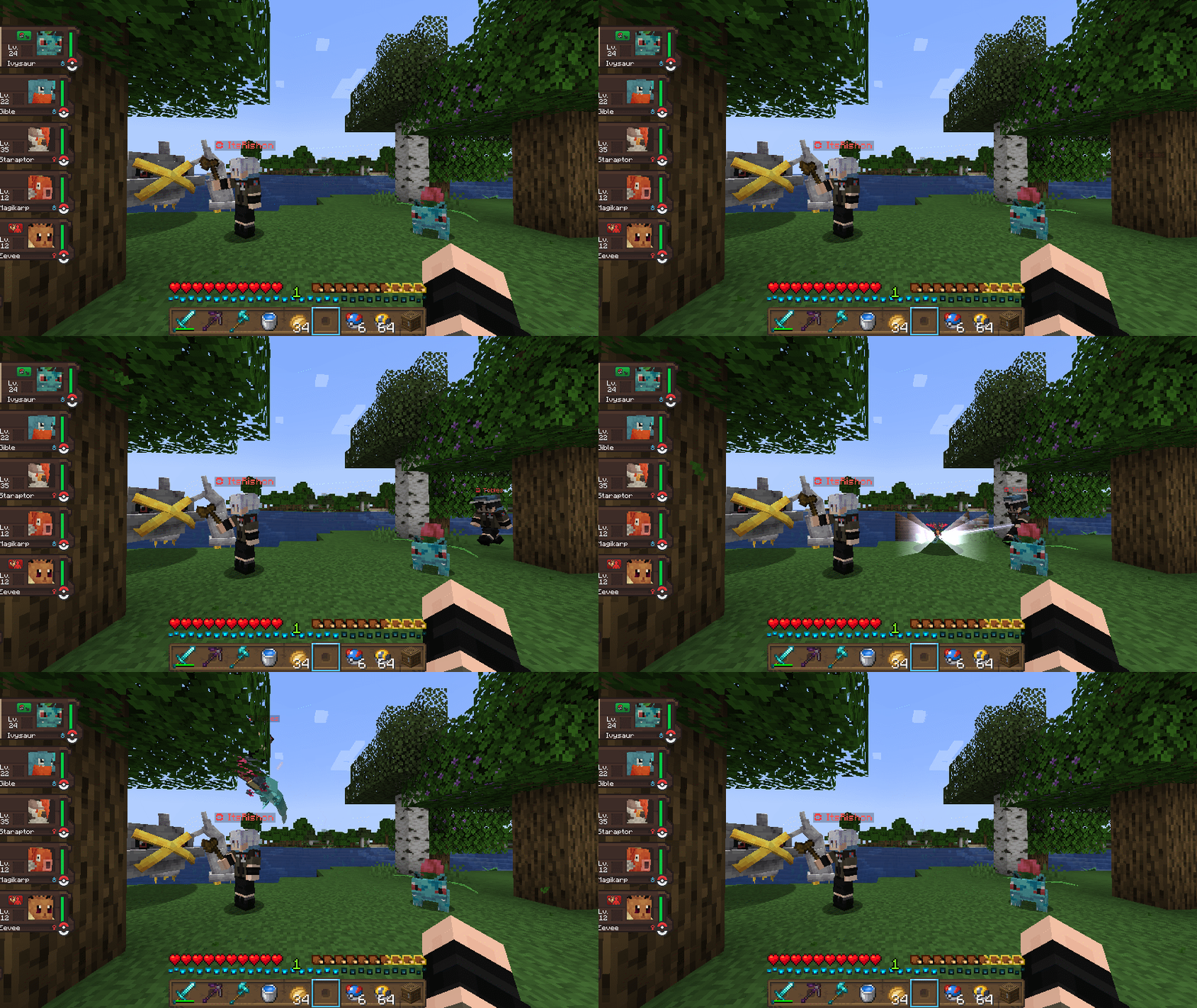
Über dieses Modpack
Cobblemon Modpack for PokeSMP Minecraft Server
Embark on a unique adventure with the Cobblemon Modpack, exclusively tailored for the PokeSMP Minecraft server. This carefully curated mod pack not only integrates seamlessly with the PokeSMP server but also enhances your gameplay experience with a myriad of handpicked mods.
The Modpack also contains the PokeSMP server built-in for you to join!
Installation Made Easy
To embark on your journey with Cobblemon, simply install the Modrinth App. Unsure how to do it? We've got you covered with a step-by-step Guide. It's quick, and easy, and ensures you're ready to dive into the Cobblemon experience in no time.
Modpack Contents
Explore an extensive list of carefully selected mods, each chosen to contribute a unique element to the Cobblemon experience:
- AppleSkin - Food/hunger-related HUD improvements.
- Cloth Config API - Configuration Library for Minecraft Mods.
- Cobblemon - A Pokémon mod.
- Entity Culling - Using async path-tracing to hide Block-/Entities that are not visible.
- FerriteCore - Memory usage optimizations.
- Log Begone - Tell those annoying logs lines to begone!
- Not Enough Animations - Bringing first-person animations to the third-person.
- Clean Tooltips - A small mod improving Tooltips by creating a clean and consistent look!
- ModernFix - All-in-one mod that improves performance, reduces memory usage, and fixes many bugs.
- Fast IP Ping - Yeet the laggy reversed DNS lookup for literal IP server addresses.
- Fabric API - Essential hooks for modding with Fabric.
- Fadeless - Remove fade out animations in Minecraft
- Forge Config API Port - Modding library for mod developers that provides both NeoForge's & Forge's whole config system to other modding ecosystems.
- Visuality - Visuality is a simple client-sided cosmetic mod.
- Plasmo Voice - A proximity voice chat mod with audio positioning and lots of features.
- LambDynamicLights - Adds dynamic lights to Minecraft as the most feature-complete and optimized dynamic lighting mod for Fabric.
- Sodium - The fastest and most compatible rendering optimization mod for Minecraft.
- Iris Shaders - A modern shader pack loader for Minecraft.
- Complementary Shaders - Reimagined - Preserving the elements of Minecraft with exceptional quality, detail, and performance.
Verfügbare Versionen
PokeSMP Modpack Server einrichten
Server bestellen
Wähle mindestens 6 GB RAM (8 GB empfohlen für PokeSMP Modpack). Je nach Spieleranzahl: +1 GB pro 5 Spieler.
Modpack im Dashboard installieren
Öffne den Modpack-Browser im Dashboard, suche nach "PokeSMP Modpack" und klicke "Installieren". Der fabric-Loader und Minecraft 1.21.1 werden automatisch konfiguriert.
Server starten & spielen
Starte den Server – alle Mods werden automatisch geladen. Teile die Server-IP mit Freunden und spielt zusammen!
Häufige Fragen
PokeSMP Modpack Server crasht oder startet nicht – was tun?
Häufigste Ursachen: zu wenig RAM oder falscher fabric-Loader. Prüfe latest.log auf "OutOfMemoryError" → erhöhe RAM auf mindestens 8 GB. Bei "Mixin" oder "ClassNotFoundException": Modpack-Version und Loader stimmen nicht überein. Bei Mado Hosting werden Loader und Minecraft-Version beim Modpack-Install automatisch konfiguriert – das verhindert die meisten Startprobleme.
Wie viel RAM braucht ein PokeSMP Modpack Server wirklich?
Minimum 6 GB, empfohlen 8 GB für stabile Performance. +1 GB pro 5 Spieler. Wichtig: Minecraft-Modpacks brauchen mehr RAM als Vanilla – plane pro zusätzlichem Spieler extra ein. Bei Mado Hosting kannst du den RAM jederzeit live hochskalieren, ohne Datenverlust (ab €7.800000000000001/Monat).
Kann ich eigene Mods zu PokeSMP Modpack hinzufügen, ohne Konflikte?
Ja, aber achte auf die Kompatibilität: Nutze nur Mods für den gleichen Loader (fabric) und die gleiche Minecraft-Version (1.21.1). Häufige Probleme: ID-Konflikte bei Rezept-Mods und inkompatible Coremod-Versionen. Im Mado Dashboard zeigt der Mod-Browser nur kompatible Mods an und warnt bei bekannten Konflikten.
PokeSMP Modpack Server laggt – Performance-Tipps
1) RAM auf 8 GB+ erhöhen. 2) Server-View-Distance auf 8 reduzieren (server.properties). 3) Pre-Generiere Chunks mit dem "Chunky" Plugin. 4) Prüfe mit /spark profiler welche Mods die meiste Tick-Time verbrauchen. Bei Mado Hosting laufen alle Server auf NVMe-SSDs mit dedizierten CPU-Kernen – das eliminiert Hardware als Engpass.
Ähnliche Modpacks
![Cobblemon Official Modpack [Fabric]](https://cdn.modrinth.com/data/5FFgwNNP/e7f9ee2e9d361623847853fe2ddce42f519ee64f.png)
![COBBLEVERSE - Pokemon Adventure [Cobblemon]](https://cdn.modrinth.com/data/Jkb29YJU/581ecf54530972afb18a04660afd820f2f24f6c7.png)
![Better MC [FABRIC] - BMC2](https://cdn.modrinth.com/data/shFhR8Vx/a19c2bcb51d38f32f138d3607e91cb2b7b8e387f_96.webp)


![Better MC [FORGE] - BMC4](https://cdn.modrinth.com/data/4BV47HRn/7f5ef7cc61b2593609aabef3ed07a866a4f11b73_96.webp)
PokeSMP Modpack Server mieten
Starte deinen eigenen Server mit automatischer Modpack-Installation.
Details
- Lizenz
- GNU General Public License v3.0 only
- Server-seitig
- Optional
- Client-seitig
- Erforderlich
Unterstützte Versionen
Starte deinen PokeSMP Modpack Server jetzt
Ab €7.80/Monat; für die beste Performance werden 8 GB RAM empfohlen.
Server konfigurieren →