
PopularMMOs Epic Proportions Season 9
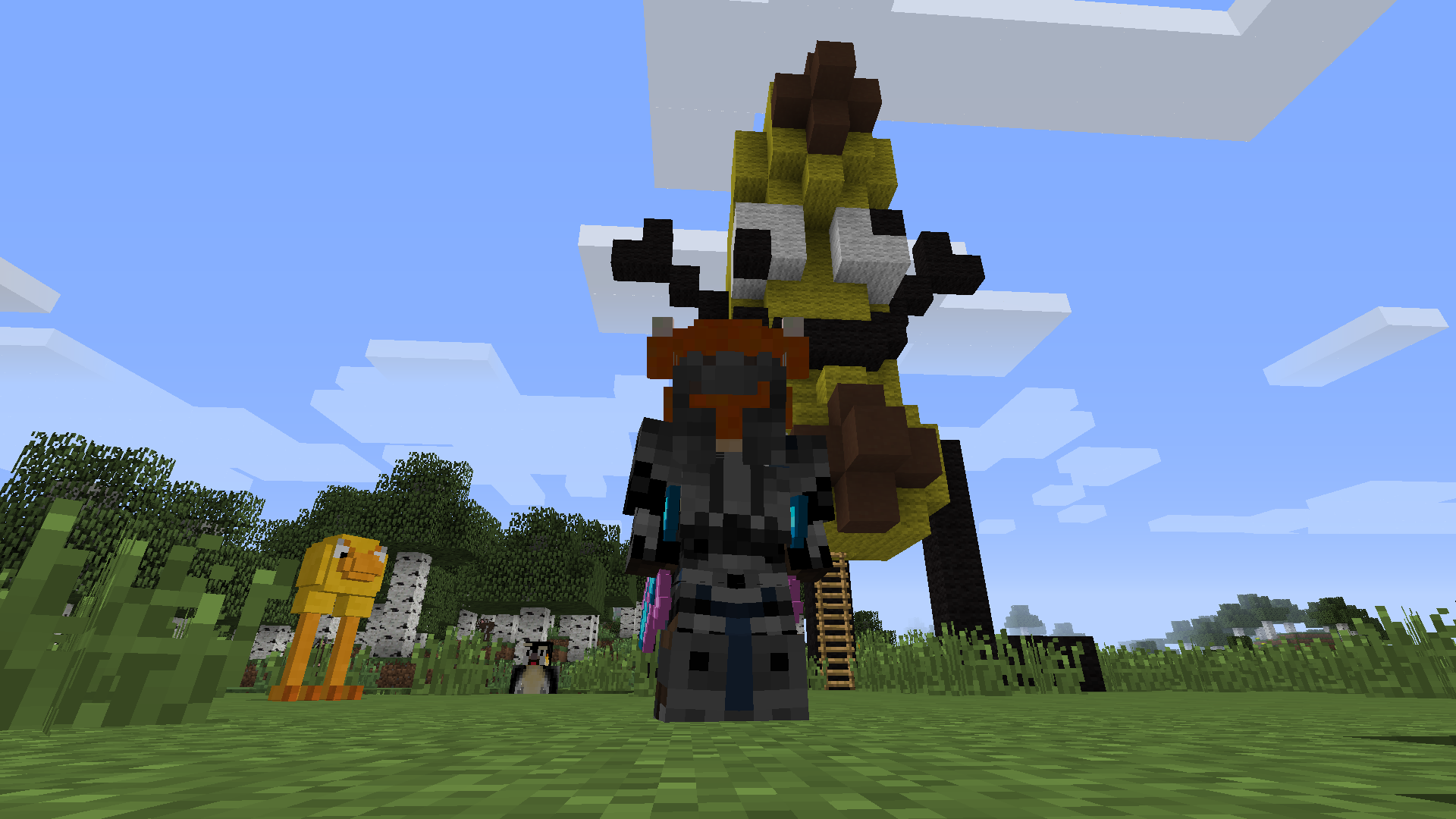
This is a modpack based on PopularMMOs' iconic series: The Epic Proportions Season 9
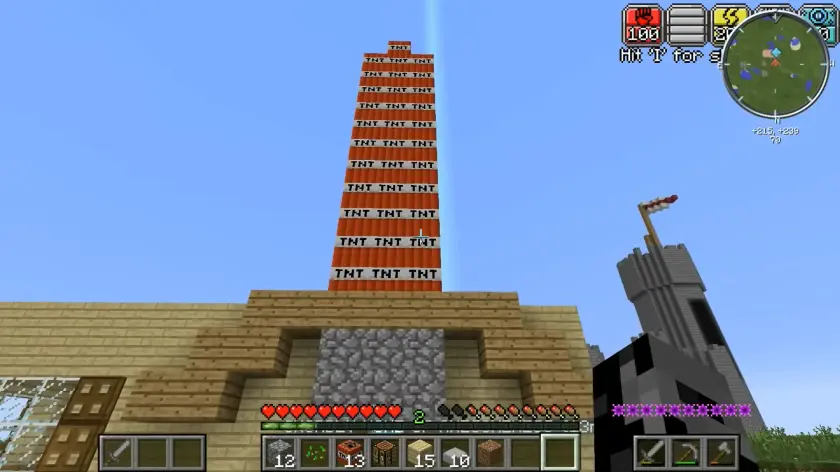
Screenshots
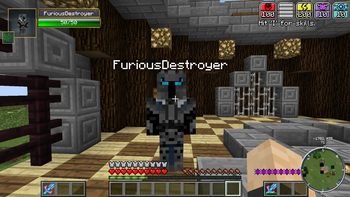
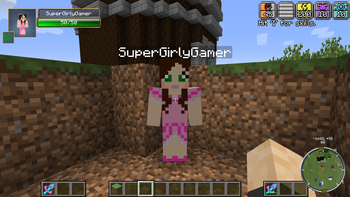
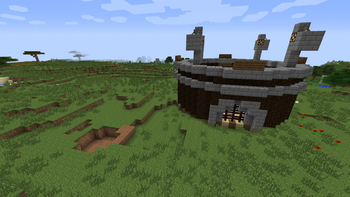
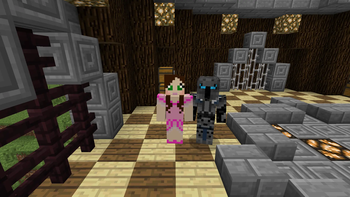
Über dieses Modpack








IMPORTANT!!! [READ BEFORE INSTALLING]
IF YOU ARE EXPERIENCING ANY ISSUES LAUNCHING THE GAME, I SUGGEST DELETING OPTIFINE, UNTIL I FIND A PROPER FIX!
For better performance i recommend using my performance modpack Berry Optimized (make sure to delete dynamiclights mod if you use this modpack along with Epic Proportions) in which optifine is also supported.
For the ruins mod to actually work, move the resources folder [present in the .minecraft folder] into the mods folder. [Fixed after v1.1]
Install the rest of the mods (Lucky blocks, Dungeonpack) by visiting this link
PopularMMOs


Links
Transcript
POPULARMMOS EPIC PROPORTIONS S9This is my attempt at creating an identical modpack for Epic Proportions S9
I always wanted to play minecraft with the mods in epic proportions and try to do something similar to my childhood hero.
Instead of just finding the mods and installing them for myself,
i wanted to share them with anyone wanting to do the same!
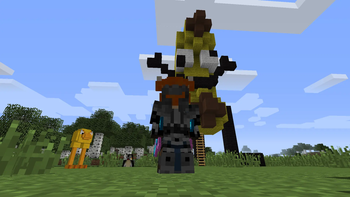
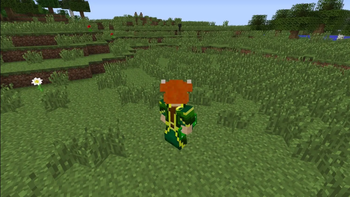
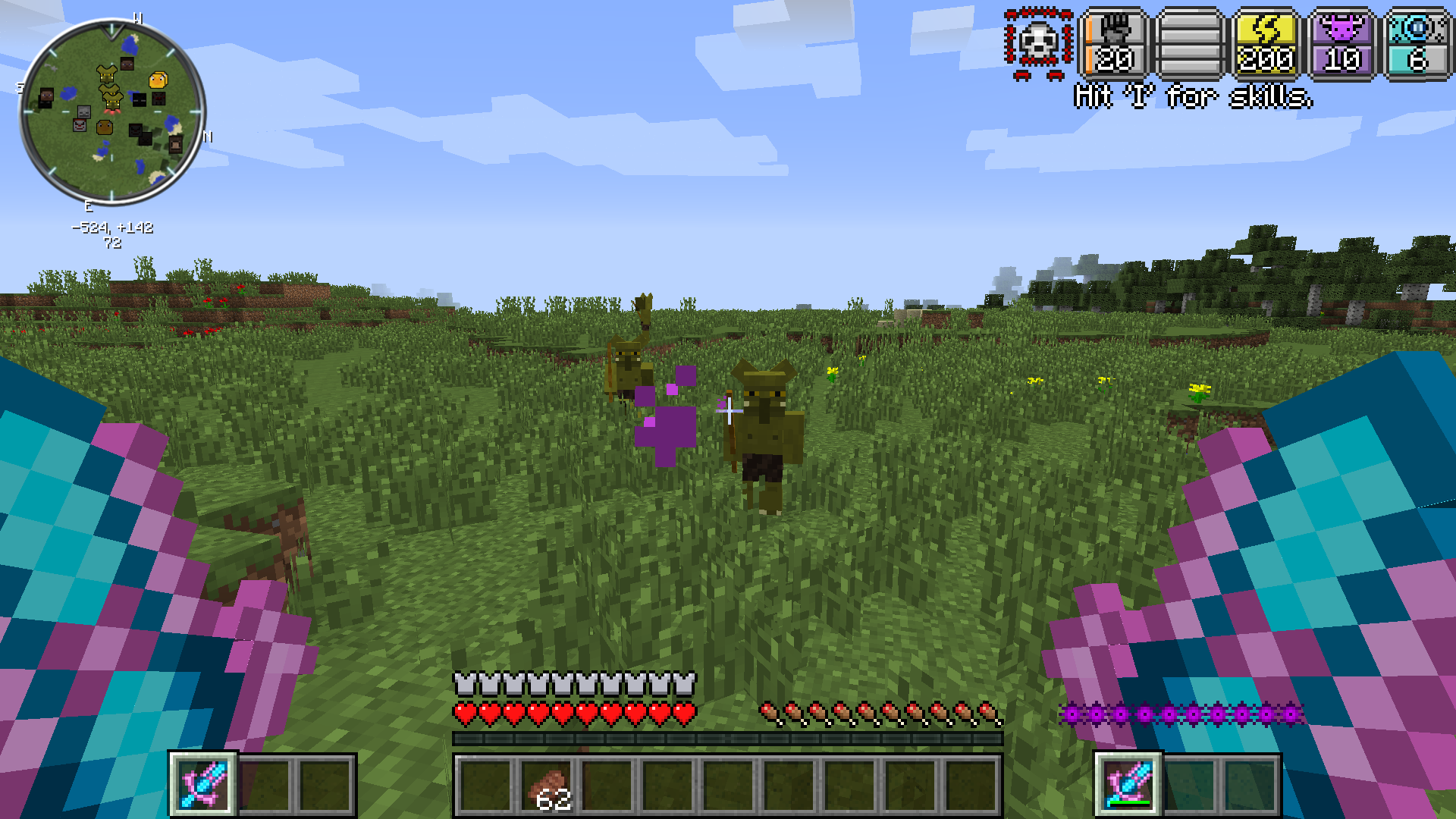
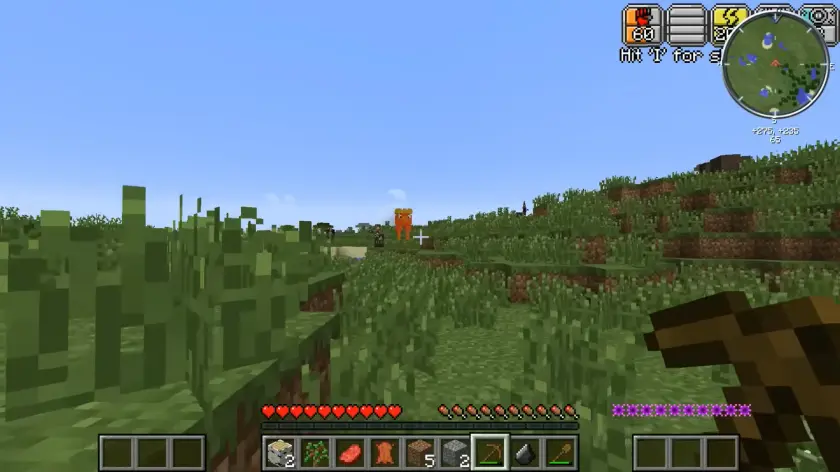
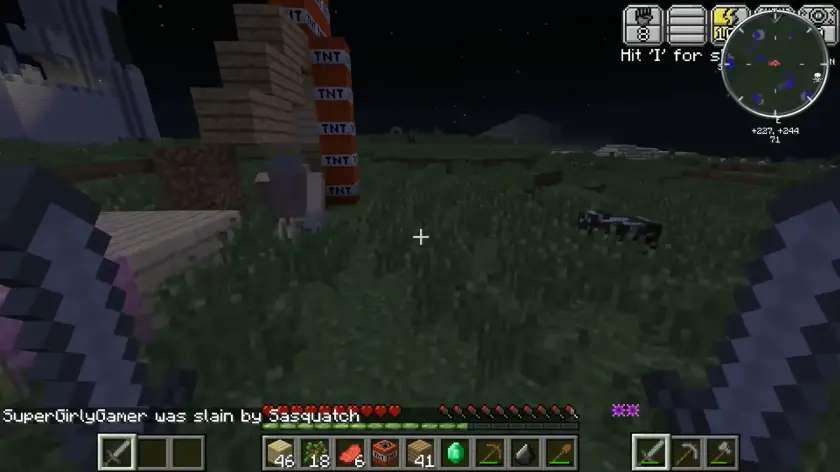
Re-experience PopularMMOs' iconic Epic Proportions Season 9: Fight mythical mobs, trade with youtubers, get crazy weapons, morph into any mob, decorate your house, and even get hats!
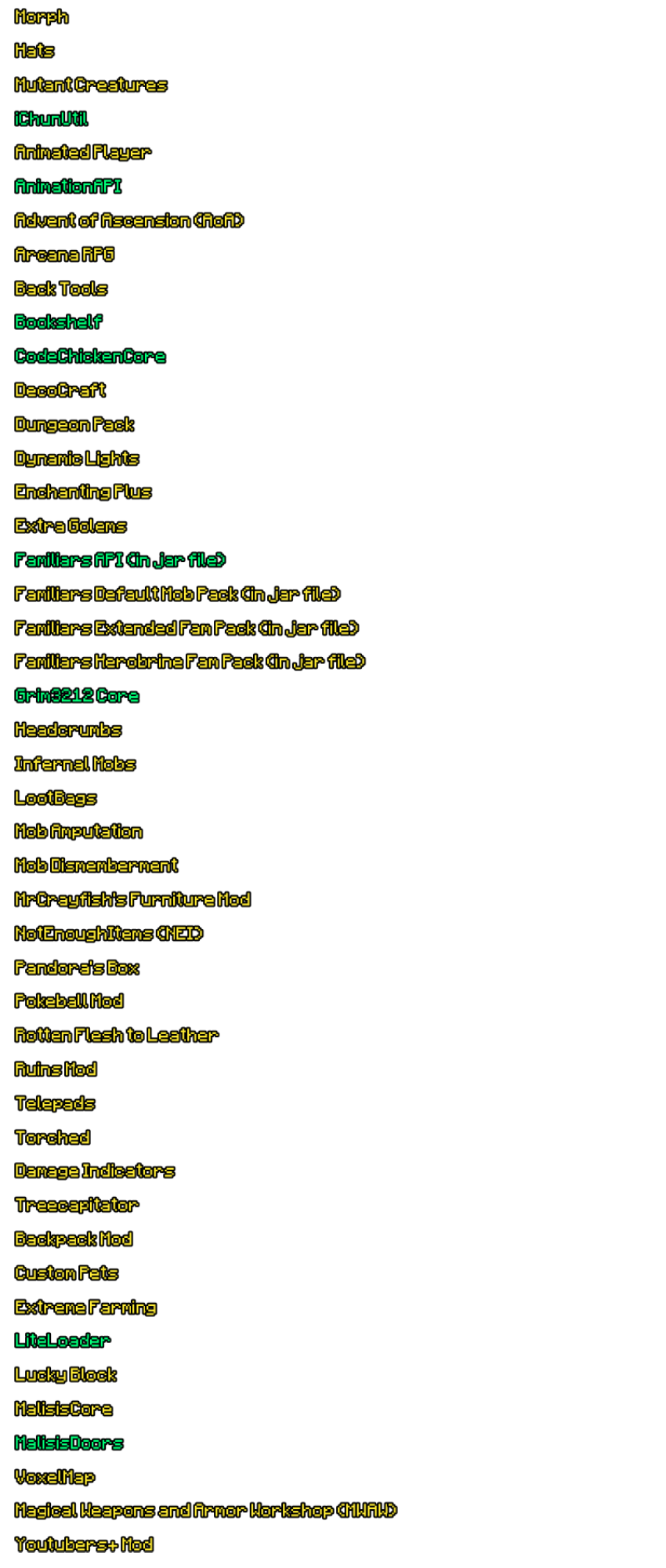
MODLIST
- Advent of Ascension (AoA)
- AnimationAPI
- Animated Player
- Arcana RPG
- Back Tools
- Backpack Mod
- Bookshelf
- CodeChickenCore
- DecoCraft
- Dungeon Pack
- Dynamic Lights
- Familiars API
- Familiars Default Mob Pack
- Familiars Extended Fam Pack
- Familiars Herobrine Fam Pack
- Extra Golems
- Enchanting Plus
- Headcrumbs
- Hats
- Infernal Mobs
- Lucky Block
- LiteLoader
- Magical Weapons and Armor Workshop (MWAW)
- MalisisCore
- MalisisDoors
- Mob Amputation
- Mob Dismemberment
- Morph
- MrCrayfish's Furniture Mod
- NotEnoughItems (NEI)
- Pandora's Box
- Pokeball Mod
- Rotten Flesh to Leather
- Ruins Mod
- Telepads
- Torched
- Damage Indicators
- Treecapitator
- VoxelMap
- Youtubers+ Mod
- Extreme Farming
Thats alot of mods! I tried my best and found as many as i could!
If there are any issues, feel free to let me know in comments, i'll be replying to as many of you as i possibly can ;)
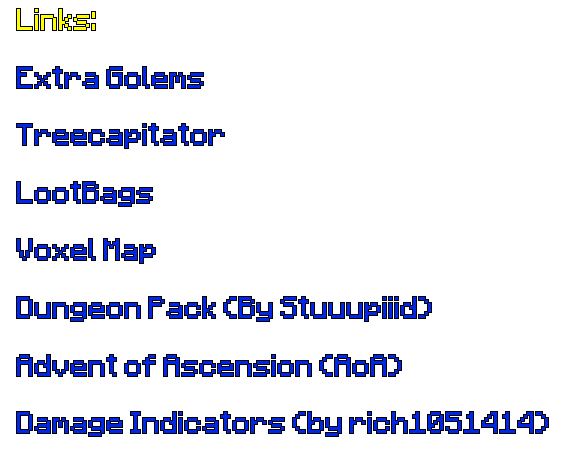
Links:
Damage Indicators (by rich1051414)



Verfügbare Versionen
PopularMMOs Epic Proportions Season 9 Server einrichten
Server bestellen
Wähle mindestens 6 GB RAM (8 GB empfohlen für PopularMMOs Epic Proportions Season 9). Je nach Spieleranzahl: +1 GB pro 5 Spieler.
Modpack im Dashboard installieren
Öffne den Modpack-Browser im Dashboard, suche nach "PopularMMOs Epic Proportions Season 9" und klicke "Installieren". Der forge-Loader und Minecraft 1.7.10 werden automatisch konfiguriert.
Server starten & spielen
Starte den Server – alle Mods werden automatisch geladen. Teile die Server-IP mit Freunden und spielt zusammen!
Häufige Fragen
PopularMMOs Epic Proportions Season 9 Server crasht oder startet nicht – was tun?
Häufigste Ursachen: zu wenig RAM oder falscher forge-Loader. Prüfe latest.log auf "OutOfMemoryError" → erhöhe RAM auf mindestens 8 GB. Bei "Mixin" oder "ClassNotFoundException": Modpack-Version und Loader stimmen nicht überein. Bei Mado Hosting werden Loader und Minecraft-Version beim Modpack-Install automatisch konfiguriert – das verhindert die meisten Startprobleme.
Wie viel RAM braucht ein PopularMMOs Epic Proportions Season 9 Server wirklich?
Minimum 6 GB, empfohlen 8 GB für stabile Performance. +1 GB pro 5 Spieler. Wichtig: Minecraft-Modpacks brauchen mehr RAM als Vanilla – plane pro zusätzlichem Spieler extra ein. Bei Mado Hosting kannst du den RAM jederzeit live hochskalieren, ohne Datenverlust (ab €7.800000000000001/Monat).
Kann ich eigene Mods zu PopularMMOs Epic Proportions Season 9 hinzufügen, ohne Konflikte?
Ja, aber achte auf die Kompatibilität: Nutze nur Mods für den gleichen Loader (forge) und die gleiche Minecraft-Version (1.7.10). Häufige Probleme: ID-Konflikte bei Rezept-Mods und inkompatible Coremod-Versionen. Im Mado Dashboard zeigt der Mod-Browser nur kompatible Mods an und warnt bei bekannten Konflikten.
PopularMMOs Epic Proportions Season 9 Server laggt – Performance-Tipps
1) RAM auf 8 GB+ erhöhen. 2) Server-View-Distance auf 8 reduzieren (server.properties). 3) Pre-Generiere Chunks mit dem "Chunky" Plugin. 4) Prüfe mit /spark profiler welche Mods die meiste Tick-Time verbrauchen. Bei Mado Hosting laufen alle Server auf NVMe-SSDs mit dedizierten CPU-Kernen – das eliminiert Hardware als Engpass.
Ähnliche Modpacks
![Cobblemon Official Modpack [Fabric]](https://cdn.modrinth.com/data/5FFgwNNP/e7f9ee2e9d361623847853fe2ddce42f519ee64f.png)
![COBBLEVERSE - Pokemon Adventure [Cobblemon]](https://cdn.modrinth.com/data/Jkb29YJU/581ecf54530972afb18a04660afd820f2f24f6c7.png)
![Better MC [FABRIC] - BMC2](https://cdn.modrinth.com/data/shFhR8Vx/a19c2bcb51d38f32f138d3607e91cb2b7b8e387f_96.webp)


![Better MC [FORGE] - BMC4](https://cdn.modrinth.com/data/4BV47HRn/7f5ef7cc61b2593609aabef3ed07a866a4f11b73_96.webp)
PopularMMOs Epic Proportions Season 9 Server mieten
Starte deinen eigenen Server mit automatischer Modpack-Installation.
Unterstützte Versionen
Starte deinen PopularMMOs Epic Proportions Season 9 Server jetzt
Ab €7.80/Monat; für die beste Performance werden 8 GB RAM empfohlen.
Server konfigurieren →