
Project Zomboid
In this modpack you will find yourself in a world immersed in a zombie apocalypse.
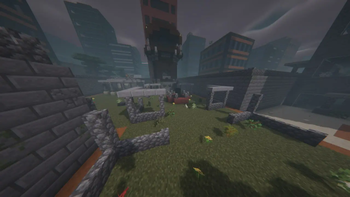
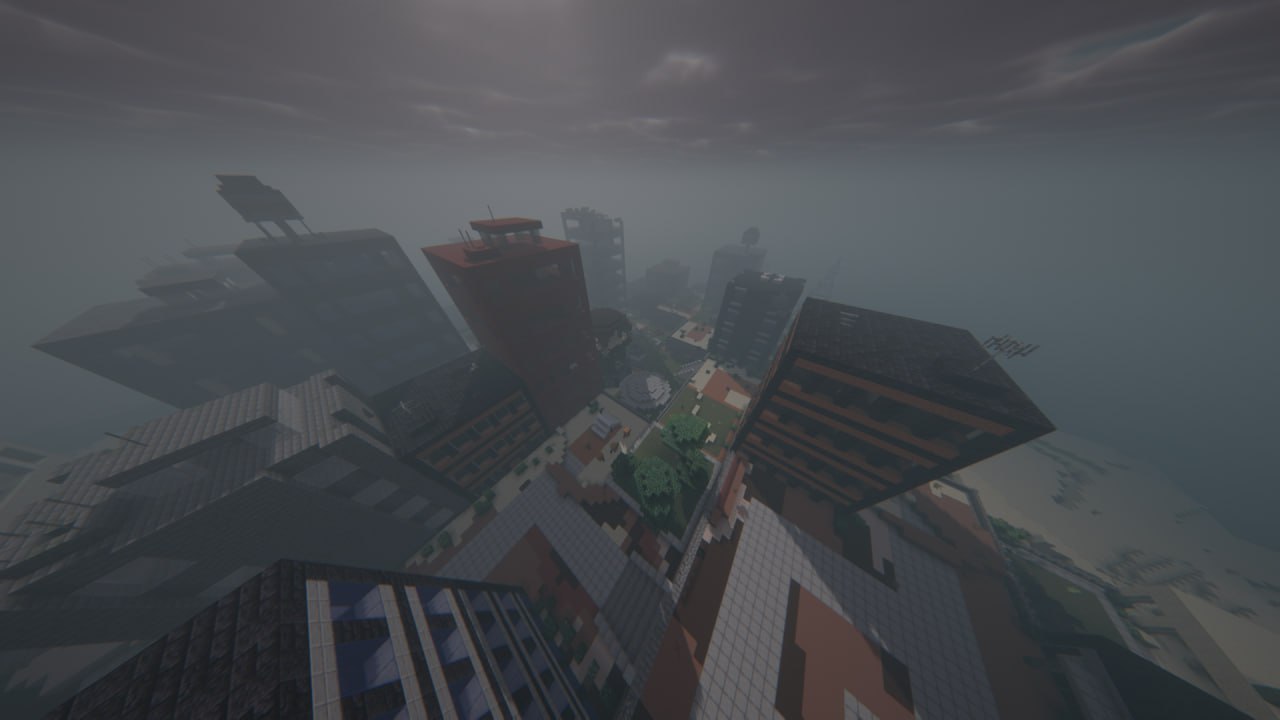
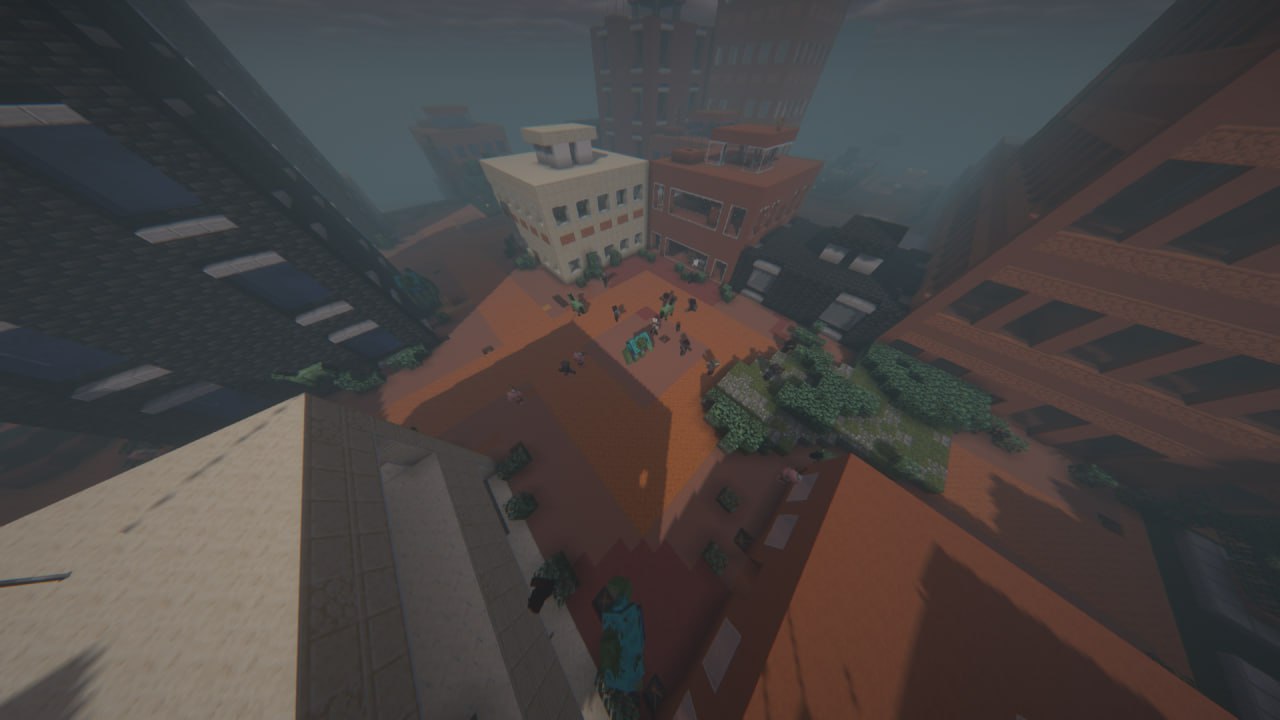
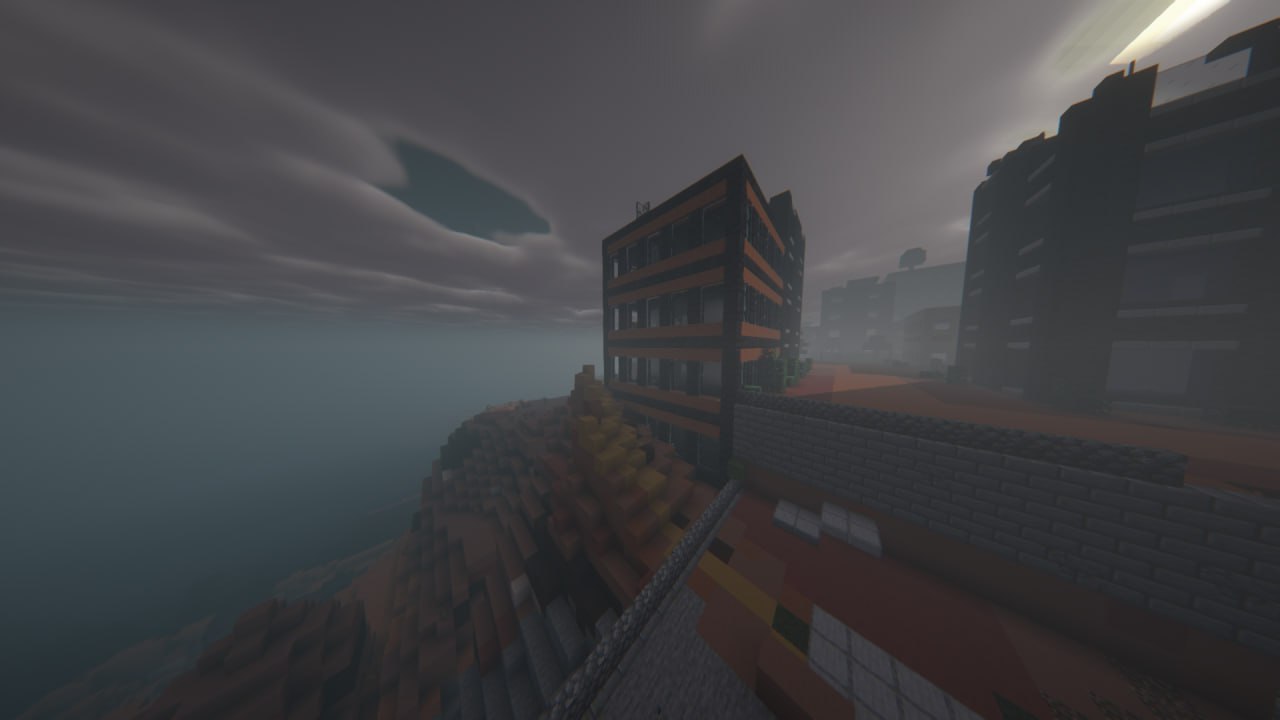
Screenshots
Über dieses Modpack
English
In this modpack you will find yourself in a world immersed in a zombie apocalypse.
The Hordes
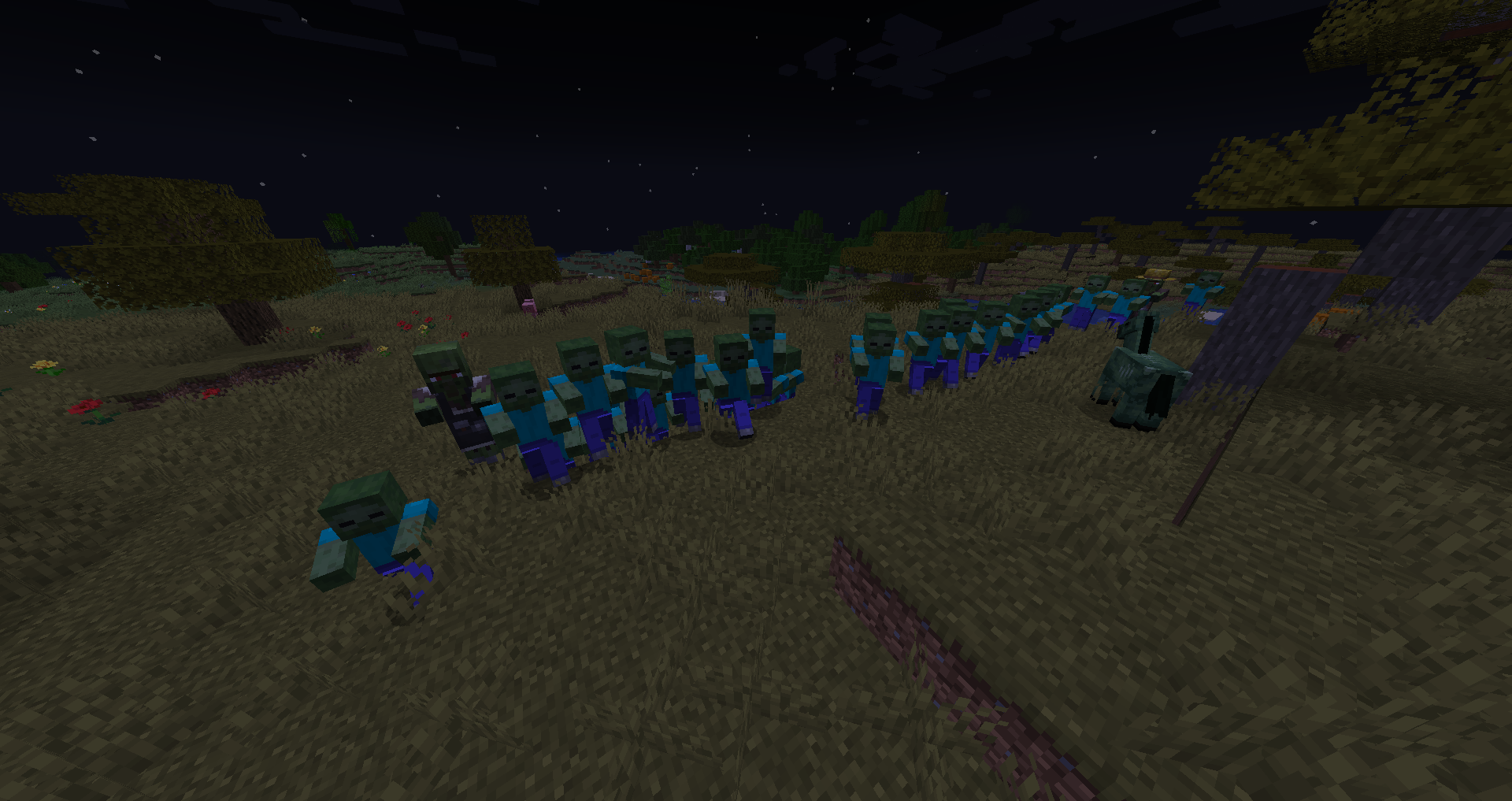
The Hordes modification complements the world with hordes of zombies, creating a constant threat, complicating survival.
Serene Seasons
Now you will have seasons. Depending on the time of year, you will have to wear clothes appropriate to the climate.

Better Combat
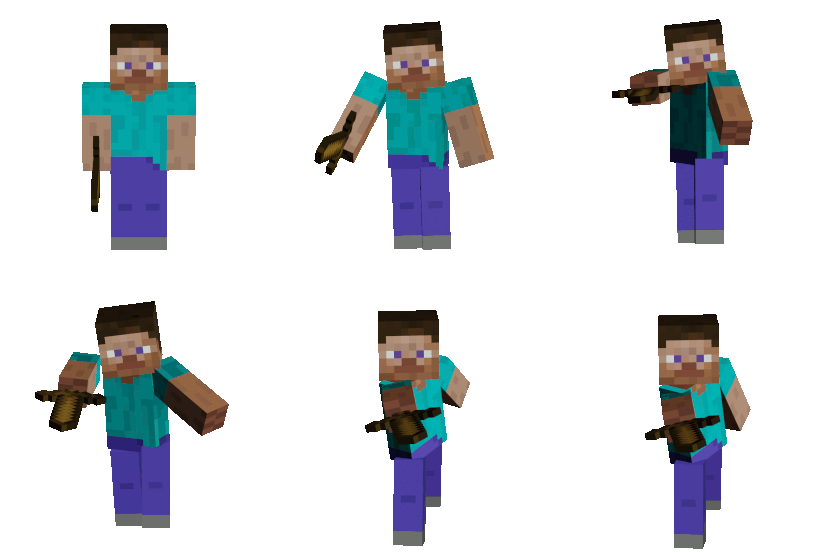
The improved action game introduces new elements of tactics in the fight for survival.
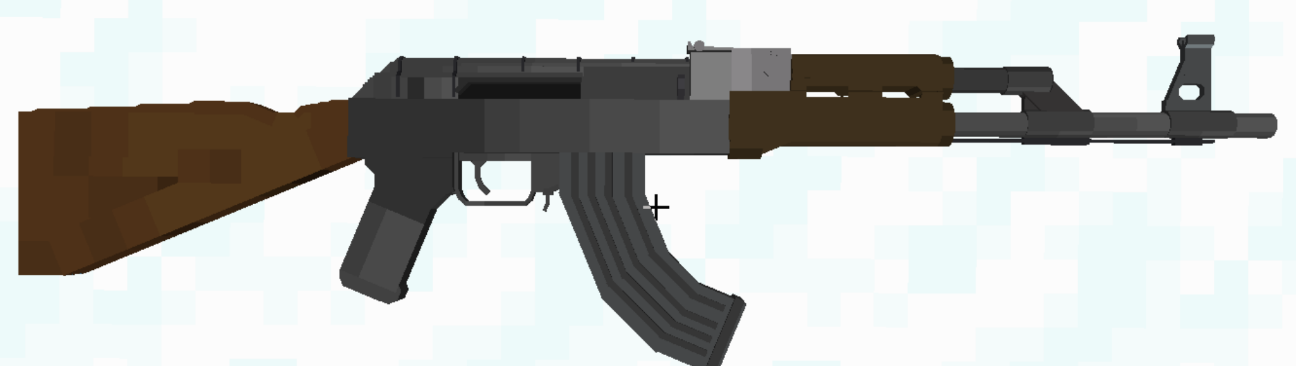
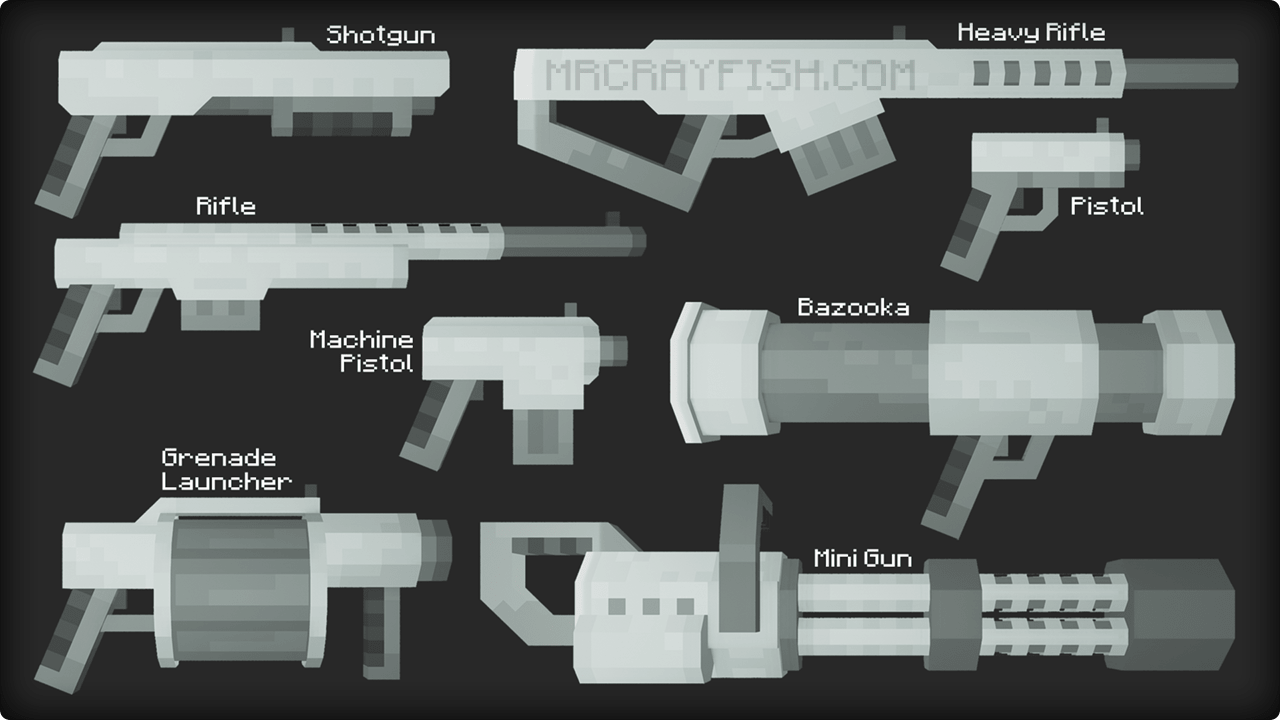
Marbled's Arsenal/Stabx Modern Guns/MrCrayfish's Gun

Mods that add a variety of firearms and armor will allow you to prepare for encounters with zombies. New types of weapons and armor provide a wide range of tactical options.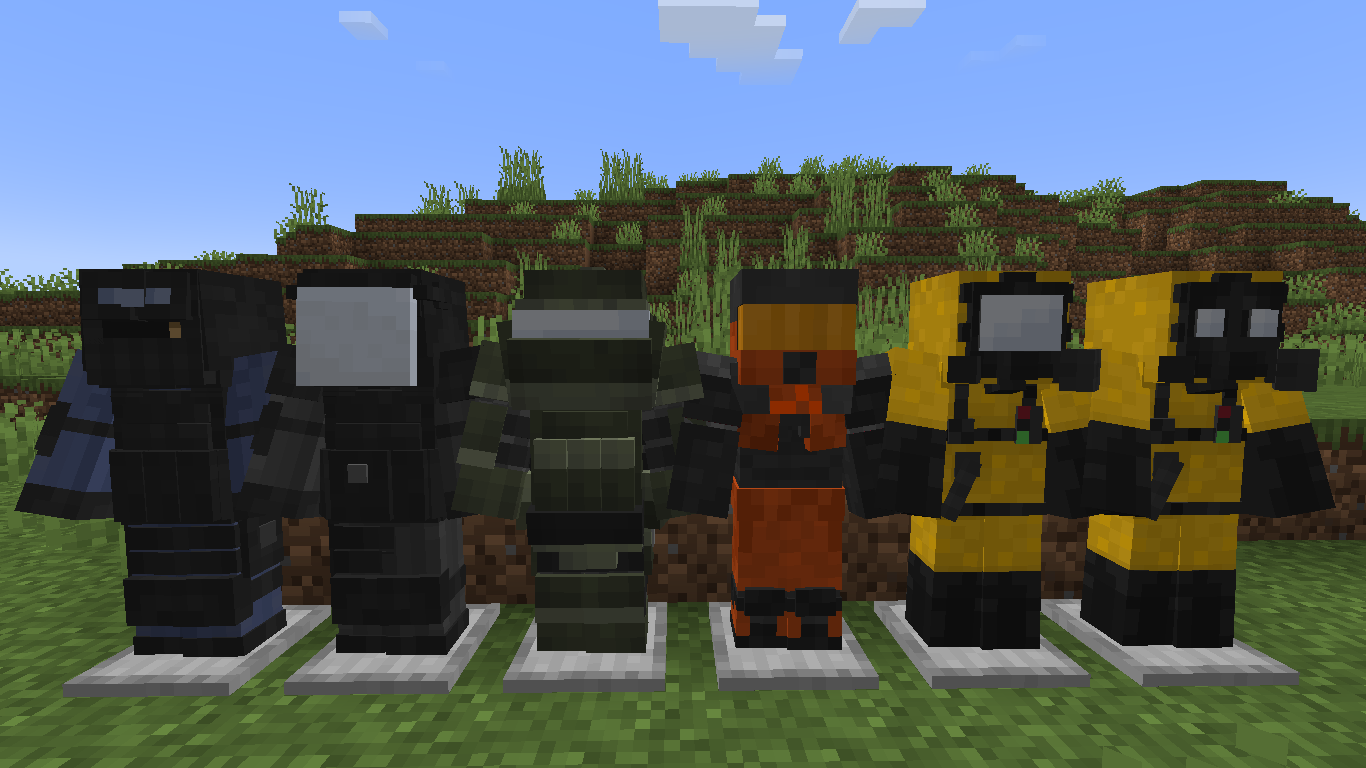
Farmer's Delight
Farmer's Delight is a mod that gently expands upon farming and cooking in Minecraft.
FirstAid
The new health system refines the approach to restoring health by introducing new mechanics. Now you need to take care of your health resources to withstand threats for longer.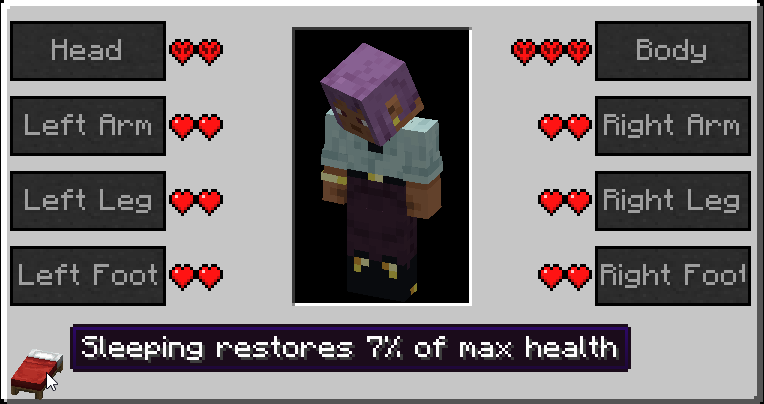
The Lost Cities
The modification of the generation of cities gives the world unique settlements and landscapes, providing players with endless opportunities for research.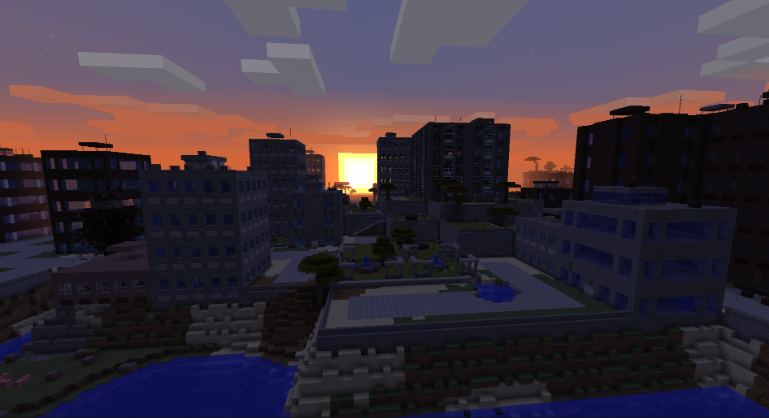
Embark on this world where every decision and action affects your chance to survive the zombie apocalypse.
For more immersion, it is recommended to install a resource pack and shaders:
Resource pack-https://ru-minecraft.ru/tekstur-paki/53871-tissous-zombie-pack.html
Shaders-https://minecraft-inside.ru/mods/156827-ins%D0%B0nity-sh%D0%B0der.html
Русский
В этом модпаке вы окажетесь в мире, погруженном в зомби-апокалипсис.
The Hordes
Модификация "The Hordes" дополняет мир ордами зомби, создавая постоянную угрозу, усложняющую выживание.
Serene Seasons
Теперь у вас будут сезоны. В зависимости от времени года вам придется носить одежду, соответствующую климату.
Better Combat
Улучшенная боевка вводит новые элементы тактики в борьбе за выживание.
Marbled's Arsenal/Stabx Modern Guns/MrCrayfish's Gun
Моды, добавляющие разнообразное огнестрельное оружие и броню, позволят вам подготовиться к столкновениям с зомби. Новые виды оружия и брони предоставляют широкий спектр тактических возможностей.
Farmer's Delight
Farmer's Delight - это мод, который немного расширяет возможности фермерства и приготовления пищи в Minecraft.
FirstAid
Новая система здравоохранения совершенствует подход к восстановлению здоровья, внедряя новые механики. Теперь вам нужно заботиться о своих медицинских ресурсах, чтобы дольше противостоять угрозам.
The Lost Cities
Модификация генерации городов наделяет мир уникальными поселениями и ландшафтами, предоставляя игрокам бесконечные возможности для исследований.
Отправляйтесь в этот мир, где каждое решение и действие влияет на ваши шансы пережить зомби-апокалипсис.
Для большего погружения рекомендуется установить пакет ресурсов и шейдеры:
РесурсПак-https://ru-minecraft.ru/tekstur-paki/53871-tissous-zombie-pack.html
Шейдеры-https://minecraft-inside.ru/mods/156827-ins%D0%B0nity-sh%D0%B0der.html
Verfügbare Versionen
Project Zomboid Server einrichten
Server bestellen
Wähle mindestens 6 GB RAM (8 GB empfohlen für Project Zomboid). Je nach Spieleranzahl: +1 GB pro 5 Spieler.
Modpack im Dashboard installieren
Öffne den Modpack-Browser im Dashboard, suche nach "Project Zomboid" und klicke "Installieren". Der forge-Loader und Minecraft 1.19.2 werden automatisch konfiguriert.
Server starten & spielen
Starte den Server – alle Mods werden automatisch geladen. Teile die Server-IP mit Freunden und spielt zusammen!
Häufige Fragen
Project Zomboid Server crasht oder startet nicht – was tun?
Häufigste Ursachen: zu wenig RAM oder falscher forge-Loader. Prüfe latest.log auf "OutOfMemoryError" → erhöhe RAM auf mindestens 8 GB. Bei "Mixin" oder "ClassNotFoundException": Modpack-Version und Loader stimmen nicht überein. Bei Mado Hosting werden Loader und Minecraft-Version beim Modpack-Install automatisch konfiguriert – das verhindert die meisten Startprobleme.
Wie viel RAM braucht ein Project Zomboid Server wirklich?
Minimum 6 GB, empfohlen 8 GB für stabile Performance. +1 GB pro 5 Spieler. Wichtig: Minecraft-Modpacks brauchen mehr RAM als Vanilla – plane pro zusätzlichem Spieler extra ein. Bei Mado Hosting kannst du den RAM jederzeit live hochskalieren, ohne Datenverlust (ab €7.800000000000001/Monat).
Kann ich eigene Mods zu Project Zomboid hinzufügen, ohne Konflikte?
Ja, aber achte auf die Kompatibilität: Nutze nur Mods für den gleichen Loader (forge) und die gleiche Minecraft-Version (1.19.2). Häufige Probleme: ID-Konflikte bei Rezept-Mods und inkompatible Coremod-Versionen. Im Mado Dashboard zeigt der Mod-Browser nur kompatible Mods an und warnt bei bekannten Konflikten.
Project Zomboid Server laggt – Performance-Tipps
1) RAM auf 8 GB+ erhöhen. 2) Server-View-Distance auf 8 reduzieren (server.properties). 3) Pre-Generiere Chunks mit dem "Chunky" Plugin. 4) Prüfe mit /spark profiler welche Mods die meiste Tick-Time verbrauchen. Bei Mado Hosting laufen alle Server auf NVMe-SSDs mit dedizierten CPU-Kernen – das eliminiert Hardware als Engpass.
Ähnliche Modpacks
![Cobblemon Official Modpack [Fabric]](https://cdn.modrinth.com/data/5FFgwNNP/e7f9ee2e9d361623847853fe2ddce42f519ee64f.png)
![COBBLEVERSE - Pokemon Adventure [Cobblemon]](https://cdn.modrinth.com/data/Jkb29YJU/581ecf54530972afb18a04660afd820f2f24f6c7.png)
![Better MC [FABRIC] - BMC2](https://cdn.modrinth.com/data/shFhR8Vx/a19c2bcb51d38f32f138d3607e91cb2b7b8e387f_96.webp)


![Better MC [FORGE] - BMC4](https://cdn.modrinth.com/data/4BV47HRn/7f5ef7cc61b2593609aabef3ed07a866a4f11b73_96.webp)
Project Zomboid Server mieten
Starte deinen eigenen Server mit automatischer Modpack-Installation.
Details
- Lizenz
- LicenseRef-All-Rights-Reserved
- Server-seitig
- Optional
- Client-seitig
- Optional
Unterstützte Versionen
Starte deinen Project Zomboid Server jetzt
Ab €7.80/Monat; für die beste Performance werden 8 GB RAM empfohlen.
Server konfigurieren →